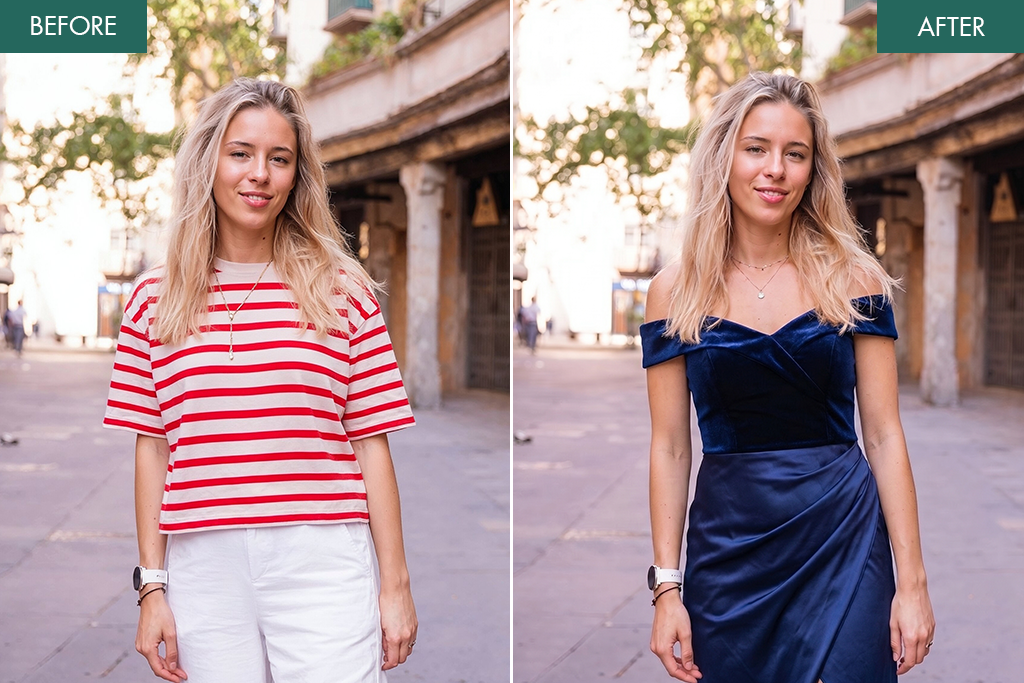
5 Best Apps to Change Clothes in Photo [iOS & Android]
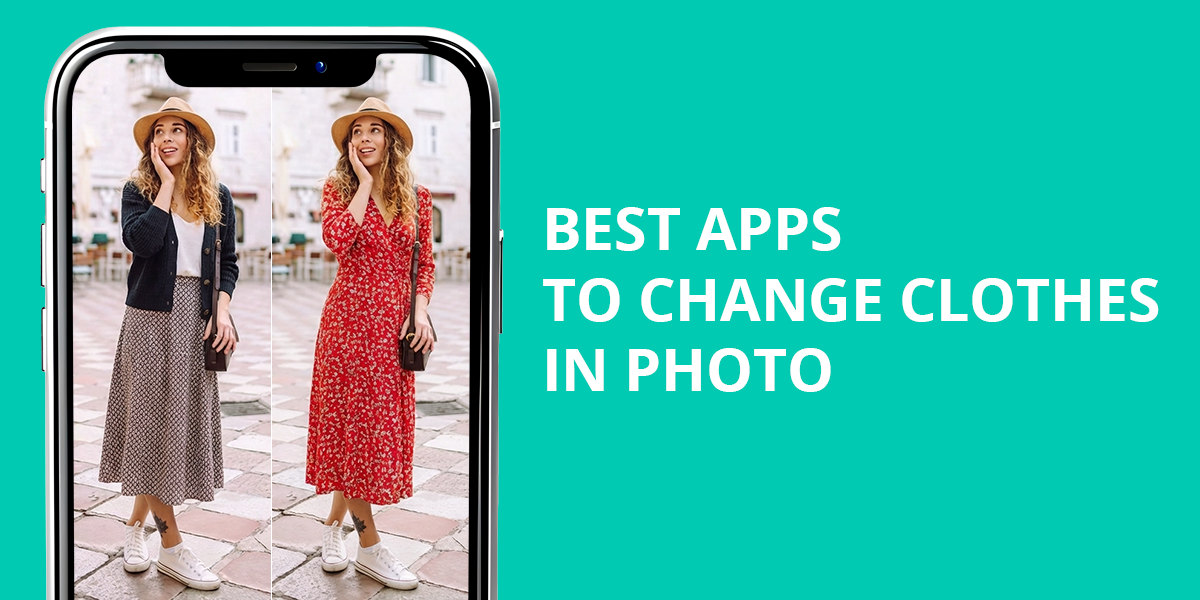
Testing apps that change clothes in photos wasn’t part of the original plan, but some of the situations we encountered at Weedit.Photos pushed us in this direction. When editing wedding photos, we were regularly dealing with cases where a guest’s attire or its color would clash against the rest of the scene, and since reshoots weren’t an option and manual editing can be both too complex and time-consuming, I wanted to find a solution that allows replacing outfits or colors within a couple of seconds.
That said, such apps are limited in what they can do, frequently creating unrealistic textures, poor lighting, or making it impossible to adjust the smaller details. Some tools have difficulties with unconventional poses or body proportions, meaning they aren’t suitable for professional projects. Hence, I wanted to test a variety of apps myself to determine which of them can be integrated into real workflows.
Common Mistakes to Avoid When Swapping Outfits
When I initially began to change clothes in a photo app for free, I was impressed by how simple it felt. Just a couple of taps, and I receive an entirely new look. However, after going through this process multiple times, I noticed that these tools tend to make common mistakes that hurt the realism of the results. Here are my findings:
After doing some experimentation, I concluded that the best results require proper planning: high-quality images, standard poses, and attentiveness to lighting and fit. Once I began adhering to the aforementioned tips, my digital outfit changes started looking realistic, polished, and professional.
1. AI Clothes Changer
Intuitive interface
- Quick generation
- Vast selection of styles
- Impressive pose adaptation in simple photos
- Handy digital wardrobe
- Expensive subscription
- Limited accuracy when fitting clothes
Pricing: Free or from 5.99/week
OS: iOS
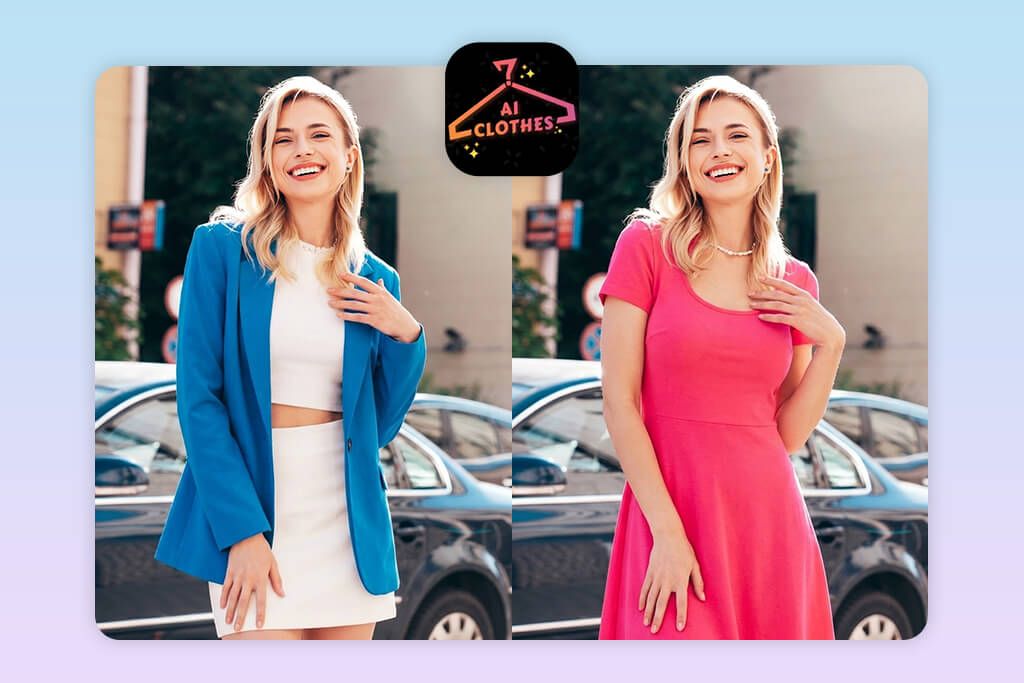
AI Clothes Changer was made as a virtual outfit changer app that is focused on delivering quick results rather than intricate, highly detailed transformations. Since I knew this wasn’t a professional application, I approached it accordingly. I used it for both studio portraits and outdoor lifestyle photos to check its flexibility. Its main tools are AI outfit generation, style presets (casual, formal, swimwear), and automatic pose adaptation.
This iPhone photo editor is super quick when it comes to changing clothes and generates several variations within seconds, which is perfect for brainstorming ideas. For simple photos, this app delivers mostly realistic results, as the clothes fit the body shape, while trying to match the perspective. Additionally, I appreciated the virtual wardrobe section, which allows you to save, revisit, and compare different styles, making it a great fit for quick concept previews or moodboarding.
However, if you try uploading a more complex photo, you’ll start to notice problems. The edges around arms, hair, and accessories can look messy, and the app can also sometimes forget to delete parts of the original attire.. High-resolution photos can also suffer from decreased sharpness after processing. The lack of Android support is disappointing as well.
2. Fix The Photo Body Editor&Tune
Realistic outfit transformations
- Clean, ad-free UI
- Customizable outfit styles
- Edits made by actual retouchers
- First image is free
- Can ask for specific edits
- No instant results (edits take a few minutes)
- No instant AI filter
Pricing: Free; edits from $0.99 per image
OS: Android and iOS
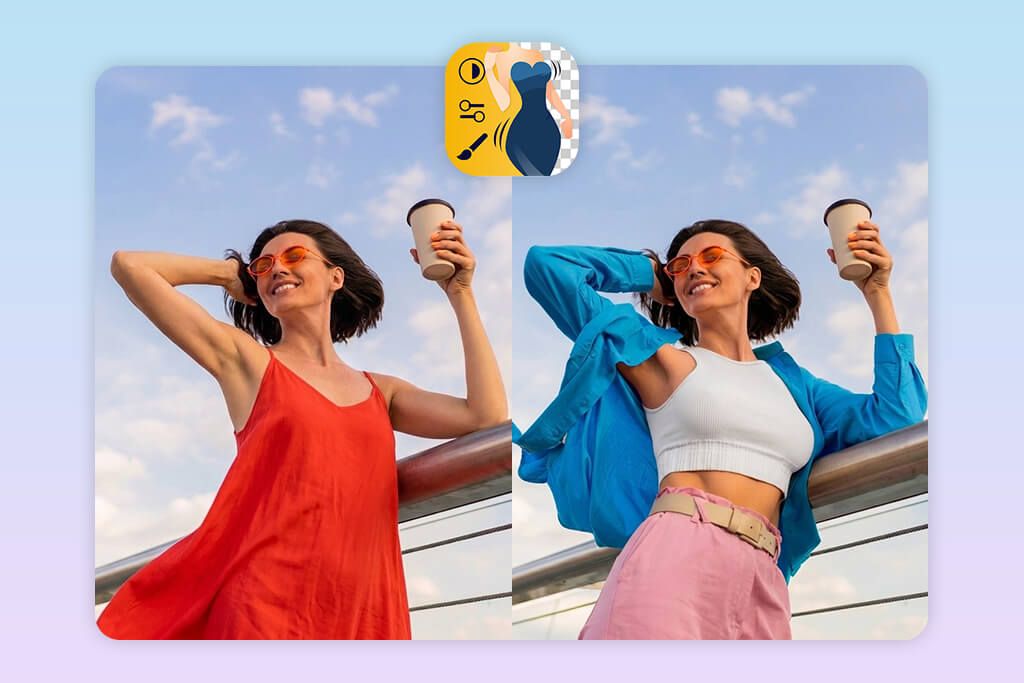
After going through dozens of AI-powered tools that bombarded me with distortions and unnatural folds, I wanted to find an outfit photo editor app that offers a more professional approach, which is why I chose to give the Fix The Photo Body Editor & Tune a try. Rather than being dependent on AI guesswork, I imported a picture, described what kind of clothes I wanted, all without having to deal with ads, overwhelming menus, or complex tools.
I used this app for portrait, lifestyle, and casual full-body pictures. I asked for different attire for each image: a stylish office suit, a casual weekend look, a flowing evening dress, and even a fashionable beach ensemble. I had to wait around 10-20 minutes for each photo since all the edits are made by actual experienced retouchers who attentively adhere to all your requirements. I particularly appreciated the fact that all added clothes fit the body naturally, including folds, shadows, and perspective, instead of simply being a simple outfit overlay.
The delivered photos looked a lot more natural compared to what I got from AI-based tools. The edges around arms, hair, and overlapping accessories were clean, and fabrics preserved their texture and fall. You aren’t restricted to a collection of premade outfits, as you can describe any style, color, or type of clothing, and the retouchers will ensure your vision is implemented.
The biggest downside of this app is the wait times. In contrast to AI applications, you need to wait for the retouchers to make the edits, and if your order is very complicated, the process might also include a bit of back-and-forth communication.
In addition to outfit swapping, the Fix The Photo Body Editor & Tune also lets you request body shaping, or be used as an app that changes the color of an object, for general retouching, or intricate photo edits. The pricing system is flexible. You can begin by ordering a free edit, then buy credits (5 credits for $0.99). The retouchers are available 24/7, which is ideal when you need to meet a tight deadline.
3. Dress Change Photo Editor
Text and frame options
- Quick and user-friendly
- Expansive outfit library
- Stickers, text, and frames
- Convenient saving and sharing
- Possible misalignment on complex poses
- Doesn’t have an iOS version
Pricing: Free
OS: Android
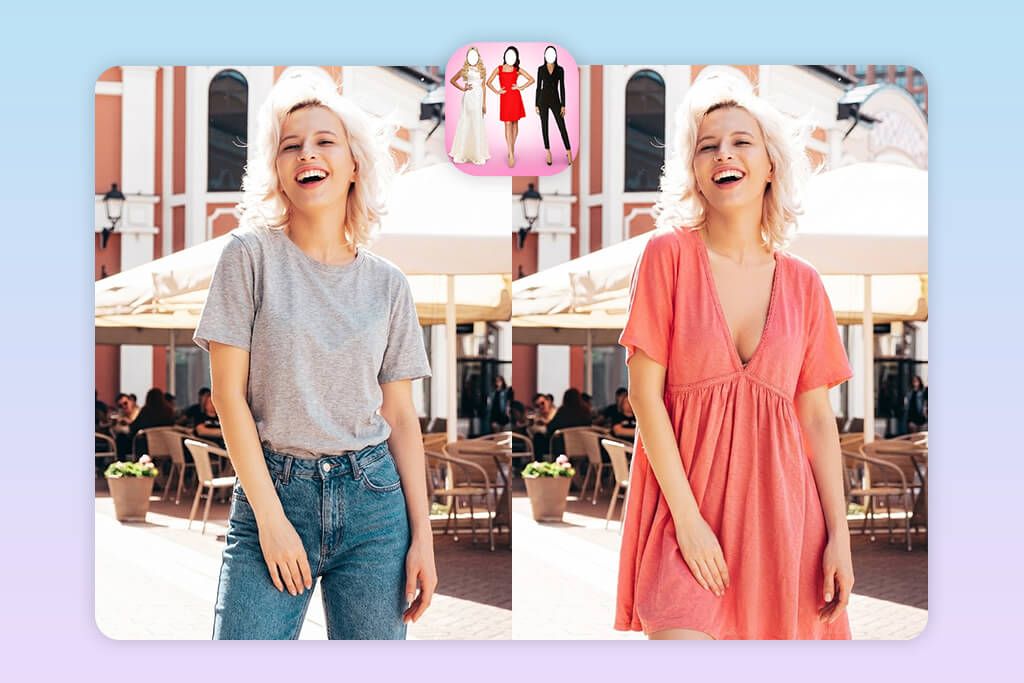
Dress Change Photo Editor was made for on-the-fly outfit replacements, so don’t expect professional editing tools. I used it for selfies, full-body pictures, and a couple of outdoor photos to check its flexibility. It offers a vast selection of dresses, office suits, seasonal outfits, and casual styles, as well as different stickers, text tools, and frames, allowing you to achieve a wide range of results within a couple of taps.
When testing this Android photo editor I particularly enjoyed the zoom, rotate, and adjust features, as they enabled me to adjust the outfit placement to ensure different elements are aligned properly.
When dealing with basic, frontal poses, this virtual try-on clothes app delivered natural-looking results, as the clothes fit my body shape well, and it was fun adding some stickers. I experimented with dresses, layered jackets, and wedding gowns, but only as long as I stuck to simple poses, since otherwise I started suffering from misalignment, weird folds, and flat textures.
The shadows, folds, and lighting often don’t look realistic, which results in the edited images resembling a montage more than a natural outfit replacement. Some of my photos also lost some of their sharpness upon export. You also have to deal with ads, which is common for free AI outfit changers. Lastly, it’s an Android-exclusive, so iPhone users are out of luck.
4. YouCam Makeup
Mix and match multiple outfits
- Fast outfit swaps
- Import references or employ premade styles
- Tweak the fabric, color, and pattern
- Suitable for all body shapes
- Certain premium tools are locked behind a subscription
- Needs proper lighting for optimal results
Pricing: Free or from $7.99/month
OS: Android and iOS
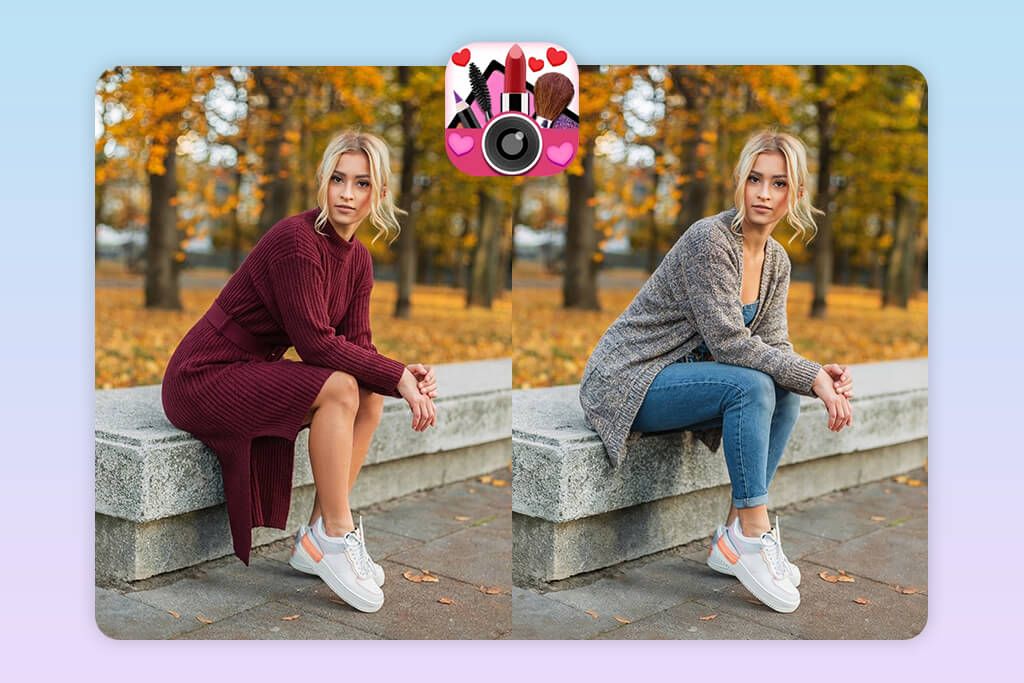
In my experience, YouCam Makeup isn’t simply a beauty app, but also a solid solution for outfit manipulations thanks to the Clothes Try-On feature. When testing this AI outfit generator app, I began by opening a full-body portrait and then picking whether I wanted to replace the top, the bottom, or the entire outfit. Next, I could either import a reference outfit or choose one of the premade styles. Additionally, I tried tweaking the fabric textures, patterns, and colors, and employed the zoom, rotate, and reposition tools to make the result more realistic.
I also combined several styles in a single picture, picking a top from one outfit and bottoms from a different one, which made this clothes swap photo app a lot more versatile. Using this solution is pleasantly intuitive, so it’s a great choice for quick experimentation. The results look mostly realistic, as the applied clothes fit the subject’s body shape and the folds are emulated naturally without distorting the proportions.
I managed to get particularly impressive results when uploading solely high-resolution, well-lit pictures. Sadly, dynamic poses and busy backgrounds still result in misalignments just like in most other similar apps. I’ve also noticed some pattern distortions and layered outfit misalignment, which required a bit of manual editing, but such situations were rare.
5. LightX
AI outfit generation
- Intuitive and interactive workflow
- Customizable prompts for colors, styles, and patterns
- Trendy and festive outfit collections
- Mix and match different outfits
- Has trouble dealing with busy backgrounds
- Pro subscription required for full functionality
Pricing: Free or from $7.99/month
OS: Android and iOS
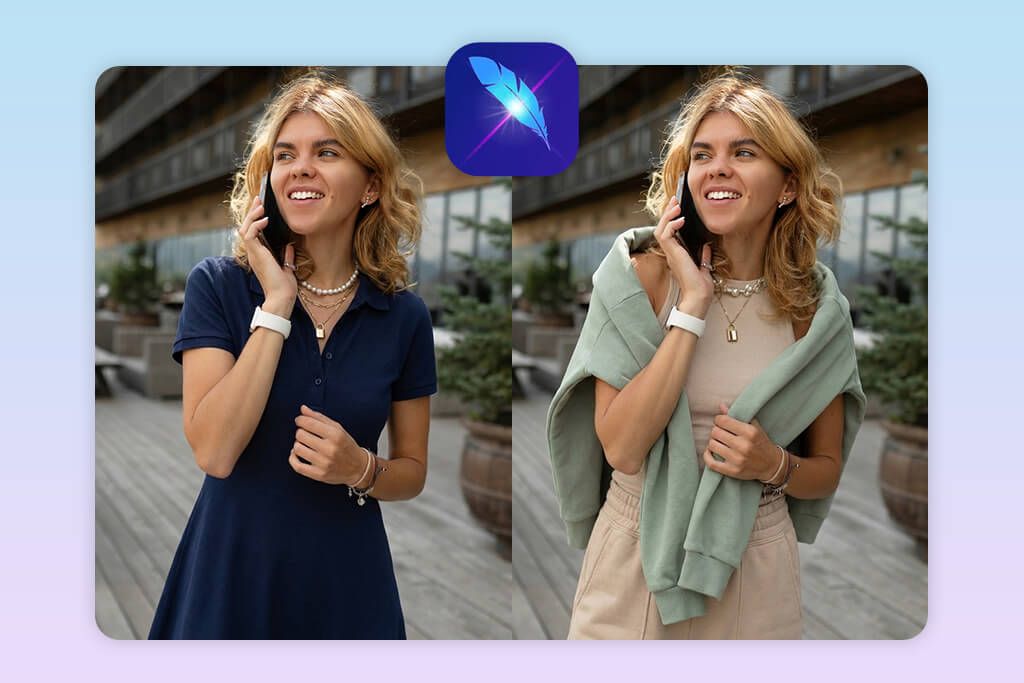
LightX is a great AI clothes changer app that offers cutting-edge AI Outfit and AI Replace features. I began by opening a full-body portrait and applied a couple of the premade outfits while also typing in prompts to personalize the style and colors of the clothes. This app is great at allowing you to customize the style and type of clothing, while the AI seamlessly blends the new attire into the existing scene, while accounting for its lighting and context.
This app is also suitable for combining different styles, like a frilly top with a plain skirt, providing a lot of creative freedom for Instagram photo editing. The final output usually looks realistic, as this AI fashion try-on app is great at processing body proportions, folds, and shadows, blending the outfits into the scene naturally. High-resolution photos provide the best results, but LightX can still struggle with dynamic poses or overlapping limbs and require some manual tweaking.
I appreciate the fact that the developers add new items to their outfit collection every week. You can use the basic functionality for free, but if you’d like to fully leverage LightX’s AI functionality and get rid of watermarks, you’ll need a Pro subscription. I also suffered from a couple of crashes when trying to make some complex edits, which felt rather disruptive to my workflow.
FAQ
- What is the purpose of a clothes-changing app?
These solutions allow you to replace, edit, or virtually try on outfits in your pictures. With the help of AI or smart overlays, you can alter the colors, styles, and even the type of clothing without having to take new photos.
- Are these applications only suitable for selfies, or are they compatible with full-body shots as well?
Most photo try-on clothing apps, including solutions like AI Wardrobe and FixThePhoto Body Editor & Tune, can handle both selfies and full-body pictures. Clear images with proper lighting tend to deliver results that look more natural.
- How to receive the best results?
Import clear, properly-lit photos that include your entire body. Don’t use cluttered backdrops and unconventional angles.
- Do these applications require advanced editing skills?
No. Apps like YouCam Perfect or FixThePhoto Body Editor & Tune are very beginner-friendly: import your image, choose a style, and the AI will take care of everything else.
- What is the best app to change outfits in photos if I want a realistic result?
While several outfit changer apps do a good job, FixThePhoto Body Editor & Tune stands out for realistic fabric textures, proper lighting, and seamless outfit placement. It’s especially effective for full-body photos and complex poses, giving results that look closer to professional edits than most other apps.
- Is paying a professional to change clothes in a photo a good investment?
Yes, particularly for client work, fashion campaigns, eCommerce, or important personal projects. Retouchers at agencies like Weedit.Photos can deliver a perfect fit, realistic fabric textures, professional lighting, and seamless blending that can’t be matched by any AI-powered application. Even though such apps are a good pick for a quick social media post or fun experimentation, you need a professional to receive consistently polished, premium-quality results.