7 Best Bald Filter Apps to See Yourself Hairless in Seconds
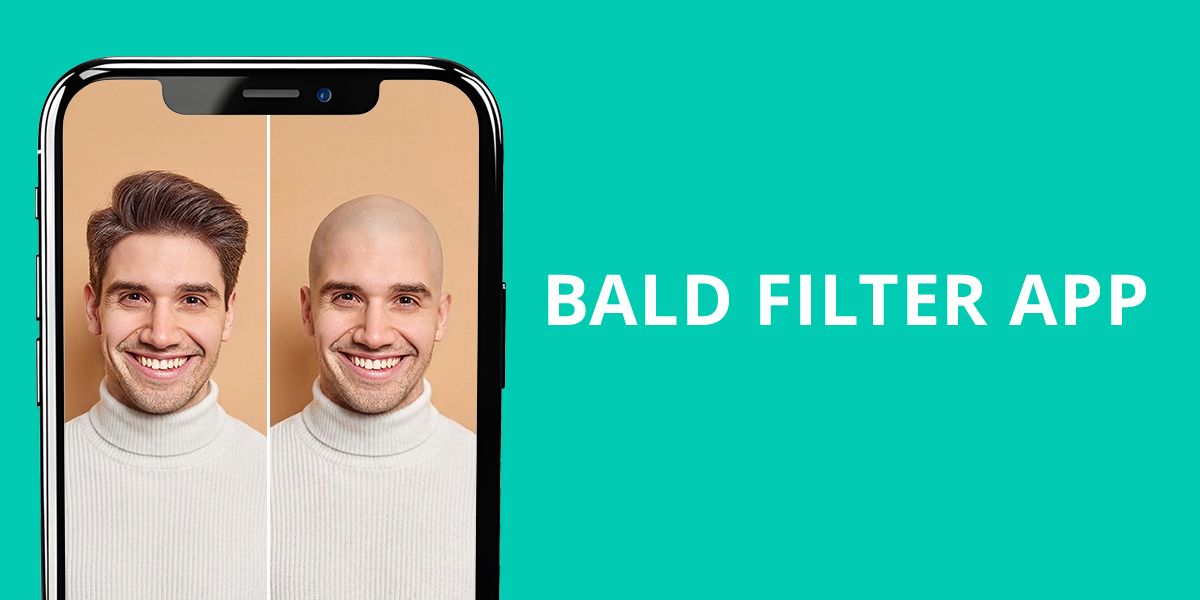
You’ve probably scrolled past bald transformations on social media and thought, “What would I look like without hair?” I decided to dig into this myself because most apps out there are rather disappointing.
I spend my days doing professional hair edits in Photoshop, so I know how realistic results look. Here’s the thing, though – most bald filter apps can’t deliver 100% lifelike outcome. They either look cartoonish, have weird edges around the hairline, or completely spoil the lighting on your head. It’s frustrating.
The real question is: can AI actually pull this off convincingly, or are we just playing with fancy stickers? I tested the most popular bald filter apps to find which ones deliver believable results. Some surprised me, while others call for serious improvement.
Why Most Bald Filters Look Fake
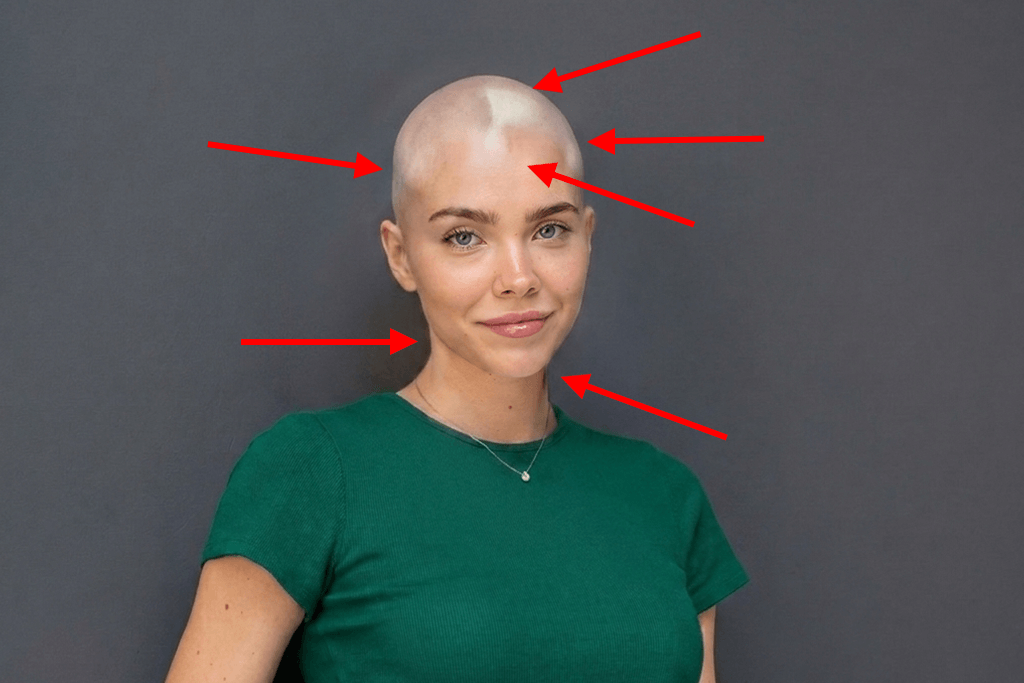
I’ve noticed that most bald filter apps fail at one crucial thing. They just erase hair without fine-tuning the empty area. That’s the whole problem.
The scalp is the most challenging area to handle for the majority of tools. Instead of looking like actual skin, you get a flat, washed-out spot that doesn’t match your face at all. Real baldness needs dimension, namely, shadows, highlights, and texture that wraps around your head shape. If you skip that, the resulting image instantly looks strange and fake.
As someone who works with professional tools daily, I can tell you what separates a quality bald filter app from the gimmicky ones. In fact, the main question here is what apps photographers actually use. Serious experts don’t rely on quick-tap filters. They use software with proper control, like Adobe Photoshop for iPhone, where you can make precise adjustments, add natural-looking textures, and blend everything seamlessly.
The bald filter app you choose matters a lot. If you want something that looks genuinely convincing, you have two main paths. Professional tools like FixThePhoto App do everything by hand. Real retouchers sit down and carefully adjust your image. It takes longer, but the results are impeccable.
If you’re in a hurry, PicsArt works well because it blends AI automation with manual tweaks, giving you decent results without the wait.
Unfortunately, the basics often go wrong, and I see this constantly:
Pick a bald head filter app that handles these basics, and you’ll look like yourself, just without hair.
1. BaldBooth
Simple bald filter
Platforms: iOS, Android
- Fast processing
- User-friendly
- Face detection tool
- Fun effects
- Suitable for novices
- Not very realistic results
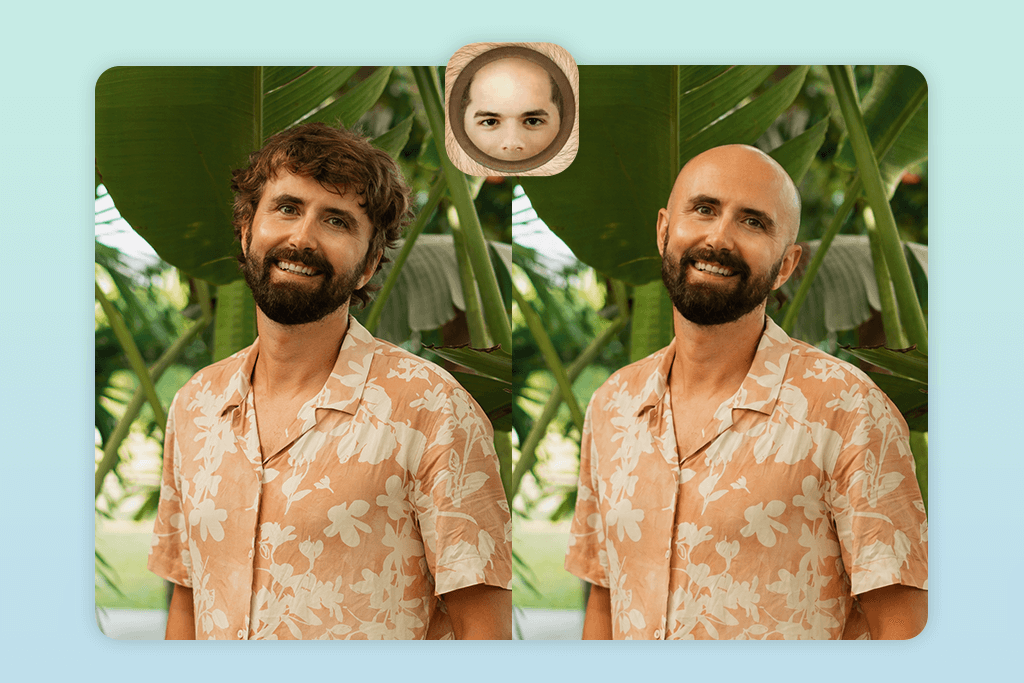
BaldBooth’s biggest strength is speed. Upload a photo, and it instantly detects your face and removes the hair without complicated settings to grapple with. It’s pure simplicity, which makes it the best bald filter app for casual Instagram photo editing.
That said, it’s not trying to be professional software. The lighting and texture sometimes don’t blend perfectly with your skin, giving it a slightly filtered look. But for fun experiments, it a solid option.
I was impressed that it prioritizes entertainment over perfection. You get instant results without wrestling through menus or adjusting sliders. Perfect if you’re just curious how you’d look bald or want quick social media content.
Generally, BaldBooth delivers exactly what it promises. It won’t fool anyone into thinking it’s real, but that’s not the point. For playful experiments and quick laughs with friends, it’s absolutely worth trying.
Pricing: Free; paid version available
2. Fix The Photo Body Editor&Tune
Manual retouching with realistic results
Platforms: iOS, Android
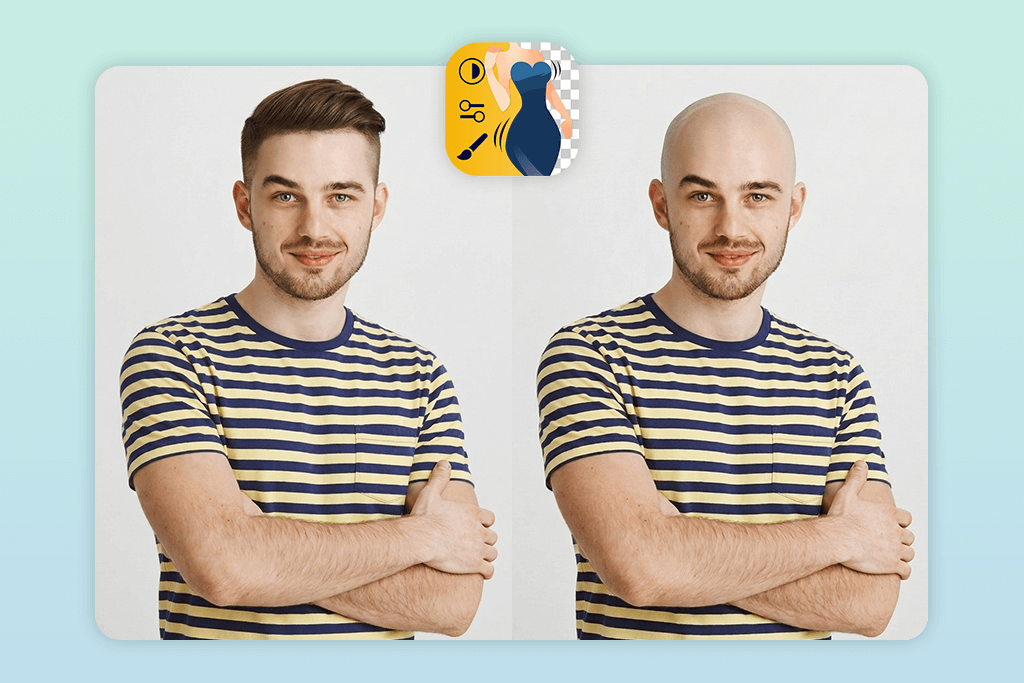
- Very realistic results
- Manual photo corrections
- Accurate lighting match
- Distortion-free outputs
- Natural skin textures
- Requires detailed guidelines
FixThePhoto isn’t a typical filter app. Instead of instant processing, you’re working with actual human retouchers who handle your edits personally. That’s a completely different experience.
I tested their hair removal service, and the difference is striking. You submit your photo with detailed instructions. For example, I asked for natural scalp texture, consistent skin tone, and proper lighting preservation. The retouchers follow those notes. I appreciate that a lot.
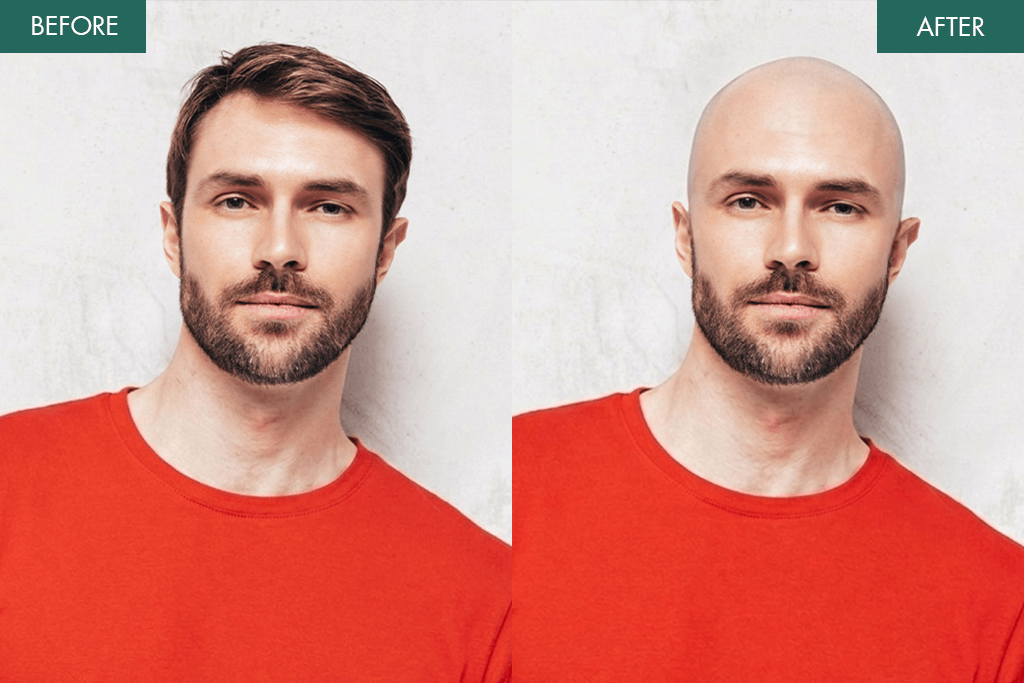
The results speak for themselves. Unlike automatic apps that sometimes deliver obviously fake results, this one delivers genuinely believable work. The scalp has realistic shadows and highlights, the textures are natural, and your face stays proportional. As a popular bald photo filter app for quality-focused edits, it stands out because humans review your work.
It takes longer and costs more than one-tap solutions, but if you want a bald appearance that looks like something you can confidently share without people questioning it, this is worth it.
The tradeoff is clear: speed versus authenticity. FixThePhoto chooses authenticity, and that’s amazing in a world of overly-filtered pictures.
Pricing: Free download; paid per edit
3. Adobe Photoshop for iPhone
Advanced AI hair removal
Platforms: iOS
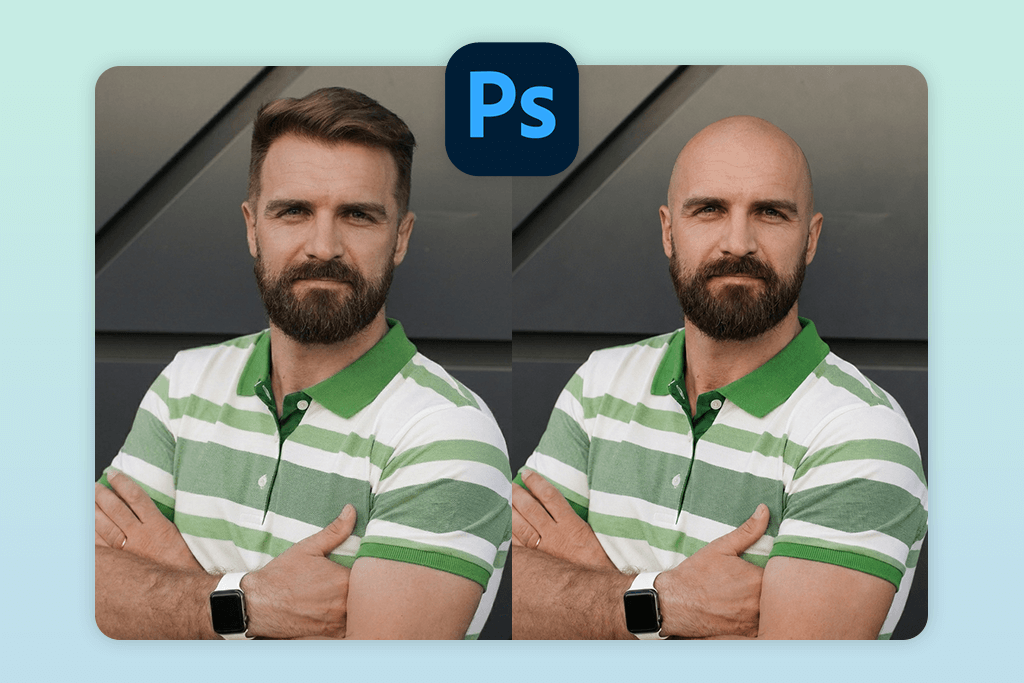
- Generative AI tools
- Highly accurate selection
- Top-quality results
- Complete manual control
- Pro-grade output
- Requires manual tweaks
- Not for complete rookies
If you want serious control over your edits, Adobe Photoshop for iPhone is genuinely impressive. Unlike quick filters, this app lets you handle every single detail yourself. However, this is both its biggest strength and its feature that puts off novices.
To create a bald look, I isolated the hair area using the Select tool. Then, I used Generative Fill to replace it with a realistic scalp texture. After that, I adjusted edges and tweaked tones to match the skin and lighting perfectly.
Such an approach takes time. But that’s the whole point. When you’re using a make me bald app that gives you control, you can achieve results that look genuinely professional. The lighting blends naturally, and the scalp has proper dimension. Not a single detail looks flat or artificially smooth.
Flexibility makes it one of the best iPhone photo editors. You’re not stuck with presets or automatic processing. Want to adjust shadows differently or need specific texture control? You get it. Every detail is yours to perfect.
The tradeoff is simple. It requires patience and some skill. But if you’re willing to invest the time, Adobe Photoshop for iPhone delivers mobile editing that rivals desktop software. For quality-focused creators, it’s absolutely worth mastering.
Pricing: Free; premium features available
4. Baldify
Classic bald simulation
Platforms: iOS, Android
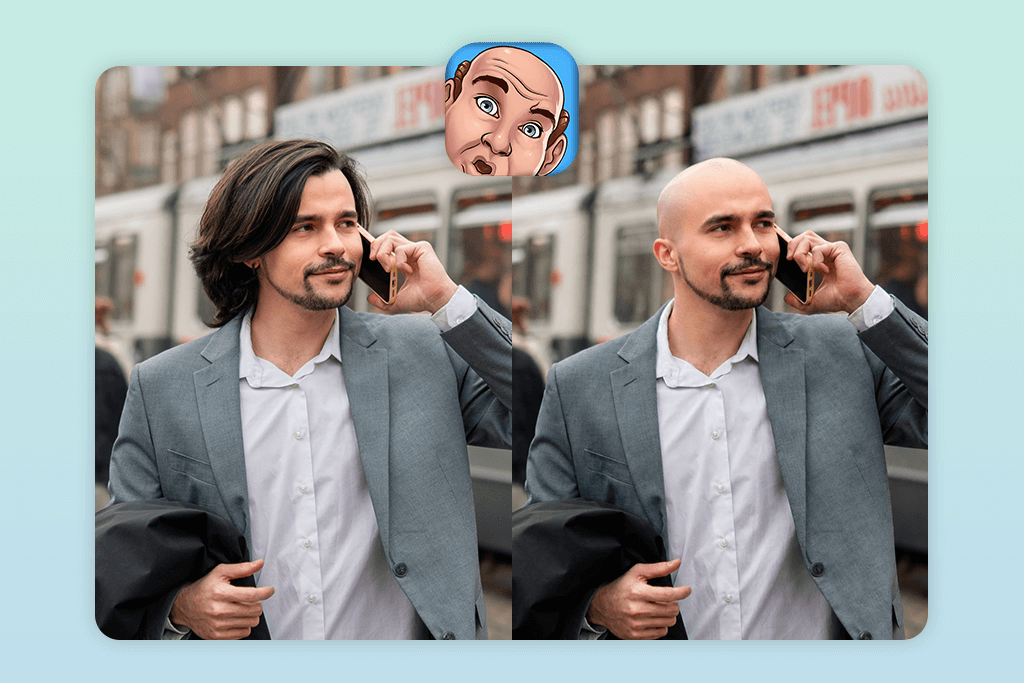
- Animated transformations
- Quick results
- Face tracking support
- Intuitive to use
- Fun effects
- Results lack realism
- Poor customization
Baldify is a blast if you want instant results. It’s built for entertainment, not perfection, and it owns that completely. The process is ridiculously simple. You upload a photo, and the app’s face detection handles everything automatically. The animation feature is incredibly helpful. It shows your transformation in real-time, which is perfect for making shareable content.
However, the results aren’t always flawless. Sometimes the scalp looks unnaturally smooth, and the lighting can be off. But that’s fine, because this isn’t an AI bald filter app trying to fool anyone. It’s meant to be fun and quick.
Speed and interactivity make it stand out. You get instant results without tweaking anything. If you’re looking for professional-grade editing, look elsewhere. But if you want a fast, entertaining way to preview yourself bald for social media, Baldify is a must-try. It’s the perfect casual tool for the job.
Pricing: Free with ads; paid version available
5. PicsArt
Creative photo editing
Platforms: iOS, Android
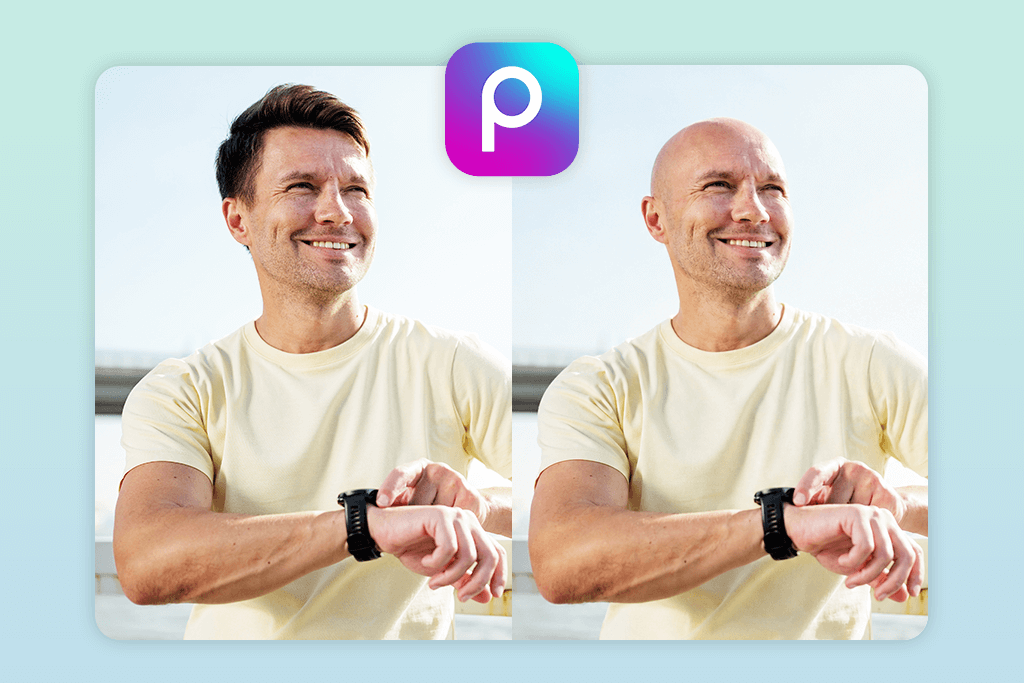
- AI Replace feature
- Manual brush control
- Creative freedom
- Layer-based editing
- Quick results
- Requires manual tweaking
- Not fully automatic
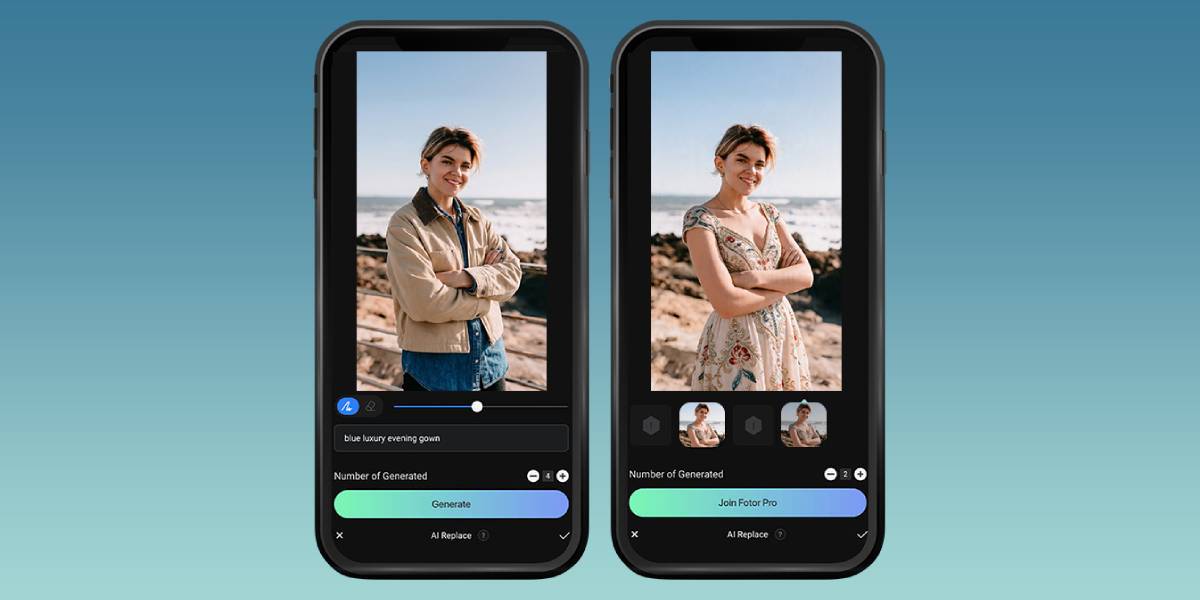
PicsArt is miles ahead of one-tap solutions because it gives you real creative power. The workflow is straightforward. First, I used the “Remove” tool to erase the hair, then tapped “AI Replace” to generate a natural scalp texture. I also refined the edges with the Brush tool to blend everything seamlessly. Such customization genuinely separates PicsArt from basic tools.
The quality impresses me a lot. When you invest the time, the results look professional and realistic, like when you are using high-end Android photo editors. Lighting and texture matching aren’t always perfect initially, but you can tweak them manually until they’re right.
What really sets it apart is flexibility. Unlike a see yourself bald app that just processes automatically, PicsArt lets you be the artist. You’re not stuck with what the algorithm gives you. You can fix imperfections yourself. If you’re willing to spend a few extra minutes, you’ll get professional-looking results that basic filters simply can’t match.
Pricing: Free; premium from $5.99/mo
6. HairApp
Real-time preview
Platforms: iOS
- AI hair detection
- Quick edits
- Different hairstyle options
- Intuitive controls
- AI hair swap
- Results vary
- Poor detail accuracy
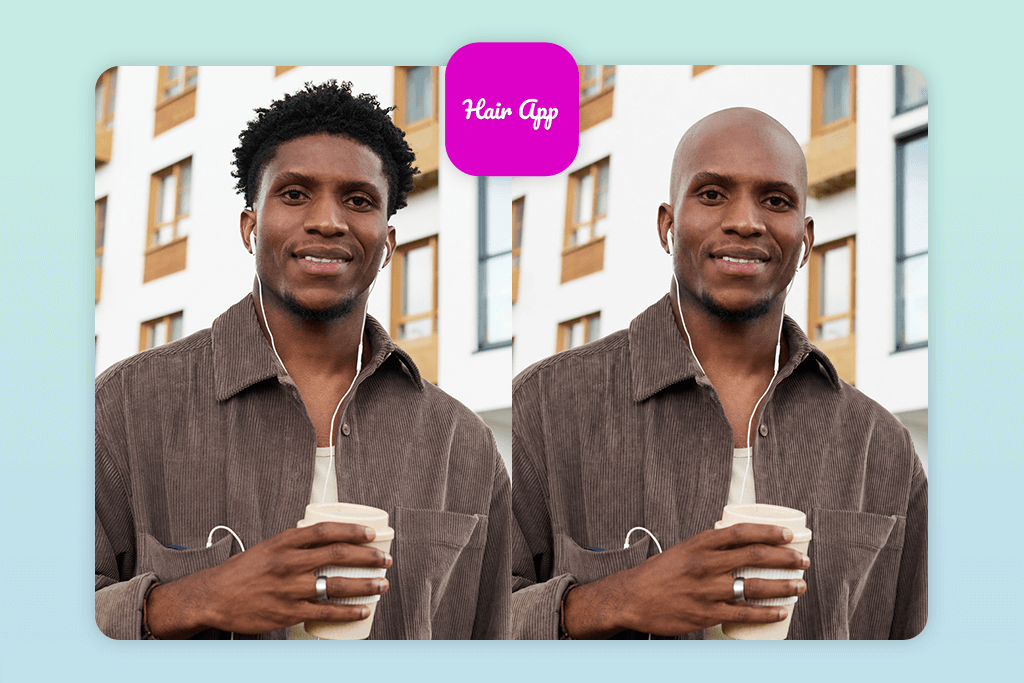
HairApp surprised me because it does more than just apply bald effects. In fact, it is a versatile styling tool. Instead of being locked into one effect, you get multiple hairstyle options, including complete hair removal. The process is refreshingly simple. Upload your photo, and the AI handles hair detection automatically. You can preview different variations instantly without any manual work required.
Speed is definitely HairApp’s strength. This bald camera filter app processes everything in seconds, making it perfect when you need quick results. The outcomes are solid for casual use, though they depend heavily on your photo’s lighting and resolution.
However, sometimes the scalp looks a bit artificial, especially at the edges. But if you’re using a bald camera filter app just for fun or social media, that minor imperfection doesn’t really matter. The flexibility is amazing. You’re not confined to one look. It is possible to try different hairstyles and have a quick bald preview.
Pricing: Free; in-app purchases
7. Make Me Bald
One-tap processing
Platforms: Android
- One-click edits
- Agile results
- Lightweight app
- Understandable UI
- Setup-free workflow
- Poor realism
- Basic functionality
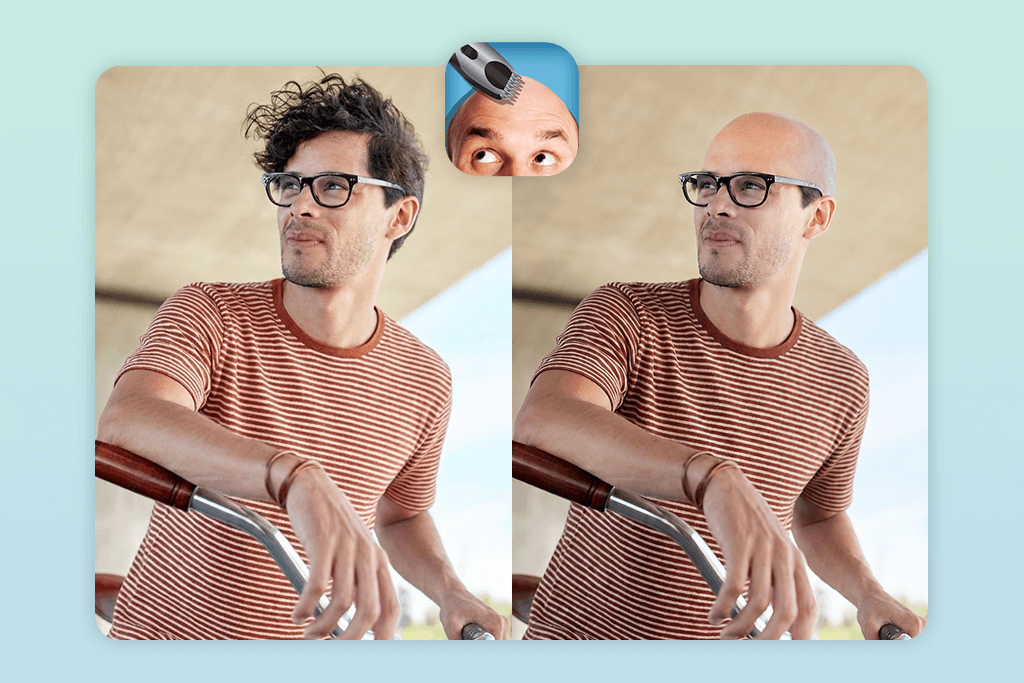
This app lets you get results in seconds. The whole process is amazingly simple. Upload a photo, tap the auto filter, and you’re done. This bald effect app processes everything instantly, kind of like the best tan filter apps that prioritize one-tap convenience over complexity.
Unfortunately, the results are more fun than photorealistic. The scalp can look a bit flat, and the lighting sometimes is strange. So, if you’re after professional-level editing, look elsewhere. If you want to quickly preview yourself bald or create something to laugh about with friends, this delivers exactly that.
I was pleasantly surprised by the user-friendliness. No tutorials needed to understand how everything works. That’s the real strength for me.
Pricing: Free
FAQ
- What is a bald filter app?
It is an application that uses smart technology to show what you’d look like without hair. Such tools don’t just erase your hair. They adjust your head shape, fix the lighting on your scalp, and even tweak your skin tone to make everything look natural.
- Will the result look like me?
It depends on which app you pick. The fancy ones with AI do a pretty good job, but quick one-tap filters can deliver a bit fake and flat outputs.
- Should I use a filter or edit it myself?
Filters are super-fast and easy. But if you want something that looks like a photograph, manual editing wins. Apps like Photoshop let you fine-tune the lighting, blend the edges perfectly, and match your skin tone instead of just hoping the automatic settings work.
- How to get more realistic results without editing?
Try the Weedit Retouch Service. Real people edit your photo. They carefully remove your hair, adjust lighting to match, and create a realistic scalp, so it looks like an actual bald photo, not a filter effect.
- Which bald hairstyle app is best for novices?
FaceApp and YouCam Perfect are super beginner-friendly. Just tap a button and watch the AI do the most complicated job.
- Can I post these edited photos online?
Surely. People love sharing bald transformations on TikTok and Instagram. It’s great for before-and-afters or getting laughs from your followers.
- Does a bald filter app free ruin my photo with a watermark?
Most free apps skip the watermark. The trade-off is limited features and lower-quality exports. Paid versions give you the full experience and crisp downloads.