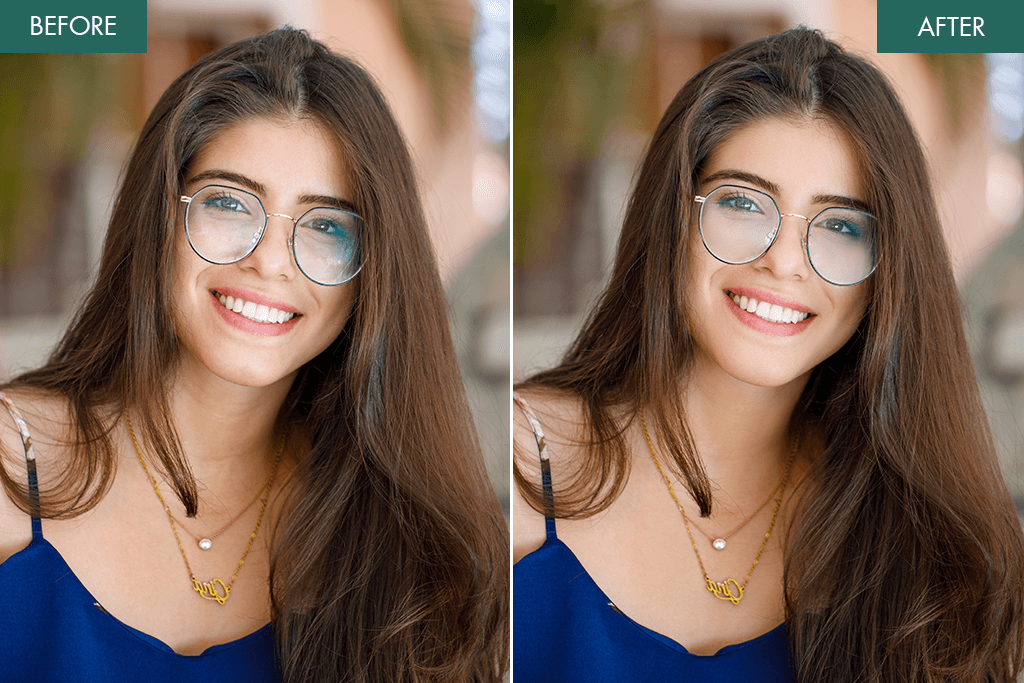
7 Best Glare Removal Apps for Photos [iOS & Android]
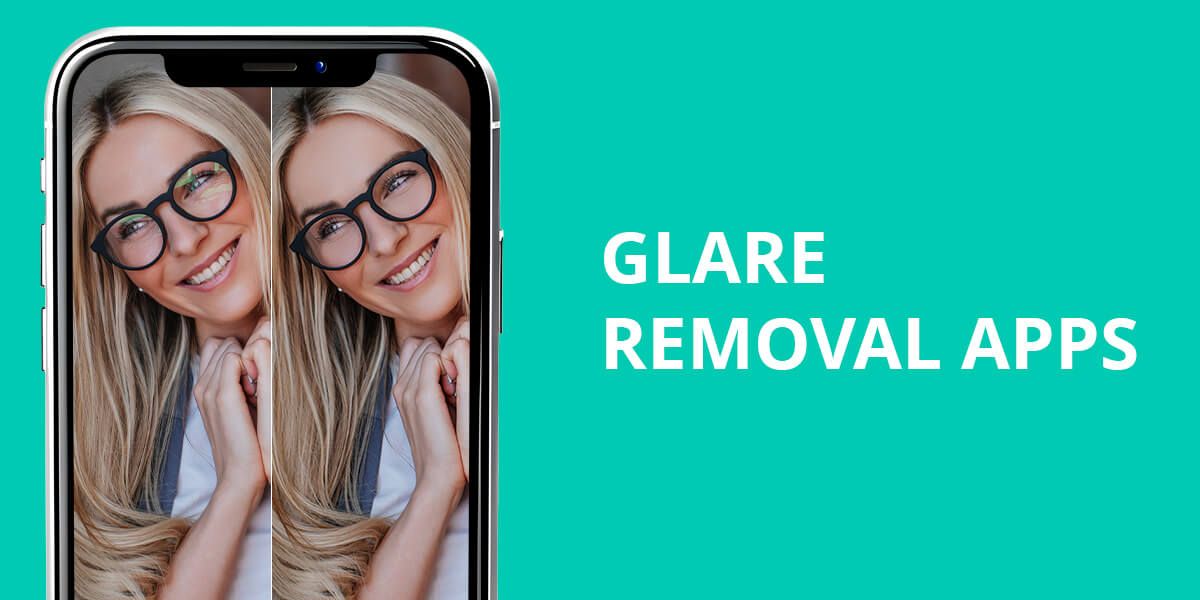
I wear glasses almost daily – and if you do too, you know the problem well. Whenever I snap a selfie or record a short video, bright reflections show up across the lenses. Even with perfect lighting, the glare messes up the whole picture. That’s what pushed me to try different glare removal apps in hopes of finding one that truly fixes it. A good app can erase those reflections in moments, bring my eyes back into view, and save me from fixing every single photo by hand.
Common Glare Removal Mistakes to Avoid
When I first started trying to remove glare from my photos, I kept noticing a few common problems that can easily spoil an otherwise good picture. One of the biggest issues is artifacts – small, strange-looking spots or patches that show up after the app tries to fix the glare. This usually happens when the reflection is strong or mixed with other bright areas.
Another issue is blurred edges. If the tool blends too much, the rims of the glasses, the eyes, or other details can become soft or slightly warped, making the photo look obviously edited. The same goes for over-smoothing – it can wipe out natural textures like skin, hair, or shiny surfaces, which stand out a lot in close-up portraits.
To prevent these problems, I usually follow a few simple steps:
- Zoom in while covering the glare so the fixes are more accurate.
- Adjust the strength of the tool so the glare removal isn’t too heavy.
- Check the photo in full size to spot any small mistakes or odd patches.
- For difficult reflections, I combine AI tools with manual fixes (like Clone Stamp or Healing) to make the edit look as natural as possible.
Quick Tip: When taking photos, try to reduce glare before it happens – avoid bright light hitting your glasses, move a little to change the angle, or use softer, diffused lighting. Even small adjustments while shooting can make removing glare much easier afterward.
1. Snapseed
Great manual control
- Simple to use for quick fixes
- Free and ad-free
- Healing tool works well
- Doesn’t include AI glare-removal features
- Not very accurate with difficult glare areas
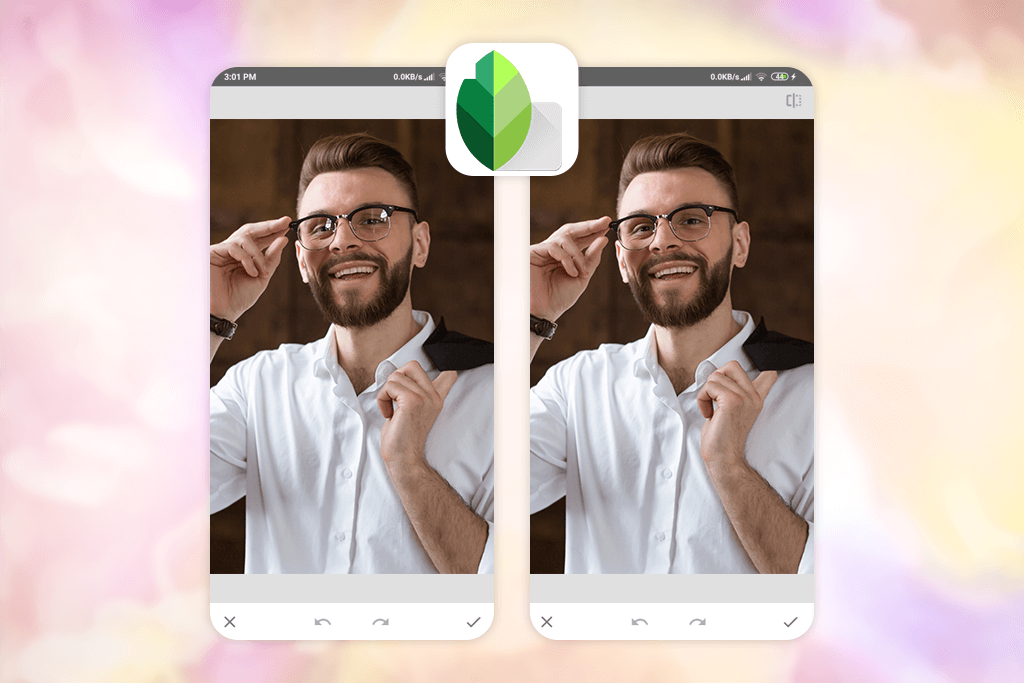
I opened my portrait in Snapseed and used the Healing tool first – it’s great for removing small glare spots. I zoomed in with two fingers to be more accurate and tapped on the bright areas on my glasses. After a few touches, the glare blended nicely with the surrounding parts of the image.
For larger or trickier reflections, I switched to the Selective tool. With it, I could reduce the brightness and contrast only where the glare showed up, without changing the rest of my face. I was genuinely impressed – Snapseed handled the glare removal really well, softening and fixing the reflections without making the image look smudged or obviously edited. My eyes looked clear again, and the whole photo appeared much more natural.
After fixing the reflections, I opened the Tune Image tool to adjust the overall brightness and contrast, so the photo looked balanced and natural. Then I saved the final version – clear and completely glare-free.
On the downside, when the reflections were very strong or covered a big part of my glasses, the Healing tool didn’t always blend the area perfectly. Removing glare can also take some time because the app doesn’t have any automatic detection – you have to work carefully and zoom in to get a clean result. Even so, for a free glare removal app, the final quality was definitely worth the extra effort.
2. Fix The Photo Body Editor&Tune
Lifelike and polished outputs
- Clean, easy-to-use interface with no ads
- Edits done by real professional retouchers
- Can fix glasses glare, reflections, remove objects, and much more
- Ideal for complicated or highly detailed edits
- Lets you request exactly what you want
- Transparent pricing and a free first edit
- Results take about 10–15 minutes, not immediate
- Works best when you provide clear, specific directions
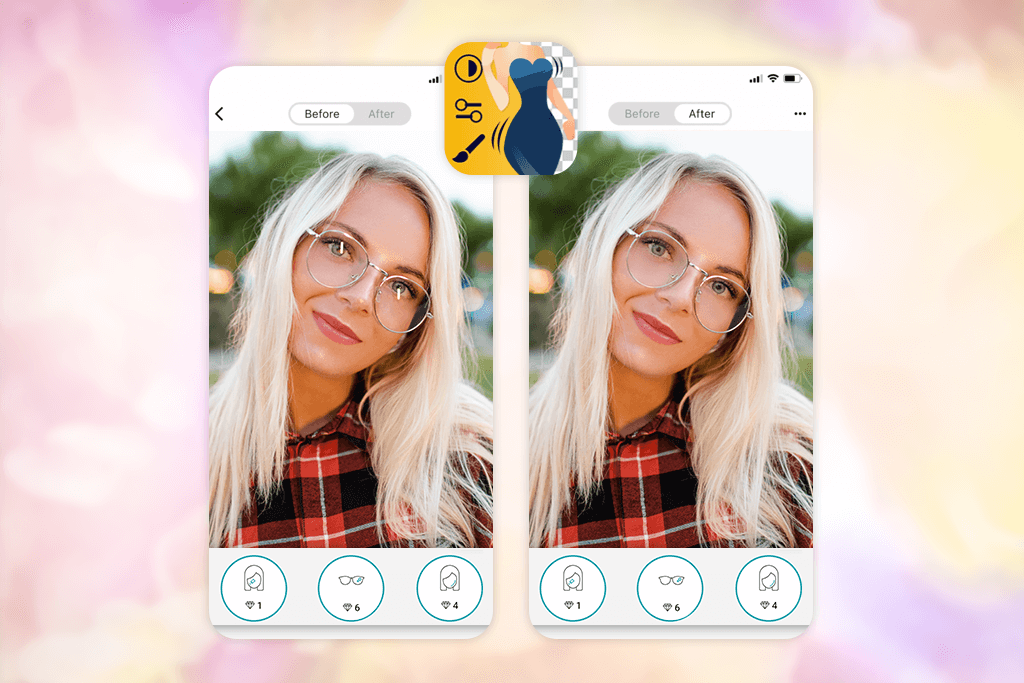
I’ve tried many AI glare removal apps, but most of them either smudge the eyes or warp parts of the face. That’s why I turned to Fix The Photo Body Editor & Tune – it relies on real retouching experts rather than automated tools. I uploaded a portrait where my glasses were catching a strong ring-light reflection and wrote a short note with my request: “remove the glare from my glasses, but keep the eyes and lighting looking natural.”
Around 10–15 minutes later, the edited photo arrived – and I was genuinely pleased with the result. The glare had been fully removed. My eyes were sharp and visible, the lenses still looked natural, and the lighting stayed smooth and even. There were no blurry spots or unnatural shine – the retoucher carefully corrected the reflection and blended everything with the original tones and shadows. It looked as if the photo had never had glare at all.
Fix The Photo Body Editor & Tune isn’t only for removing glare – it’s a complete retouching tool. You can request body shaping, face slimming, tan filter app, object or person removal, lighting fixes, teeth whitening, smoother skin, makeup touch-ups, and much more. It’s a great option for edits that are too difficult for basic editing apps.
Your first edit is free, so it’s easy to try the service. After that, you can buy credits – for example, 5 credits cost around $0.99, and bigger packs are even more affordable. The retouching team works all day, every day, which is helpful if you have a deadline or need fast edits for social media. The only minor drawback is that results aren’t instant, since a real person edits each photo – but for the natural, high-quality results, I think it’s totally worth it.
3. YouCam Perfect
AI glare removal process
- Works well for quickly removing small glare spots or reflections
- Edits update in real time
- Comes with additional tools for retouching, filters, and background changes
- Free version has limited features
- AI may soften or blur bigger glare areas
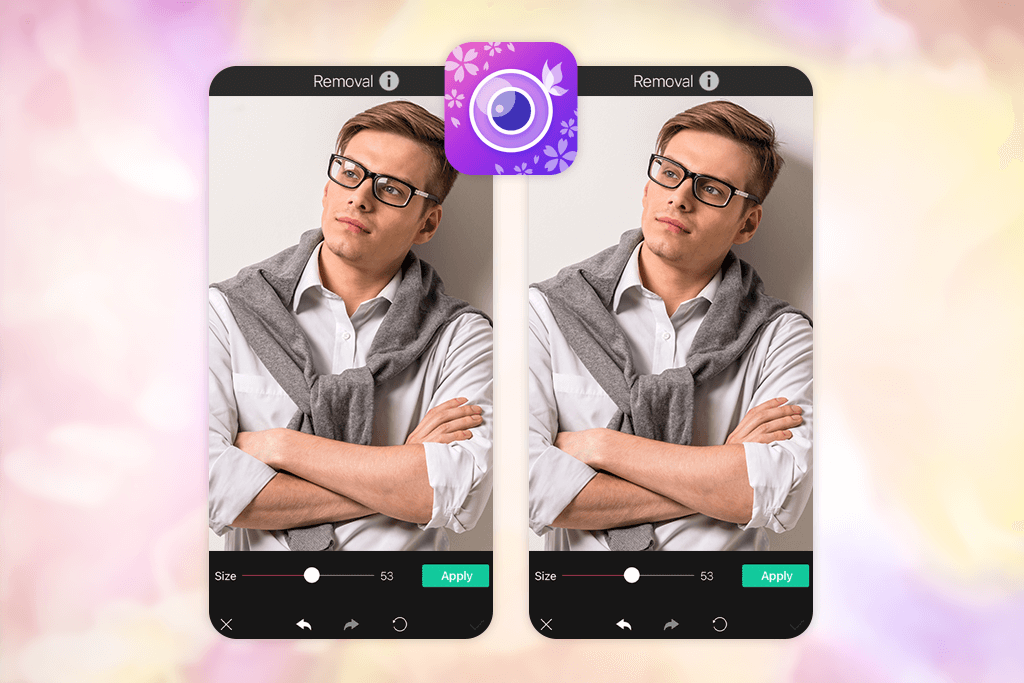
To try YouCam Perfect as a fast way to remove glare, I opened the app and uploaded a portrait where a ring light caused bright reflections on my glasses. In the Photo Edit menu, I chose Removal, which opens the AI-powered object removal tool.
Next, I used my finger to paint over the glare and bright spots on my glasses. After pressing Apply, the AI quickly processed the area and filled it in with matching colors and textures. It only took a few seconds, and the result showed up immediately. Once the glare was mostly fixed, I hit Save and compared the before-and-after images. The change was obvious – the bright reflection was gone, and my glasses looked clear and natural.
This Android and iPhone photo editor isn’t the best choice for very strong or harsh reflections, but for simple everyday shots or selfies, it gives quick and clean results with almost no work. What I didn’t enjoy is that the free version of this app to get rid of glare in photos is very limited.
The glare removal tool works much better in the paid plan, which starts at $5.99 per month. Also, even though the AI is fast, it can sometimes leave small blurry spots if the glare covers a big part of the image, so you may need a couple of tries to make it look smooth.
4. Fotor
High-resolution result
- Beginner-friendly layout
- Lots of creative filters and effects
- Available on different devices
- Manual fixes can be slow
- Free plan offers limited features
Fotor provides a simple method for removing reflection from glasses, no matter if it’s caused by sunlight, a flash, or reflections from bright surfaces. The app is available on both iPhone and Android, and you can begin using it at no cost, with premium features unlocked through plans starting at $8.99 per month.
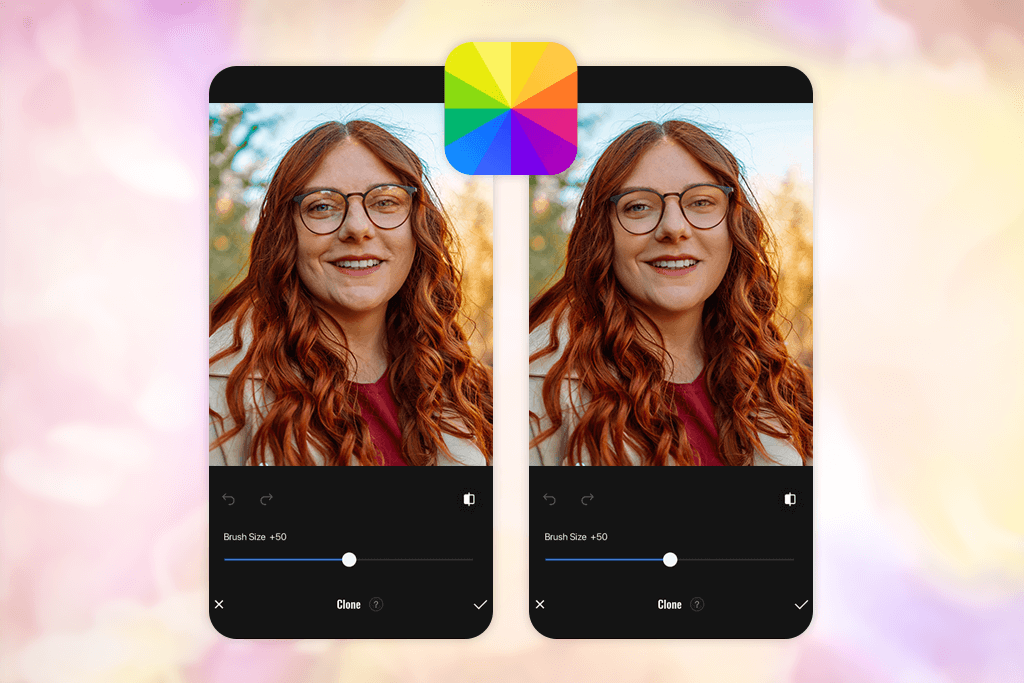
I tried the app on a portrait where the glare on my glasses was very noticeable. In Fotor, I went to the Beauty tab and picked the Clone tool, which works well for removing reflections and bright spots. With the brush, I carefully painted over the glare and adjusted the brush size and intensity using the slider for better accuracy. The tool lets you blend the area manually so the glare fades naturally without affecting nearby details. When I was satisfied with the result, I saved the image as a PNG or JPG.
The final photo looked much improved – the glare on my glasses was gone, my eyes were easy to see, and the lighting still appeared natural. I liked that Fotor could fix even strong reflections without making the image look overly smooth or unrealistic. It works well on different types of glares, whether it comes from glasses, sunlight, flash, or bright background lights. The only downside is that all the editing is manual. Working on small areas like glasses can take time, and if you’re not careful, you might create a few smudged or uneven spots.
5. TouchRetouch
Undo/Redo feature
- Easy-to-understand interface for beginners
- Works well for removing unwanted objects
- Includes helpful tutorials
- Sometimes the app can freeze or crash
- Large object removals may cause distortion
TouchRetouch is a handy glasses glare removal tool that works on both iPhone and Android. It has a free version with limited features, and its paid plans start at $3.99 per month.
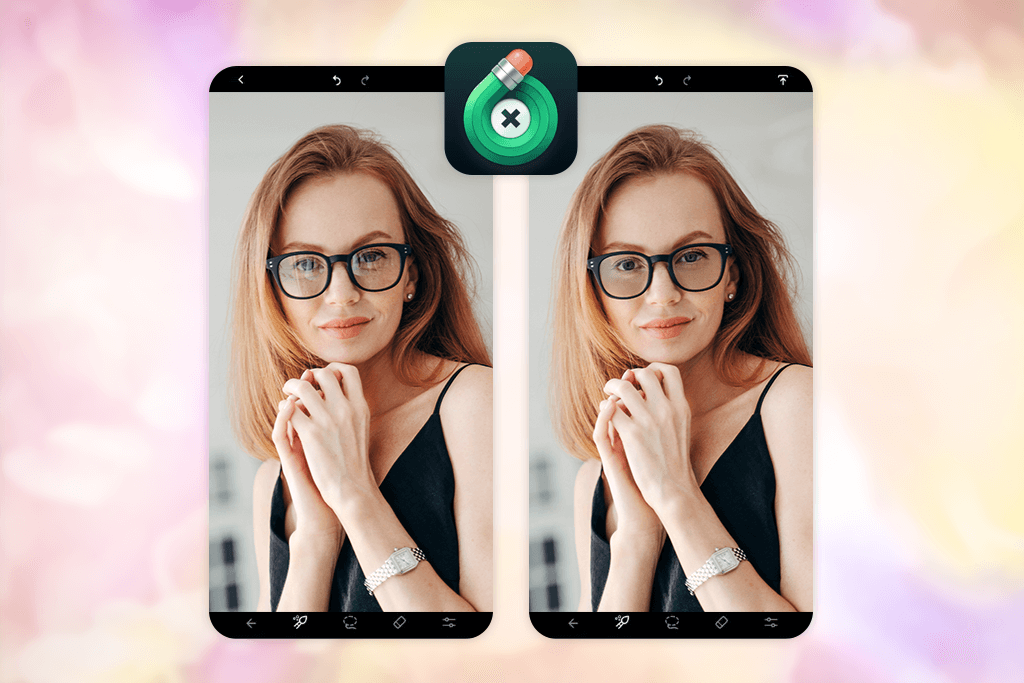
I tried it on a selfie where a bright window caused strong glare on my glasses. The app gives you two ways to fix this: automatic and manual. With the Object Removal tool, I painted over the glare, and the app automatically erased it by filling in the area with nearby pixels. After that, I used this auto photo enhancer to smooth and blend the edited spot so it matched the rest of the image more naturally.
For better control, I used the Clone Stamp. I sampled a part of the glasses without glare and painted over the reflection. By adjusting the brush, I made the repair blend in smoothly. This worked well for difficult or large glares, giving a clean and natural look. The main problems are that the app can be unstable with large files, the process requires patience, and fixing big glares can sometimes create a slight distortion.
6. Evoto
Intuitive export process
- Removes glare quickly using AI
- Lets you adjust the strength of the effect
- Keeps the final image looking sharp and clear
- Works only on iPad or through the web version
- Quite costly
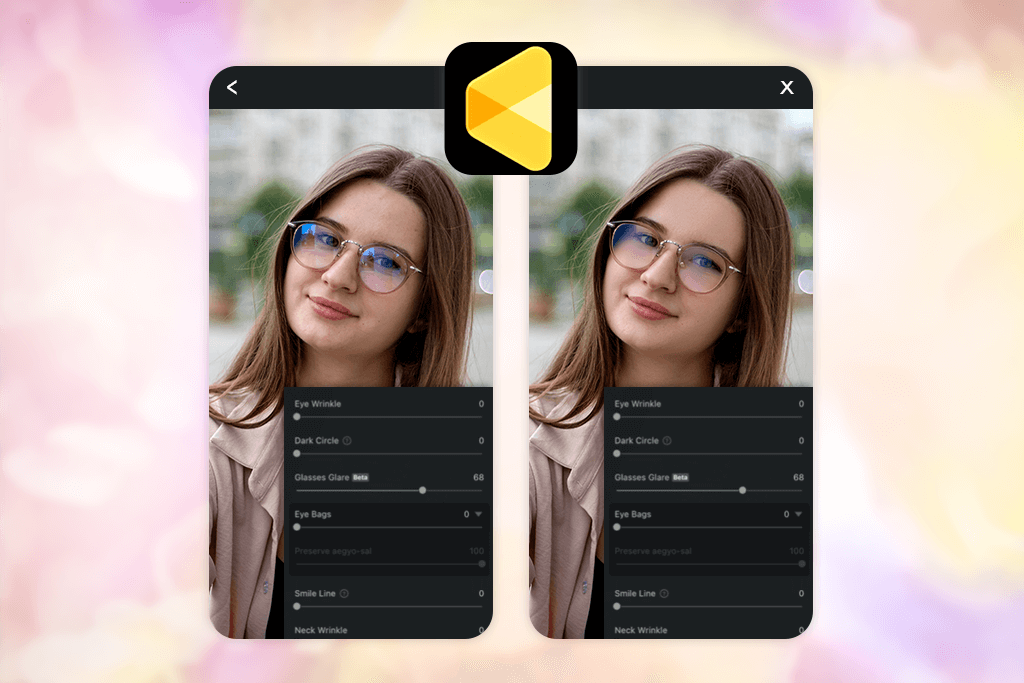
Evoto is designed to remove glare from photo online quickly and accurately with the help of AI while keeping the lighting and details looking natural. I tested it with a portrait that had clear sunlight reflections on my glasses. The steps were easy: upload the photo, move the slider to choose how strong the glare removal should be, let the AI clean up the reflection, and then save the finished image.
The outcome turned out really well – the glare on my glasses was fully removed, and the picture kept its original brightness and contrast. Evoto’s AI preserved skin detail and kept everything looking natural, without creating that overly retouched look. The whole process was quick, which makes it great for fast edits or working on many photos at once. What I appreciated most was the adjustable glare slider, which let me clear the reflections while keeping important highlights intact. It works especially well for selfies, portraits, or product shots where glare can be distracting.
However, with harder glare – like uneven reflections or very bright sunlight on glasses – the AI sometimes left faint halo marks or tiny artifacts. In a few cases, the edges of the glasses or nearby areas looked a bit soft or overly smoothed. Another drawback is that this glare removal tool works only on iPad or through the web, so people using phones without a good browser option can’t access it. The free version of this glare removal app is limited, and the $9.99/month subscription can feel pricey if you only need it once in a while.
7. LightX
Intuitive interface
- Quick and easy to use
- Uses AI for smart editing
- Keeps skin texture looking natural
- Full features require a subscription
- May run slowly on older devices
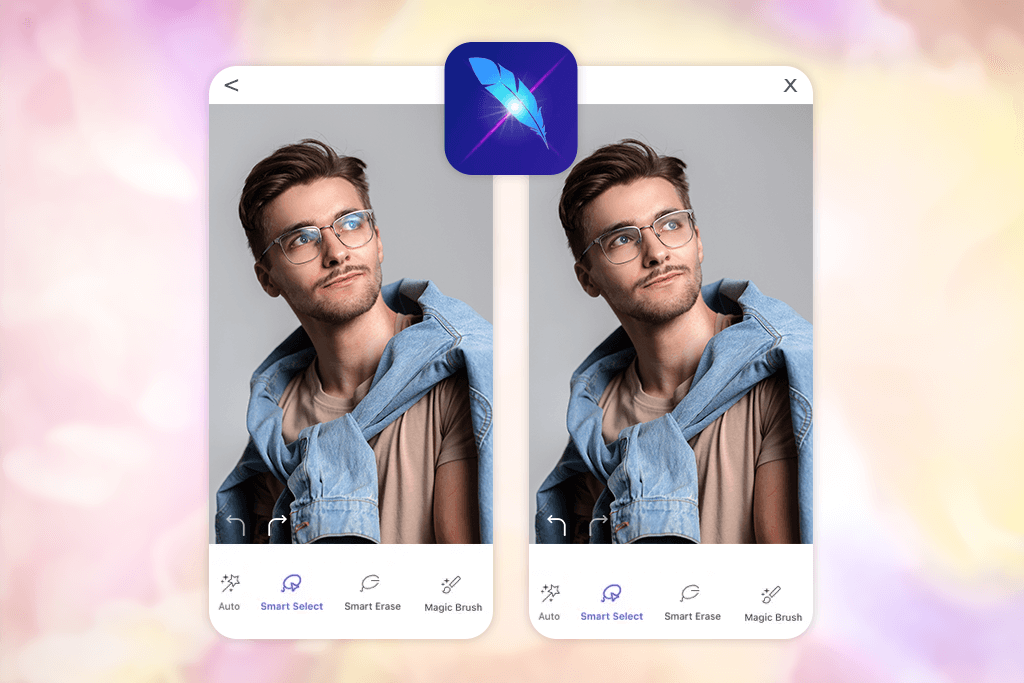
LightX uses AI to remove glare fast, whether it’s from sunlight, camera flash, or shiny surfaces, helping your photos look clean and natural. I tested it with a portrait that had strong sunlight reflections on my glasses. The steps were simple: I selected the Remove tool, brushed over the glare, and let the AI do the rest. It processed the photo in just a moment, and I could check the result and make small adjustments before saving.
After I was happy with the edit, I saved the cleaned photo as a high-quality JPEG. This app to remove glare from photos also works well on weaker reflections from indoor lights or camera flash, so it’s useful for many everyday photos. It’s great for phone pictures, selfies, and any images where glare or reflections lower the overall quality.
The biggest downside of this iPhone and Android photo editor is that very strong or irregular glare can occasionally create tiny marks or make certain edges look a bit less sharp. Another issue is that several tools are locked behind the $5.99/month premium plan, which might feel like too much if you only edit photos once in a while.
FAQ
- What causes glare in photos?
Glare appears when strong light bounces off reflective surfaces, such as eyeglasses, windows, metal, or water, and hits the camera lens. This often happens with bright sunlight, indoor lamps, camera flash, or shiny lenses. As a result, important details like eyes or facial features can become washed out, making the whole picture look less clear.
- How can I remove glare from photos online?
You can use many web-based editors that fix glare without needing to install anything, such as Х-design, AI Ease, AniEraser, Canva, or Photoleap. Just upload your picture, choose the glare-removal feature, adjust the strength if the tool allows it, and then save the improved image.
- How to remove glare when shooting?
You can often prevent glare during the shoot, so you won’t need to fix it later. A small change in angle (either by turning your head or shifting the camera) can stop light from bouncing straight into the lens. Adjusting the position of your light or softening it with a diffuser also helps. Taking several photos with slight changes usually gives you at least one shot without any glare.
- Can I remove glare on my phone?
Yes, you can fix glare on your phone. Apps like Snapseed, Fotor, and LightX can help you do it. They work on both iPhones and Android phones.
- Will glare removal affect skin tone or other details?
For most photos, the apps will remove the glare without changing your skin color or blurring details. But if the glare is very strong, you might need to do a little extra editing to make it look perfect.
- What is the easiest way to remove glare from a photo?
For a quick and simple fix, using an app like Fix The Photo Body Editor & Tune works great. You upload your picture, explain what you want changed, and real retouchers remove the glare for you, giving you a natural-looking, clean result.
- Are the results natural-looking?
That depends on which tool you use. AI apps like LightX, Evoto, and YouCam Perfect work quickly and usually look convincing, but they can leave small flaws when the glare is complicated. Apps that use real retouchers, such as Fix The Photo Body Editor & Tune, deliver the most realistic and professional-looking edits.
- What if I want more realistic results or don’t have time to edit?
If you need high-quality glare removal and don’t want to edit the photo yourself, Weedit Retouch Service is a great option. Skilled retouchers clean up glare, reflections, and other flaws while keeping the image looking natural. It’s perfect for portraits, social media posts, or professional visuals.