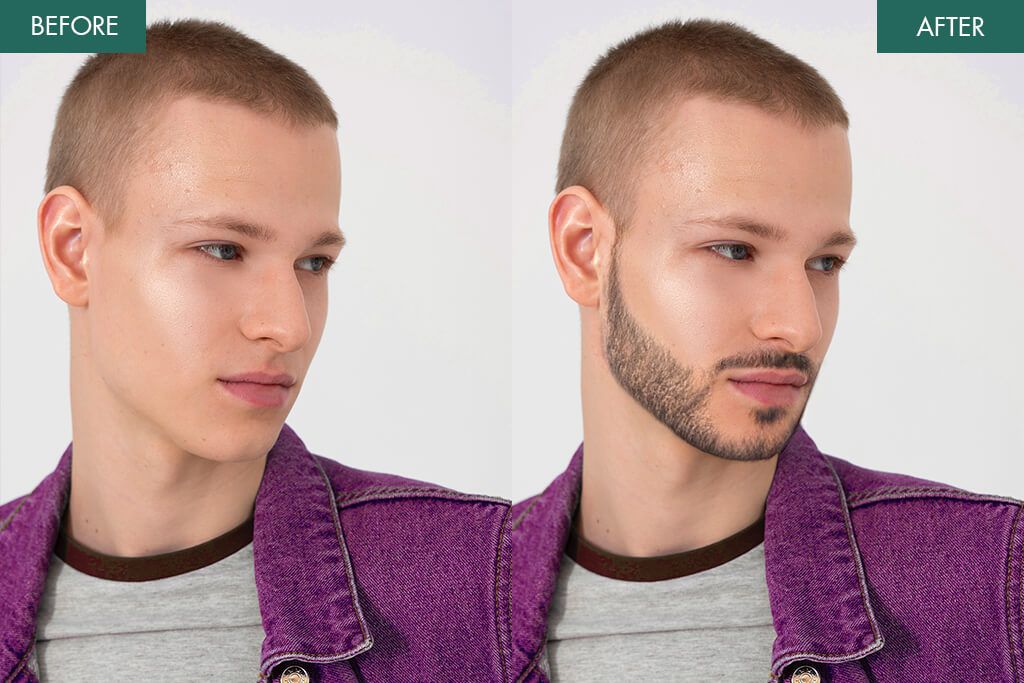
7 Best Beard Filter Apps for Photos in 2026 [iOS & Android]
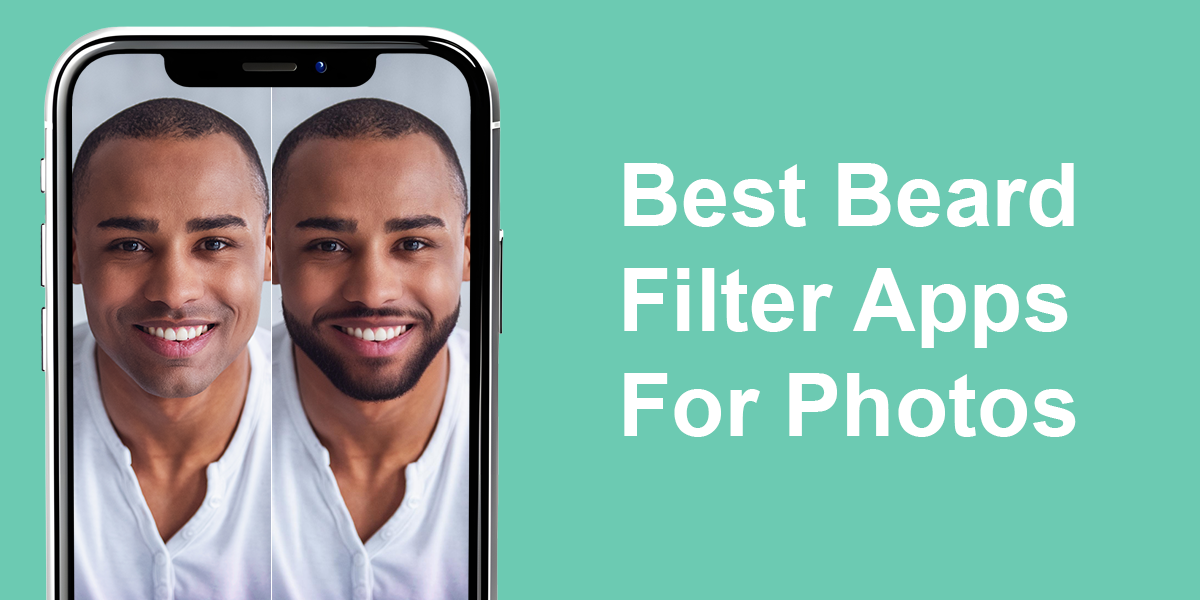
I work as a photo retoucher at Weedit.Photos, and part of my job is to follow new tools and trends that can change how people look in pictures. One thing that caught my attention lately is beard filter apps. They are everywhere on social media, and they’re good to let people quickly try different beard styles without needing to grow them in real life.
Initially, these filters were just for fun, but they have since become a trend. They affect how men test new looks, how influencers keep their followers entertained, and even how clients discuss editing with professionals like me. I decided to try out some of these apps myself to understand what they can do, what they can’t do, and why they matter in today’s digital world.
Trendy Beard Styles to Try
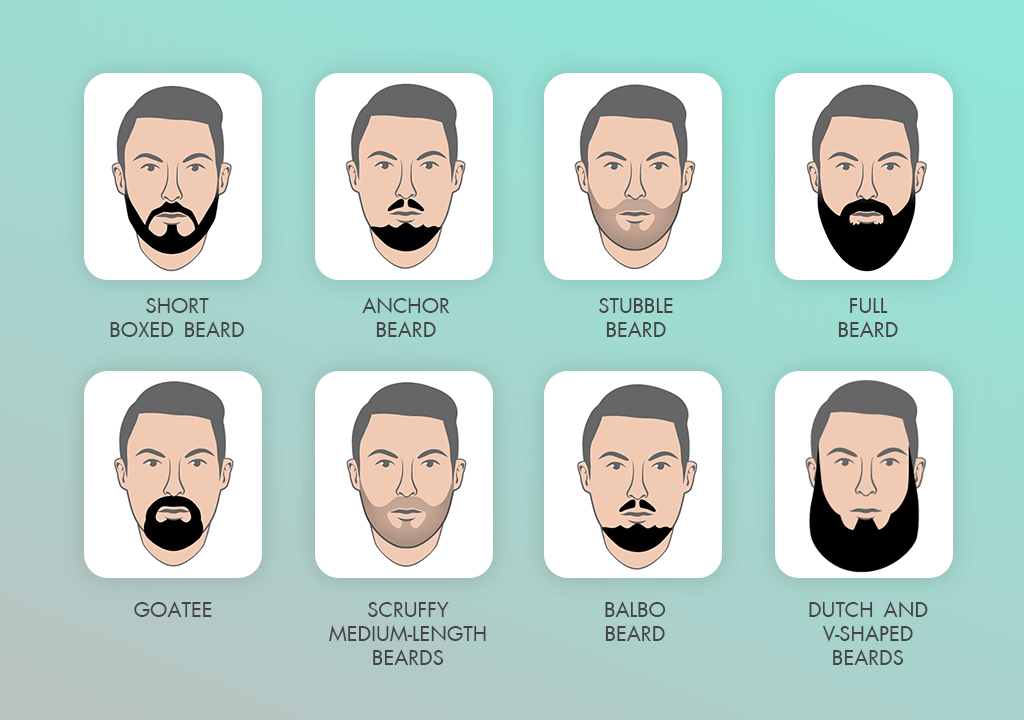
Beards are more than just hair on the face – they send a message about style and personality. In 2026, it’s all about personal choices, experimenting with shapes, and playing with textures. No matter if you want a professional, casual, or bold look, there’s a beard style for you.
AI beard filter apps make it simple to test different styles and colors before spending time growing hair or dyeing it. This way, you can see which beard fits your face, personality, and lifestyle.
Pro Tip: If you want the most natural-looking results, professional services like Weedit Retouch or Fix The Photo Body Editor & Tune app can add or remove beards manually. That way, your photos look ready for social media or print in no time.
1. Beard Photo Editor – Beard Cam
Quick results
- More than 45 beard styles
- Tools to adjust lighting and color for realistic look
- Live camera mode for instant previews
- Ads can be annoying
- Some of the most appealing styles require in-app purchases
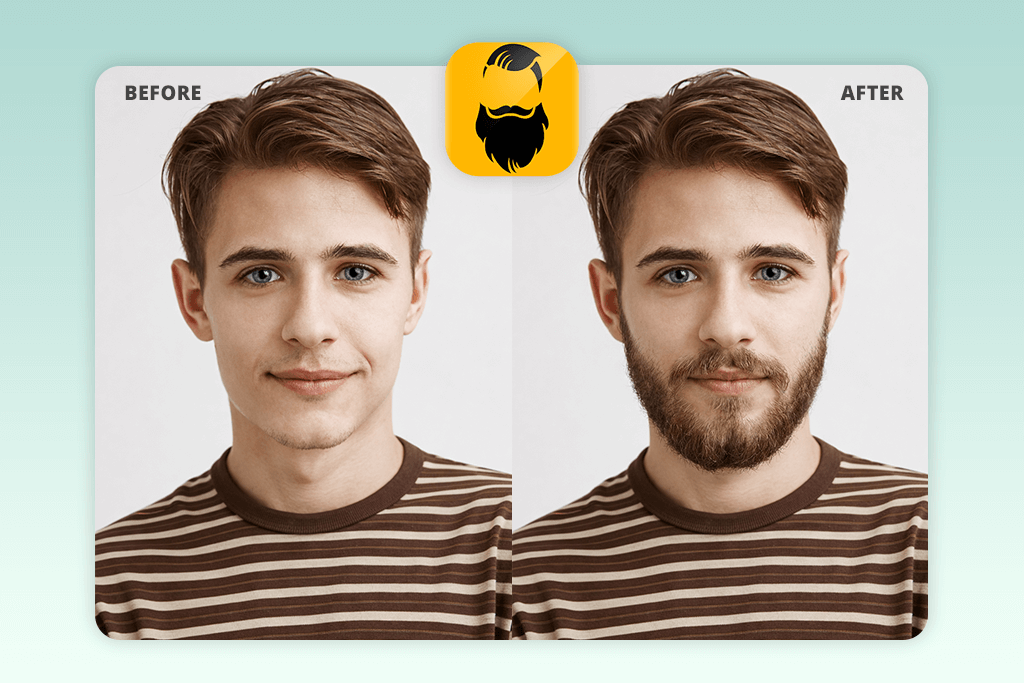
The first beard filter app I tested was Beard Photo Editor – Beard Cam Live. It has more than 45 beard styles – from light stubble and short trims to long hipster beards, goatees, and even Viking-inspired looks. You can change the beard’s color, thickness, and texture, which helps match it with your real hair.
This Android photo editor is easy to use, and with the live camera feature, you can see different beards on your selfie right away. It also has tools to adjust brightness, contrast, and saturation, so the beard looks more natural.
But there are cons too: some styles still look fake, especially in tricky lighting. Also, the live camera tool sometimes glitches if you move your head too fast, and ads pop up often, which makes the experience less fun. Another thing I noticed is that many of the better beard styles cost extra money (about $0.60 each). And this app is only available for Android.
2. Fix The Photo Body Editor&Tune
Natural-looking beard edits
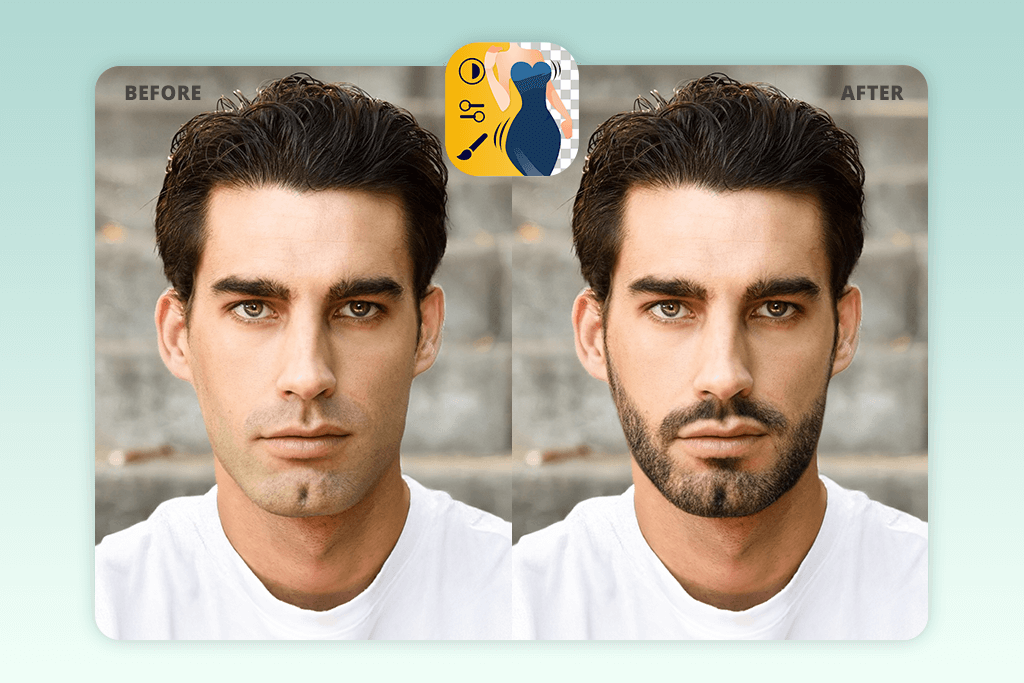
- Real human retouching
- Can request specific beard style, length, and color
- No ads
- First photo is free
- No instant results (edits take a few minutes)
- No search by feature
When it comes to trying out facial hair simulators, Fix The Photo Body Editor & Tune is not like standard beard apps. Instead of using quick filters, it has real people (retouchers) to edit your photo, so the beard looks natural and fits your face. When I tested it, I tried adding light stubble, full styled beards, and everything in between. Each edit looked smooth, with the beard matching my skin tone, lighting, and texture – nothing looked fake or like it was just stuck on.
What I liked most was the number of choices. I could ask for any beard style I wanted – a short and clean beard, a goatee, a Viking-style beard, a sharp Balbo, a sculpted anchor beard, a ducktail, or a circle beard that mixes a mustache with chin hair. I also tested bold looks like a big lumberjack beard, a Van Dyke, and even faded beards with sharp cheek lines. I could also choose the color of my beard to any color I want.
The process was easy: upload a photo, describe the beard you want, and let the team do the edit. There are no ads, no confusing tools, and you don’t need to move filters around yourself. The only downside is that it’s not instant. Since a real person edits the photo, it usually takes a few hours. Another thing is that you need to explain the beard style in words instead of picking from a menu.
The price is flexible. The first edit is free, and after that, you use credits. For example, 5 credits cost $0.99, which makes it affordable for quick edits or for editing many photos for social media. Besides beard edits, Fix The Photo also offers an app to add eyelashes to a photo, fixing makeup, reshaping the body, and more. The team works all day, every day, which is helpful if you need edits fast for a deadline.
3. Facetune
User-friendly interface
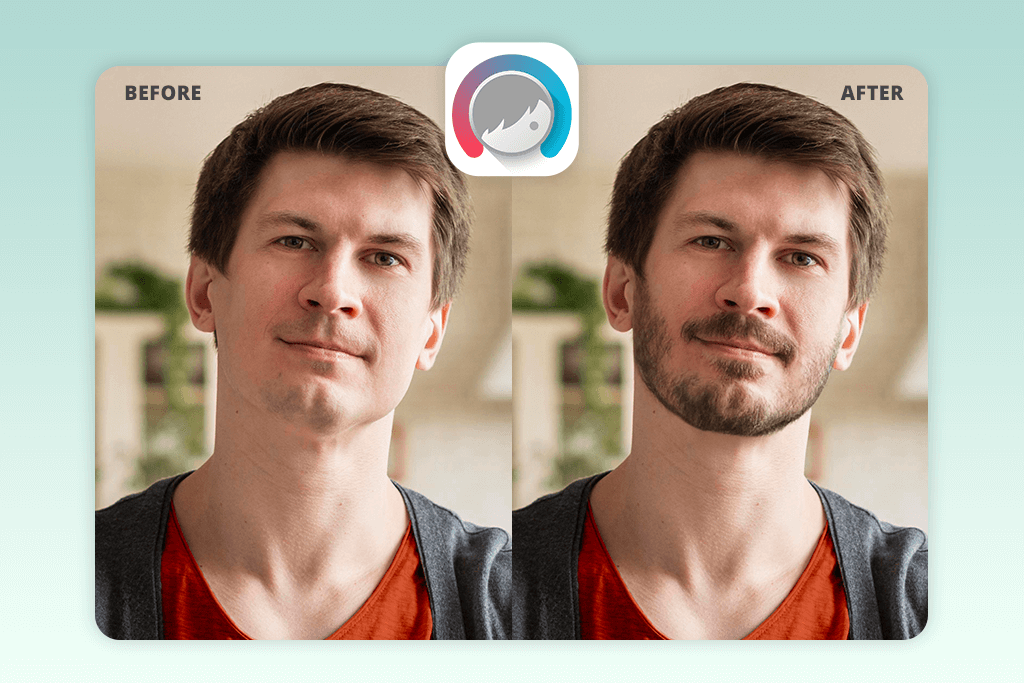
- Wide variety of beard and mustache styles
- Realistic blending with AI beard generator
- Instant results
- Misalignment may happen on angled faces
- Subscription needed for full features
If you want something quicker, Facetune has an AI beard generator that lets you add beards and mustaches to a photo in just a few seconds. I tested it by uploading portraits and picking styles from the Beards & Mustaches section. The app instantly applied them, and I could try different looks, from big lumberjack beards to neat goatees.
Facetune is easy to use, and it has a large list of styles. There are short stubbles, small goatees, and fuller, dramatic beards. You can also change the color to match your natural hair or test new colors. The AI does a good job of blending the beard with your face, making it look more real than sticker-like beard filters.
But there are some downsides. Big beards sometimes looked fake when the picture is not well-lit, and if the head is tilted too much in the photo, the beard could move out of place. The free version doesn’t give access to everything, and to unlock all features, including a blemish remover app, you need a subscription, starting at $7.99 per month. This can be expensive if you only want to experiment for fun.
4. YouCam Makeup
Clean-shaven previews
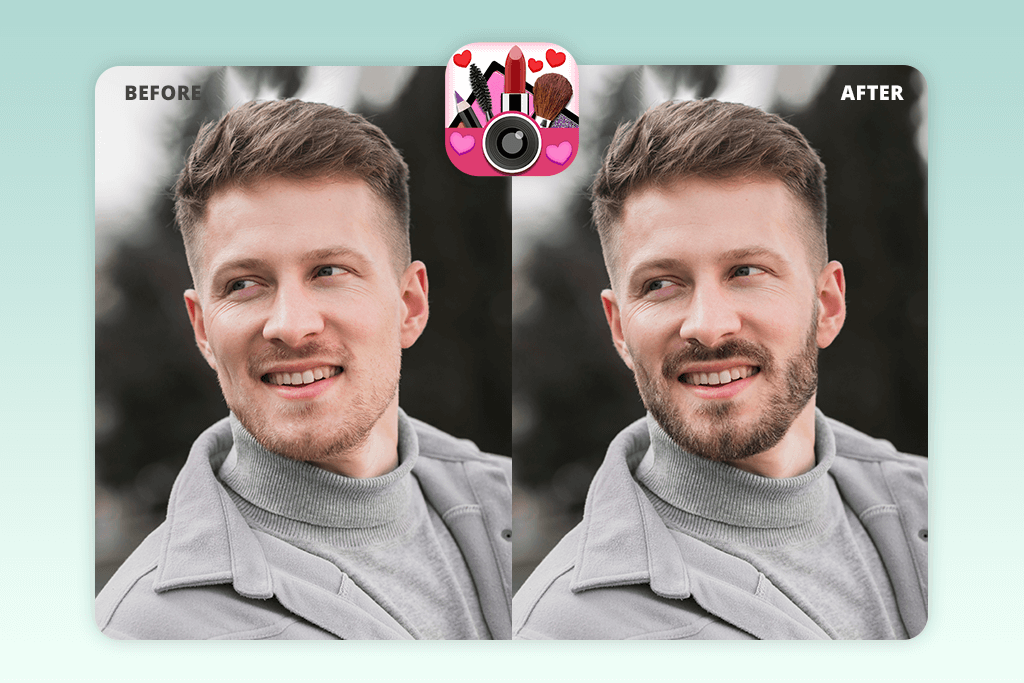
- Wide variety of beard styles AI options
- Intuitive and easy-to-use UI
- Adjust colors and intensity
- Jawline alignment isn’t always perfect
- Live preview can lag on older devices
Another option is YouCam Makeup, which has both an AI beard generator and a beard remover. This means you can see yourself with or without facial hair. I tested it by uploading photos and trying out styles like stubble, short box beards, Balbo, V-shaped, Bandholz, and Dutch beards. I also tried mixed styles, like goatees, anchors, and soul patches at the same time, and the beard filter app delivered decent results.
The app is simple to use. You can easily switch styles, change the beard color, and intensity. The beard remover tool also gives a natural look of a clean-shaven face without a mustache. The app has live preview and quick save/share options, making it fun to try and show off different styles.
Nevertheless, there are some weaknesses. Some beards look flat in tricky lighting, and the beard shape doesn’t always match the jawline perfectly. Ads in the free version of this auto photo enhancer can also be distracting. The Pro plan costs $5.99 a month and gives full access, but some beard styles feel too similar to others.
5. Beard Booth Studio
Adjustable size
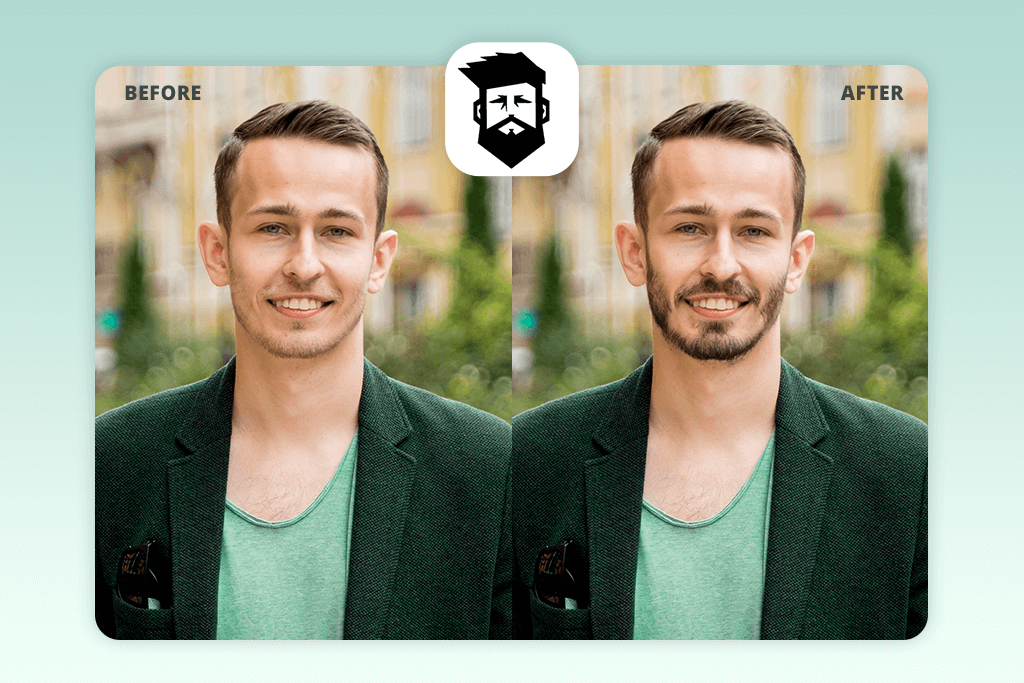
- Wide selection of beards and mustaches
- User-friendly
- Easy sharing to social media
- Some beards look flat
- Beard placement can misalign on angled faces
Beard Booth Studio is a beard and mustache app that works on iPhones. I tested it by uploading photos and trying many styles. The iPhone photo editor includes everything from stubble, short box beards, and goatees to full beards, anchor beards, and small styles like soul patches. There are also celebrity-inspired looks, like Jax or Snow, and themed packs such as Celebrity, Wrestler, Sports, Seasonal, and Holiday beards you can try on for fun.
You can change the beard color to match your own hair – black, brown, blond, or gray – or try unusual colors. There are also tools to resize and rotate the beard so it fits your face better, or you can make it bigger on purpose for a funny effect. The UI is quite user-friendly: upload a photo, choose a beard, adjust it, then save or share the picture.
However, some beards look flat or a bit cartoon-like. The free version shows ads that can be annoying, and many of the special packs cost $5.99 to unlock. This app only works on iOS, so Android users can’t use it. Also, even though you can resize and rotate the beard, unfortunately, it doesn’t always fit perfectly on every face angle.
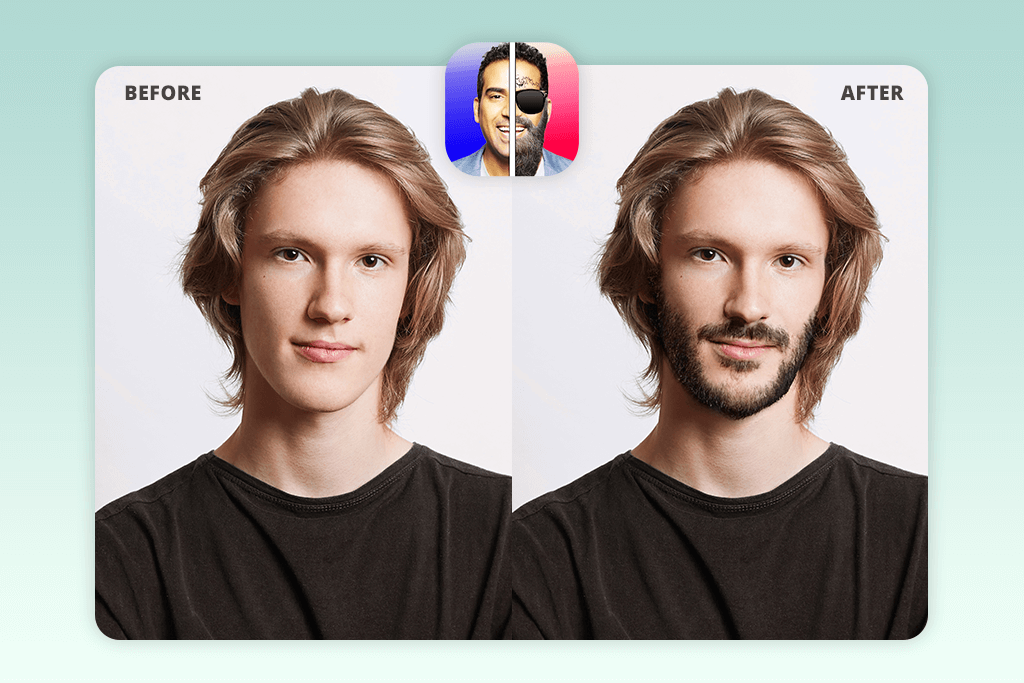
6. BeardFilter
Easy to share
- Adjustable size, position, and color for personalization
- Intuitive and easy-to-use
- Automatic blending for realistic results
- Limited color options
- Only available on Android
BeardFilter is another fun beard filter app, but this one is free and works on Android. I tested it by uploading photos and trying out different looks, just like with other apps – stubble, short box beards, goatees, full beards, anchor beards, soul patches, V-shaped beards, and ducktail beards. The variety gave me a good idea of how flexible the app is.
The interface is simple and easy. For example, I added a medium-length scruffy dark brown beard, adjusted it, and then saved and shared the photo. The app blends the beard with your face, so most of the results look fairly realistic.
Nevertheless, some styles look flat or fake, especially if the photo is at an angle or has poor lighting. The ads show up often and interrupt the process. Sometimes the beard overlaps with your hair or clothes, making it look awkward. The app also doesn’t have extra tools, like trimming or changing the texture. Another drawback is that it only works on Android, so iPhone users can’t try it.
7. Snapchat
Fun beards effects
- Fast and interactive
- Instant sharing to friends or social media
- Wide variety of beard styles and colors
- Limited customization
- Some advanced filters require Snapchat+
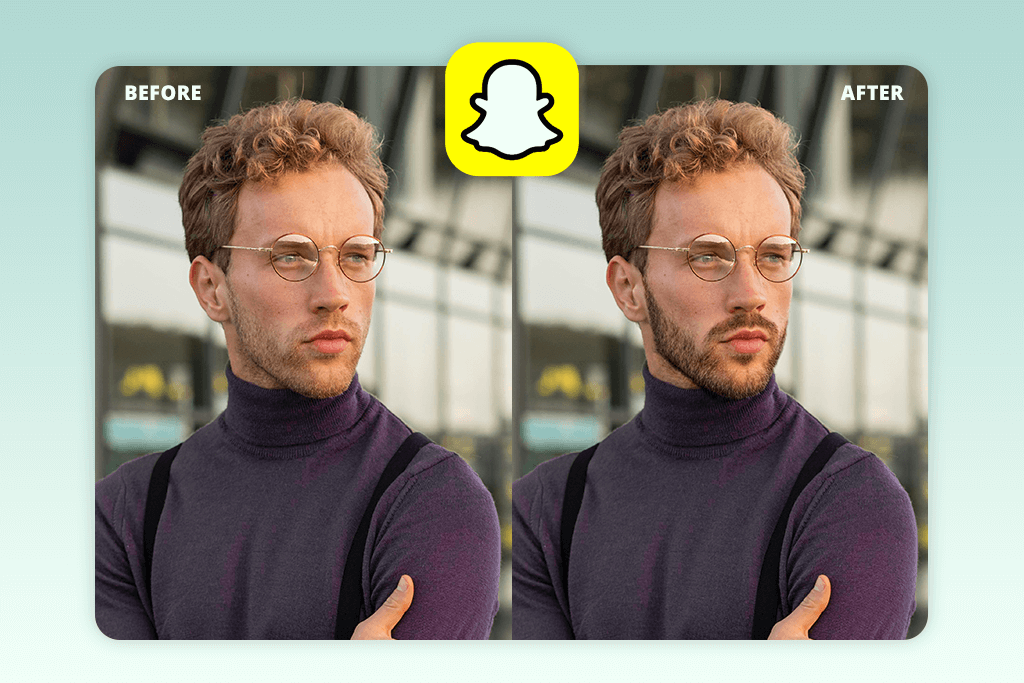
Snapchat also has AI beard filters you can use. I opened Snapchat on my Android, tapped the search icon, typed “beard” in the Lens Explorer, and picked filters like the “Beard Style Lens.” I tried both the front and back cameras to take photos and videos with different beard effects.
The interface is easy to use, and you can add or remove a beard instantly. The results look surprisingly natural for a social media app. I tried short stubble, goatees, full beards, and even some funny beard designs made by AI. The colors included natural ones like black, brown, and blond, and also some unusual shades.
Just like with other beard filter apps, there were limits here, too. Some beard styles didn’t line up with my face when I tilted my head, and they looked less real when I was trying them in a dark room. Ads sometimes pop up, which can be distracting. Some advanced filters require a Snapchat+ subscription, which costs $4.99 a month. Also, since Snapchat is mainly a fun social media app, the beard styles aren’t as detailed or customizable as the ones in dedicated beard apps.
FAQ
- How would I look with a beard?
You can use beard filter apps to quickly see yourself with different beard styles. I’ve tried apps like Fix The Photo Body Editor & Tune, Beard Cam Live, YouCam Makeup, and BeardFilter. With them, you can test stubble, goatees, full beards, and even creative or unusual styles. You can also try out different beard colors, from natural black and brown to blond or fun shades.
For the most natural-looking results, I would recommend apps like Fix The Photo Body Editor & Tune, because they use professional editors to add the beard manually. This makes it look smooth and real, which is perfect for social media, portraits, or print photos.
- What are the most popular beard styles of 2026?
Some of the most common trends are short boxed beards, anchor beards, medium scruffy beards, and designer stubble. Classic full beards are still popular, but in 2026, more men are trying out new shapes and textures to make their beards unique.
- Which beard style is best for my face shape?
Round faces: Go for a V-shaped or angled beard to make your face look longer.
Square faces: Choose a beard with a softer, rounder shape to balance a strong jawline.
Oval faces: Almost every style works, but medium-length full beards usually look best.
Heart-shaped faces: Try a goatee or a soul patch to make your face look more even.
- Can I remove a beard or see myself clean-shaven?
Yes. Many apps, like Fix The Photo Body Editor & Tune and BeardFilter, have a “no beard” option to let you compare yourself with and without facial hair to see which you prefer.
- How do I make the beard look realistic?
Start with a good photo that’s well-lit and centered. Then adjust the beard’s size, angle, and color so it matches your hair. Some beard apps also let you use blending and contrast tools to make the beard look smoother and more natural.
- What if I want professional results or don’t have time to edit?
If you don’t want to spend time editing or you need the photo to look professional, you can use Weedit Retouch Service. Their team of editors can add beards like stubble, goatees, or full beards. They can also remove facial hair completely. Since real people do the edits, the results look natural and are ready to use once received.