7 Apps to Turn Photo Into Anime Tested on Real Photos
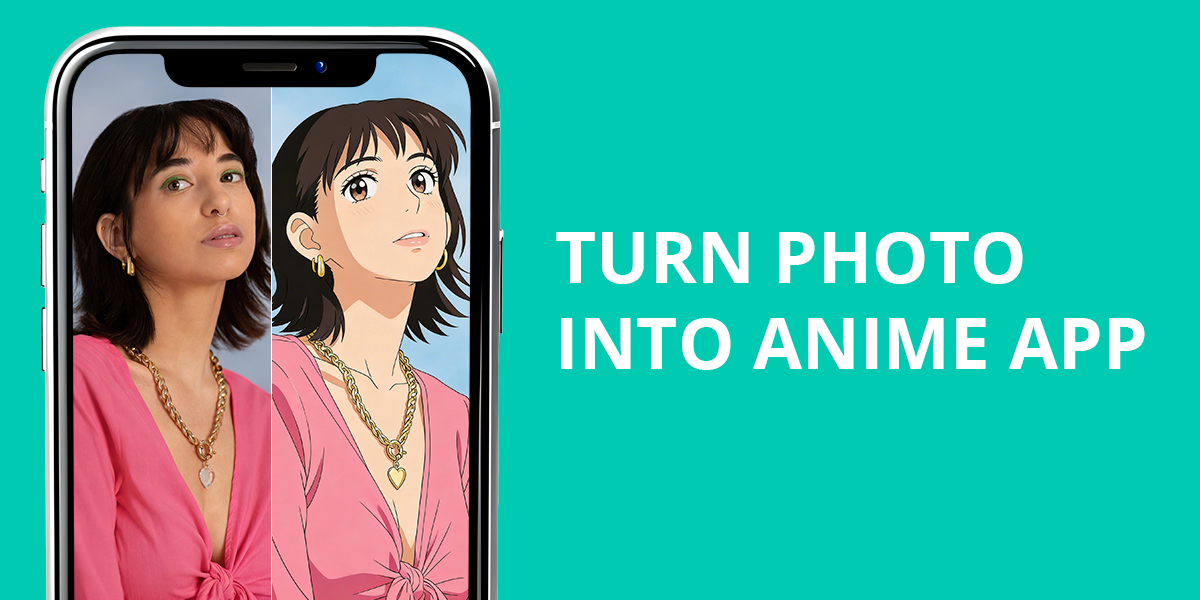
As the industry evolves, we regularly revisit types of solutions we already checked out in the past. This time, we wanted to find the optimal turn a photo into an anime app, examining both fully automated and more hands-on options.
Each app had to process a variety of photos: professional studio portraits, outdoor selfies, and pictures with challenging lighting. Some solutions produce quick, fun results, while others focus on providing more professional illustration styles.
If your goal is to find the best photo to anime converter app, the selection of single-tap solutions and professional tools listed below will help you find a suitable option for your specific needs.
Why Most Anime Filters Fail
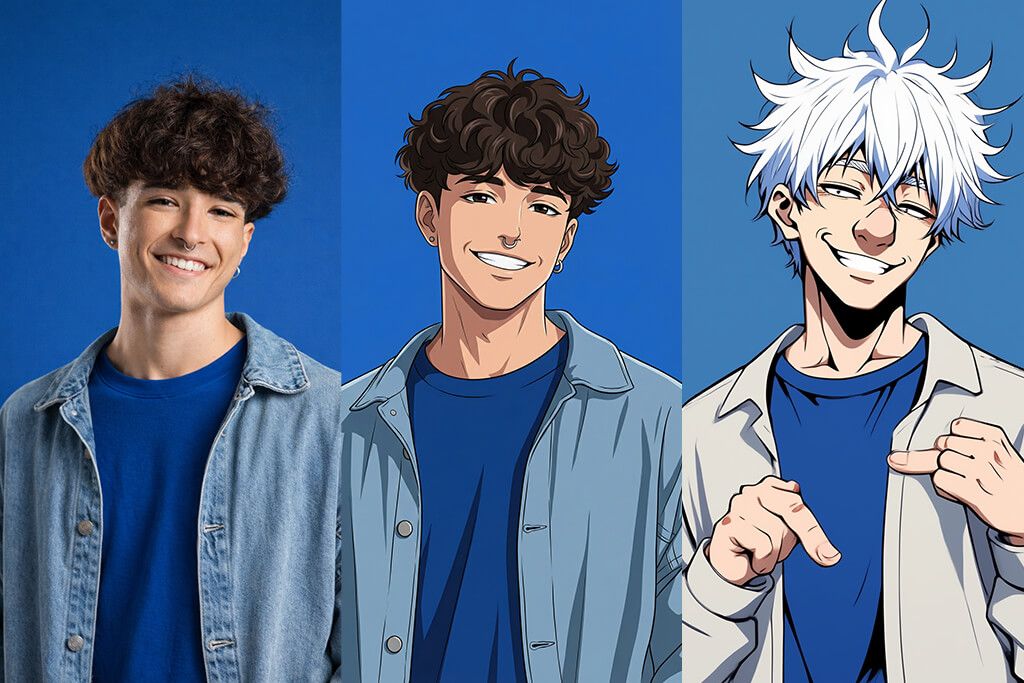
Many people who want to turn a photo into anime using an app are often surprised by how problematic this process can be. Let’s take a look at the main reasons anime filters fail, and how you can prevent these issues.
1. ToonApp
Anime-style cartoons
- Quick anime-style conversion
- Intuitive UI
- Great results with selfies
- Single-tap effects
- Restrictive customization
- Repetitive styles
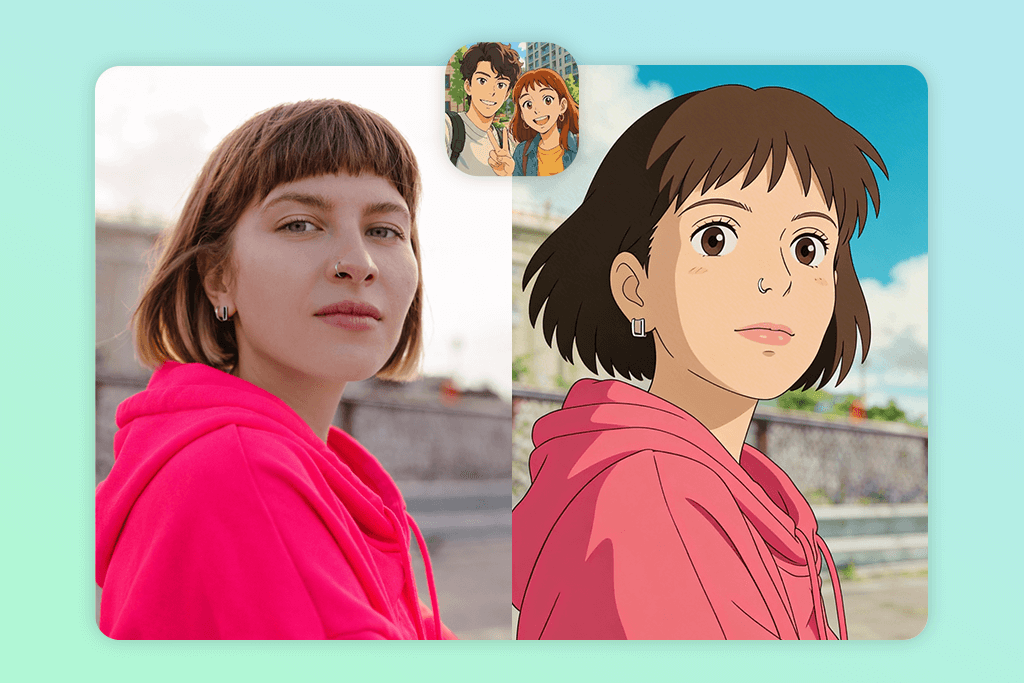
ToonApp is perfect if you’re looking to convert a photo into anime with an app that is all about quality and convenience. During my test, I got the best results when importing clear selfies with a neutral facial expression, enjoying fun anime-style illustrations.
To get an anime effect, import a picture and pick the anime filter or cartoon preset, which automatically recreates the facial features, eyes, and hair in a new style. You can fine-tune the output using the style selector and intensity slider, but most of the changes are fully automated, akin to the angel wings photo editors, where speed and visual impact are prioritized over customization.
You can get the result in about 10-15 minutes, which is somewhat slower than competing single-tap solutions, but the quality of the result is worth the extra time investment. The enhanced image looks balanced, tastefully stylized, and expressive while still maintaining the distinguishing facial features of the person in the photo.
Pricing: Free; from $4.99/mo
2. Lensa
Studio-style anime avatars
- Pro-grade AI portraits
- Clean anime-themed styles
- User-friendly
- Consistent results
- Limited manual tools
- Paid exports
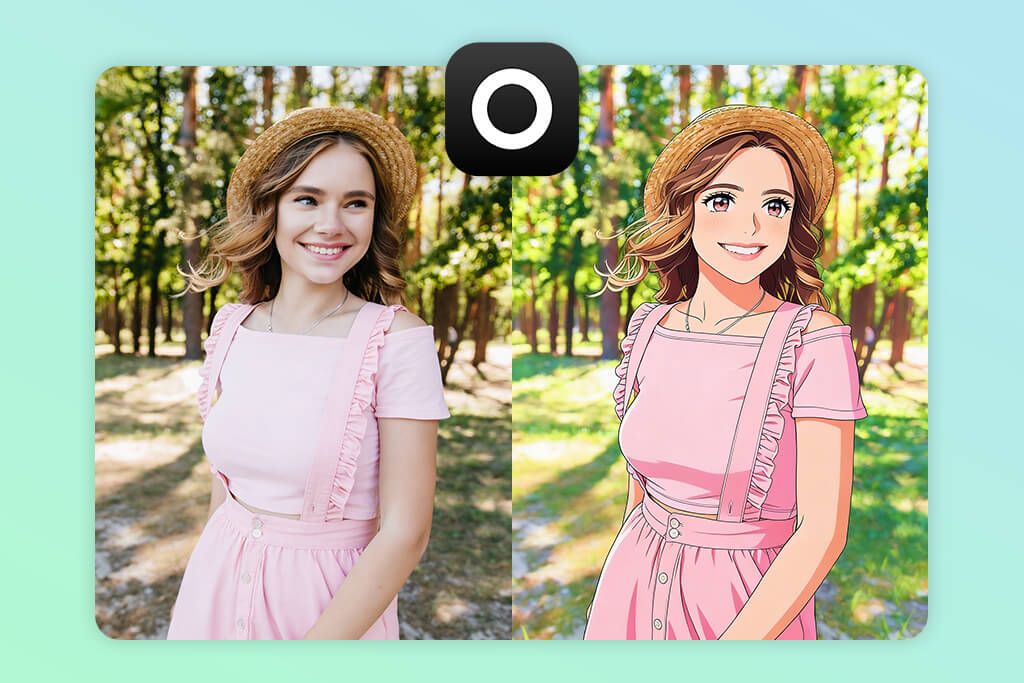
Lensa is among the most popular photo-to-anime AI apps, delivering a high-quality modern anime artstyle rather than vintage manga visuals. It’s primarily aimed at people interested in getting a polished anime look without having to do any manual work. I received the best results when working with clear portraits with proper lighting.
You can create your anime avatar by importing a series of photos and leveraging magic avatars or style generation. Everything is automated – you don’t even need to mess around with sliders or manual tools, which is why Lensa is perfect for users with no technical skills.
The output is polished and aesthetically pleasing, and can be readily used as a profile picture or a social media post. That said, since all the applicable styles are premade, the result might feel less personalized. Lensa is a great app if you’re interested in fast, clean anime visuals and don’t care as much about the smaller details.
Pricing: Free preview; from $7.99/mo
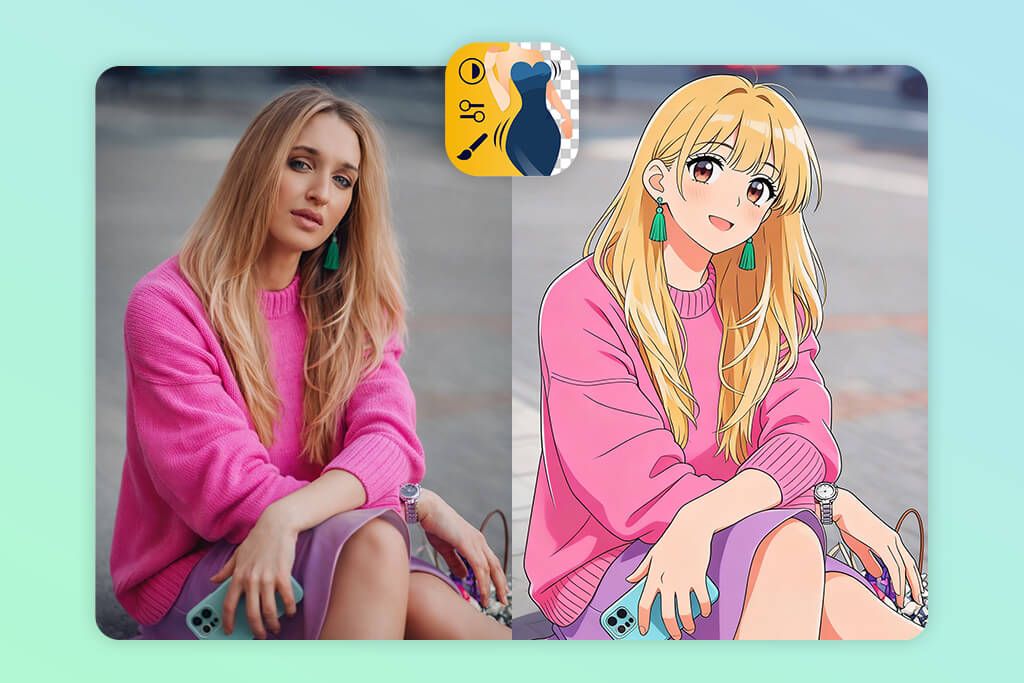
3. Fix The Photo Body Editor&Tune
Most realistic results
- Real artists, not AI templates
- Customizable anime styles
- Natural facial structure
- First image is free
- User needs to provide instructions
- Is more time-consuming
Fix The Photo Body Editor&Tune delivers the most realistic results out of all these options. Rather than adding AI filters, this app assigns the task to actual editors who make all the transformations manually while adhering to your requirements, akin to how work the apps to remove logo from shirt, where the human touch is more important than automation.
For this solution, you need to provide a custom request, and while you can open the app and say “turn my photo into anime,” it’s a much better idea to provide a more detailed description, explaining your preferred style, be it soft anime, classic manga, or a more modern and detailed approach.
Afterward, the editor will manually perform facial redrawing, line refinement, and color stylization, ensuring the subject’s appearance and key distinguishing features are preserved while creating an immersive anime aesthetic.
You typically need to wait between 10 and 20 minutes to get an edited photo, but the results are a lot more personalized and higher-quality compared to most AI-based apps. This option is perfect if you need an anime portrait that stays true to your real-world appearance.
Pricing: Free first edit; credits from $0.99
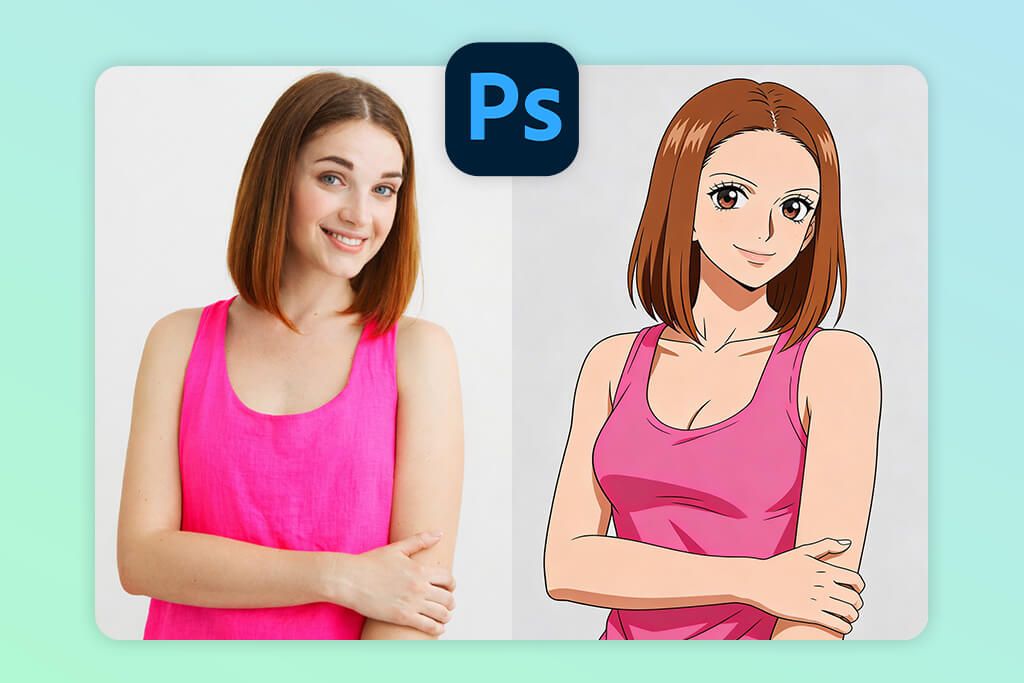
4. Photoshop on iPhone
Maximum creative control
- Layer-based workflow
- Precise selection and masking
- AI-based functionality
- Pro-grade results
- No single-tap anime presets
- Requires a bigger time investment
Photoshop on iPhone should be your go-to choice if you’re looking for an anime photo edit app that puts you in complete control of the process. In contrast to single-tap solutions, it doesn’t apply an anime look automatically. Instead, it offers all the features you need to achieve that aesthetic manually to receive high-quality, natural results.
To get the desired anime look, you usually begin by selecting the subject to isolate the face, and then employing masking to fine-tune edges around the hair and face. Next, you take advantage of layer blending, opacity adjustments, and color correction until you arrive at a stylized anime aesthetic.
Some artists prefer to mix external anime textures or illustrations with the help of layers to emulate hand-drawn line work. This app requires a lot more time and technical skills, but the creative freedom you get more than makes up for it as long as you’re up for the challenge.
Pricing: Free; from $12.99/mo
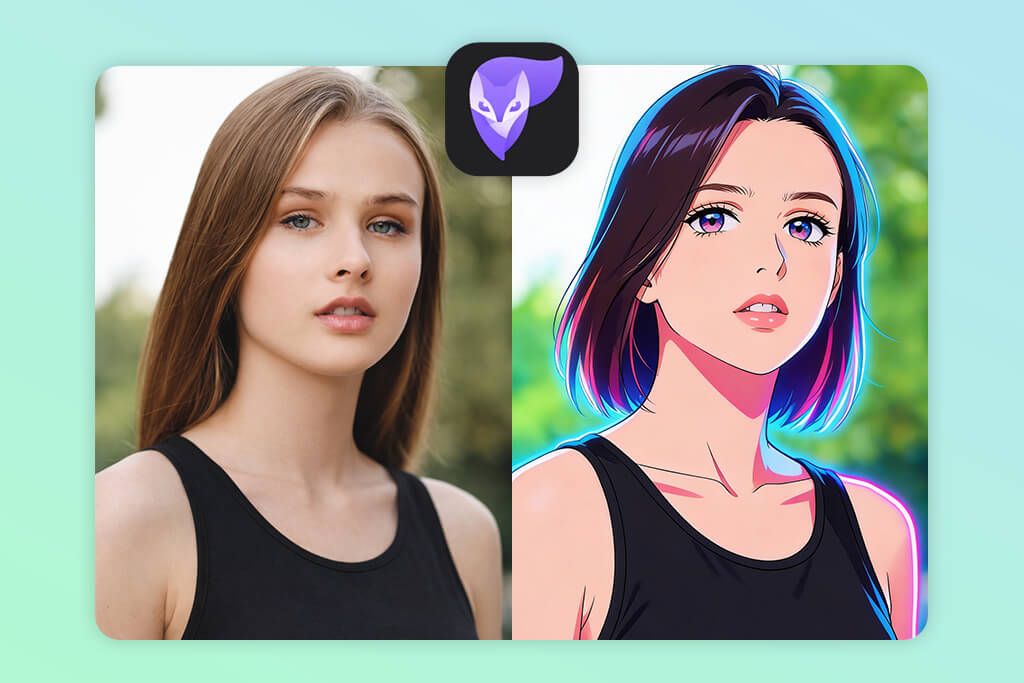
5. Photoleap
Build-your-own anime look
- Layer-based workflow
- Several anime filters
- Background customization
- Creative flexibility
- Notable learning curve
- Quality depends on manual adjustments
Photoleap is a great anime photo editor app if you’re looking for a mix of AI-based functionality and manual retouching features, which enable you to customize the result to your liking instead of being entirely dependent on one preset.
During my test, it provided the best results on portraits, which made it easy to separate the subject from the backdrop. To begin the process of creating an anime-style image, you need to apply one of the available AI filters or art styles that add a variety of illustrated textures and color edits.
Next, you can fine-tune the result with the help of layers, masking, and blend modes, which allow you to tweak the facial features, soften transitions, and adjust the intensity of the applied anime effect. Additionally, you can swap out or stylize the background to ensure it fits the rest of the image.
Photoleap is a particularly great fit for users who love editing and like to mix anime effects with personal artistic choices instead of simply relying on AI, akin to workflows used in apps to make you look skinny.
Pricing: Free; from $6.99/mo
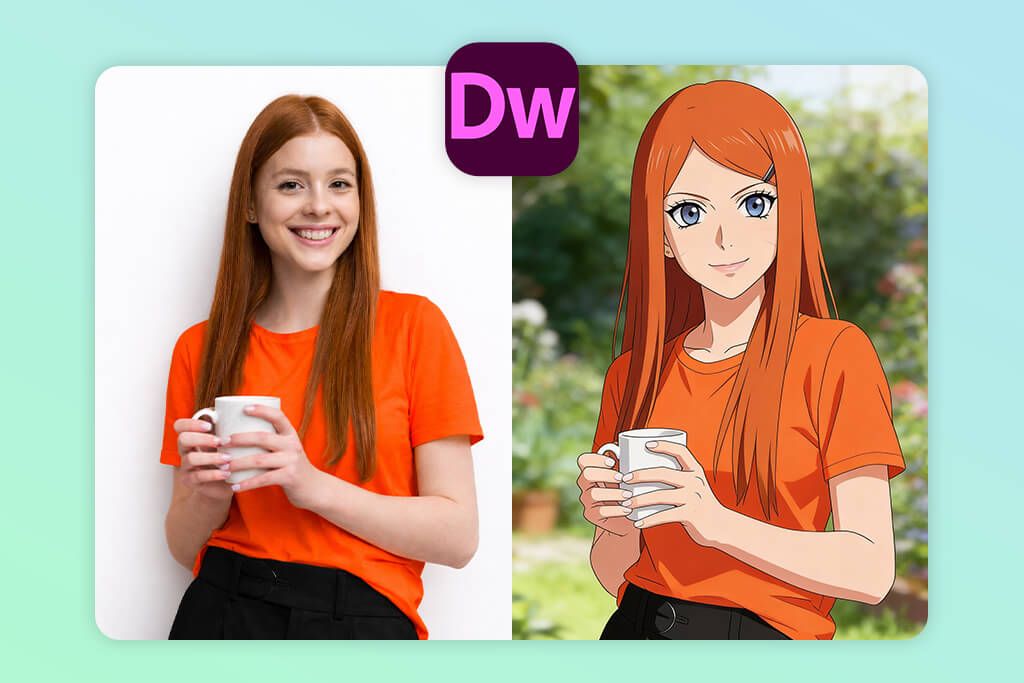
6. Drawever
Hand-drawn illustrations
- Hand-drawn anime style
- Expressive line work
- Works great with portraits
- Unique art style
- Doesn’t always look natural
- Smaller selection of style options
Drawever is a dependable app that turns pictures into anime illustrations rather than vibrant AI-made anime avatars. The applied effects resemble hand-drawn sketches, which is why they feel more authentic than most AI filters. Throughout my test, it showed the best results with close-up portraits with well-defined facial features.
You can get the desired effect by leveraging drawing filters or sketch modes, which simplify the facial structure shapes, highlight outlines, and lower photographic detail. These features push the photo away from realism and toward anime-like art, adding a more expressive, hand-drawn look to the subject’s face.
Drawever’s functionality is a good fit for users working on creative projects rather than people interested in a realistic anime avatar. While it’s not great at maintaining the smaller details of one’s appearance, it’s a fantastic option if you prefer classic or manga-inspired art styles.
Pricing: Free; optional in-app purchases
7. Fotor
Quick anime-style filters
- Convenient anime filters
- Superfast processing
- Online and app
- Intuitive interface
- Flat, filter-based output
- Limited control over details
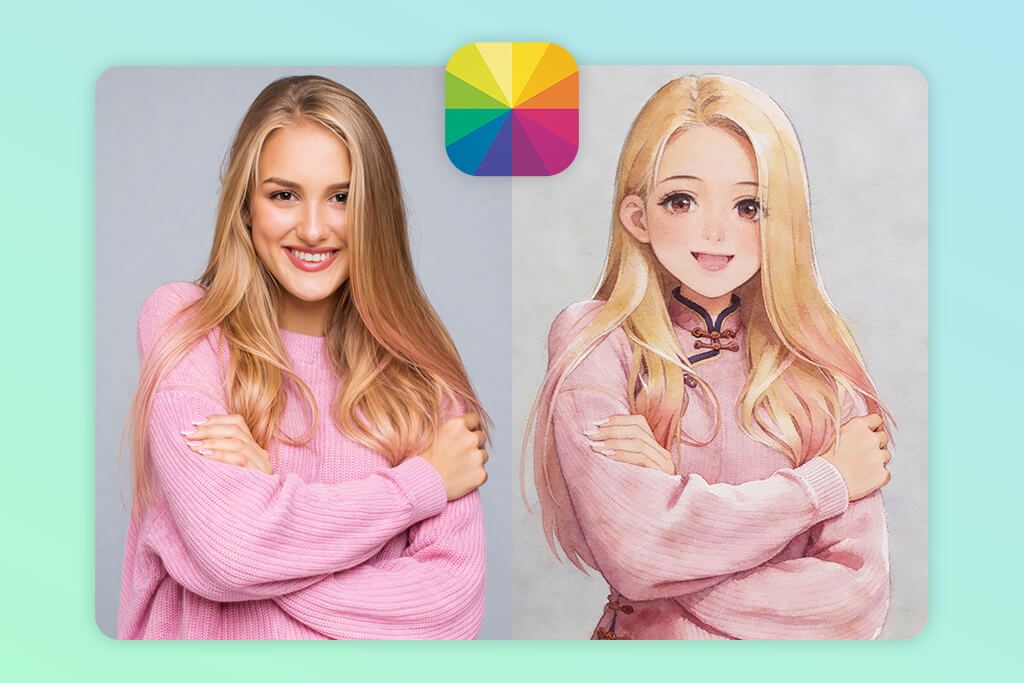
Fotor can turn your images into anime, thanks to its anime-styled effects that allow you to avoid messing around with complicated tools. It prioritizes speed and convenience over in-depth artistic manipulations, and is a better fit for casual projects that don’t require detailed, precise results, akin to workflows found in the software for color grading.
To get the desired anime aesthetic, pick relevant art filters or cartoon effects, which automatically adjust the colors and apply illustrated textures to the image. The effect is added as an overlay, meaning you can’t manually fine-tune the facial structure, eye shape, or line work.
As such, the results tend to resemble a stylized filter rather than a precise anime conversion. Fotor is mainly useful for fun edits, casual experiments, and social media content, but if your goal is to receive a detailed, personalized anime illustration, you should look for other options.
Pricing: Free; from $3.99/mo
Stop Using Anime Filters Like Everyone
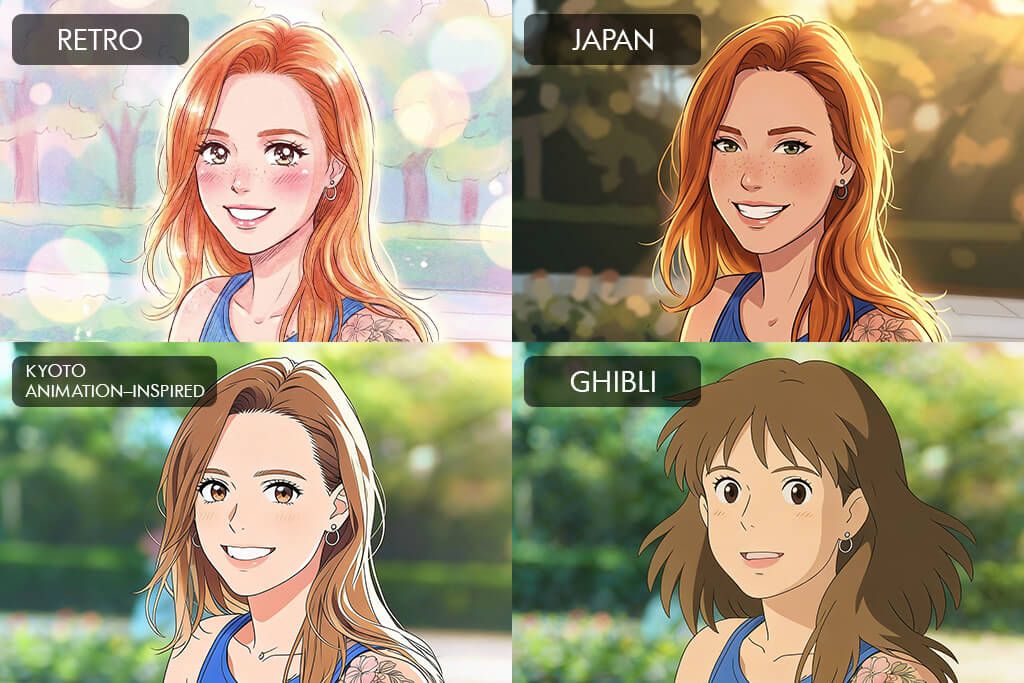
The majority of users who Google “How to make anime with a photo app?” want the most straightforward solution possible. That’s why most anime images look extremely similar, and you can instantly tell they were made with AI. It’s a clear tell that the user wasn’t interested in getting something more personalized.
Many people also go overboard with the intensity of the effect. A lot of free photo-to-anime AI-based apps default to the strongest setting, which might look great at first glance, but once you look closer, you’ll start noticing extreme outlines, neon hues, and overly smooth skin that ruin the appeal of the image.
Account for the composition of the image. Backgrounds, clothing, posture, and framing all determine how anime-like the result looks. If the scene is too busy, the illustration will feel chaotic and messy.
Lastly, approach your anime image as a character design, not a filter-enhanced photo. Random changes tend to feel random since they lack intention and a clear goal. If you don’t have a definitive concept behind the image, even a high-quality anime filter will deliver a generic result.
If employed properly, photo into anime apps can serve as an actual creative tool that allows you to develop a clear visual identity.
FAQ
- What is a photo-to-anime app?
Such an app typically transforms a photo into an anime-style image by employing AI-based filters or manual editing features. ToonApp and Lensa provide quick, automated conversions, while Fix The Photo Body Editor&Tune and Photoshop on iPhone provide a higher degree of control and realism.
- Which app delivers the most realistic results?
Fix The Photo Body Editor&Tune and Photoshop on iPhone are great at maintaining the original facial structure, which is something that single-tap AI apps like ToonApp or Fotor struggle with.
- Can I transform any picture into anime art?
Most solutions provide the best results when processing clear, front-facing portraits. Blurry pictures or images with rough shadows tend to lose a lot of detail, especially if you’re using an automated app like Media.io or Lensa.
- Can you use an app to convert a photo into anime for free?
Fotor, ToonApp, and Lensa, let you get free previews or limited exports. That said, high-resolution anime images or access to complete feature sets tend to require premium plans or purchasable credits.
- What if I need more realistic anime results but lack the time or skills to edit my photos manually?
Take advantage of the Weedit.Photos services. Their professional editors can manually convert your photo into an anime-stylized image, while carefully fine-tuning the facial proportions, line work, colors, and finer details to ensure the result looks natural and unique.
- Are anime photo editors applicable for group pictures?
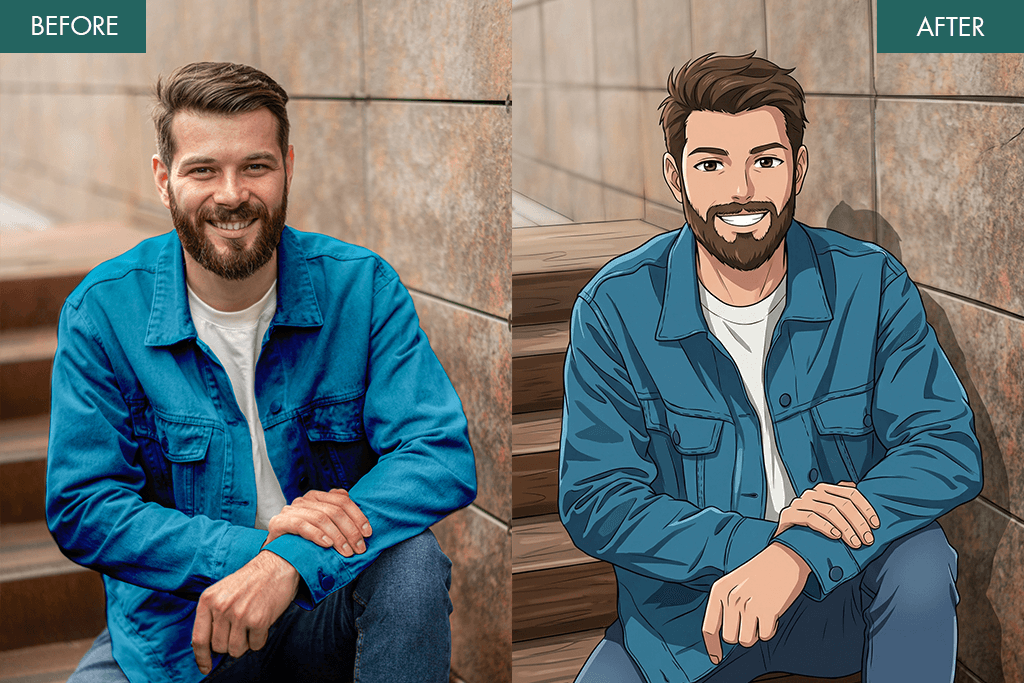
Some apps are capable of recognizing and transforming multiple faces, but the quality of the results varies greatly. Automated solutions like ToonApp tend to have trouble with group photos, while manual applications like Photoshop on iPhone put you in control of the output.
- Can anime images be used for social media or as avatars?
Yes. Anime portraits made with applications like Lensa, Photoleap, or ToonApp are primarily used for making profile images, gaming avatars, and creative uploads on Instagram, TikTok, and Discord.






