9 Best Free Photo Editing Apps to Flatten Stomach
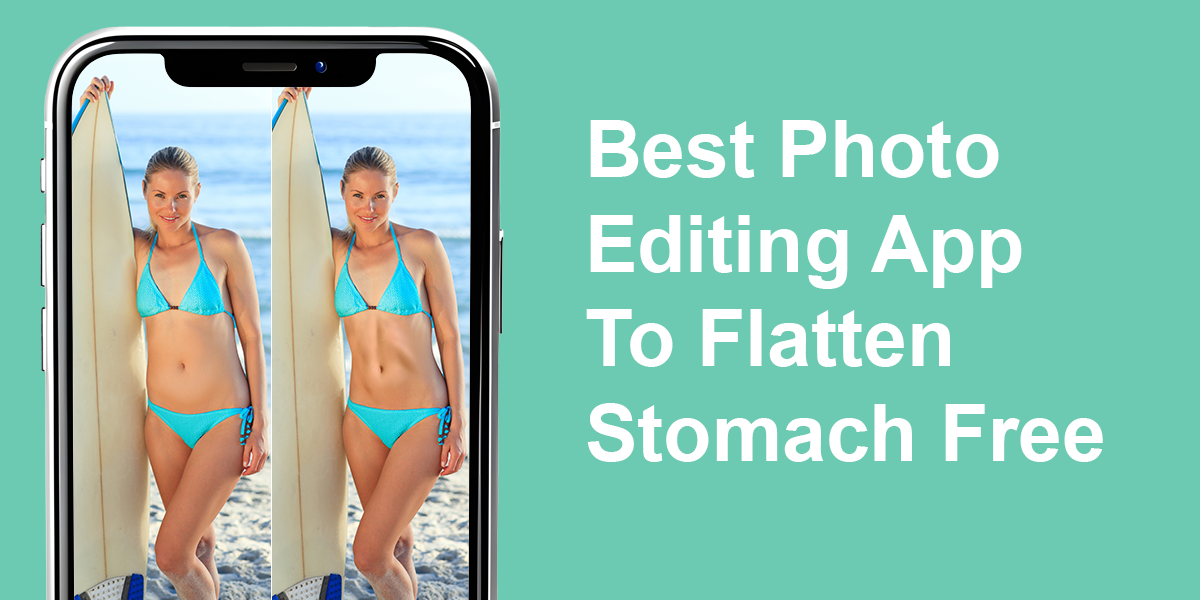
If you want to smooth your stomach in a picture, you don’t need extreme reshaping filters or cartoonish slimming effects. The right photo editing app to flatten stomach free can help tone the waistline or reduce bloating in seconds — all while keeping your body proportions realistic.
Some apps do this with AI suggestions, while others give you full manual control over body shaping. I tested each app using full-body and swimwear photos to see which tools offered smooth, believable edits without obvious distortions.
One-Tap Slimming or Manual Adjustments?
AI-based tools usually offer a single-tap “slim” or “tone” option that targets the belly area based on pose and posture. For casual edits, these can work really well — especially in standing poses with clean backgrounds.
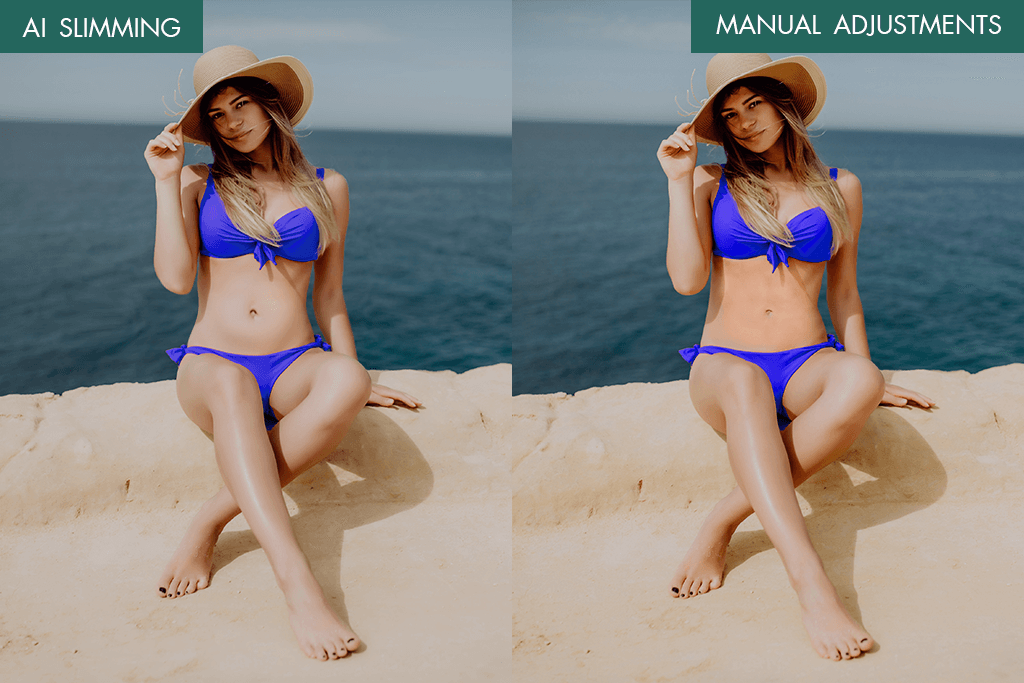
If you’re editing a vacation or gym selfie, the automatic option can quickly smooth out curves without overdoing it. But there’s a limit — the AI sometimes misreads clothing folds as extra volume, which can lead to awkward or inconsistent edits.
On the flip side, manual shaping tools give you more precision. You can flatten only the lower stomach or reshape the waistline without affecting other parts of the body. I found this especially useful for seated or side-angle shots, where automatic edits usually struggle.
My ideal app lets you combine both modes — fast edits when you’re in a hurry, and detailed touch-ups when you want full control. The best free photo editing app to flatten stomach should offer subtle, respectful changes that enhance the photo without erasing your natural shape.
1. FixPlus
Quick body reshaper
- AI auto body detection
- Waist & hip sliders
- Manual control option
- No watermark export
- No iOS version
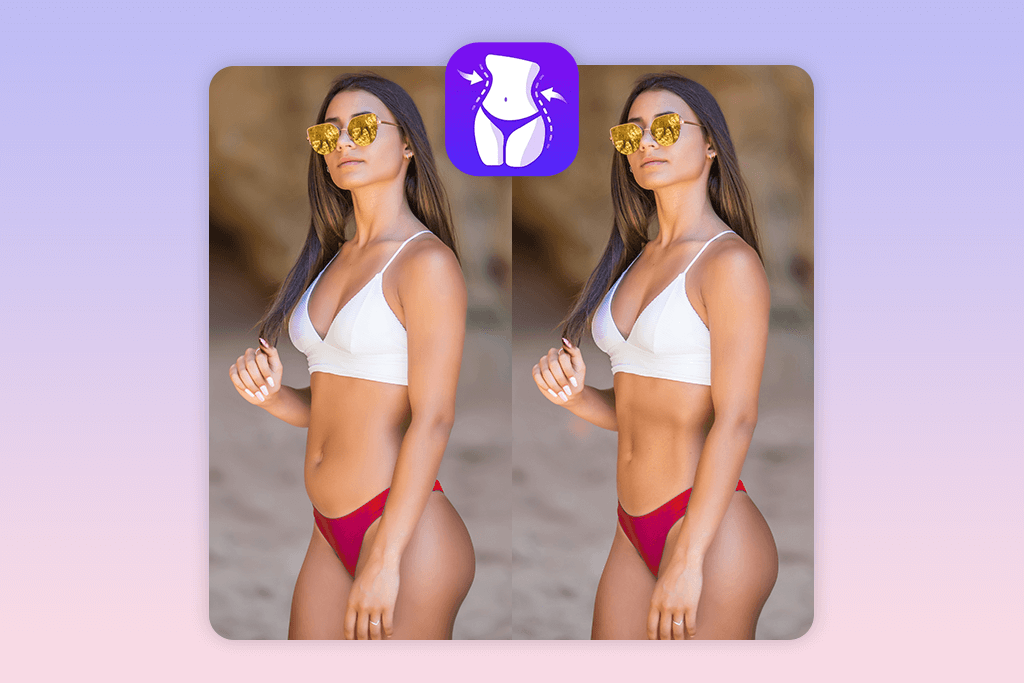
FixPlus offers both AI and manual reshaping. You can use its auto-slimming slider to flatten your stomach or fine-tune with the “Custom Shape” tool. I like the Symmetry Slider when I want even curves without distorting the image. It’s one of the best picks for those exploring apps to make you look skinny while keeping photo quality intact.
This Android-only app includes a few helpful extras too — like zoom control, undo/redo, and HD export with no watermark. Unlike many competitors, FixPlus is surprisingly gentle on backgrounds and doesn’t warp objects behind you. The interface is also user-friendly and responds well to detailed reshaping.
Price per photo: Free basic / $1.99 for premium tools
2. Body Tune
Waist and muscle retouch
- One-tap waist slimming
- Manual reshape brush
- Abs and muscle tools
- Height adjuster
- Ads in free version
- AI can overdo edits
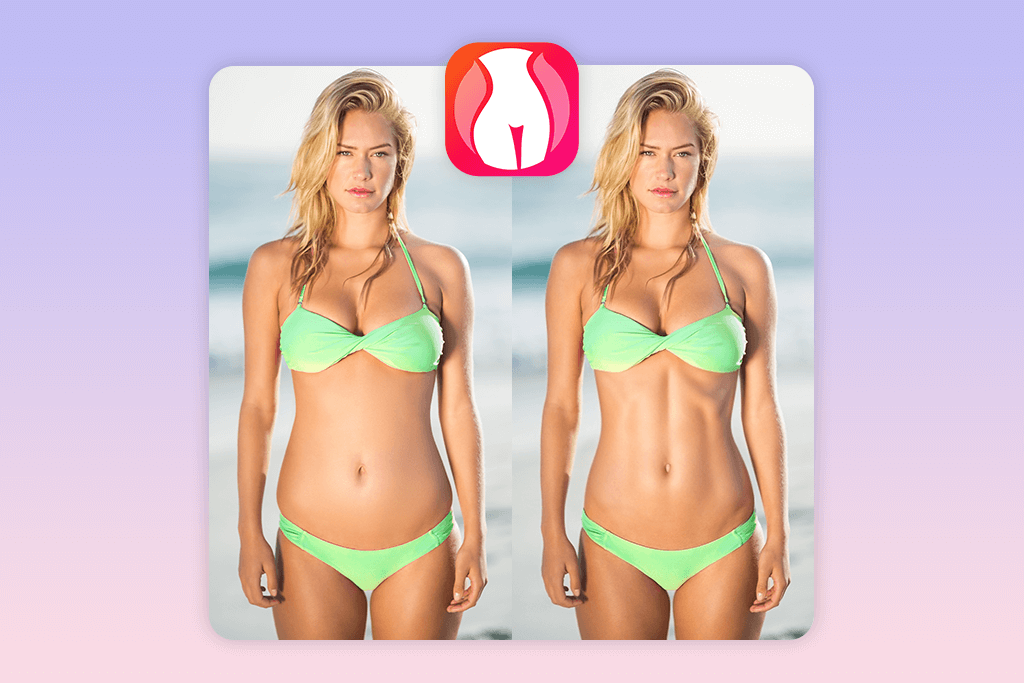
Body Tune is ideal if you want quick edits without much work. The AI-based waist finder identifies your torso and lets you use the stomach slimming slider to reduce belly size in seconds. It also offers Ab Creation and Muscle Tone Enhancer tools for adding definition with minimal effort.
I like the flexibility: you can either rely on the auto mode or use the Manual Reshape Brush to tweak just one side of the waist or shift curves naturally. There’s also a Height Tool and Posture Adjuster, which makes your full-body shots look more proportioned. This is one of the more complete options for iOS users who want iPhone photo editor.
Price per photo: Free basic / From $4.99 monthly
3. Fix The Photo Editor & Retouch App
Pro photo adjustments
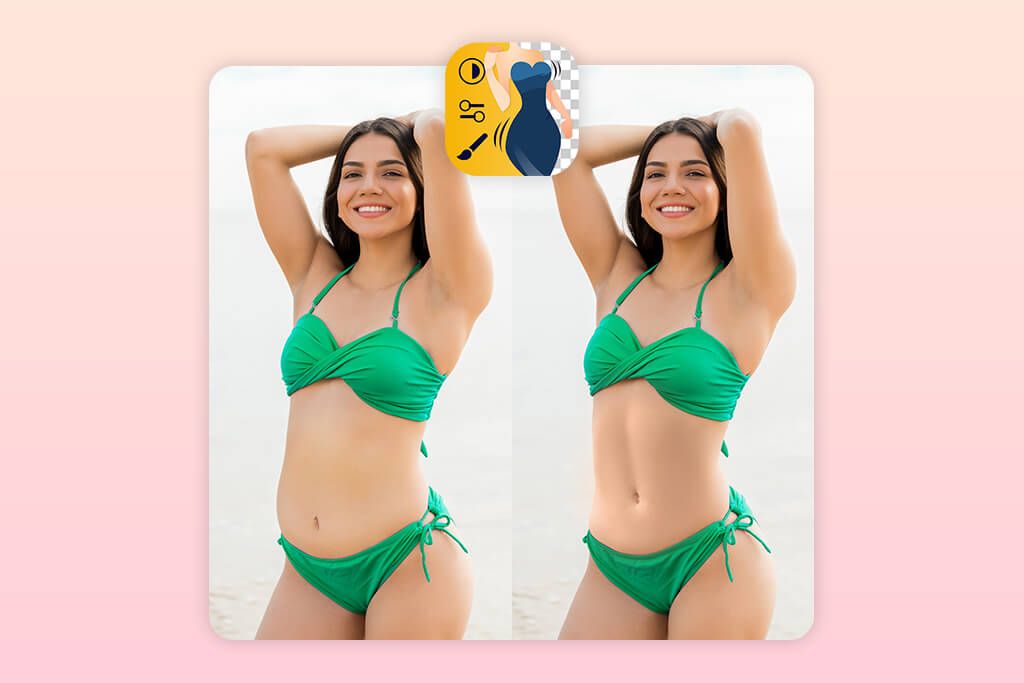
- Six-pack/abs options
- Real-person editing
- Background/object removal
- First photo free
- Subscription required for extras
This is my top choice for realistic body edits. Instead of AI guesses, real retouchers handle your request — like flattening the stomach, slimming the waist, defining abs, or removing bulges — based on your exact instructions.
You can even ask for very specific shaping: lift only the lower belly, define obliques, or adjust love handles without touching other areas.
The results look smooth, clean, and undetectable. It’s the kind of precision that many professional photographers rely on when finalizing portraits — if you’re wondering what app do photographers use this one often tops the list for detailed retouching.
You can upload a full-body or selfie and request any small tweaks. Want the stomach flat but not the hips touched? Just say so. It’s ideal for Instagram posts, resumes, or personal gifts that need to look flawless but believable.
Price per photo: Free first photo / From $1.99
4. Perfect Me
One-touch body fix
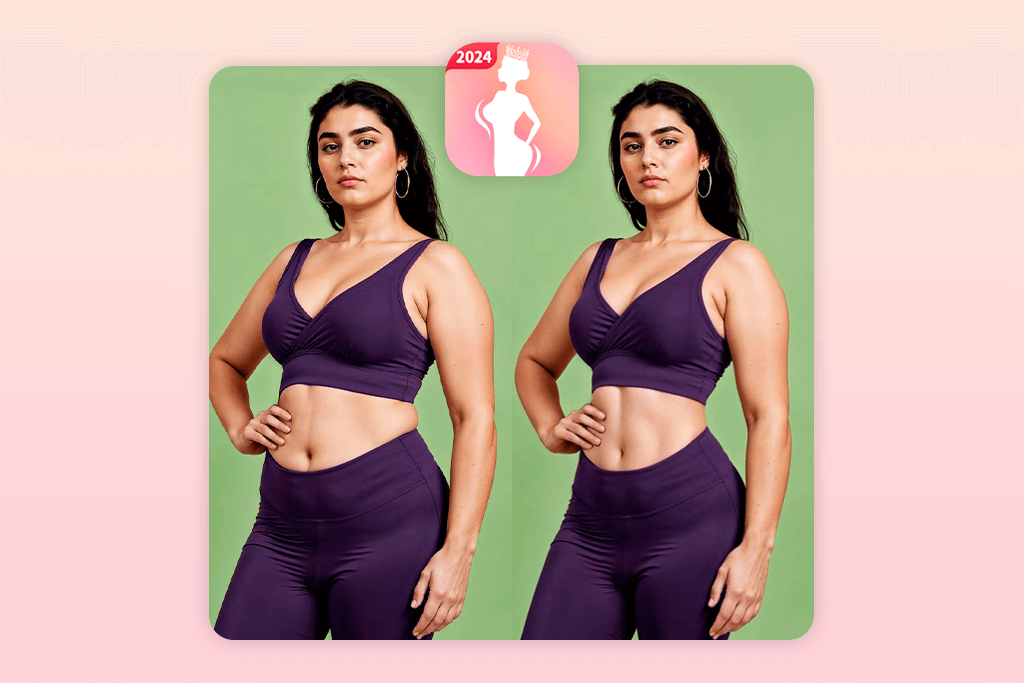
- Easy-to-use tools
- One-tap waist trim
- Supports height editing
- Great for selfies
- Fewer controls
- Lower image quality
Perfect Me focuses on fast and basic retouching. You can quickly slim your waist, flatten your belly, or stretch your height using simple sliders. It’s a light, beginner-friendly app that doesn’t overcomplicate things. It also includes a basic blemish remover tool, making it a handy app for quick skin touch-ups along with body edits.
It’s best suited for selfies, mirror pics, or casual phone shots where you just want a smoother look. While it doesn’t offer high-resolution output or advanced shaping tools, it’s great when you need a quick edit before posting on Instagram or sending a photo to friends. I also like using the Leg Length Slider to balance body proportions in outfit shots.
You won’t find manual brushing or pro-level precision here, but Perfect Me is still a solid option among free photo editing apps to flatten stomach — especially if you just want quick, minimal edits with zero learning curve.
Price per photo: Free / Premium from $2.99
5. Peachy
Artistic reshape app
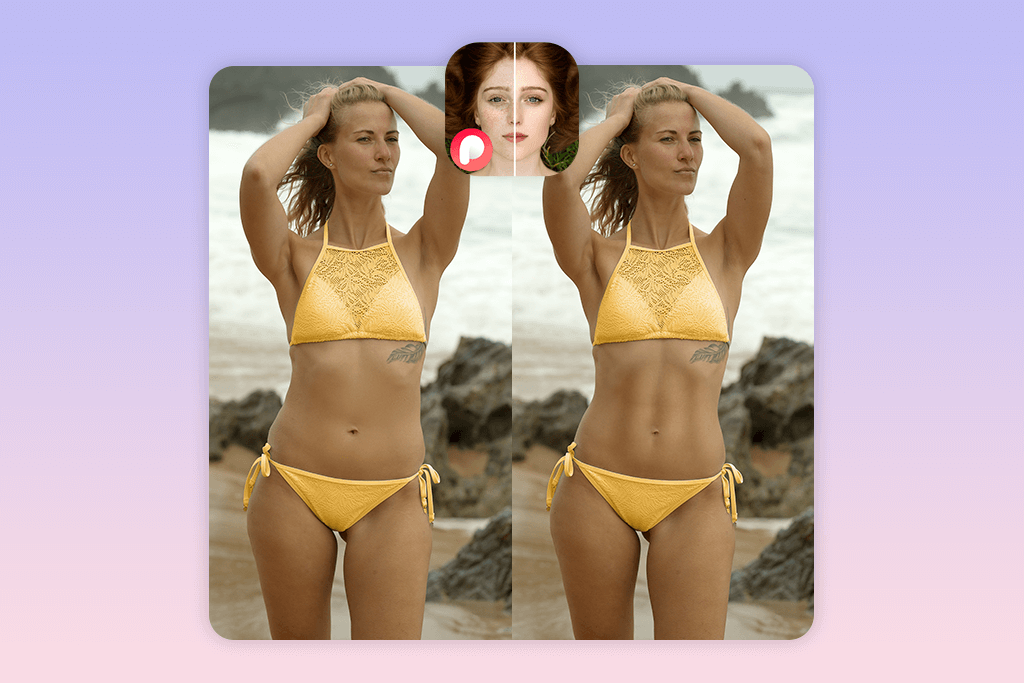
- Stomach flatten tool
- Add makeup or filters
- Manual reshape slider
- Clean result
- No iOS version
- No human editing
Peachy blends body editing with light artistic features, making it ideal for playful, casual selfies. You can use the Stomach Slimmer Slider to flatten your belly subtly, then adjust your overall shape using the Manual Reshape Tool for more control. It’s not designed for professional results, but for everyday use, it delivers stylish edits without much effort.
I particularly enjoy the makeup tools, tattoo stickers, and soft skin filter options that let you customize your image’s vibe. It’s one of the smoother Android photo editor if you’re after a gentle body retouch combined with light visual enhancement.
Just keep in mind that most of the more powerful features — including Height Correction and Hip Adjustments — are behind a paywall.
Price per photo: Free trial / From $3.49
6. YouCam Perfect
Good lighting filters
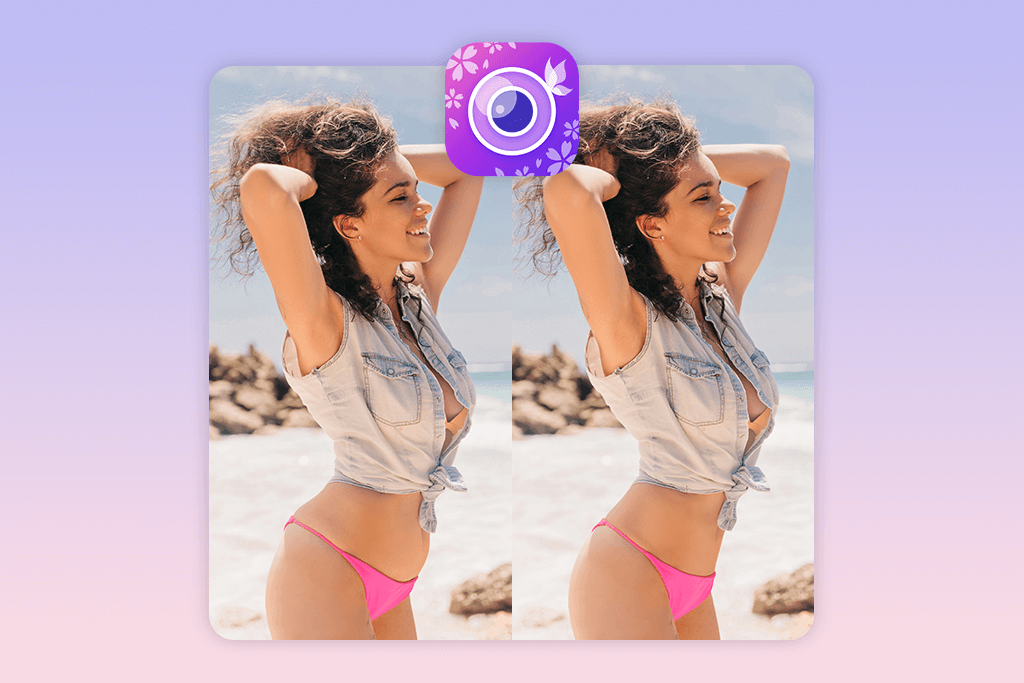
- Stomach/waist shaping
- Auto background protect
- Easy to preview
- Good for group shots
- Some body tools iOS-only
- May over-soften skin
YouCam Perfect is known more for its face tools, but it also includes impressive body shape editors like the Waist Slimmer, Stomach Flattener, and Leg Length Tool.
As an auto photo enhancer, it gives your images a polished look even before you start manual edits — automatically correcting lighting, contrast, and color tones.
One of its strongest features is how quickly it detects your waistline and applies changes without ruining proportions. It’s especially effective for selfies, outfit photos, or group shots where you only want to adjust one person. The auto background protect ensures that reshaping your body doesn’t bend buildings, objects, or other people in the background — a common issue in many apps.
You can also enhance the photo further with glow filters, skin tone smoothing, or light contouring to match the final vibe. While some body tools are only available for iOS, the overall experience is smooth and beginner-friendly.
Price per photo: Free / Extra features from $2.99
7. LightX
Web-friendly reshaper
- Tummy/waist/height sliders
- No background warping
- Good for laptop users
- Built-in filters
- Web version is better
- Interface can lag
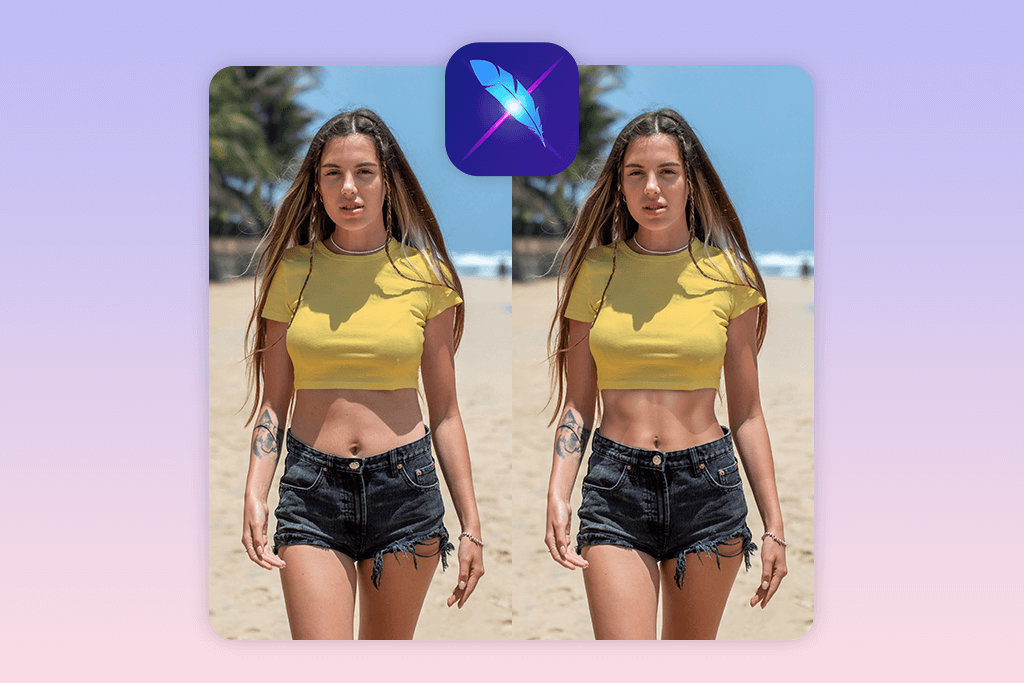
LightX is a strong option if you prefer editing photos from your laptop or desktop browser. It includes a suite of manual sliders — from Tummy Reduction to Waist Narrowing and Height Stretching. Unlike most apps that auto-detect your body, LightX gives you complete control over where to apply reshaping.
It’s also a solid choice for Instagram photo editing, especially if you want clean, consistent edits for your feed.
I found it helpful when editing full-body travel shots or outfit photos. Since there’s no auto-AI, it doesn’t make weird mistakes — but it takes a little more time.
Price per photo: Free
8. Fotor
Simple manual fixer
- Brush for precise edits
- No watermark
- Background-safe reshaping
- Beginner-friendly
- No auto-detect
- Not suited for bulk edits
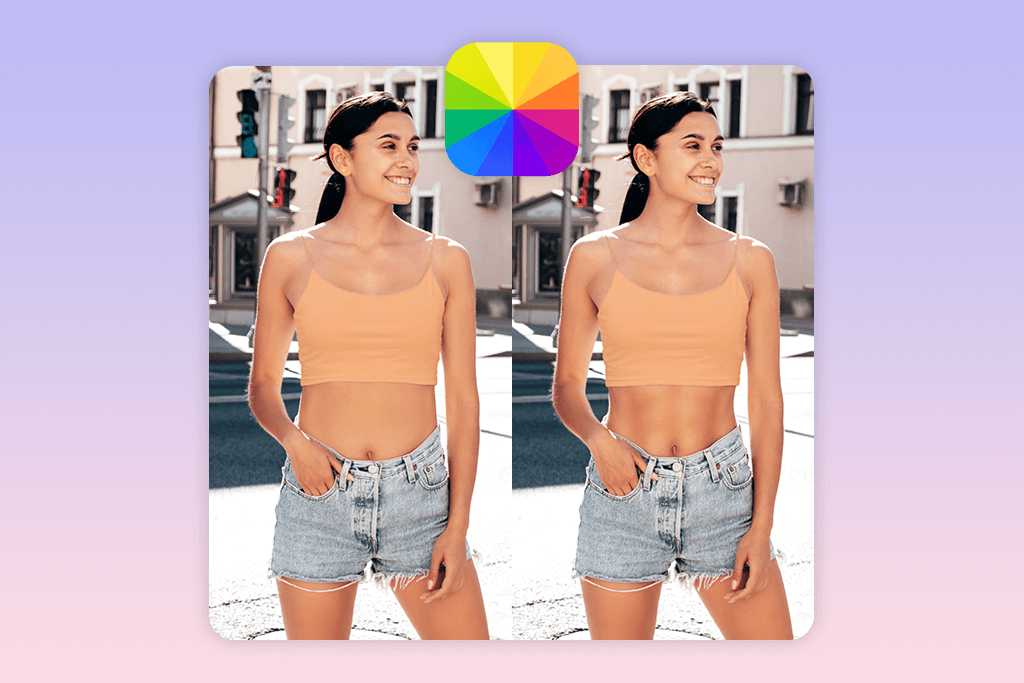
Fotor is a great choice if you’re looking for a free photo editing app to flatten stomach manually. Its reshape brush lets you control exactly where to apply slimming without AI interference. You can gently push in the waistline, flatten the stomach area, or tweak curves — all without affecting the background or other body parts.
Since there’s no auto-detection, the edits are slower but more precise. It’s especially useful for tightening clothing fit, reshaping arms, or reducing small bulges in swimwear or dress photos. The interface is clean and simple, making it ideal for beginners who still want pixel-level control.
I prefer using Fotor on a desktop for better accuracy, but the mobile app is also solid for on-the-go fixes. You won’t find flashy filters or one-click makeovers here — just reliable, subtle reshaping tools that do exactly what you need.
Price per photo: Free / Premium from $3.33 monthly
9. AirBrush
All-in-one beautifier
- Preset stomach slimming
- Skin tone tools
- One-click enhancements
- Real-time preview
- Ads in free version
- Some features are locked
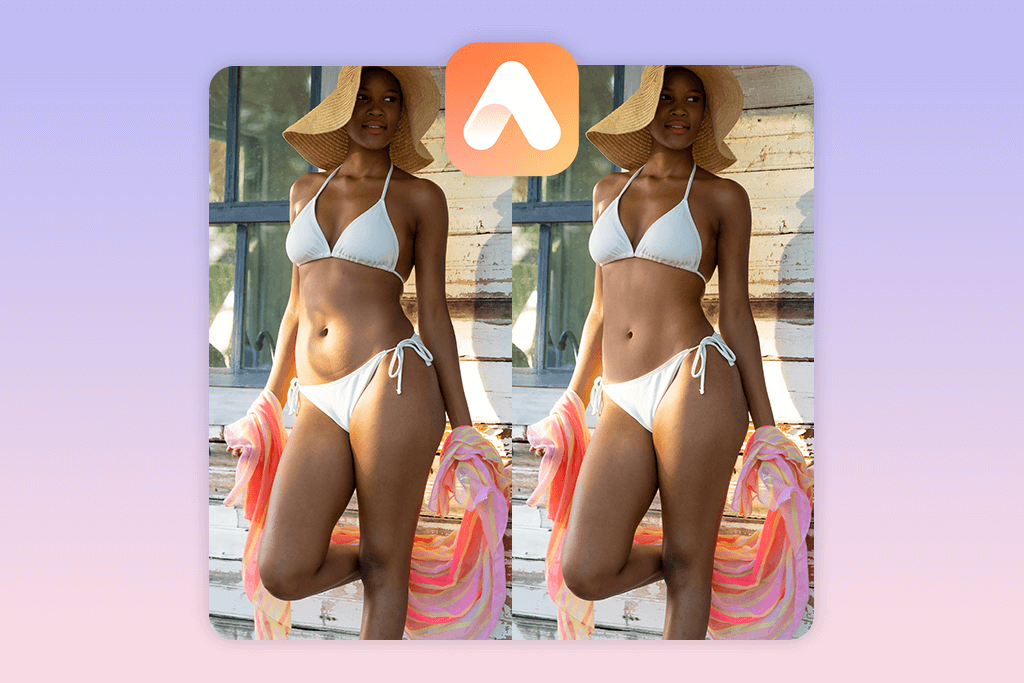
AirBrush is one of the best free photo editing apps to flatten stomach while also fixing your skin, lighting, and smile. The app’s Stomach Slimming Preset works instantly — one tap reduces belly roundness while keeping your waistline natural and background intact. You don’t need to manually adjust anything unless you want to combine it with tools like Waist Reshape, Leg Length, or Face Slimming.
It’s also packed with beauty-focused features like skin tone editor, teeth whitener, and eye brightener, making it a solid pick for selfies and full-body shots alike. You can preview changes in real time and undo anything that looks off. While it doesn’t offer advanced manual reshaping, the built-in tools are smooth, intuitive, and fast.
I often use AirBrush when I need a quick edit for Instagram or a profile update. It’s great for light sculpting and finishing touches — especially when you’re short on time but still want polished results without extreme overediting.
Price per photo: Free / Premium from $3.99 monthly
Quick Apps View
Choosing the best photo editing app to flatten stomach free depends on your style, device, and how much control you want over edits. Some people prefer AI one-tap slimming, while others value manual shaping or even real human retouchers for precision.
Here’s a quick breakdown based on use case:
| App | Platform | Best For | Manual Control | AI Slimming | Free Option |
|---|---|---|---|---|---|
| FixPlus | Android | Fast AI & no watermark | ✔ | ✔ | ✔ |
| Body Tune | iOS | Gym photos & abs | ✔ | ✔ | ✔ |
| Fix The Photo | iOS & Android | Realistic edits | ✔ (human) | ❌ | ✔ |
| Perfect Me | Android | Simple selfie edits | ❌ | ✔ | ✔ |
| Peachy | Android | Creative & fun reshaping | ✔ | ✔ | ✔ |
| YouCam Perfect | iOS & Android | Lighting + body shaping | ❌ | ✔ | ✔ |
| LightX | Web, iOS, Android | Desktop edits | ✔ | ❌ | ✔ |
| Fotor | Web & mobile | Detailed manual fix | ✔ | ❌ | ✔ |
| AirBrush | iOS & Android | All-in-one social edits | ❌ | ✔ | ✔ |
FAQ
- Can I edit full-body photos with these apps?
Yes. Just make sure your body is fully visible in the image. Apps with manual tools let you reshape hips, waist, or legs with more precision.
- Will these apps work on my phone?
Most apps mentioned work on both iOS and Android. As long as your phone supports basic photo editing, you’ll be able to make waistline adjustments easily.
- I’ve never edited my body before. Can I still get good results?
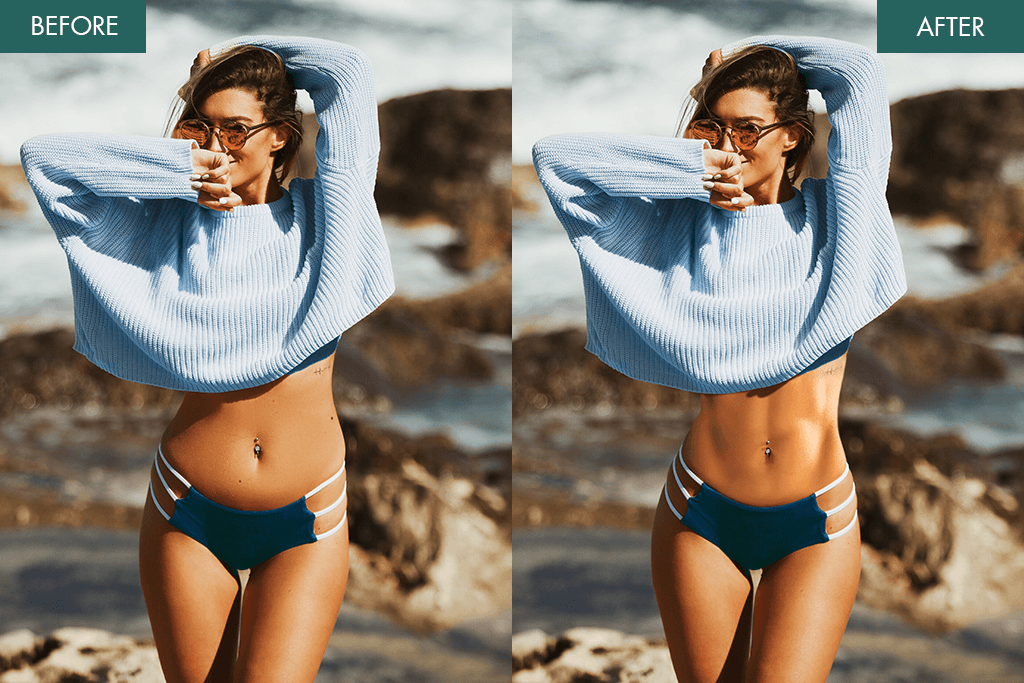
Absolutely. If sliders and brushes seem too complicated, just upload your photo to Weedit.Photos and describe what you want. Our team will flatten the stomach naturally and send back a clean, high-quality version.
- Why does my stomach look bigger in pictures than in real life?
This often happens due to wide-angle lens distortion, poor posture, or direct lighting. Sitting or twisting poses can create shadows that make the waist appear larger than it is.
- Is it safe to reshape my body in a photo?
Yes — as long as the edits are moderate and respectful to your natural shape. Many people now prefer to have these touch-ups done by real retouchers to ensure everything stays realistic and balanced.
Safe Submitting Rules
Before uploading your photo to any editing app, it’s smart to check a few things first. These simple steps will help you get better results and keep your personal images safe.
- Use only your own photo. Always upload photos that you took yourself or have permission to use. This protects your privacy and avoids problems with using someone else’s image.
- Make sure your face is clearly visible. A visible face helps the app or editor shape your body correctly. It also keeps the edits looking more natural and realistic.
- Wear fitted or plain clothing. Tight or simple outfits make it easier to reshape the body accurately. Avoid busy patterns, baggy clothes, or anything that hides your shape.
- Choose good lighting. Natural daylight or even soft indoor light helps show your real contours. Harsh shadows or strong flash can confuse the editing process.
- Review the result before sharing. Always take a moment to check how the final image looks. If anything feels off or unnatural, ask for adjustments or try again.






