5 Best Smile Editor Apps for Happy Looks
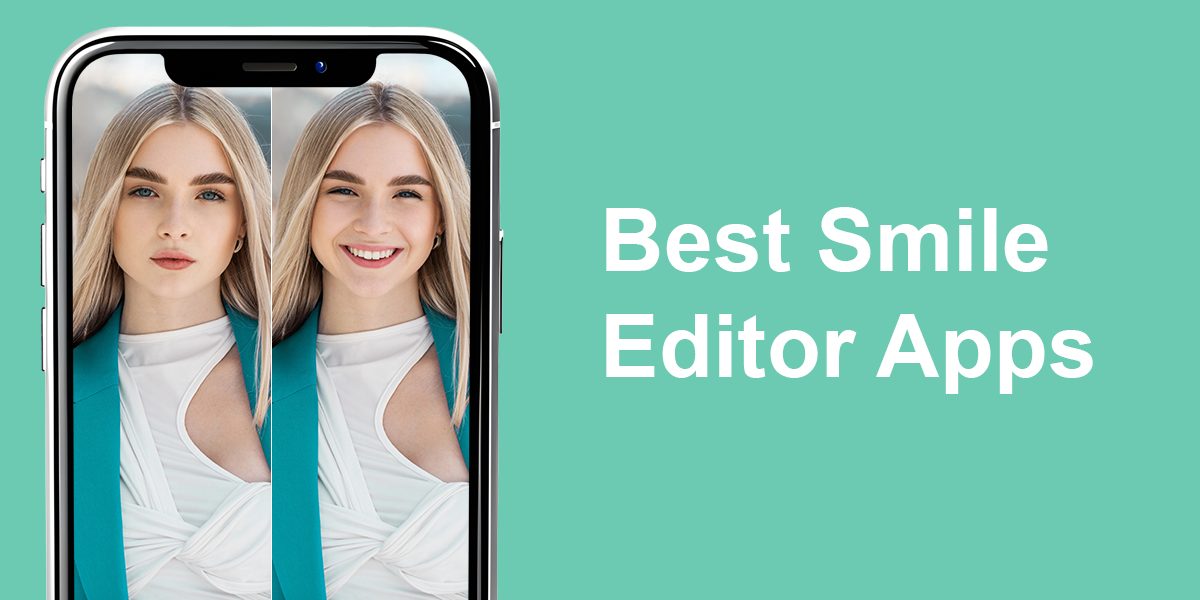
Want to perfect your smile without mastering complicated tools? Photo smile editors let you do that in a quick and easy way. Using such tools, you can brighten your teeth, smooths out your lip line, and apply other corrections. They’ve become especially favored by people seeking fast selfie improvements or better profile pictures.
As a professional retoucher working at Weedit.Photos, I regularly use high-end editing software. But after receiving numerous questions from readers seeking ways to enhance smiles without technical expertise, I took it upon myself to explore various face smile editors online free options and determine which ones actually work. During my tests, I focused on realistic outcomes, user-friendliness, processing efficiency, and the variety of features available in free versions.
AI vs. Manual Smile Editing
When I just started my photo retouching career, I had to edit smiles in photos by hand. Hours went into modifying tooth coloration, reshaping mouth contours, and fine-tuning facial expressions. While I had unlimited creative control, I had to master advanced techniques and a hone a sense of visual accuracy. Average people without professional background will be overwhelmed by the process, so no wonder they are looking for an intuitive face smile AI editor.
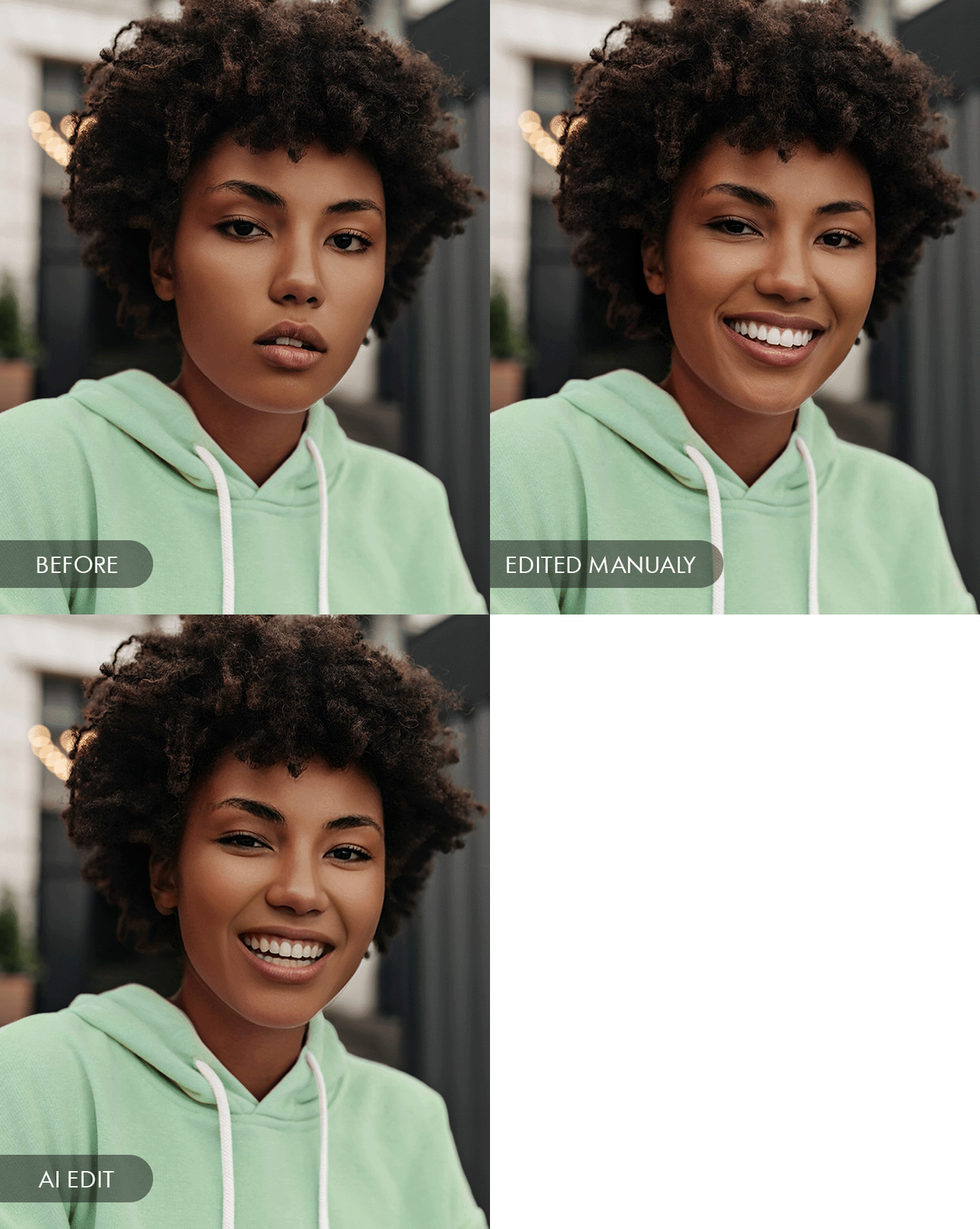
Instead of dealing with intricate layers, masking techniques, and sophisticated brush tools, these applications use AI to recognize smiles immediately and apply corrections instantly. I was eager to learn whether these technologies could stay on par with traditional hand-editing. Besides, I checked whether they could satisfy everyday photography needs.
I learned that doing edits by hand, you can get the most realistic results. However, smile AI apps have become much better and closer to that quality. You can use them to make teeth whiter and change smile shapes really well. Plus, they’re very fast. Edits are usually made in seconds. The downside is you can’t adjust every tiny detail like I do in Photoshop, but if you just want fast, good-looking fixes, AI apps work really well now.
I think smile editing apps are worth checking out, especially if you are interested in quick Instagram photo editing. They can’t do the complicated work professionals do, but they let anyone improve images without spending lots of money. That’s the main reason I wanted to test them and create this review.
1. YouCam Makeup
- 3 cool smile filters
- Lifelike results
- Intuitive slider control
- Teeth whitening tool
- Quick photo export
- Occasional ads in free version
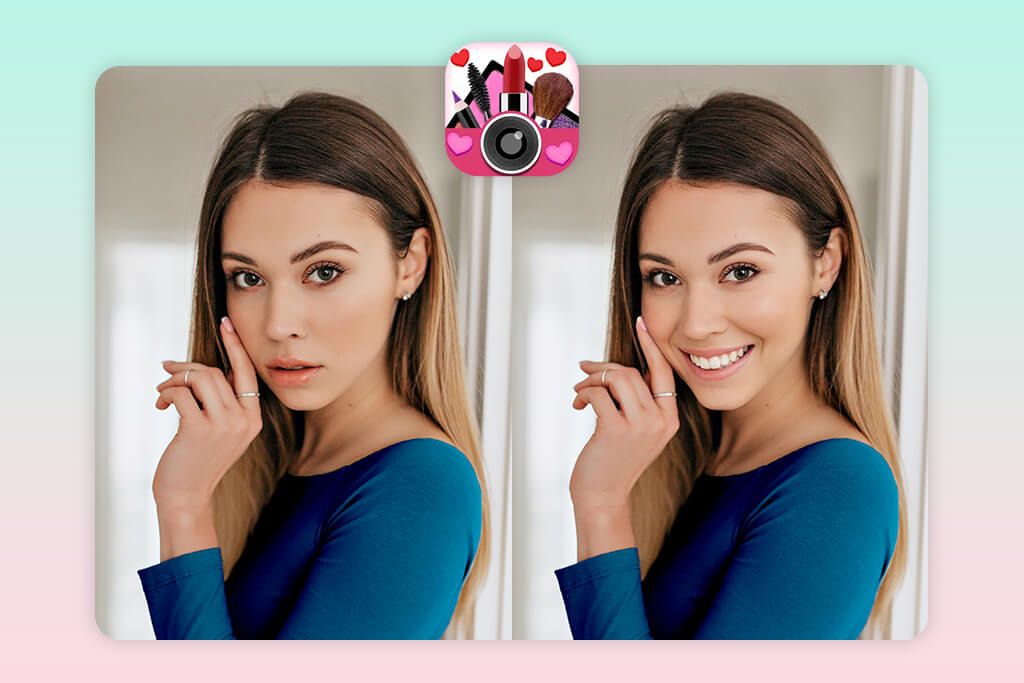
I’d tried YouCam Makeup before to smooth out my skin and test different makeup styles. However, I never used its smile photo editor until now. It is located under the Retouch tab. I picked one of my photos and tried three smile options available in the app – Classic, Chic, and Charming. The Chic style made my cheeks look fuller, and Charming made my eyes look softer and more approachable. I experimented with different combinations and traced how my photo changed.
I like that corrections look very realistic. I used the slider to make the smile a bit wider. The area around the mouth still looked normal, with no strange warping. If you choose the “Chic” setting, your face will look friendlier, while “Classic” works best for small changes. I also tried the teeth whitening feature. The teeth became brighter but they still looked natural. Not all apps deliver the same realistic results. The export process was quick. Generally, if you want a simple selfie, YouCam Makeup works perfectly.
2. FaceApp
- Lifelike smile edits
- One-tap photo processing
- Smooth lighting blending
- Handles most portraits well
- Collection of filters
- Struggles with angled faces
- Quality depends on lighting
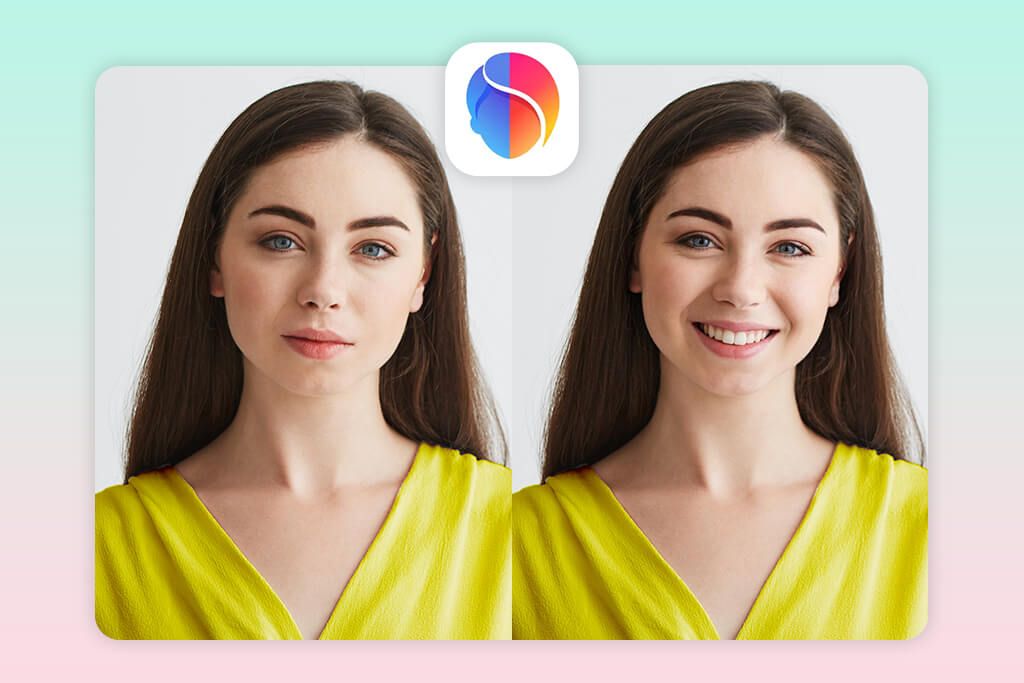
A friend told me about FaceApp and its smile filter. She was right to recommend it. When I tried it on my photo, it worked really well. My face turned from serious to happy. The best thing is that the smile looked genuine. This app curved my lips naturally and even adjusted my cheeks a little. The result looked like I had actually smiled when the photo was taken.
After exploring the app, I understood why it’s popular. Adding a smile takes just one click. You upload a photo and pick the “Smiles tab”, and the app blends it naturally with your existing lighting and facial features. I tested it on several photos. Straight-on pictures worked the best. Side angles and dark lighting made the smile look less lifelike. But even the weaker results were good enough to post online or share with friends.
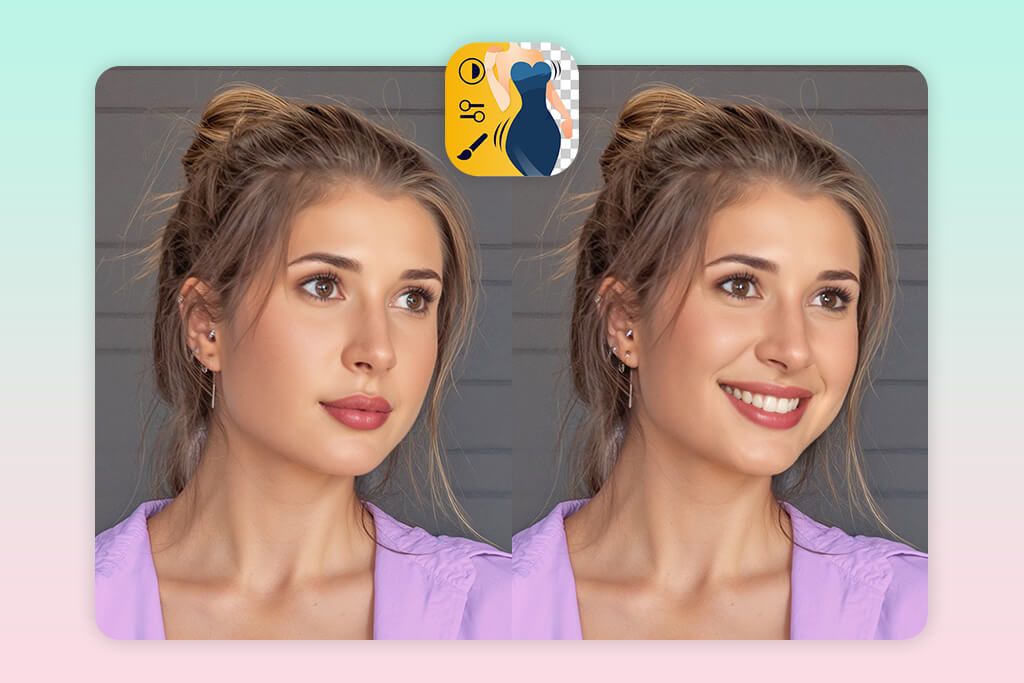
3. Fix The Photo Body Editor&Tune
- Complete customization control
- Top-notch and natural results
- Lots of additional edits
- First photo is completely free
- No immediate one-tap edit
- Requires very precise instructions
This is my favorite smile editor. It bypasses AI-based tools entirely and connects you with human retouchers. Having worked in professional retouching myself, I can vouch that this is the same app that photographers use on a regular basis. When I decided to test their smile editing services, I only needed to upload a portrait, typed out my request (“Enhance the smile, brighten the teeth, keep it natural-looking”), submitted the order. The delivered the result very quickly.
When the retouched image landed in my inbox, I couldn’t hide my excitement. My smile looked unmistakably mine, but it was more assured. Teeth were brighter yet believable, and every adjustment perfectly matched my natural features. Sure, this isn’t photo smile editor online free. But you have to pay just $0.99 for three edits, while your first one is free. I think it is a terrific option if you want magazine-ready images without any hassle.
4. FaceTune
- Customizable smile intensity
- AI-based edits
- Smooth teeth whitening integration
- Quick editing and export
- Premium features are paid
- Sometimes results look unrealistic
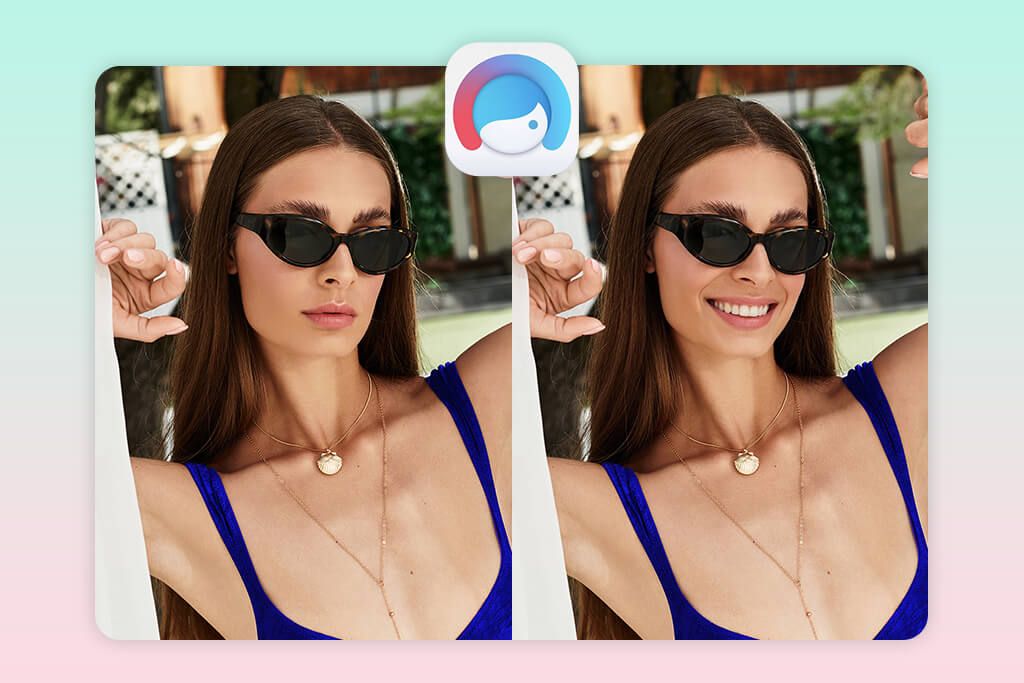
I’ve scrolled past countless FaceTune edits on Instagram, so naturally I had to see what the smile maker hype was all about. Once I opened the app and dropped in a selfie, I headed to the Smile filter. My serious face transformed into something genuinely warm and approachable almost instantly. The best part is that a new smile integrated with my features. That intensity slider is very helpful. I can dial my smile up or down, ending up with a subtle smirk to a full-on beaming grin. I didn’t expect such flexibility from a mobile app.
Feeling adventurous, I tested the Whiten tool for my teeth. Moreover, I experimented with some lip reshaping to balance out a minor asymmetry I’d always noticed. The interface was very intuitive. I needed to drag the slider left for gentle tweaks or right for dramatic transformations. Exporting took seconds. When I placed the original next to the final version, the difference was striking. My face looked happier and more inviting. Still, premium features aren’t free. Plus, you have to spend some time to master the more intricate edits.
5. AirBrush
- Fast and intuitive editing process
- Realistic teeth whitening
- Understandable interface and layout
- Lip size adjustments
- Some features are paid
- Results may lack realism if you go overboard
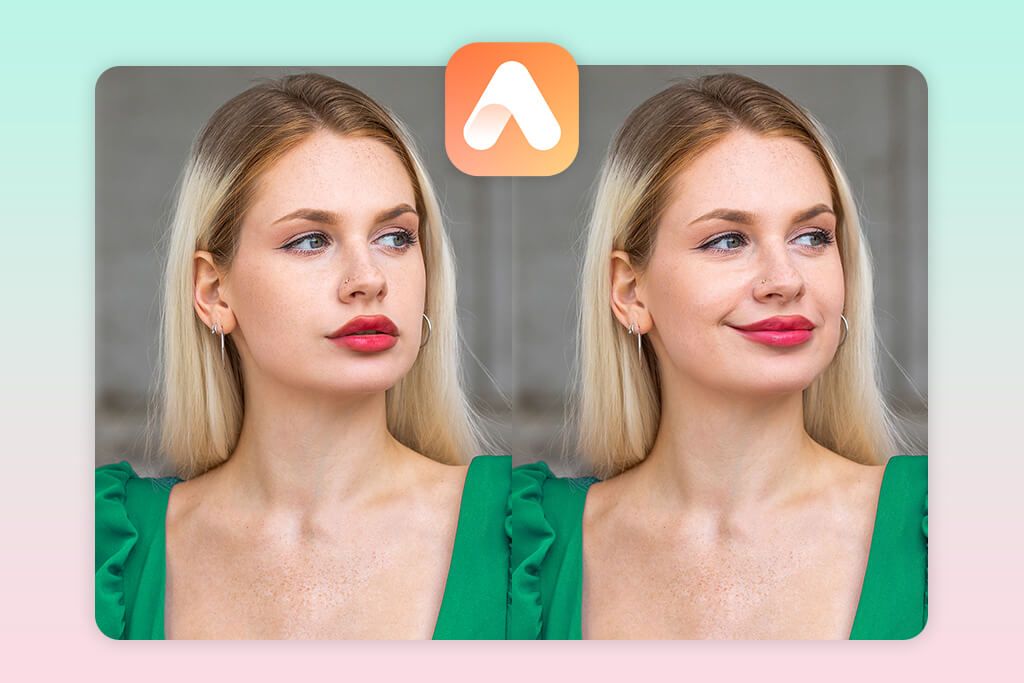
Sky-high ratings of AirBrush in the App Store kept catching my eye. So, I finally caved and downloaded it to see if it lived up to its reputation. After uploading a selfie, I jumped directly into the Beauty Magic section. The AI smile filter worked immediately. My expression softened while the entire image gained this luminous quality. Then I nudged the teeth whitening slider just slightly to the right, and got the desired outcome. The best thing is that I received bright and healthy smile rather than blindingly-white fake grin.
Photo editing was easy from start to finish. Jumping between different editing tools was completely friction-free. Besides, this smile editor online harmonized adjustments with my actual features very accurately. I like the possibility of tweaking my lip proportions to complement the smile enhancement. But you should be very mindful since by cranking the slider to maximum, you will get a telltale “overdone” look. Plus, remember that Some of the best features are available to premium users only. Anyway, it is a standard practice across most Android and iPhone photo editors.






