7 Gray Hair Filter Apps to See Future You
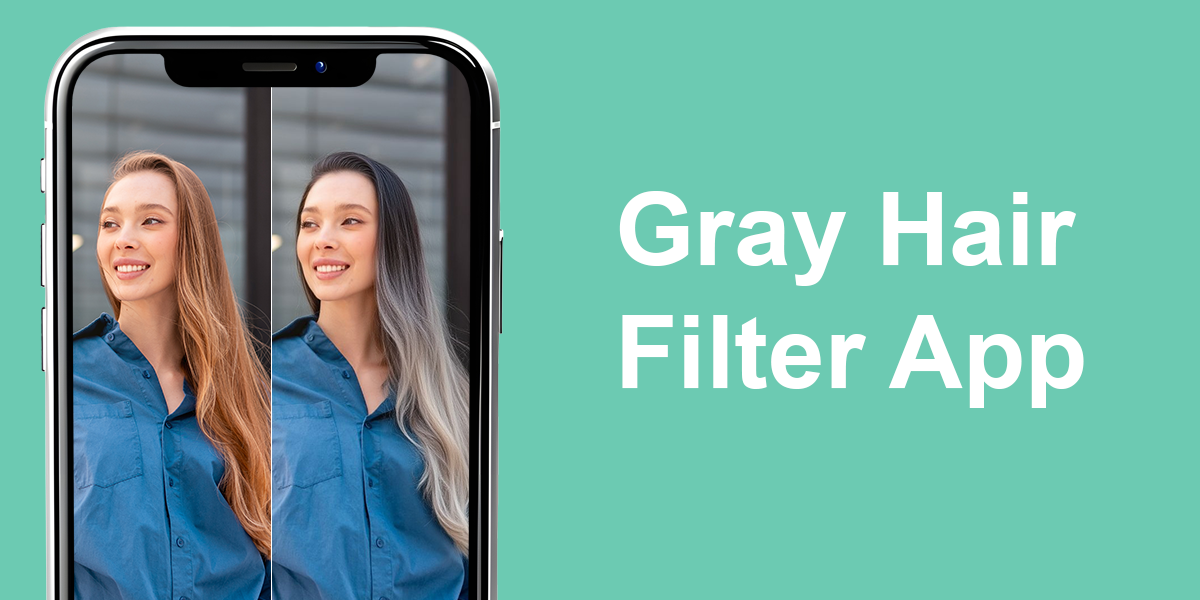
It seems like whenever I visit Instagram or TikTok, my feed features friends and famous people displaying fabulous silver and gray hair. That’s why it’s completely understandable that many people keep asking, “How would I look with gray hair?”
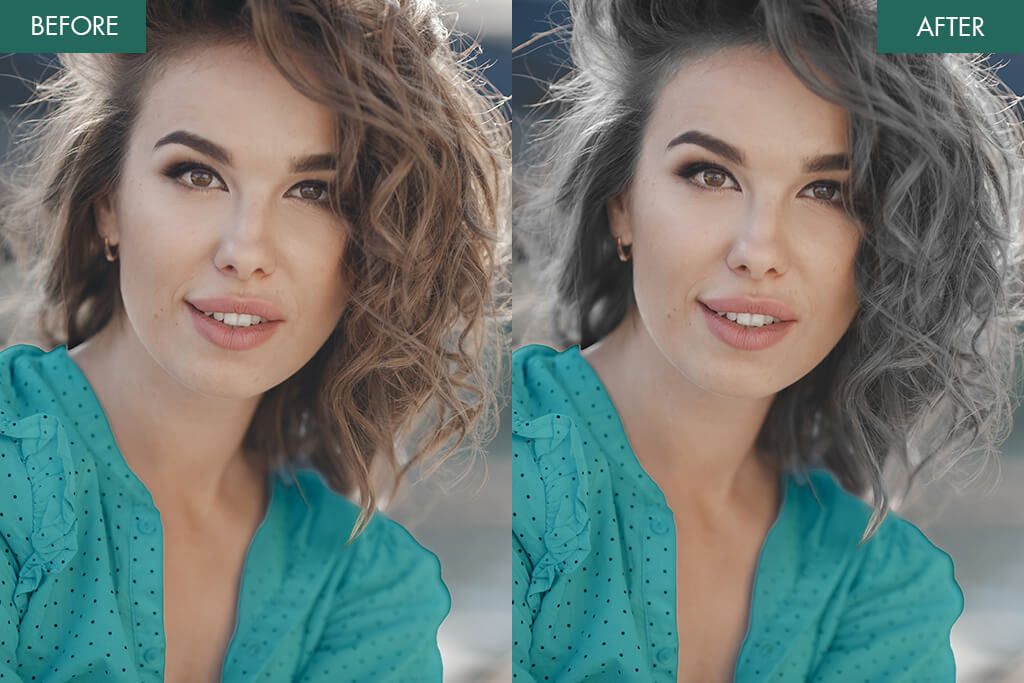
Being a professional photo retoucher, I can immediately say how people made such gray hair makeovers. If the modifications look lifelike and authentic, people have probably addressed experts. When finished the photos look strange and unprofessional, because users applied a generic gray hair filter.
Such result inconsistencies motivated me to try out popular apps on my own. I wanted to discover reliable apps and see if AI-based apps can accurately guess your real future gray hair color. To make the testing process more interesting, I tested both my personal photos and old pictures of my mom from when she was in her twenties. Then I compared what the apps showed to her actual gray hair color today.
I tested more than 30 applications and created a list of the best gray hair tools. If you’d like to play with multiple shades purely for amusement or are genuinely interested in “What would I look like with gray hair?”, these apps will help you get the answer.
Trendy Silver Hair Shades You Should Try
Silver and gray hair is taking the world by storm as one of today’s most exciting trends. Still, you don’t need to go completely white anymore. Such a color experiment helps you express yourself with confidence and flair. If going silver has crossed your mind but you’re hesitant about the maintenance or long-term commitment that comes with real dye, you can use a gray hair app first.
You can try out various colors online and find your perfect match before you visit the salon. These are the popular colors my clients ask for most. Besides, I’ll share some tips on how to get them using apps:
Cool silver. This is a bright, glacial hue. It’s lovely but demanding in practice as it requires consistent toning to block yellow undertones.
- Preview it through Hair Color Changer to determine if it suits you before making your final choice.
Smoky gray. This is a darker, soft color that looks stylish. You should choose it if you need an elegant style that is easy to take care of.
- Using YouCam Makeup and similar apps, you can adjust the intensity of gray.
Ash blonde to gray blend. Choose this gentle, easy change from blonde to silver if you don’t like a sharp line of new growth.
- Resort to Fix The Photo Body Editor&Tune, where real editors can mix colors professionally.
Silver balayage. An easy-care choice with highlights. It creates depth and looks great growing out.
- Check the placement of highlights with L’Oréal Style My Hair before applying such enhancements in real life.
Salt-and-pepper mix. Texture and contrast are made with the help of your darker strands. This shade appears great on both short and long styles, but you need to improve it regularly.
- With Hair Color Booth, you can visualize this look instantly.
If you ponder “How will I look with grey hair”, I think Fix The Photo Body Editor&Tune is the most reliable option. Rather than using AI filters, you’ll contact actual editors, who work on your image manually. They will consider your skin color, eye tone, and individual requirements. You will clearly see how you look without gambling on awful dye results or the draining maintenance involved.
Can AI Predict Your Future Gray Hair?
I was curious to learn if the AI could guess what my mom’s actual gray hair looks like based on her younger pictures. Honestly, I was pretty disappointed. Almost all the apps got it wrong. Some made her hair too blonde and light, while others turned it into weird, fake-looking silver color, like she was wearing a costume wig.
Only one app actually did a decent job. OpenArt.ai got pretty close to what my mom’s gray hair really looks like now. It wasn’t 100% perfect, but it was good enough to make me think that this technology is getting better. So, if you really want an accurate answer to “What will I look like with gray hair”, your best bet right now is probably using AI as a starting point and then addressing a skilled photo editor to clean it up and make it realistic.
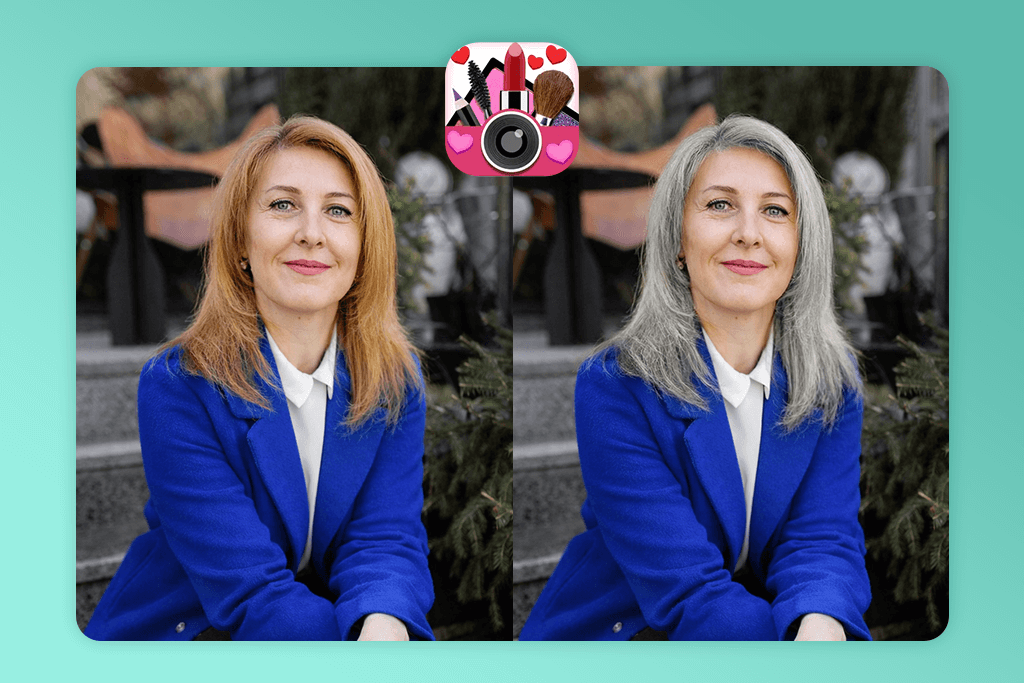
1. YouCam Makeup
Realistic gray hair filter
- Many gray shades
- Adjustable intensity
- Intuitive two-tone blending
- Natural transitions in good lighting
- Quick export
- Light silver can look unrealistic
- Occasional color mismatch
When I tried out YouCam Makeup, I just uploaded a photo and clicked on “Hair” and then “Colors.” The app is easy to figure out. You basically just tap a color wheel and swipe until you get to the gray and silver options. I like the variety of different gray shades to choose from. There are pale silver, dark charcoal gray, and other variations, so you can actually pick something that looks natural on you.
There’s the intensity slider that lets you dial the effect up or down, so you can go subtle or go full-on dramatic. Plus, you can actually mix two different shades together to make it look more natural and realistic. I tried it with photos taken in different lighting, and it did a surprisingly good job. The hair didn’t end up looking flat or like someone just painted over it with a brush, even in the shadowy areas.
The results looked pretty realistic overall, especially when I stuck with the medium gray tones. So, anyone questioning “How would I look with grey hair?” can use this app. The only issue I noticed was with the really light silver shades, as they acquired an overly shiny look. Saving and sharing your photos is easy. You just tap “Save” or send it straight to Instagram or TikTok.
Beyond just the gray hair filters, YouCam also does full makeup try-ons, includes some entertaining AR effect, and backs up as a blemish remover app. But the hair color feature is probably the most refined part of the app, especially if you just want a quick idea of how gray hair would look on you.
Pricing: Free; from $12.99/month
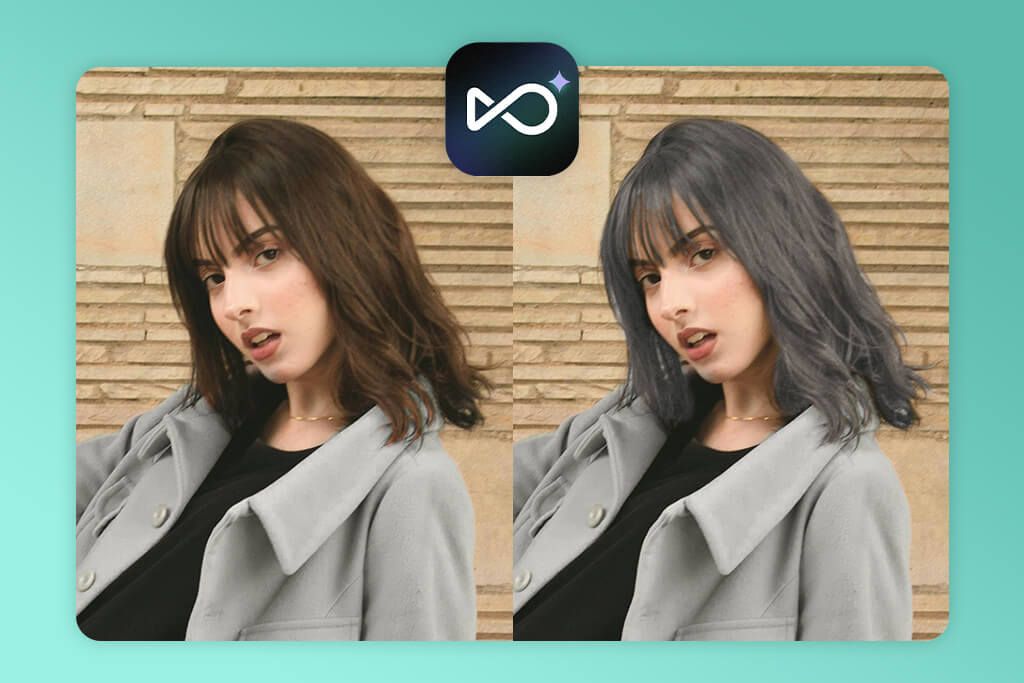
2. OpenArt
AI predicts future gray hair color
- AI predicts future gray shade
- Very lifelike results
- Ideal for salt-and-pepper look
- Easy one-click changes
- Free
- No manual customization
- Some texture blur
OpenArt AI uses AI to predict what you’d look like, instead of just slapping a basic grey hair filter on your photo. You need to upload your picture, pick the “Grey Hair Filter” from the menu, and hit “Generate.” That’s it. The AI looks at your face shape, how old you are, and what your hair looks like now, then creates a pretty realistic version with gray hair.
You can’t fiddle with settings or adjust anything yourself. The AI handles everything. Sure, that means less control, but it also means you can’t spoil the result by over-editing it.
I decided to test this app out properly, so I grabbed some old pictures of my mom from when she was in her twenties. I wanted to see if OpenArt AI could guess what her actual gray hair looks like now. I was impressed. It got really close to reality, especially when showing that mixed gray-and-dark look. That’s what makes this app special. It’s not just playing around with silly filters, it’s actually trying to envisage the future.
The problem is you’re stuck with whatever it gives you since there’s no way to tweak the results. Also, sometimes the hair looked a bit fuzzy or soft around the edges. On the bright side, saving and sharing your photos is easy and free. However, if you want the really high-quality version, you’ll need to pay for a subscription.
Pricing: Free; from $9.99/month
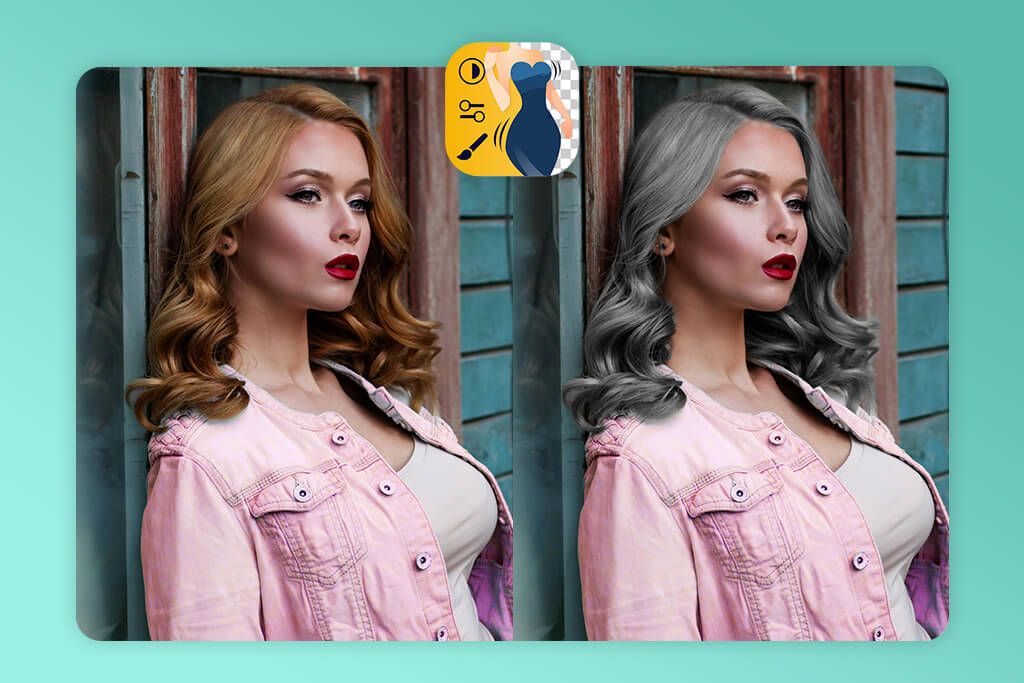
3. Fix The Photo Body Editor&Tune
Real retouchers create perfect gray hair
- Real skillful retouchers
- Custom gray hair shade selection
- 100% natural results
- Suitable for professional needs
- Fast turnaround
- First photo is free
- No search by features
Fix The Photo Body Editor&Tune is one of the most popular apps that photographers use, and I can see why. The bragging point is that actual human retouchers work on your photos instead of some automatic filters doing everything. When I uploaded my picture, I clicked into the “Face” section and found the “Change Hair Color” tool.
They had tons of gray options available, but I didn’t want just any generic gray. So, I used the text box to describe exactly what I was looking for. I wrote “natural smoky gray with soft highlights.” I appreciate that they let users tell them precisely what they want.
It isn’t one of the instant apps where you get results in seconds. An actual person works on your photo and sends it back after a few hours. But that wait is totally worth it because the gray hair looks genuinely realistic, with proper color blending, natural shine, and dimension that AI just can’t replicate.
I tested it out with three different selfies. What surprised me was that the retoucher actually gave me advice on which gray shade would look best with my skin tone, and they even tweaked the lighting to make everything look believable. It seemed that I’d gone to a salon and dyed my hair gray. The results were perfect and I understood how I would look with silver hair.
Beyond hair color changes, the app does body editing, removes unwanted objects, and provides other professional touch-ups. When you’re done, sharing or saving your images is really straightforward.
Pricing: Free; pay-per-edit (prices vary per request)
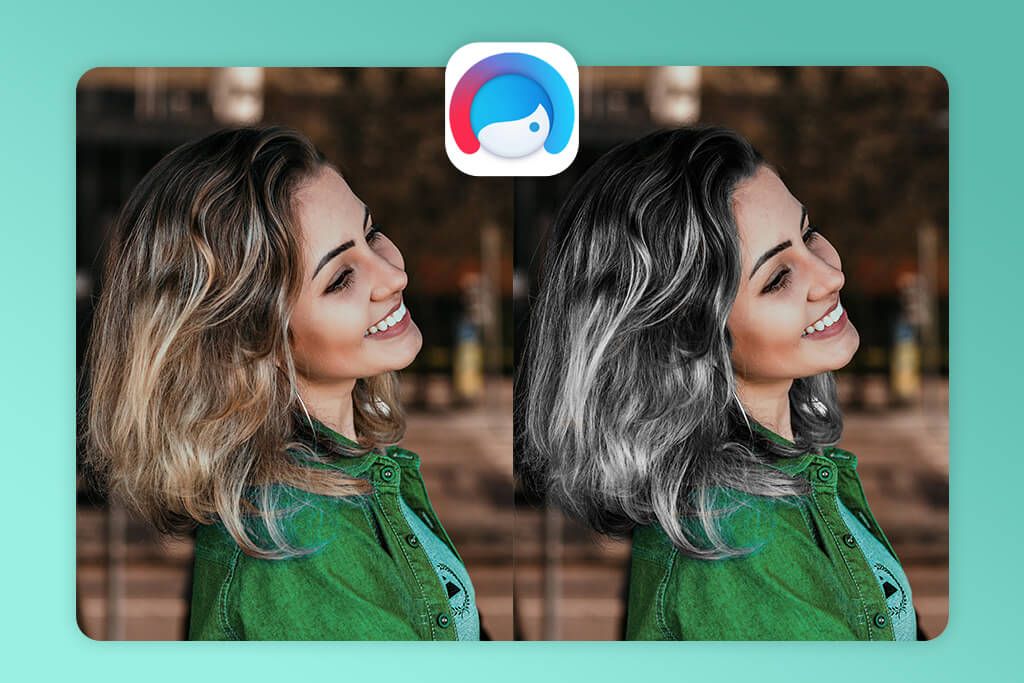
4. Facetune
Quick gray hair edits with precision
- Different silver and gray tones
- Brush settngs
- Blend tool for smooth transitions
- High-resolution export
- Direct social sharing
- Takes time to get perfect results
- Not very realistic adjustments on curly hair
I tried out Facetune to see if I could make my hair look gray. It worked pretty well. I just uploaded a photo of myself and went to the “Retouch” section, then clicked on “Hair.” After that, I picked “Hair Color” and looked through all the different shades until I found the grays and silvers. The app has quite a few to choose from. There is everything from super light platinum to darker steel gray.
I like that users can change the brush settings. You can make it bigger or smaller, adjust how strong the color is, and soften the edges. This means you can put the gray color exactly where you want it, e.g., just on your roots or certain strands. This way, you can clearly envisage “What would I look like with grey hair” even if your hairstyle has layers or details.
This auto photo enhancer also has a “Blend” feature. It smooths out any obvious lines so the gray blends better with your real hair color. I thought the results turned out pretty good, but if you have curly hair, you’ll need to spend more time on it to make it look realistic.
When you’re done, you can send it straight to Instagram or TikTok, or just save it in good quality. What I like about Facetune is that you get to do everything yourself instead of relying on automatic filters. It’s perfect if you’re someone who wants to be hands-on and control every little detail.
Pricing: Free; from $12.99/month
5. Hair Color Dye
Silver shades, highlights, lowlights tryon
- Different gray shade options
- Layering for highlights and balayage
- Adjustable opacity
- Wig simulation
- Simple export
- Inconsistent results with curly hair
- No AI prediction
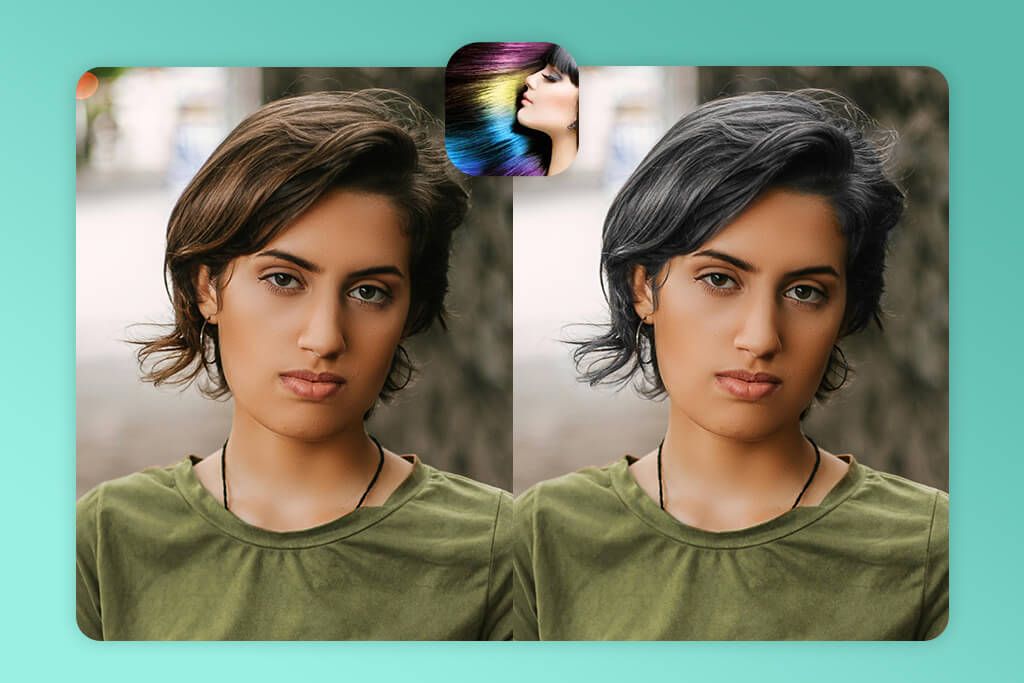
Being curious about “What would I look with white hair?”, I tested Hair Color Dye app. The process was very intuitive. I uploaded my picture and tapped on the “Colors” feature at the bottom. The gray options are actually pretty cool. You can choose smoky gray, silver that looks cold-toned, and even light platinum white. You basically just swipe your finger on the parts of your hair you want to change.
Most of all, I like that you can stack different colors on top of each other. That’s perfect if you want trendy styles like silver balayage or just a few subtle gray streaks. Plus, there’s this slider that lets you make the color less intense if it looks too crazy. This is helpful if you are after realistic results.
When I used it on straight hair, the results looked really believable. But if your hair is curly or has a lot of texture, the app struggles to be precise. It offers an eraser tool to fix any mess-ups, but you need to be patient with it.
What’s cool is that you can try on wigs to see yourself with totally different hairstyles. That part’s actually really fun to play around with. When you’re done, saving or sharing your photo is easy. Just a couple of taps and you’re good to go.
Pricing: Free; from $4.99/month
6. Hair Color Booth
Simple tool for playful gray streaks
- User-friendly interface
- Several gray tones
- Adjustable brush size and opacity
- Zoom for detailed edits
- Quick outputs
- Lacks a blending tool
- Results aren’t always lifelike
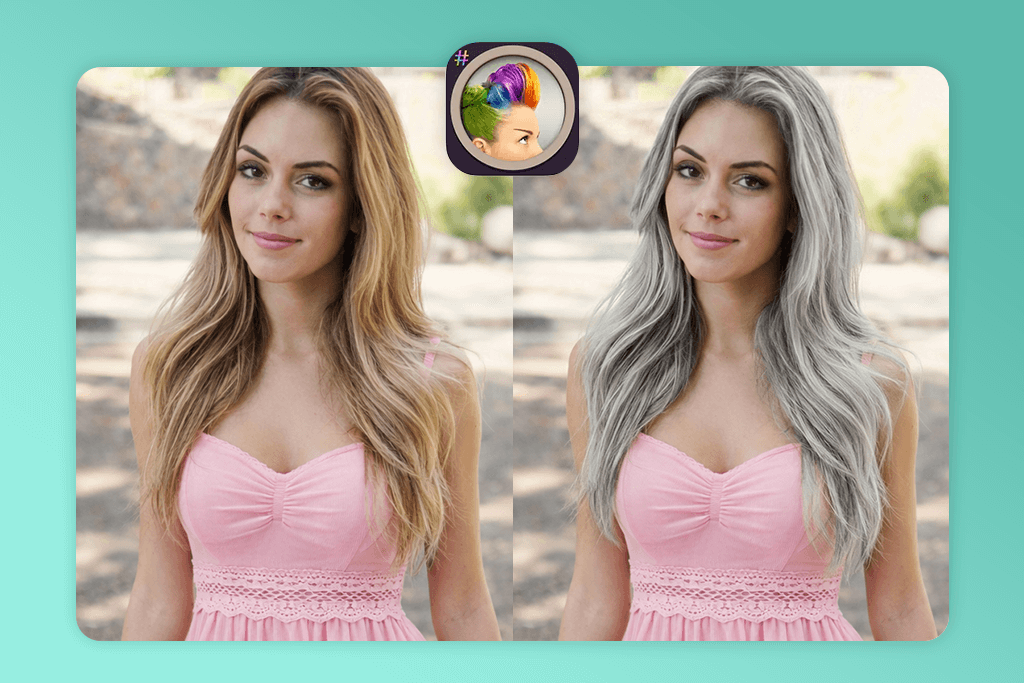
Hair Color Booth is probably the easiest grey hair app I tried out, but it actually works pretty well if you just want to quickly change your hair to gray. Once I uploaded my photo, I went right to the “Paint” tool. Basically, you just paint the gray color onto your hair yourself, like using a brush in Photoshop.
There are different gray colors – light silver, a medium gray, and this darker charcoal one. You can also change the size and opacity of your brush. It helps when you want just a little bit of highlight or you’re trying to blend it nicely around your hairline.
The app includes a zoom feature, which comes in handy when you’re working on tricky spots, e.g., your roots or little baby hairs. Now, it doesn’t have fancy blending options or anything, but that’s actually what makes it good for beginners interested in Instagram photo editing.
If you spend some time on your photo, the result looks natural. But if you rush through it, you photo may end up looking spotty or uneven. Once done, you can save the result to your phone or post it straight to social media. I’d say Hair Color Booth is perfect for people who like doing the editing themselves instead of letting AI do everything for them.
Pricing: Free; from $1.99/month
7. HairColorChanger
Free app to preview gray hairstyles
- Auto hair detection
- Lots of gray tone options
- Highlight Mode
- Adjustable opacity and brush size
- Quick sharing
- Struggles with very curly hair
- Some colors look slightly flat
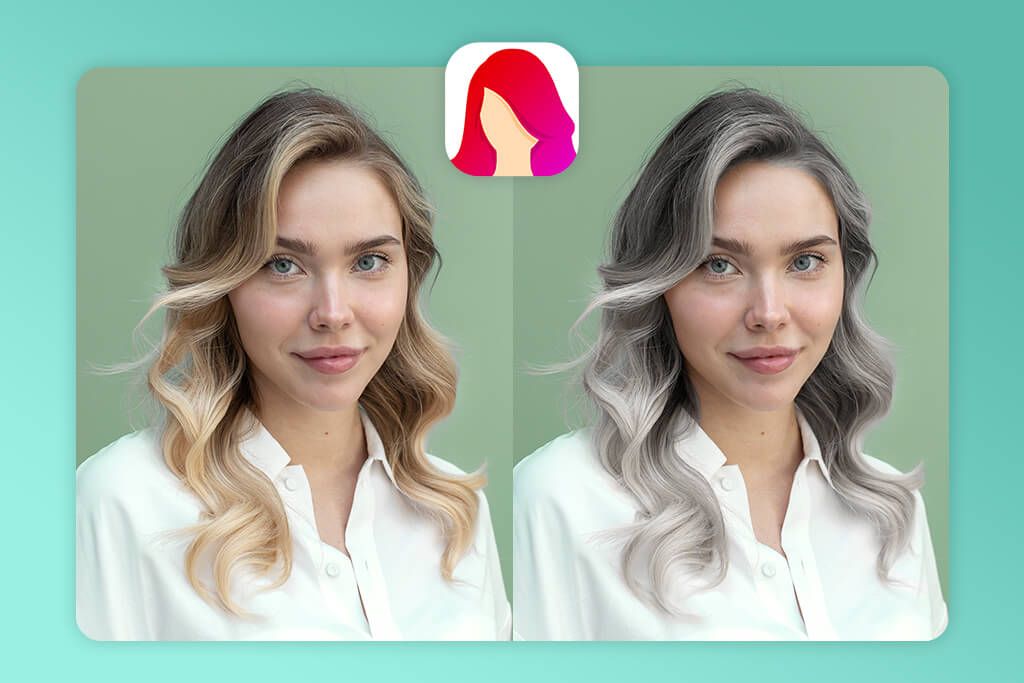
Trying to figure out what would I look with silver hair, I tested Hair Color Changer. I just uploaded a photo of myself and clicked the “Edit” button. Then I clicked on “Color” and picked “Gray Shades.” This Android and iPhone photo editor offers different gray tones to choose from – from lighter silver colors to darker, smokier grays. It’s pretty cool because you can test out different styles.
You basically just swipe your finger over your hair to color it. I liked that the app detected my hair automatically. It was easier and more convenient than having to trace everything myself. Plus, you can adjust how strong the color looks and change the brush size to get it exactly how you want it.
Using the “Highlight Mode” feature, you can add silver streaks to your hair, like a salt-and-pepper look or balayage highlights people get at salons. The result was realistic, especially when I mixed two different shades together.
The only downside I found was that if your hair is messy or curly in the photo, the app doesn’t always get it right. I had to use the eraser tool to fix some spots. But once you’re done, you can post straight to Instagram or TikTok, or just save a picture to your phone.
Pricing: Free; from $3.99/month
FAQ
- What’s the best app for realistic gray hair effects?
I’d say Fix The Photo Body Editor&Tune is your best bet for authentic results. Unlike other apps that rely on automatic gray hair filters, this one uses real retouching professionals who manually edit your photos. That’s why you get realistic textures and gray shades that look believable.
- How to pick the gray hair color that suits me?
First of all, use YouCam Makeup or Hair Color Changer. These apps offer a bunch of different silver and gray tones, and let you blend them together. That way you can experiment with various shades. But if you want professional advice, opt for Fix The Photo Body Editor&Tune. Skillful retouchers will pick a custom gray shade that complements your skin tone and personal style.
- Is there an app that can show me how my gray hair will look in the future?
OpenArt is pretty impressive for this. It uses AI technology to create a realistic picture of how your hair may naturally go gray as you age.
- Can I create a salt-and-pepper hair effect, using these apps?
Yes, you can. Hair Color Changer has Highlight Mode that lets you add silver streaks throughout your hair. It’s perfect for getting that natural salt-and-pepper look or even a balayage-style effect.
- Where can I get professionally edited gray hair photos?
Weedit.Photos is my recommendation for this. They specialize in fully personalized gray hair makeovers. Their experts take the time to mix different shades and work in highlights so the end result looks realistic and complements your face and features.
- Are there any free gray hair apps?
Hair Color Booth and Hair Color Changer both offer free versions with basic gray hair effects built in. If you want access to the more advanced features and tools, you need to pay for a subscription.
- What gray hair styles are popular right now?
Silver balayage and smoky gray seem to be the biggest trends right now. I think people love them because they’re stylish but also more practical to maintain compared to a full white or silver look.






