9 Best Apps to Add Hearts to Photo [Cute & Free]
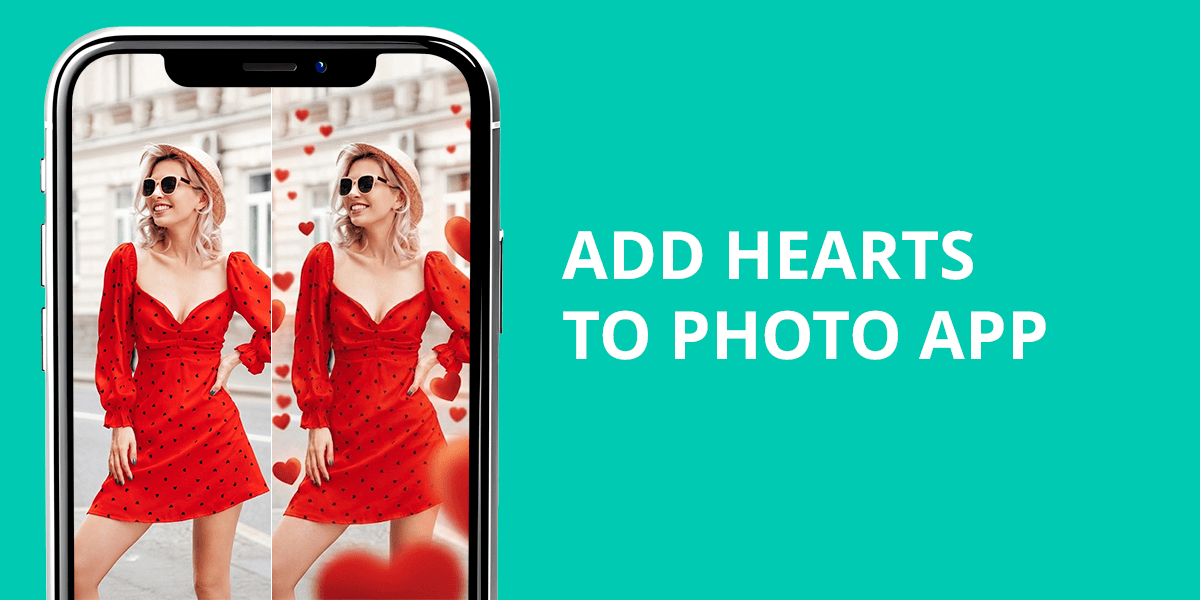
In theory, it sounds simple: an app to put hearts on pictures. But as soon as you start looking for something decent, you quickly realize that it’s not that easy. I work as a retoucher at WeEdit.Photos, and I typically handle a completely different level of editing, ranging from skin retouching to complex compositing and color correction.
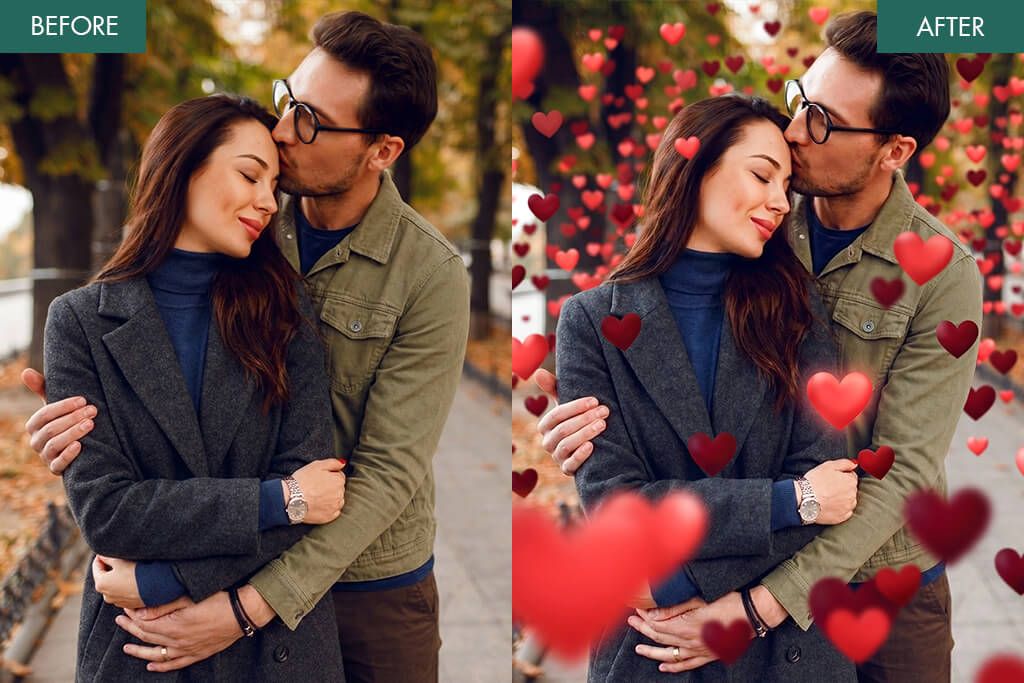
But it’s clear that no one is going to seek out professional retouching just to get a cute effect on a selfie. And they don’t need to. The challenge lies elsewhere: there are many apps to add hearts to photos, but very few of them are good. Some noticeably degrade the quality of the photo, others slap on overly cheap and tacky effects, and still others charge for even the most basic features.
Followers and clients have written to me on multiple occasions with the same request: to recommend something simple and decent where they can add hearts to their photos for free without ending up with a blurry image or weird overlays. So, instead of guessing, I decided to test everything myself. I tested over 50 apps.
It quickly became clear that many of them differed only in name: similar features, outdated presets, tons of ads, and almost no difference in the final result. However, I did find some decent options among them – apps where the effect looks neat, blends well with the photo, doesn’t ruin the quality, and offers at least some flexibility in customization.
I evaluated them not as a casual user, but as a retoucher: I looked at how much the quality deteriorated after export, whether the app was even convenient to use, whether the effects blended well with the actual photo, and whether the final result looked too cheap. Because even a simple effect should be used beautifully, so that the photo looks cute and stylish.
Creative & Trendy Ideas for Heart Edits
After testing so many heart overlay photo apps, I quickly realized one thing: a poor result is often not so much due to the app itself as it is to how the effect is used. If you just scatter hearts all over a photo without any logic, the result is almost always something outdated. However, if you approach it a bit more carefully, the effect can look truly beautiful.
Here are a few techniques that I personally like and that I actually use when I want to achieve something more stylish rather than “overly cute:”
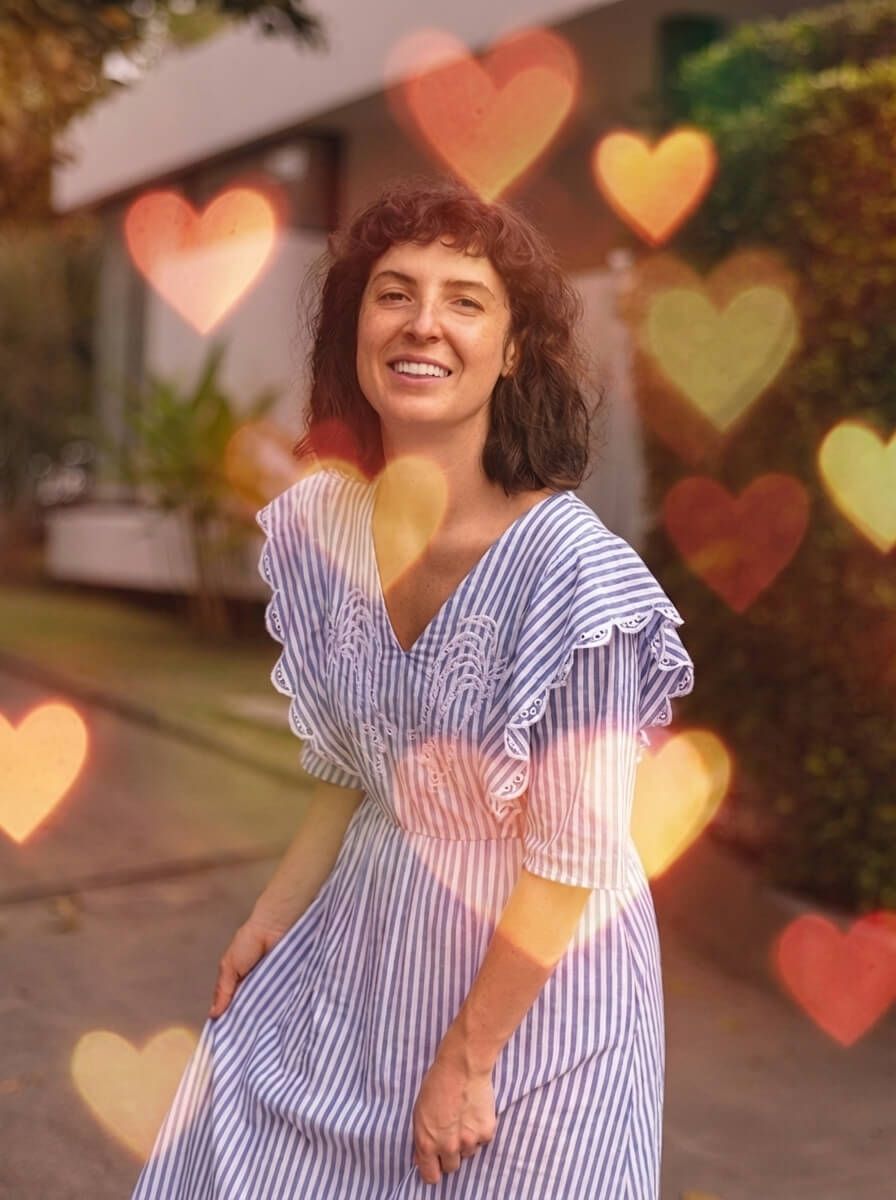
A soft heart as a light source. Instead of adding noticeable hearts, I sometimes use them as a translucent light spot. Here’s how I usually do it:
- I take a large, blurred heart and position it so that it extends slightly beyond the frame
- I reduce the opacity to about 10–20%
- I match the hue to the existing light, for example, a warm sunset or pink neon
The result is a soft glow, somewhat similar to lens flare, but more romantic. In golden-hour portraits, this looks luxurious and refined, not like a typical sticker.
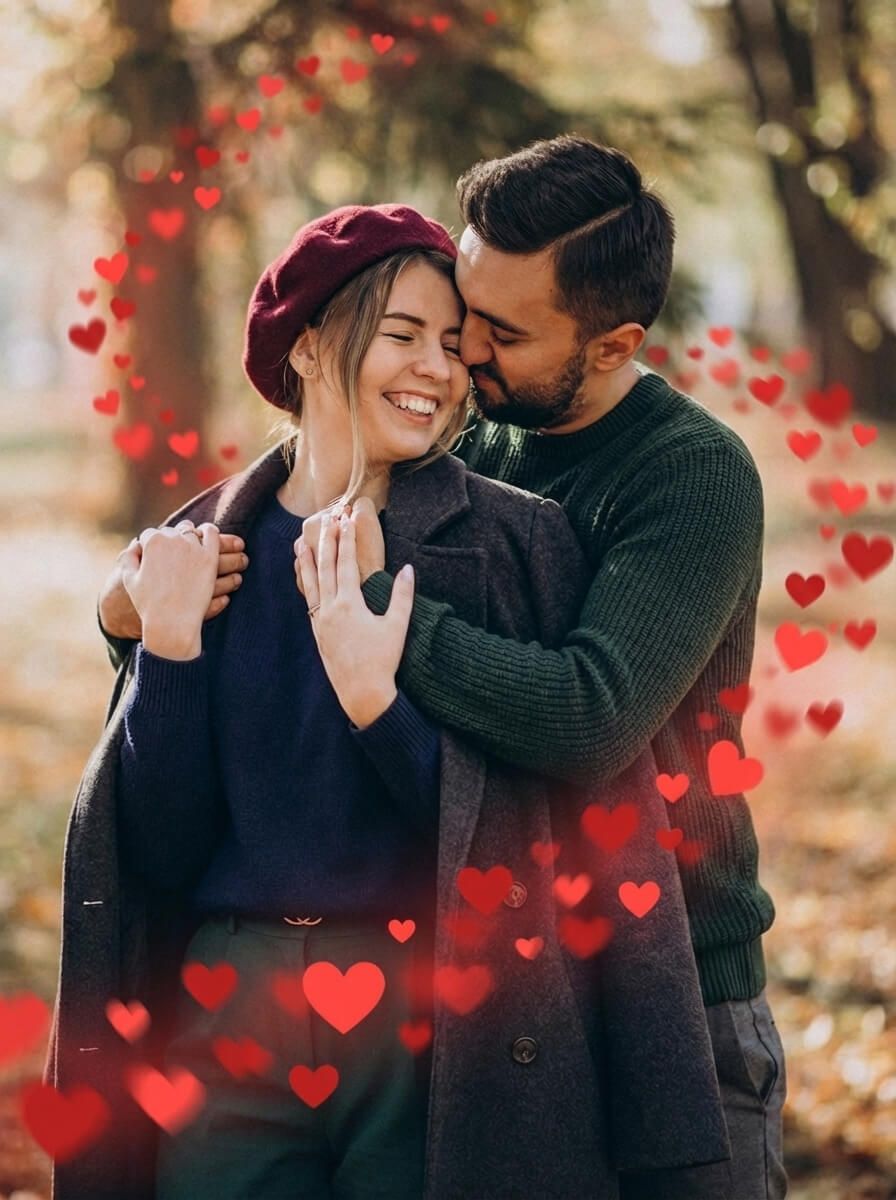
Hearts with a motion trail. This technique works well in more dynamic shots, when a person is walking, turning around, or, for example, sharply flipping their hair back. I simply duplicate the little heart several times, and then:
- Gradually reduce the transparency
- Slightly adjust its position and size
- If possible, I add a bit of motion blur
This creates the impression that the hearts are following the movement. The effect is subtle but highly relevant, especially for Reels and short videos.
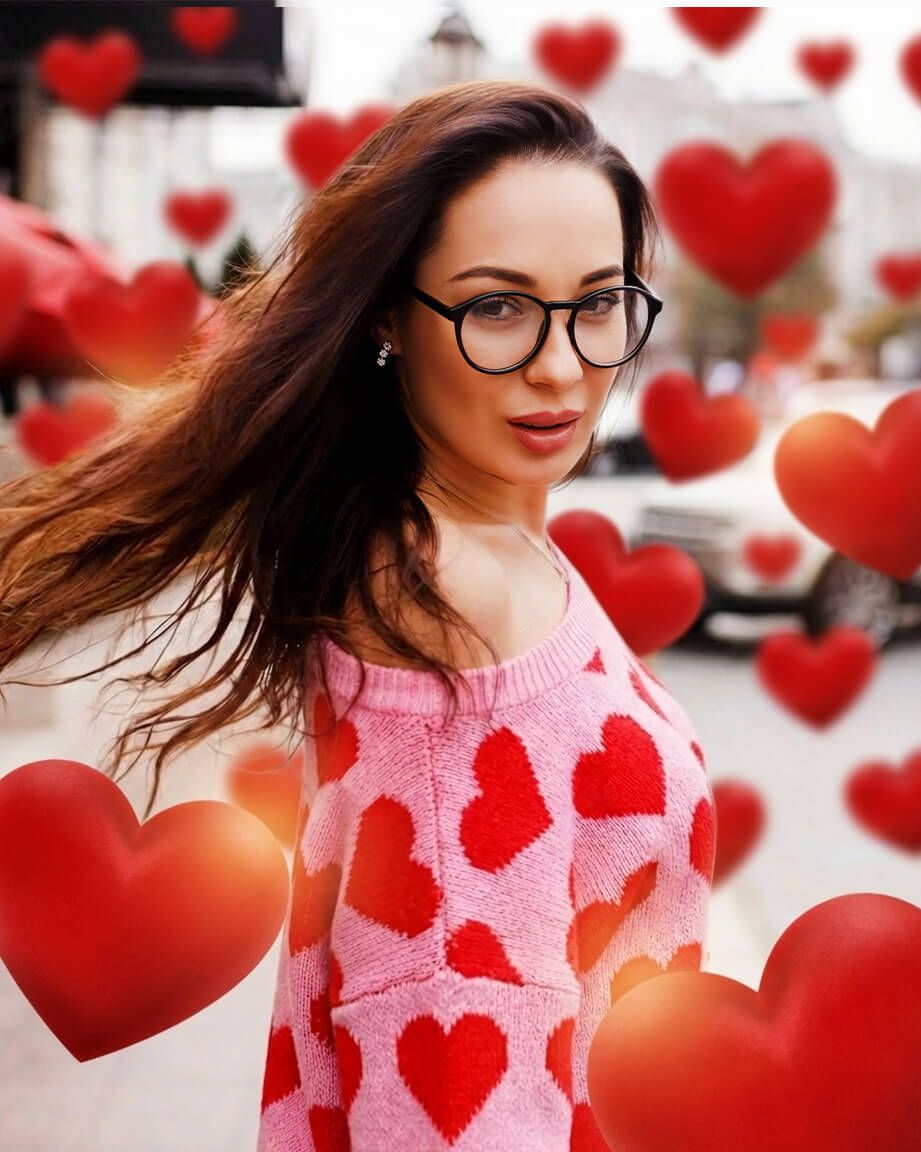
Placement with consideration for depth. A lot of people don’t think about depth, and that’s why the effect later seems fake. I usually do it differently:
- I place some of the hearts behind the person and blur them slightly
- I leave a few sharper ones closer to the face
- Sometimes, I add one translucent heart on top, but very subtly
This way, the photo starts to look multi-layered, almost as if it had depth. I’ve even used this technique in client previews, and people sometimes thought it wasn’t an app to put hearts on pictures but a special lens or filter used during the shoot.
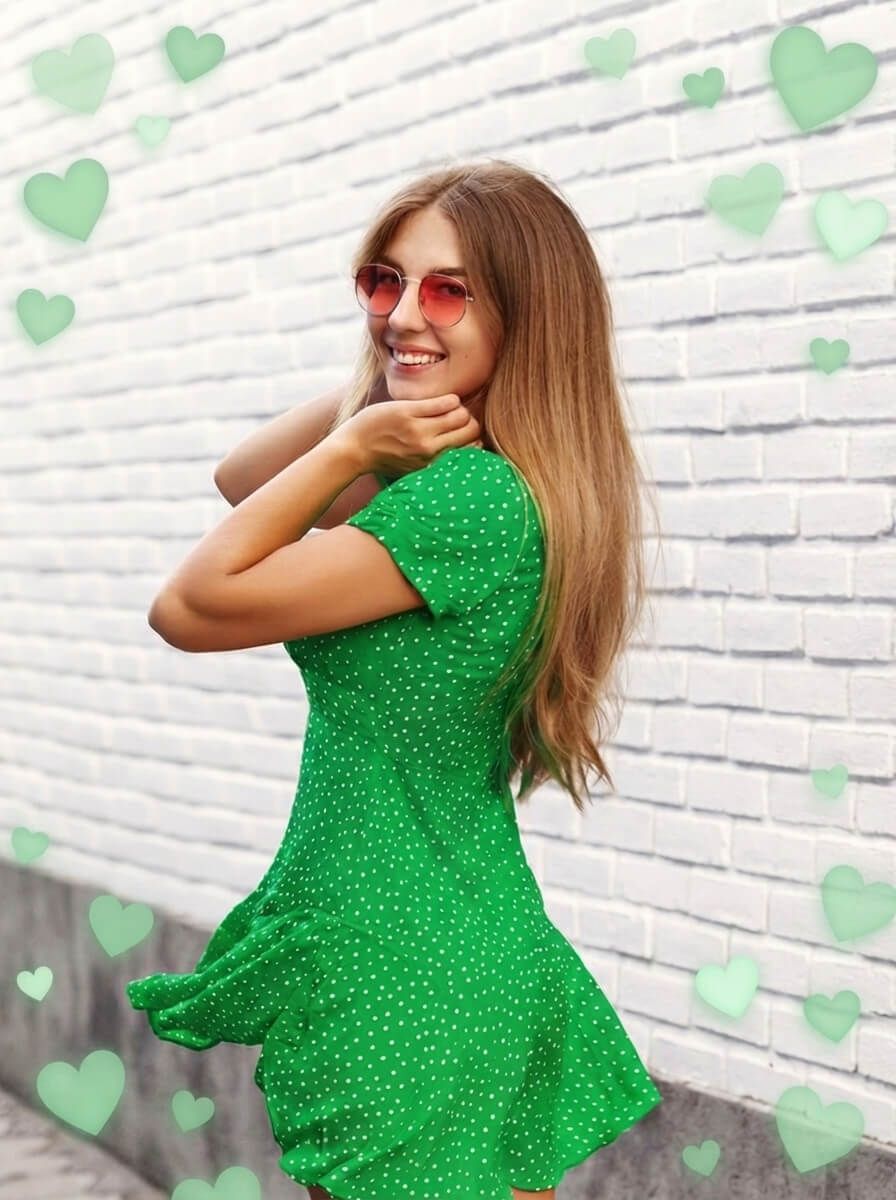
Minimalism in the corners. If you want something clean and more “Instagram-friendly,” it’s best not to overdo it. I often keep it very minimal:
- I add 1-3 small hearts in one corner
- I choose calm shades (white, soft pink, beige)
- I avoid perfect symmetry, because a slight randomness looks more natural
This approach is especially well-suited for fashion shots and mirror selfies, where it’s important not to divert attention away from the person themselves.
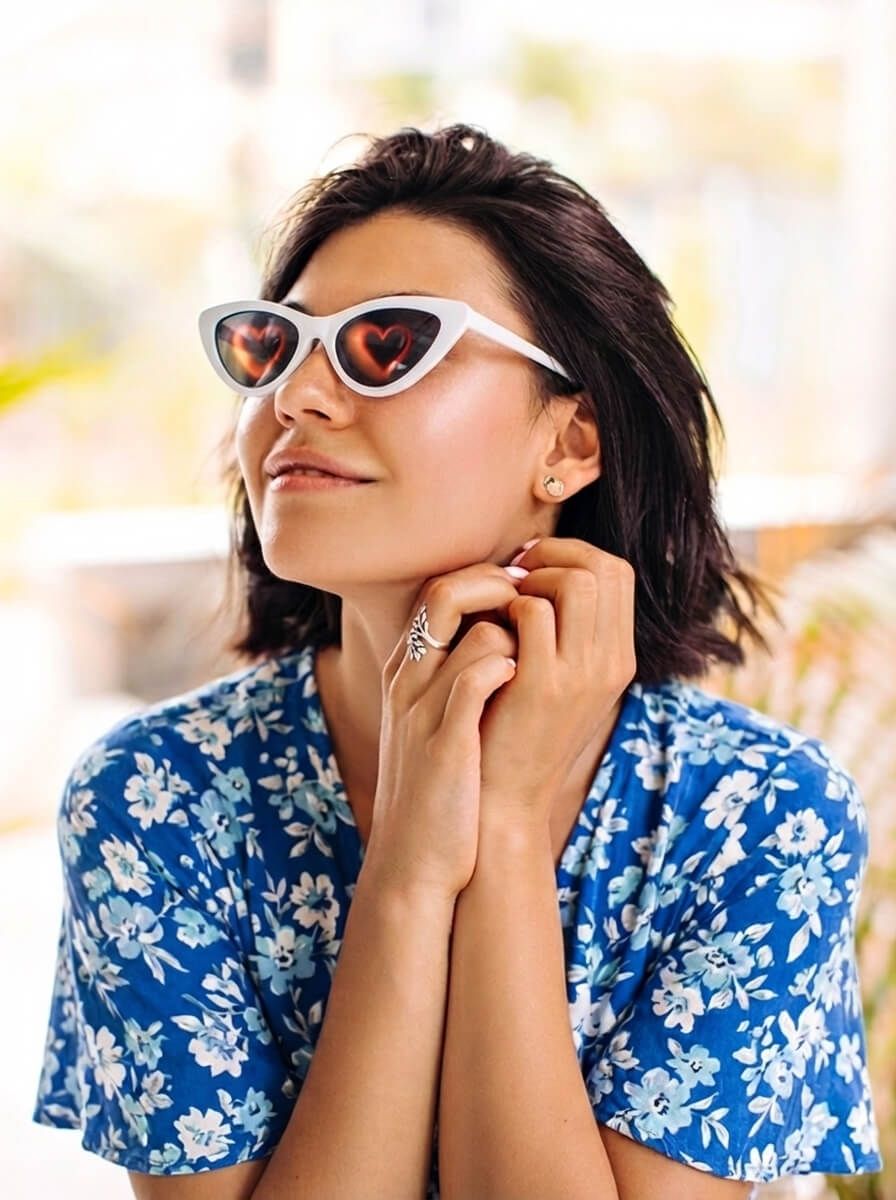
Reflections and shadows. This is a bit more complicated, but the effect is very beautiful. I take a heart-shaped element and:
- Flip it vertically
- Reduce the opacity
- Add a blur effect and a bit of distortion
Then I place it on reflective surfaces: on the floor, in a mirror, sometimes even in sunglasses. As a result, I get the impression of a real reflection, and the entire edit immediately looks more interesting and polished.
1. Fix The Photo Body Editor&Tune
Heart overlay photo app with real retouchers
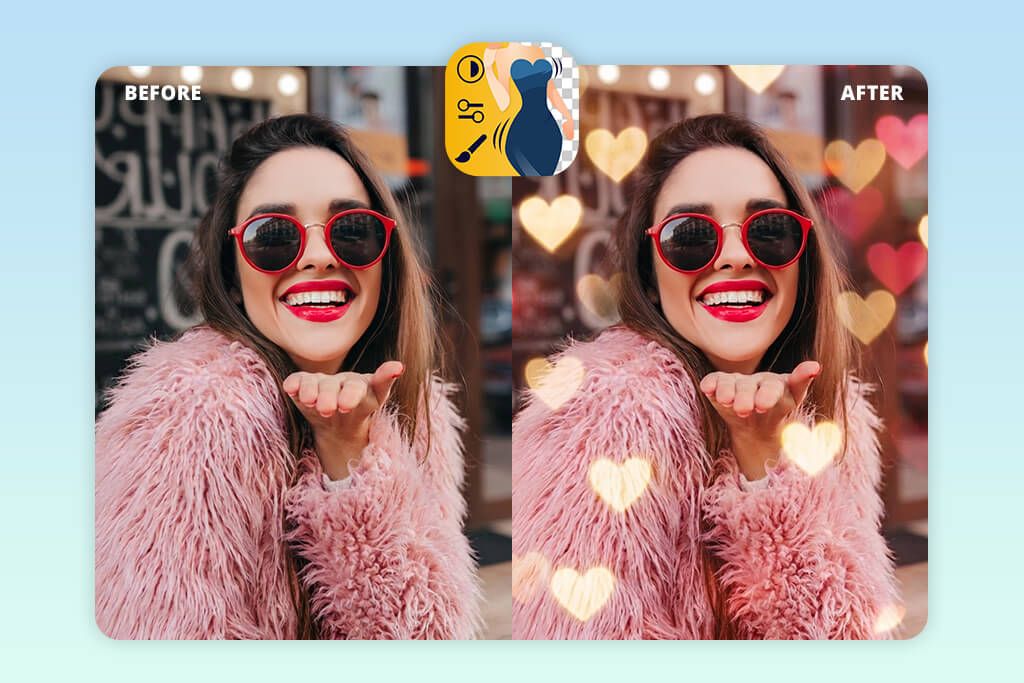
- The photo is edited by a real retoucher
- The hearts look natural
- You can write your wishes about edit
- You can also remove unwanted objects
- Works well for romantic photos
- First photo is free
- The result is not instant
When I first tested Fix The Photo as an app for adding hearts to photos, I didn’t think it would stand out so much from the rest. But as soon as I opened it, it became clear: this is a slightly different format.
The process itself is very simple. I uploaded a photo, then selected Add Objects → Add Sticker. Next, a fairly large selection of hearts appeared, ranging from soft, glowing overlays to more pronounced shapes, similar to those found in standard photo editors with heart effects.
What I particularly liked is that these aren’t just basic stickers that are “plopped” on top of the image. You can position them more precisely, and as a result, they look much better because they fit naturally into the photo itself.
But the main difference lies elsewhere: there’s a built-in chat feature with a real retoucher. This means you can write right away what exactly you want to achieve. For example: “Add delicate hearts around us, blur the background a little, and make the light look like a sunset.” You can even attach a reference, which is very convenient if you want to replicate a specific romantic style.
I’ve tried this app not only for hearts but also for other tasks, for example, as an app to add a person to a photo, apply effects, and change the background. At this point, it’s no longer seen as a typical sticker app, but rather as a mini on-demand retouching service.
In terms of usability, everything is quite simple, even for a beginner. You don’t need to understand layers, masks, and other things like in professional editors. This is a good option for those who want more than just standard love stickers, but without the hassle of lengthy editing.
One downside is that you have to wait, because the edits are made by a person, not an automatic filter. But when I look at the final quality, I think it’s a perfectly reasonable trade-off.
Pricing: Free first photo, in-app purchases from $0.99
2. Fotor
Photo editor with hearts and layers
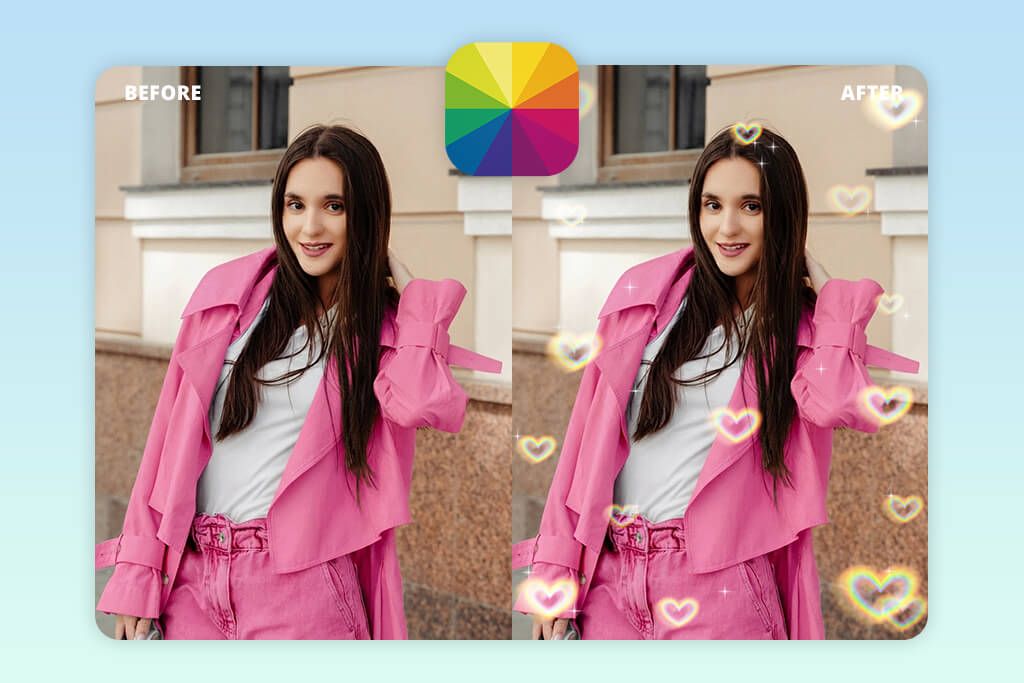
- High-quality heart effects
- Large sticker library
- Adjustable layers and transparency
- Neat export without loss of quality
- Simple and intuitive interface
- Premium assets locked
- Free export limitations
Fotor is no longer just a love stickers photo app; it’s a more fully featured editor. As a result, it offers more features, and the final result can be fine-tuned more precisely.
For me, it was simple: I uploaded a photo, went to Edit → Elements, typed “hearts” into the search bar, and got a large selection. There are soft, glowing hearts, neon options, and very minimalist icons. But what I liked most was that they looked neat. The edges of the elements are clean, and even when zoomed in, the quality doesn’t deteriorate; something you don’t see very often.
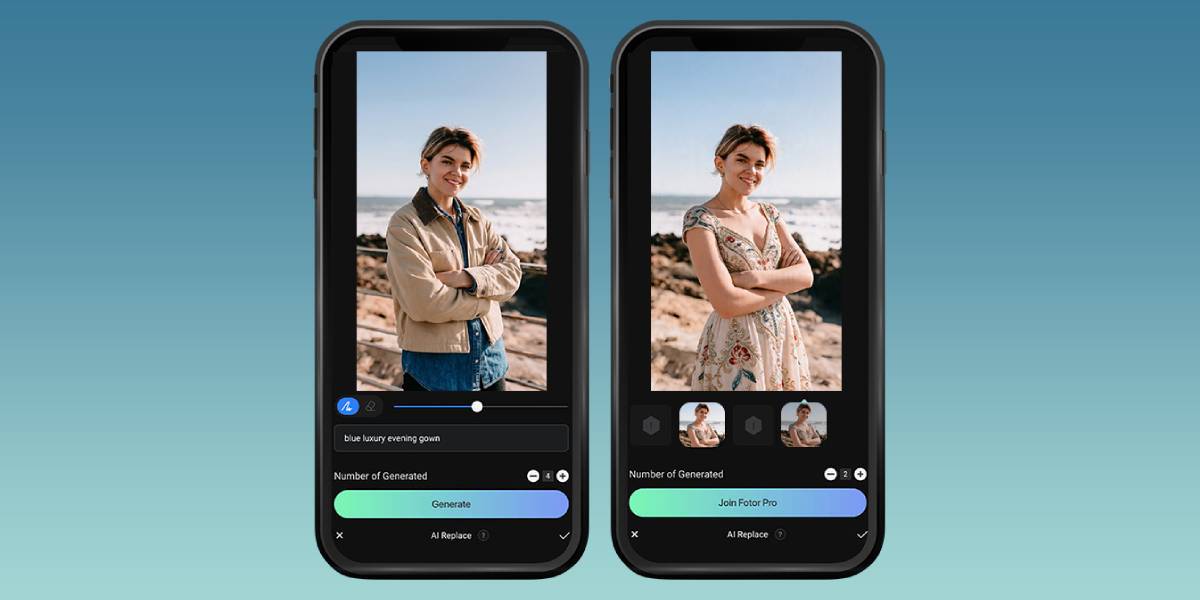
Another plus is that you can do more than just slap a sticker on top of a photo; you can actually refine it properly. You can adjust transparency, blending modes, and layer effects. Thanks to these features, you can transform a simple heart into something more cohesive and beautiful, especially if you combine several elements or use it as an app to add a photo to a photo.
I found Fotor to be a good option for those who want a little more freedom without switching to a heavy-duty editor. Of course, it’s nowhere near Photoshop, but in terms of features, it’s noticeably more powerful than a typical heart overlay photo app.
One downside is that some of the best features are only available in the Pro version. Also, on the free plan, exporting can be a bit slow.
Pricing: Free (watermark/limits), from $8.99/mo
3. LightX
Creative heart effect photo editor
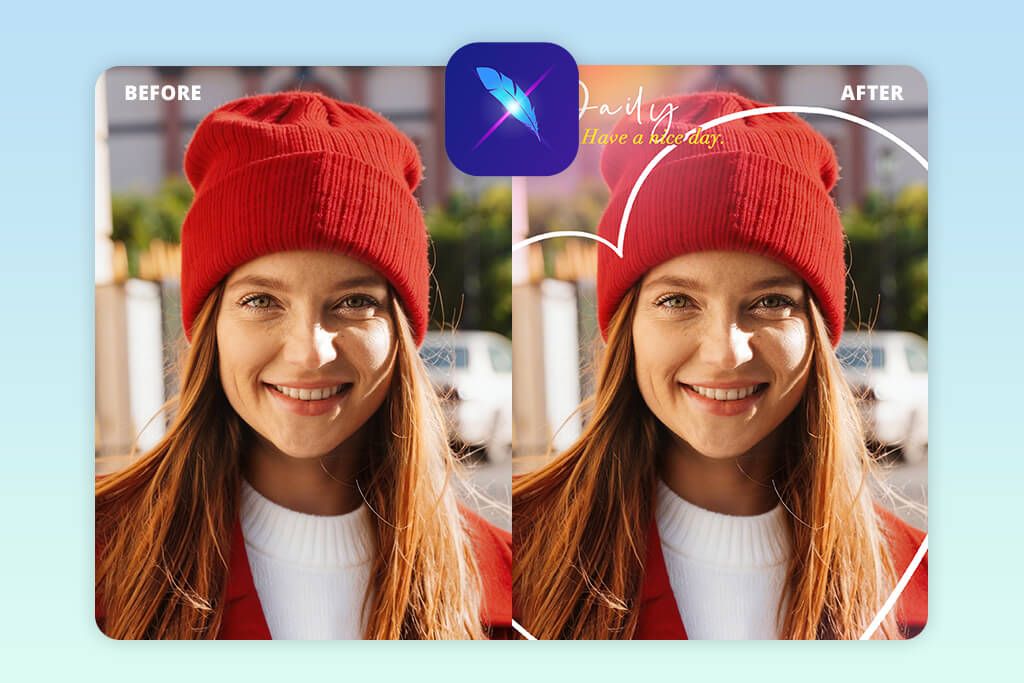
- More artistic heart effects
- Good tools for creative editing
- Decent overlay options
- Features for working with backgrounds
- Lots of customization options
- The interface is cluttered
- Some tools hard to find
What I remember about LightX is not so much the hearts as the overall approach to editing. During my test, it quickly became clear that this app is geared more toward creative editing than just stickers.
To add hearts, I opened a photo, went to Stickers, typed “heart” into the search bar, and got a selection ranging from basic options to more stylized ones. And that’s exactly what I liked: here, the elements look a bit more interesting than in most similar apps. Some of them are already closer to full-fledged effects than to ordinary stickers.
But LightX really shines when you combine its tools. For example, I could add a heart, and then use it as an app to blur background, add a glow, or adjust the color. Thanks to this, the effect didn’t look like something simply pasted on top, but rather like part of the overall edit.
Another plus is the ability to work with the background. Here, you can combine hearts with cutouts, gradients, double exposure, and other effects. That’s why the app feels more engaging than standard photo editors, where it all comes down to a couple of stickers on a photo.
It’s best suited for those who like to experiment a bit and want more freedom, but without switching to complex professional software. On the downside, the interface may seem cluttered at first, and some features are not very clearly located.
Pricing: Free (limited tools), from $4.99/mo
4. OpenArt
AI heart effect photo editor
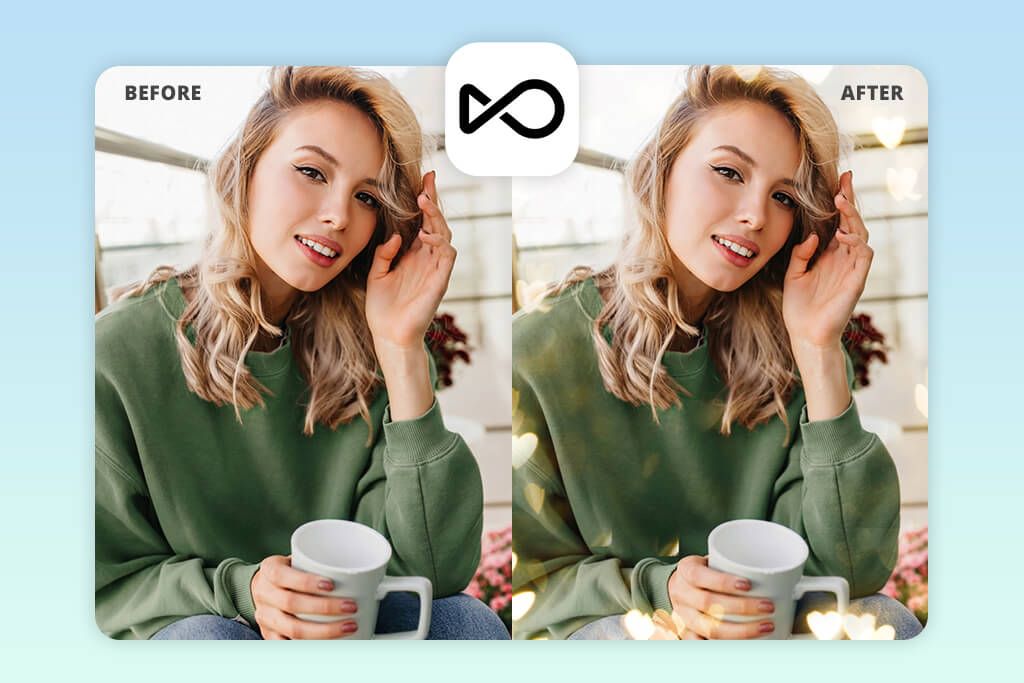
- Hearts are generated by AI
- The effect looks more natural
- The result is more unique and artistic
- Almost no manual work is required
- Everything is created quickly
- Limited precise manual control
- Operates on a credit system
OpenArt turned out to be completely different from the other cute heart filter apps on this list. It’s an AI photo enhancer app, not a typical editor with stickers. Instead of selecting hearts manually, I uploaded my photo and used the editing feature via a prompt.
I typed something like, “Add soft glowing hearts around the subject with cinematic lighting,” and after a few seconds, the service provided several options at once. Therefore, it’s not perceived as a heart overlay photo app, but rather as a tool that comes up with a visual solution for you on its own.
Honestly, the quality surprised me. The hearts didn’t look like a separate layer on top of the photo; they were integrated into the lighting, depth, and overall mood of the shot. Of everything I’ve tried, this is one of the options that comes closest to a romantic effect that doesn’t look like it was added, but rather like it was originally part of the scene.
But there’s a downside, too. There’s no familiar sticker library, so if you need precise control over where exactly to place a heart, what size it should be, and how to rotate it, this option might be disappointing. I would recommend OpenArt to those who prefer the AI aesthetic and want to achieve a more “airy” or artistic result without manual effort.
One downside is that the result is not always predictable. Sometimes you have to make several attempts before you get exactly what you had in mind.
Pricing: Free (limited credits), from $12/mo
5. Valentine Day Photo Editor
Cute heart filter app for Valentine edits
- Very large selection of hearts
- Everything is simple and clear
- Many themed elements
- Results can be obtained quickly
- User-friendly for beginners
- Too many ads
- Some of the graphics look outdated
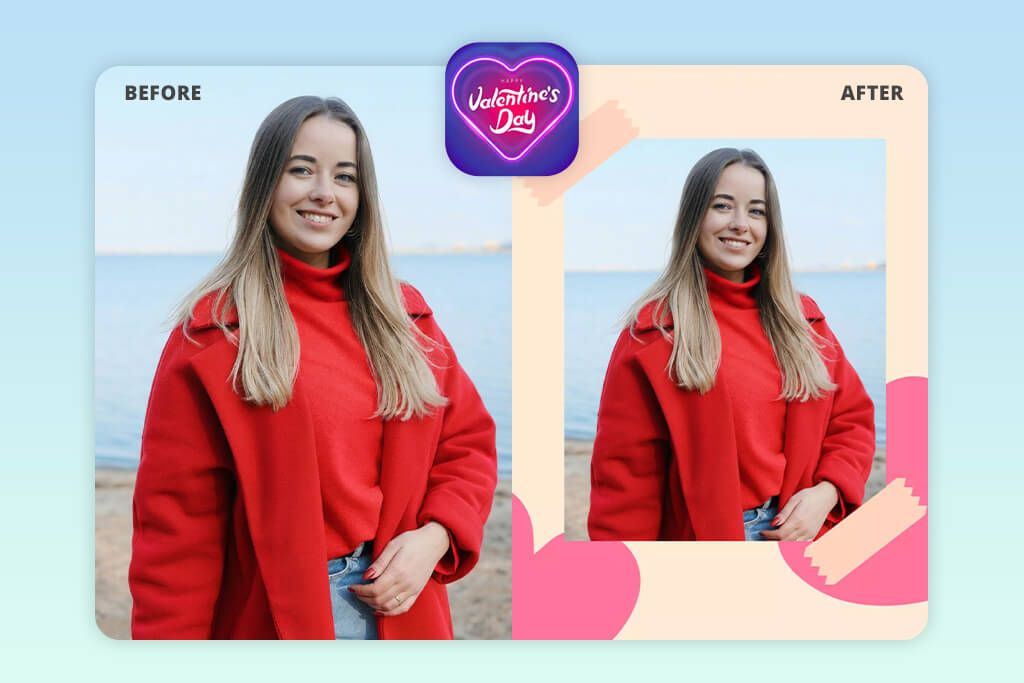
During the test, it was clear that this app to add a heart effect to photos was not designed for precise and meticulous editing, but rather for quick, themed photos.
Everything is as simple as possible: you upload a photo, go to Stickers → Hearts, and instantly get a huge selection of romantic elements. There are roses, frames, glowing hearts, and even more “anime-style” overlays. It feels like a classic editor geared toward Valentine’s Day cards and festive photos.
There really is a lot to choose from, which is both an advantage and a disadvantage. The angel wings photo editor clearly favors good, decorative effects, making it more suitable for cute, eye-catching designs than for subtle editing.
In terms of quality, the results are quite uneven. Some elements look perfectly fine, while others seem too old-fashioned in style or too intense in color. I noticed that the best results are achieved by not overloading the frame and using a minimum of details, rather than applying everything at once.
This option is more suitable for those who need to create something cute quickly and effortlessly: a greeting card, a social media post, or just playful editing. However, if you want more fine-tuning and a polished effect, this app doesn’t offer enough options.
Pricing: Free (ads), from $5.99/mo
6. Romantic Love Photo Editor
Valentine photo editor app with frames
- Pre-made frames with hearts
- Very easy to use
- Results are obtained quickly
- Well-suited for themed photos
- No editing skills required
- Few options for customizing
- Looks a bit outdated
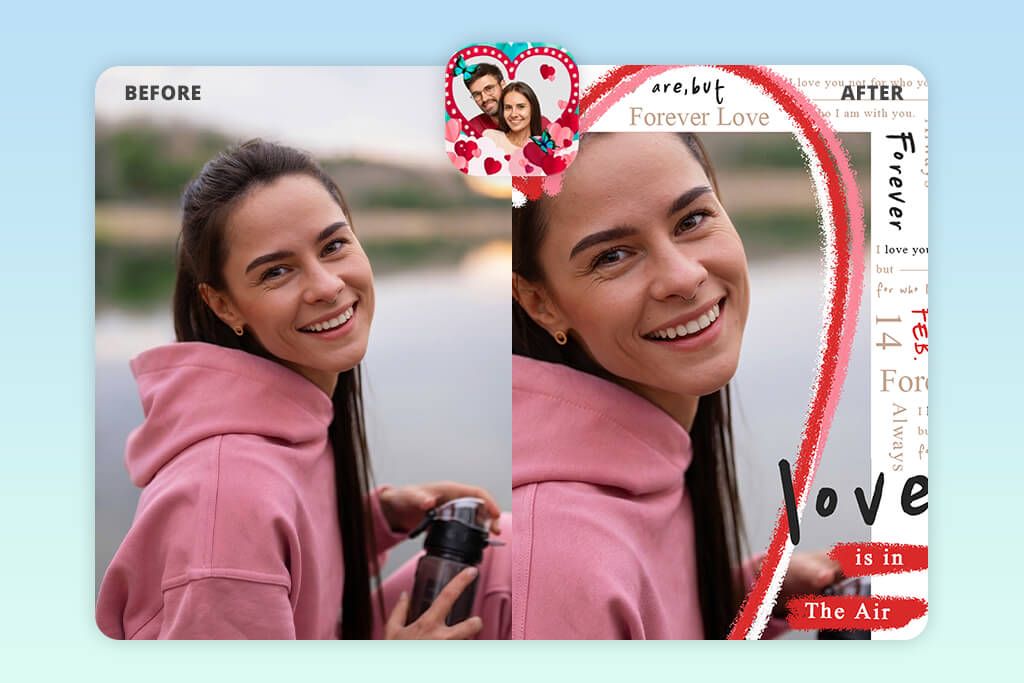
When I tested it, this app immediately reminded me of those old, romantic photo filter apps, and there’s even a plus side to that. It’s not for manual fine-tuning; it’s a ready-made solution that can be applied with just a couple of taps.
I opened a photo, went to Frames → Love, and immediately got a set of full-featured templates: frames with hearts, paired compositions, and glowing effects. If you want a little more freedom, you can go to Stickers → Hearts, but the app really shines with its ready-made, pre-designed options for Valentine Day pictures ideas.
The heart elements themselves are quite vibrant here: deep red, shine, and glow; everything is eye-catching and decorative. It’s for creating a cute effect and a festive mood rather than for something understated and modern. Personally, I’ve noticed that the neatest result is achieved by using a single frame, rather than trying to apply multiple effects at once.
The main advantage is speed. You don’t have to think about where exactly to place something, how to fit it into the lighting, or how best to overlay an element. Everything is already put together for you. Therefore, the app is well-suited for those who want to quickly create an emotional, themed photo without a lot of fuss.
However, the price of simplicity is flexibility. Compared to more advanced editors, there is almost no room for fine-tuning to suit your preferences.
Pricing: Free (ads), from $4.99/mo
7. Heart Emoji & Photo Stickers
Love stickers photo app with emojis
- Large selection of hearts and emojis
- Everything is done quickly
- Well-suited for social media
- Effects with crowns & similar elements
- Beginner-friendly
- Ads can be overly intrusive at times
- The quality varies greatly
Of all the heart effect photo editors, this is probably one of the most “straightforward” options: open a photo, select hearts, add them, and you’re done. No unnecessary features and no attempt to appear to be anything more.
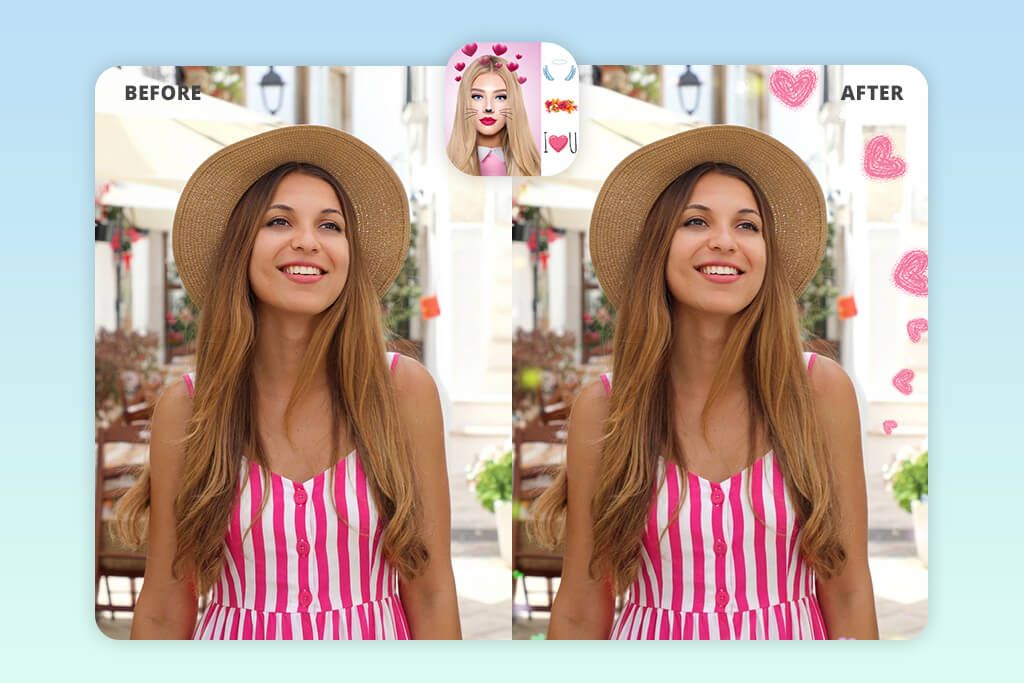
I tested it using the simplest scenario: I uploaded a photo, opened the Stickers section, and then went to Emoji/Hearts. Next, there was a huge selection: little pink hearts, heart crowns, emoji sets, and various decorative elements. It’s immediately clear that the app is tailored specifically for this purpose: to quickly embellish a photo, not to perform full-fledged editing.
What struck me most was that it was clearly designed with social media in mind. Many elements seem to be designed specifically for selfies, Stories, and quick TikTok or Instagram photo editing posts. This is especially evident in the heart crowns and decorations that are placed closer to the face.
In terms of quality, the results are uneven. Some stickers look quite fresh and neat, while others look noticeably worse when zoomed in. Personally, I noticed that it works best if you don’t stretch the elements too much and keep them closer to the subject in the photo.
This option is great for those who create content quickly and don’t want to spend time on customization. This is especially convenient for a younger audience or simply for those who need a quick effect for social media.
The app’s strength lies precisely in this simplicity. It doesn’t try to be a sophisticated editor, and perhaps that’s why it’s easier to use. But if you want more control, there’s not much here besides stickers. And, of course, there are quite a few ads.
Pricing: Free (ads), in-app purchases
8. Heart Photo Effects Maker App
Heart filter app with ready effects
- Heart effects with just one tap
- Takes minimal time
- Offers some nice glow overlays
- Easy to use, even for beginners
- Convenient for quick posts
- Few manual adjustments
- Some of the effects look too artificial
When I tested this photo editor with hearts, it was immediately clear that it’s more about pre-made effects than manual editing. In other words, the logic here is not “put everything together yourself, element by element,” but rather “choose a ready-made option and apply it right away.”
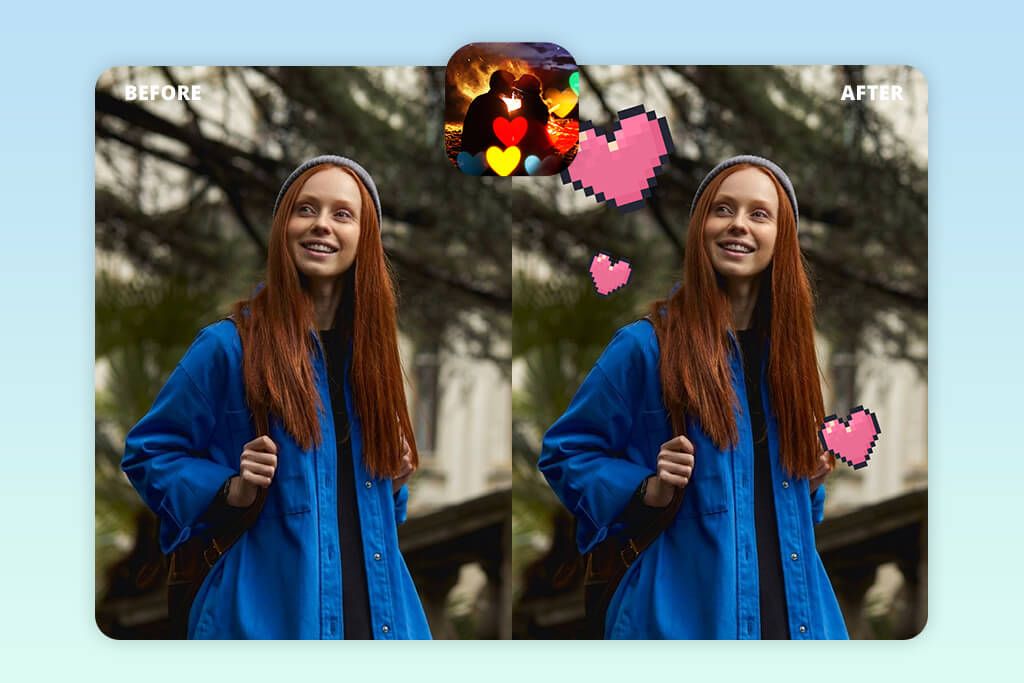
I uploaded a photo, opened Effects → Heart Effects, and was presented with a selection of pre-assembled overlays: glowing frames, floating particles, and bokeh-style hearts. You can also access the stickers, but that’s clearly not the app’s strong point. The main focus is precisely on ready-made effects, which work almost like a filter.
For this type of format, the quality turned out to be quite decent. Some options really do look neat, especially the soft light effects and the blurred hearts. If you don’t overdo it, you can achieve a rather subtle, romantic effect. However, more complex compositions often look too staged and not always natural.
The main advantage here is speed. Essentially, you can get a fully edited photo with a heart effect in just one tap. This is convenient when you don’t want to manually move elements, adjust transparency, or spend time on minor details.
This type of app is more suitable for those who value quick results over precise customization. Here, the focus is on presets and simplicity: less control, but faster results. The downside is that there is little freedom, and some effects are on the verge of being overdone.
Pricing: Free (ads), in-app purchases
9. Crown Heart Emoji Camera
Cute heart filter app with crowns
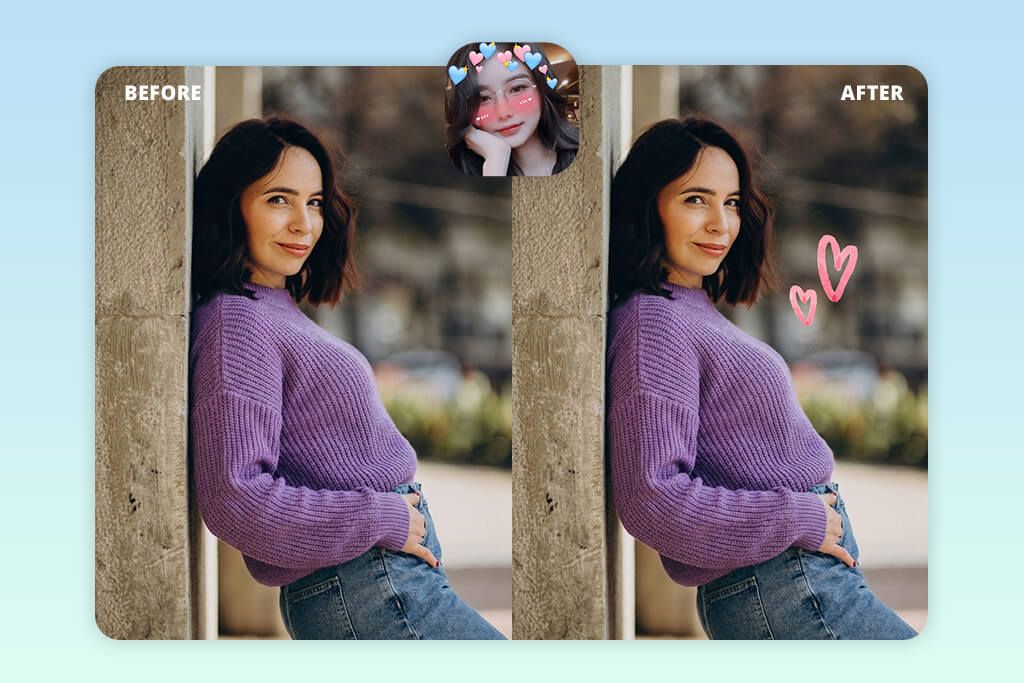
- Hearts automatically adjust to the face
- Fun effects for selfies
- Filters work directly in the camera
- Everything is very easy to use
- Convenient for quick selfies
- Too many ads
- Limited manual control
From the very start, this heart overlay photo app feels less like a camera with pre-built effects for social media. You can either take a photo directly within the app or upload a pre-existing image.
From there, it’s simple: you select the sticker section, go to the hearts or crowns, and the app automatically applies the effect to your face. It recognizes facial features and places hearts, sparkles, emojis, and various crown elements around your head without any extra effort on your part.
That’s exactly what sets it apart. In most apps like this, you have to move everything manually, but here, the bulk of the work is already done for you. For selfies, this is really convenient: you don’t have to adjust the position of each element; everything more or less falls into place right away.
In terms of style, everything here is quite vibrant and eye-catching. Clearly, this isn’t about achieving a natural result; it’s about getting a quick effect for TikTok, Snapchat, or Stories. Hearts, crowns, skin smoothing, a touch of shine; everything is geared toward light, entertaining content.
The quality is good enough for social media, but I wouldn’t consider it for something more polished or in high resolution. Plus, the filters sometimes smooth out the skin too much, and that doesn’t look very natural.
This option is great for those who want to get a cute, quick result without any hassle with editing. But if you need control over the details, there’s almost none here. And, of course, the ads quickly start to get annoying.
Pricing: Free (ads), in-app purchases
FAQ
- What is the best app to add hearts to a photo if you’re a beginner?
Valentine Day Photo Editor, Heart Emoji & Photo Stickers, and Crown Heart Emoji Camera are good options to get started. Usually, it boils down to a couple of steps: upload the photo, open the stickers, select the hearts, and place them on the photo.
- Is it possible to add hearts for free without compromising the quality of the photo?
You can, but it’s important not to use the first app you come across. Many free photo editors compress the photo or add a watermark to it. I would always check the export settings first. For example, the free versions of Fotor and LightX can produce a decent result, but you often have to pay for better quality and some of the nicer features.
- What’s the difference between a heart filter app and a sticker app?
Apps with heart effects typically apply a pre-made effect to the entire frame at once; it’s fast, but offers almost no flexibility. Meanwhile, sticker editors give you more freedom: you can decide for yourself where to place the heart, what size it will be, how prominent it will be, and exactly how it will fit into the photo. In this regard, Fotor and LightX are more convenient.
- How do I make the hearts look natural?
Don’t set the hearts to full opacity. Match their color to the lighting in the frame. Add a slight blur if you want a depth effect. When the hearts function as part of the lighting or atmosphere, the photo looks much more polished. If you just slap them on top, the result almost always looks cheap.
- Which heart filter app is best for social media photos?
If you need a quick option for Instagram or TikTok, I would consider Heart Emoji & Photo Stickers or Crown Heart Emoji Camera. They offer a lot of eye-catching, on-trend elements (emojis, crowns, bright hearts), and all of this works well for quick social media content.
- Can I later remove or edit the hearts?
Yes, but it depends on the app. In Fotor and LightX, you can usually easily select, move, modify, or delete elements. In more advanced services like Fix The Photo Body Editor&Tune, you can even ask the retoucher to replace or remove specific details. However, if you’re using an app with a pre-made filter, in most cases, you’ll simply have to reapply the effect.
- What if I want a professional-level edit beyond just hearts?
If you have a more complex task, such as combining two photos, changing the background, creating a more elaborate romantic scene, or generally retouching a photo carefully, then it’s better to use a full-featured service like WeEdit.Photos rather than a heart overlay photo app.
These services employ real editors who can do everything much more precisely, from minor touch-ups to complex editing. This is a whole different level compared to regular apps, especially if the photo is really important to you.