7 Best Apps to Remove People from Photos for Clean Looks
Apps that remove people from photos rely on complex AI algorithms, which allow them to delete unwanted elements from the frame while keeping the background realistic. They use the pixels from the adjacent areas to fill the empty space with suitable textures and colors. Such tools also adjust lighting to make the end result look natural.
Using such apps, you can quickly make your vacation photos polished, remove clutter from background, or emphasize the main subject without retouching your pictures manually.
Working as a retoucher at Weedit.Photos, I prefer to use pro-grade software when I need to edit images. However, as many of our readers have been asking me to teach them how to remove people from photos without any prior editing skills, I decided to test the most popular apps to remove people from background with little to no effort.
AI vs. Manual People Removing
When I was learning how to remove people from the background, it was possible to perform this task only manually. I had to rely on clone stamps, use healing brushes, and create layers to reconstruct the texture without making it look blurry. It took me a while to master this technique.
The most challenging task was to edit photos where people were shown against complex backgrounds, like waves or walls with many patterns. A small mistake could make such photos look overly edited and unnatural.
These days, everyone can use an app to remove people from background. They are quite accurate and often allow one to edit their photos almost at a professional level. When editing some pics, I was pleased to discover that some of them were better than apps with manual tools when it came to editing photos with textures like sand and grass.
However, they may fail when I need to edit photos with shadows or overlapping objects. As a result, outputs look distorted and less polished. While I believe that they cannot replace professional retouching, they can help you enhance some of your photos with ease.
AI works well for:
Avoid AI for:
1. TouchRetouch
- Professional people removal
- Before/after comparison
- Useful Clone Stamp tool
- For simple backgrounds
- Streamlined UI for novices
- Issues with detailed textures
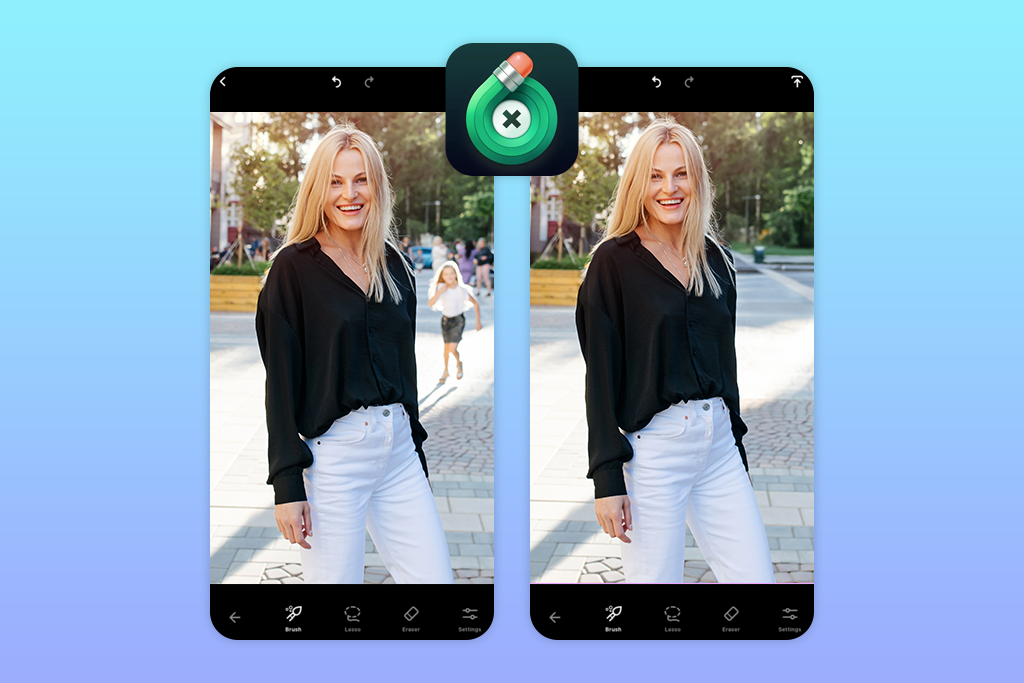
TouchRetouch has many positive reviews on Google Play and App Store, so I decided to test this app to remove people from photos. I uploaded a photo I took during my vacation to delete the person who walked into the frame behind my friend.
I decided to use the Object Removal tool for this purpose. After brushing over the passerby, I waited for a bit. The app quickly filled the space with sand and waves. The edits blended with the background perfectly. When I zoomed in, I saw some signs on blur where the man’s legs had been. I was able to fix this area using the Clone Stamp tool.
The only shortcoming is that the free version limits the number of pictures you can export daily. Despite this, this app that erases people is perfect for editing photos with simple backgrounds.
Price: free version or from $3.99 per month
2. YouCam Perfect
- One-tap removal
- Realistic background filling
- Quick brush size adjustment
- Rich free version
- Perfect for Instagram photos
- Limited number of daily removals
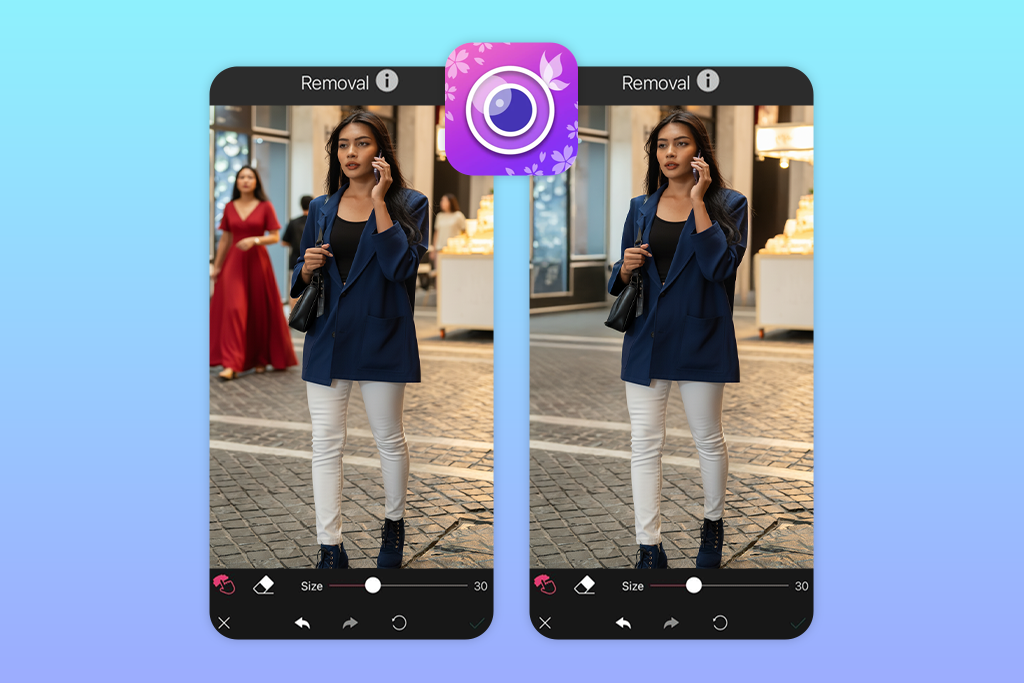
YouCam Perfect is highly recommended by those who are mostly interested in Instagram photo editing. I decided to use it to edit a photo taken on a busy street. There was a couple walking behind me when I was taking a selfie.
I uploaded this photo, tapped Photo Edit → AI Removal, moved the brush over the couple, and tapped Apply. This app that removes people edited the background without distorting the pavement. My photo looked polished and realistic, without any blur or strange colors.
I liked that I was able to change the brush size using a slider. It made it more convenient to edit the edges. The only shortcoming is that its free version allows one to use the AI Removal feature only a few times per day.
Price: free version or from $5.99 per month
3. Fix The Photo Body Editor&Tune
- Professional retouchers
- Realistic, detailed results
- Accept custom instructions
- Short turnaround time
- Free first photo
- No instant removal
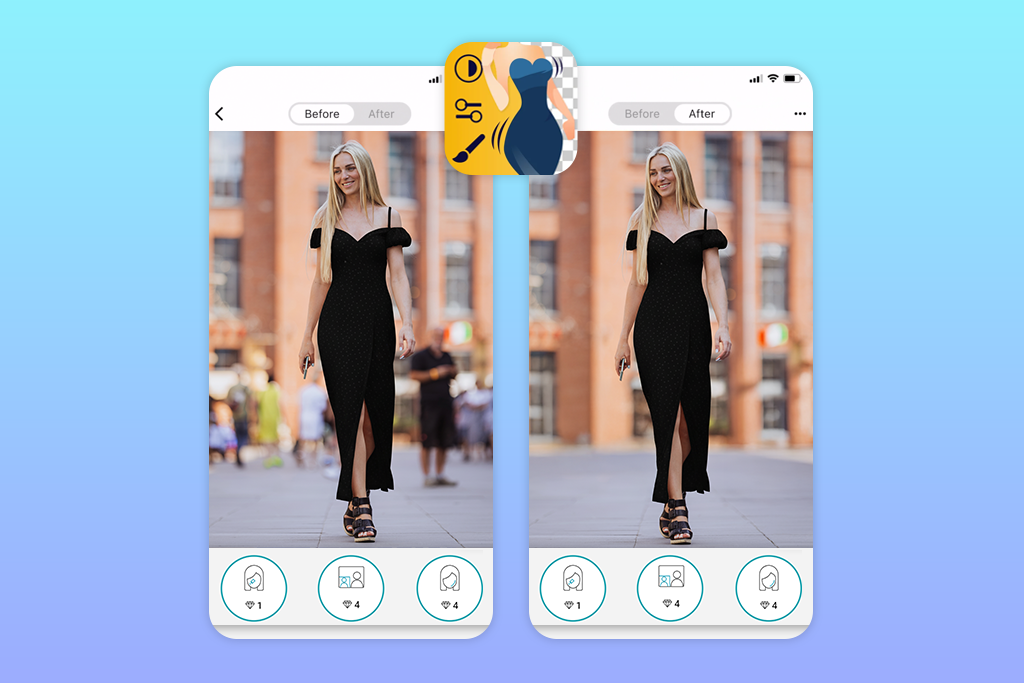
Fix The Photo Body Editor&Tune is one of the best apps I have ever used. It’s a popular app that photographers use because their photos to get enhanced by experienced retouchers. After launching the app, I uploaded the photo I took on a mountain trail, and selected the “Remove people from background” feature.
In the special field, I specified that I wanted to remove the man in the red jacket who was standing right behind me. Besides, I wanted the mountains in the background to look realistic and asked the team to ensure that there would not be any distortions.
When I received the edited file, I was surprised by how flawless it looked. This remove person from photo app filled the area behind me with rocks and greenery, and adjusted the lighting. It’s impossible to achieve a similar result when using even the most powerful AI tools. You can place your first order for free.
Price: from $0.99 per three photos
4. Snapseed
- Completely free
- Realistic small-area removal
- RAW files editing
- Professional tools like Curves
- Easy-to-navigate interface
- Requires manual precision
- It might take a while to master it
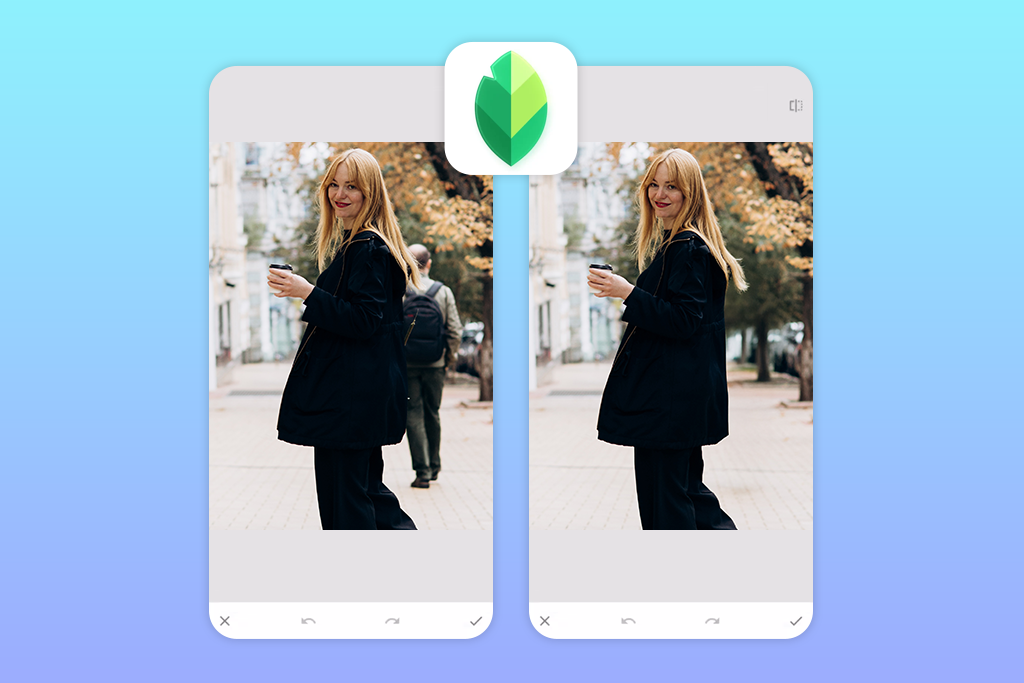
I’ve been using advanced iOS & Android photo editor when working on my projects for many years. I decided to use the Healing feature in this app to delete people in background who were standing behind me in a landscape photo. After zooming in, I tapped on the figure and waited a bit until the app filled the area with nearby textures.
The edited background looked realistic, the field was natural, as if it weren’t edited at all. I decided to test this app on photos with many people as well. I had to zoom in and tap several times to eliminate any sign of editing and ensure that the background looked seamless.
One should practice a lot and learn how to select people with high precision to achieve better results when using this app. However, this remove people from photo app is a great choice for anyone who wants to use advanced tools for free.
Price: Completely free
5. Meitu
- A variety of effects
- Quick AI people removal
- 1-click background reconstruction
- Trendy filters for Instagram
- All-in-one editing platform
- Occasional pop-up ads
- Limited choice of free pro tools
I have been using Meitu for years, as it has handy filters and effects. It’s also one of the best blemish remover apps that can help you get perfect selfies. I was wondering whether it was possible to use this app to remove someone from photo.
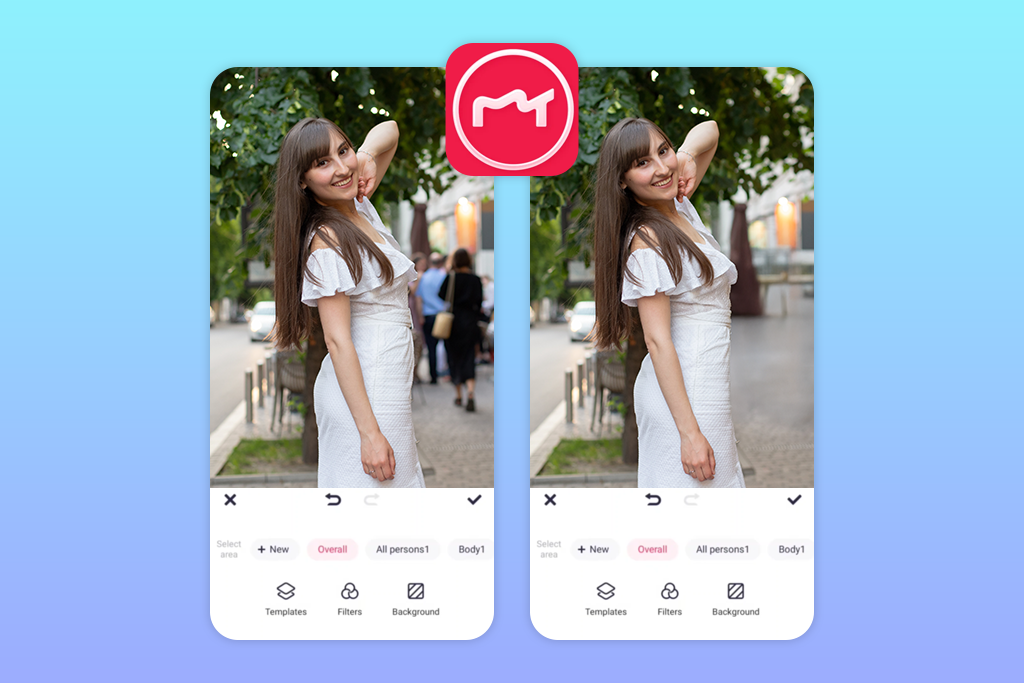
I opened my travel shots, selected the AI Removal → Swipe option, and selected a tourist behind me. The generative AI feature quickly filled the area with nearby pixels to remove the person naturally.
In addition, I tested the Select Short Shape mode for a wider area. It allowed me to remove the background in a more professional way. This feature is especially easy to use when a person is captured against a monochrome background.
After removing unwanted people or elements, I can apply a filter, adjust lighting, and retouch my portrait details without using any third-party software. You can use this free app to remove people from photo in a few taps. The only shortcoming of the free version is that it has some distracting ads.
Price: free version or from $4.99 per month
6. BeautyPlus
- Fast AI removal
- Realistic backgrounds
- Filters and templates
- Free creative tools
- Perfect for social media
- Occasional glitches
- Some ads in the free version
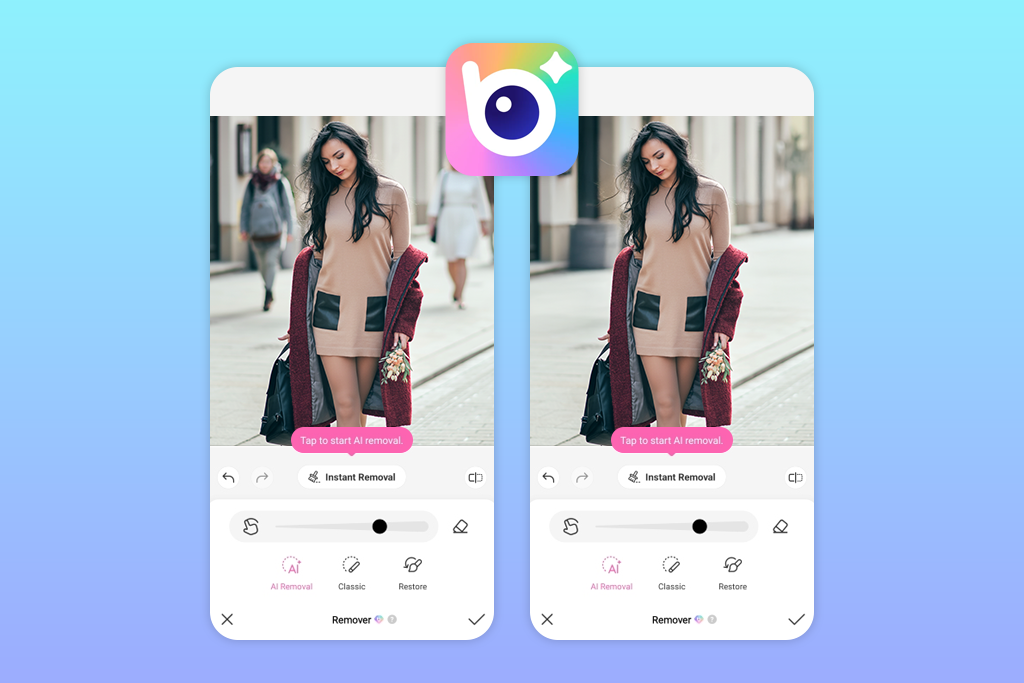
A colleague of mine recommended I use BeautyPlus. I decided to enhance a photo taken in a park where a passerby walked into the frame behind me. I used the Edit → Remove Objects feature, moved the brush over the person I wanted to erase, and the app quickly removed it with the help of the AI engine.
The trees in the background looked realistic even after I edited the photo. The light patches of grass blended perfectly. You can use such free apps to remove person from photo quickly.Besides the feature for removing people, I was able to use handy photo retouching tools, add stickers, and edit videos.
The only shortcoming was that there were some distracting ads that would pop up when I was editing my photos.
Price: free version or from $8.99 per month
7. PhotoDirector
- Excellent for novices
- Free daily removal tool
- Intuitive workflow
- Creative effects
- Occasional white blur marks
- Advanced tools are paid
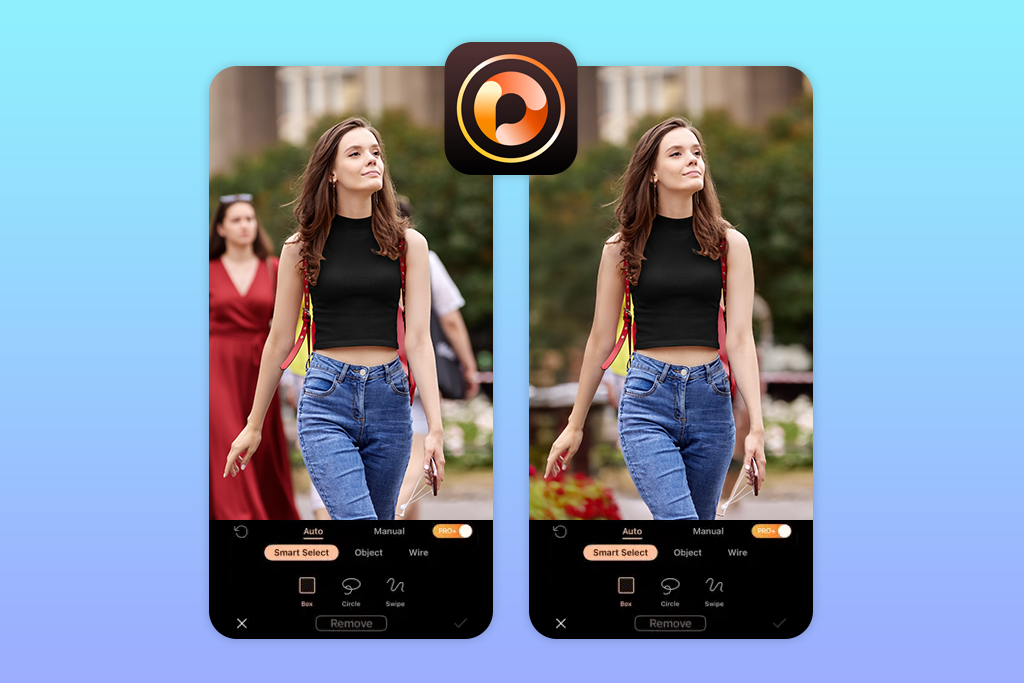
To test PhotoDirector, I decided to edit a photo that I took when I was at the beach. There was a person in the background who was walking past me, and I wanted to remove them. I tapped Edit → Remove. The AI highlighted the area I wanted to select. Then, I tapped again, and the person was removed. The edited background looked perfect, as if the photo wasn’t edited at all.
I liked that I was able to use the Remove feature free one time per day. It is a reliable app that removes people from background quickly. However, when I tried using this feature to remove some elements from more detailed photos with many colors and textures, I failed to achieve high-quality results.
Price: free version or from $6.99 per month






