5 Best Free Hairstyle Apps for Experiments
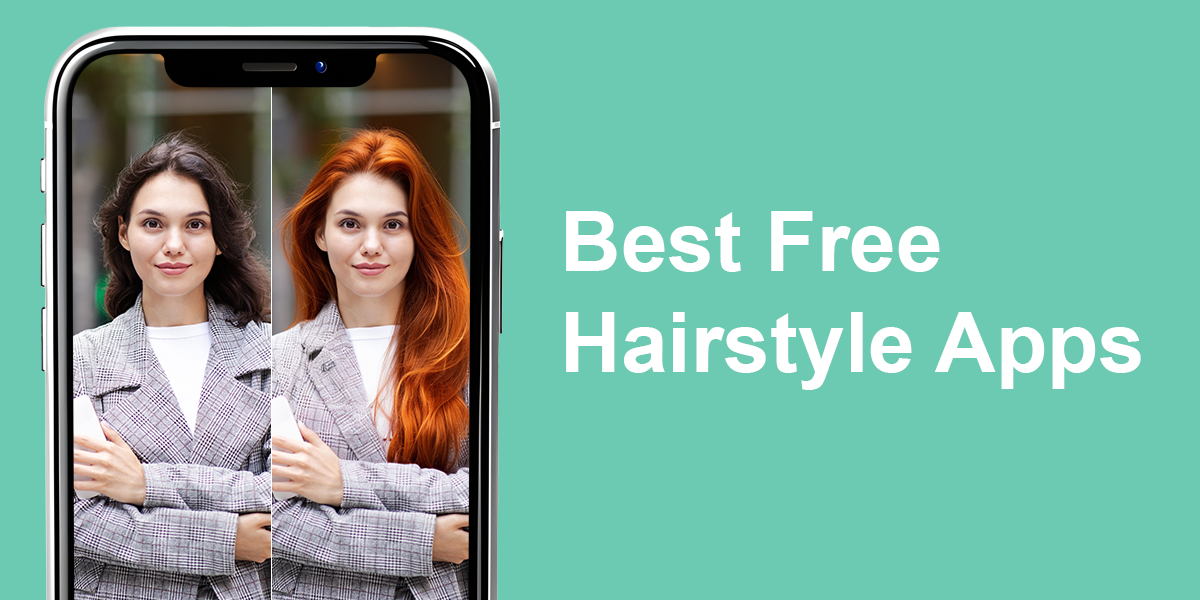
The best free hairstyle apps allow you to try out various looks in a couple of taps without spending a single cent. They can help apply different cuts, colors, and styles to your picture, allowing you to visualize yourself with bangs, highlights, and more drastic hairstyle changes. Instead of having to rely on your imagination, you can determine if a particular look would suit you by simply using an app.
As a retoucher working for Weedit.Photos, I tend to use professional image editing software for most of my needs. However, many of my social media followers have been asking me if there’s a way to experiment with different looks without having to buy expensive tools and learning complex retouching techniques. That’s why I decided to try out a variety of free hairstyle apps and share my findings. During the review process, I evaluated their user-friendliness, realism, and how restrictive the free version felt compared to the full, paid package.
Can You Really Trust AI With Your Hair?
When I was checking out these haircut apps, it soon became apparent that many of them employ AI to provide the results. Artificial intelligence has proven to be quite efficient at analyzing the shape of the subject’s head and appropriately applying the chosen hairstyle. The best options only take a few seconds to apply bangs, curls, or a different hair color to your photo to answer the age-old “Which hairstyle suits my face?” with just an app.

That said, AI has its fair share of flaws. The apps can have a hard time dealing with stray hairs, unconventional portrait angles, and more elaborate haircuts. For instance, when I imported a picture with a busy backdrop and unusual lighting, the AI-generated result suffered from rough edges and weird overlaps. Cases like that require either the hand of a professional retoucher or some manual editing on your own part.
Additionally, I have found that AI provides better results with more standard, classic hairstyles compared to experimental, avant-garde looks. If you simply want to add a bob cut or swap your hair color, a free hairstyle try-on app should have you covered. However, if you want to receive layered textures, natural highlights, or high-fashion cuts, be prepared to fine-tune the result after the AI.
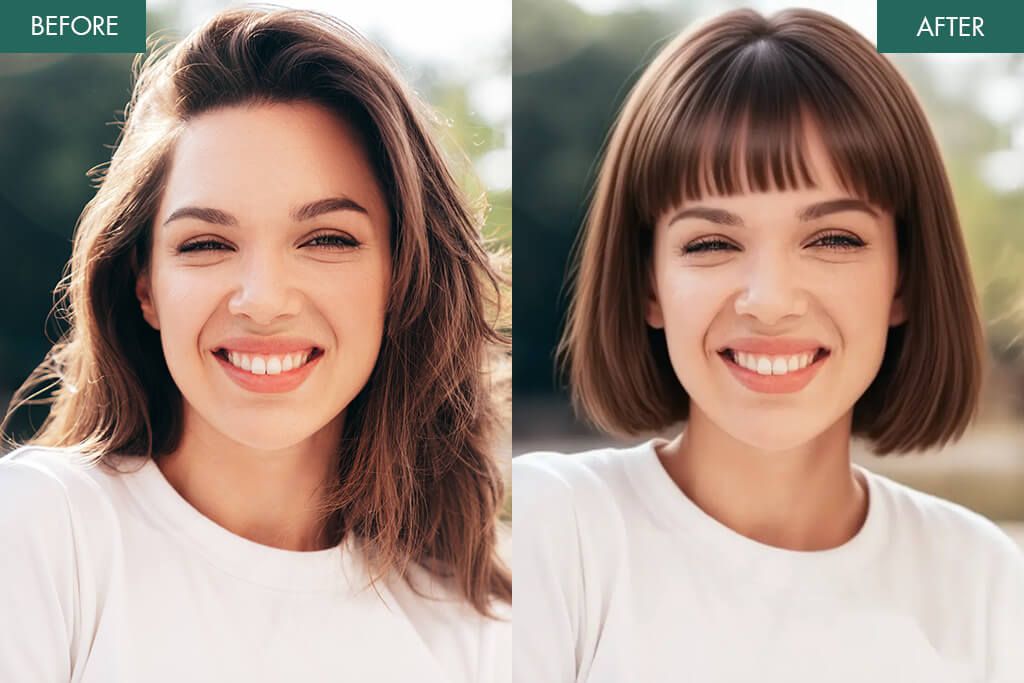
While AI-based tools can’t fully replace professional software or retouchers, they can still be great for experimenting and getting inspired with new ideas. That’s why I see these apps as a great starting point. They won’t replace professional tools or stylists, but they’re excellent for quick experiments and inspiration. By knowing the limitations of AI-powered solutions, you can learn how to use them to the best of their capabilities.
1. YouCam Makeup
- Over 150 hairstyles and color variations
- Natural AI textures and blending
- Motion preview for a dynamic look
- Convenient upload and in-app camera
- Saves best looks for furure inspiration
- Possible small fitting inaccuracies
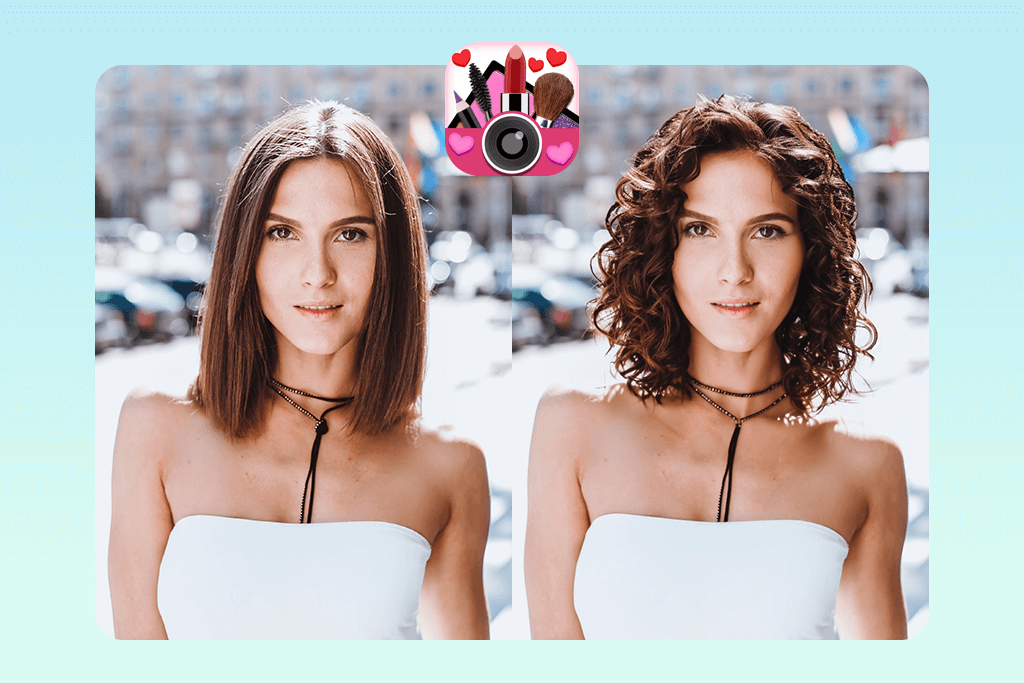
My first encounter with YouCam Makeup happened when I was looking for an app to try different hairstyles before going to a hair salon. Using this tool was easy. I imported a portrait photo and tapped on the “AI Hairstyle” feature. I liked the speed with which it swapped the hair while adding natural-looking textures. I applied a stylish bob, then tried out long wavy curls, and was happy with both results. I also changed the colors to platinum blonde and soft pink, while also leveraging YouCam Makeup to add eyelashes to photo.
I particularly liked using the free motion preview feature. After choosing a layered hairstyle, I used the option to animate it, and the hair started moving as if it were a video. This helped me even better imagine how I’d look with such hair. The main flaw of YouCam Makeup is that it can have trouble blending around the edges of older selfies, but that wasn’t a big issue.
2. Perfect365
- More than 28 hairstyles to try out
- AI matches styles to different face shapes
- Realistic blending for front-facing portraits
- Color filters with several shades
- Intuitive UI with real-time try-ons
- More limited hairstyle selection compared to competitors
- Lighter hair colors can lack definition
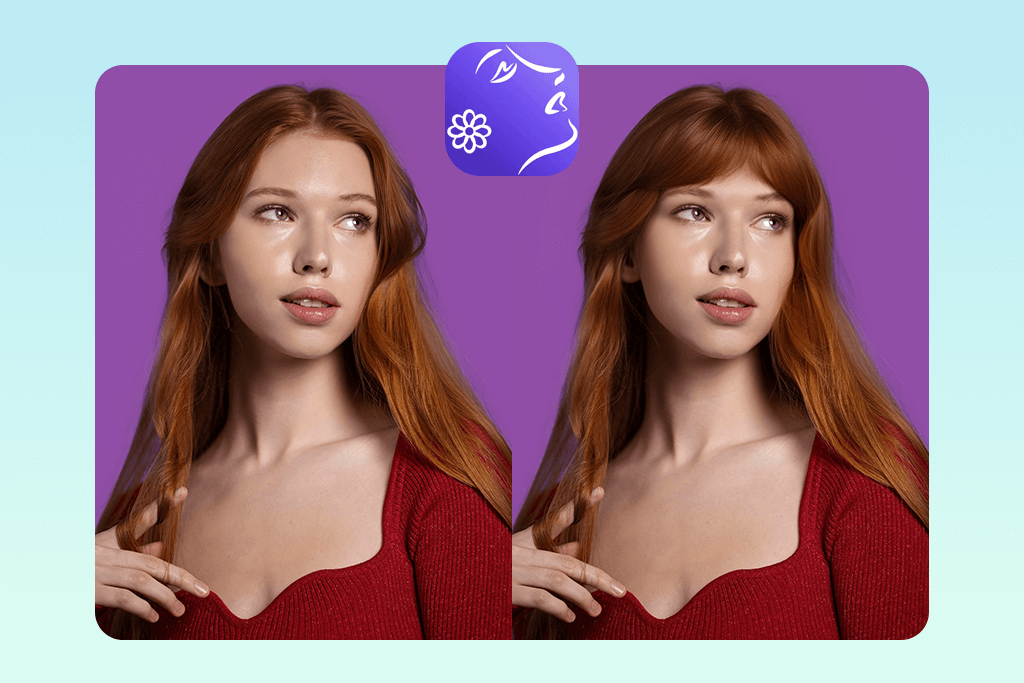
Perfect365 is arguably the best AI hairstyle app if you go by App Store reviews, so I wanted to test it myself. Its free features are already robust enough to help me try out various hairstyles and colors. I imported a selfie with my hair tied back and applied multiple presets: a stylish bob, long wavy layers, and even tried a vibrant red hue to see if it would fit me.
The AI applied the hairstyle accurately to my head, and while properly blending all the elements and ensuring the hairline looks smooth and realistic, as long as you pick a front-facing portrait.
My biggest problem was that several lighter hair colors didn’t have enough definition. For instance, platinum blonde felt a tad flat when juxtaposed against darker hues. However, that doesn’t distract from the fact that using Perfect365 is very fun since it lets you quickly try out a huge variety of hairstyles.
Being able to change the length and color in just a couple of taps makes it even more enjoyable. The fact that most of the provided functionality can be used for free is another huge bonus for users like me.
3. Fix The Photo Body Editor & Tune

- Actual human retouchers, not AI
- Realistic, salon-grade hair recoloring
- Convenient uploading and order placement
- First image is free
- Lacks instant single-tap retouching functionality
- Requires clear instructions to get the best results
This might be the best hair style app if you’re open to solutions that don’t rely on AI, but human retouchers instead. I launched the app, selected Upload Photo, and picked a selfie that I wanted to use to try a different hair color. I typed in my requirements, requesting darker roots with caramel highlights as well as a bit of extra volume at the crown.
This app that photographers use follows a different approach compared to AI solutions since I had to use words instead of simply applying different filters, but the benefit of this method is that I have a higher degree of control. After waiting for a bit, I received the enhanced photo. The highlights copied the natural flow of my strands, and I didn’t notice any overlapping or artificial-looking textures.
Sadly, it’s not completely free. You receive the first photo as a gift, and afterward, you can expect to pay around $0.99 for three images, which is still a lot more affordable compared to expensive software or visiting a hair salon.
The quality provided by this hair editor app is so high that I can even show the results to other people due to how realistic they look. If you’re interested in a professional output that doesn’t require manual Photoshop editing, the Fix The Photo Body Editor & Tune app deserves a place on your smartphone.
4. BeautyPlus
- Free hairstyle tools are simple to find
- Bangs and hairline reshaping features
- AI blending looks realistic in selfies
- Intuitive, fast editing workflow
- Lacks a specialized hair color changer
- The color filters aren’t very accurate
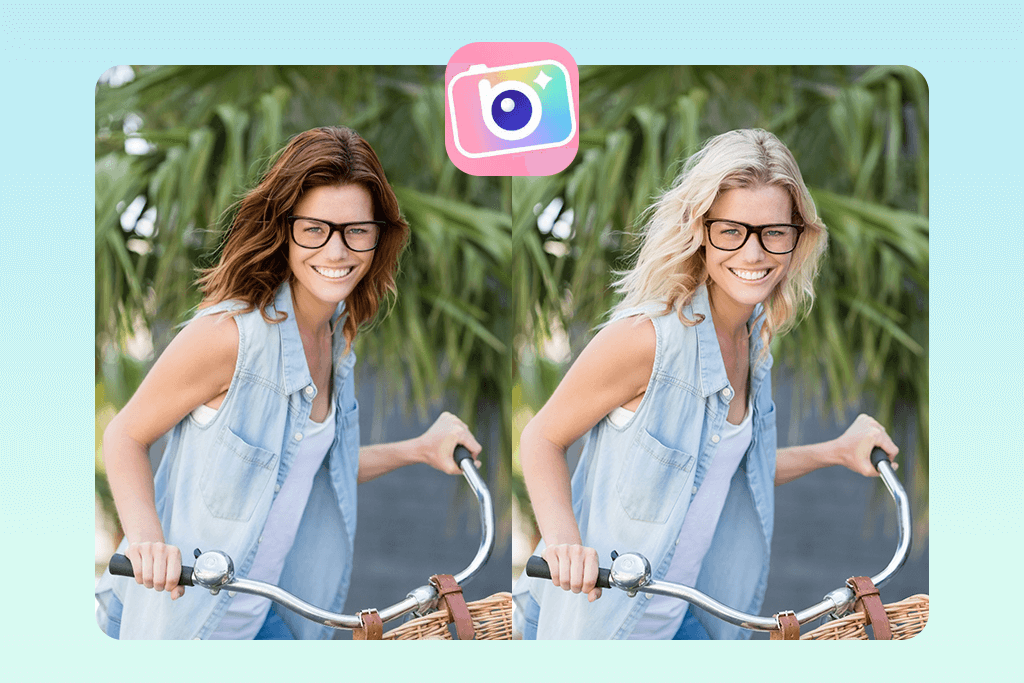
I’ve noticed that plenty of people rely on BeautyPlus for Instagram photo editing, so I wanted to try this app for hairstyles myself. While it’s not a specialized solution, I imported a portrait and selected the AI Hairstyle Changer. I started by applying straight bangs, and then tried the side bangs to check how different I’d look. The blending felt natural, and the edited hairline fit the curve of my forehead well.
My biggest disappointment with this AI hairstyle app is the lack of a dedicated color changer. Instead, I had to rely on basic filters, which struggled to apply an auburn hue naturally. On the plus side, I enjoyed how easily I could make changes to make the retouched photo look better. It’s no wonder people often use BeautyPlus for their social media content, as it’s user-friendly, versatile, and more than good enough for delivering high-quality results without requiring any advanced image editing skills.
5. FaceApp
- Instant hairstyle previews in just a couple of taps
- Natural blending with fluid edges
- Popular styles like bangs, bobs, curls
- Compatible with other FaceApp filters
- Hair recoloring looks flat
- Results only look natural when using front-facing pictures
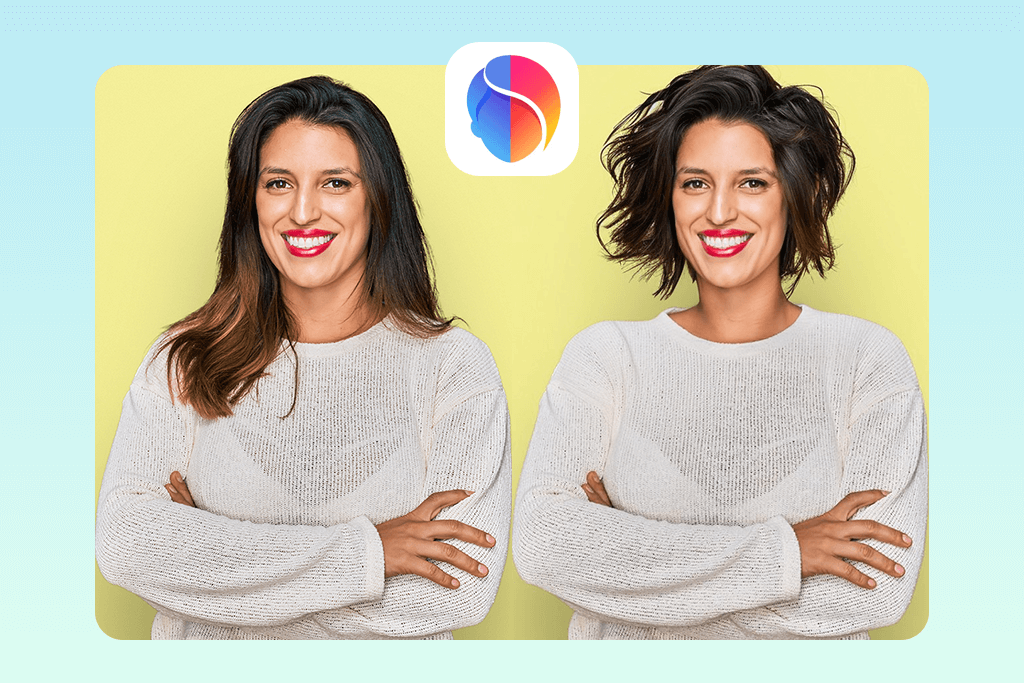
One of my friends suggested I use FaceApp for some casual edits, so I added it to my list. This hair style app lets me import a front-facing selfie from my phone and then select the Hairstyle tool from the menu. Next, I can browse through various cuts, from short bobs to curls, while instantly previewing the new look. I started with a long-layered hairstyle first, then chose a blunt bob, and the AI managed to apply both looks without making them look artificial or overlapping them with my actual hairline.
The biggest flaw of this AI haircut app is the limited number of hair colors. For instance, when I applied a chestnut hue, it didn’t have the necessary dimension that actual highlights would provide. However, considering that you can use FaceApp for free, the provided features are already good enough for visualizing how you’d look with different hairstyles. If you’re looking for a simple solution for quick experimentation without any in-depth customization, this might be the best free hairstyle app for you to try.






