9 Apps to Remove Flyaway Hair for Photos
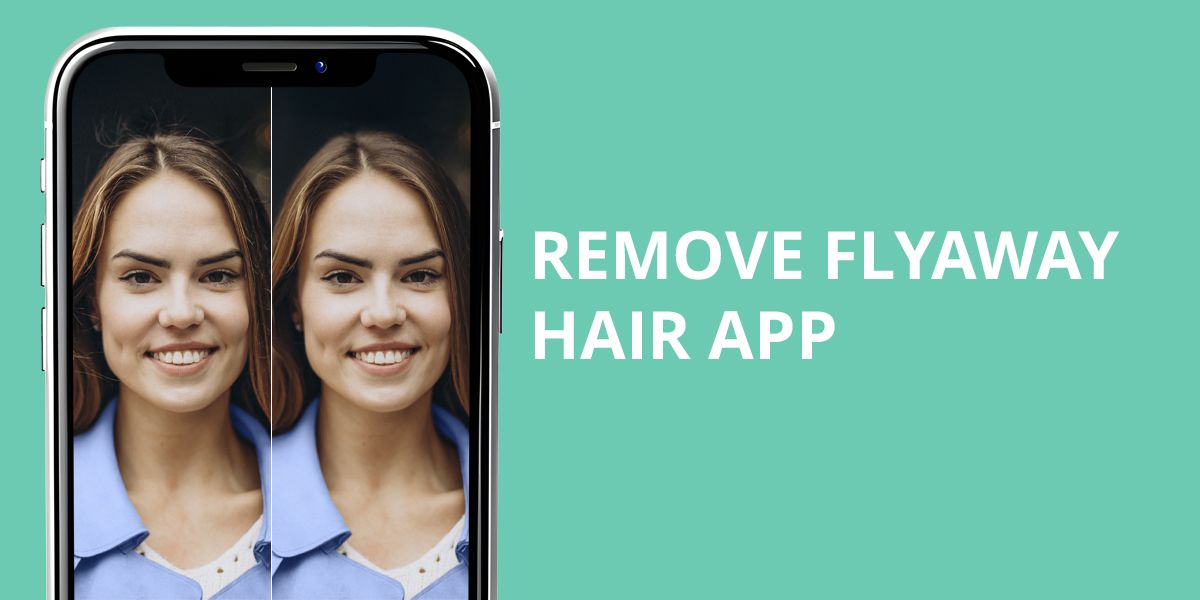
Do you know that moment when you’re looking at a portrait and can’t unsee the frizz or stray hairs sticking out everywhere? It happens to almost everyone. Flyaways may look small, but in photos, they grab attention, mess up hairstyles, and turn editing into a chore for beginners. Fortunately, you don’t have to master complicated Photoshop tricks to deal with them now.
Thanks to new AI-based apps and manual services, it takes only minutes to fix hair in photo online. You can choose from free apps, online editors, or expert retouching services depending on what you need. To save you time, I tested and reviewed the top options for removing frizz and stray strands. You will get professional and lifelike results.
AI vs Manual: Which Flyaway Hair Retouching Works Best
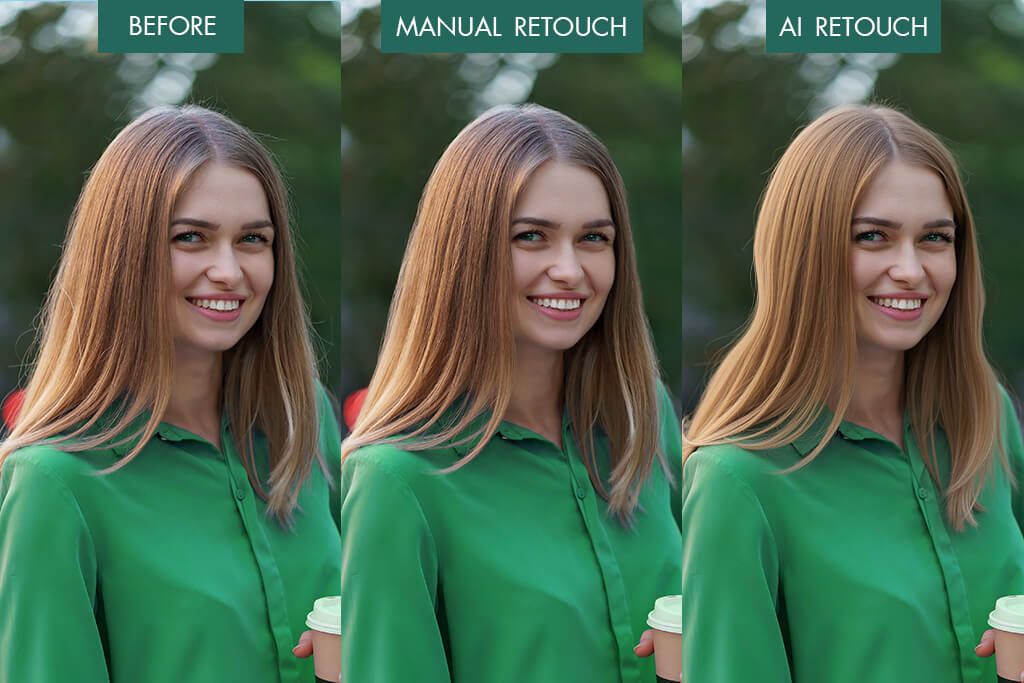
When it comes to removing flyaway hair, people often debate between AI-powered apps and manual editing. The truth is, each option has its perks. You should opt for AI tools if you are short on time. Still, manual editing is ideal if you want professional-looking, natural results. When choosing a suitable option, evaluate your photo and how precise you want to be.
Pros of AI flyaway tools:
- Beginner-friendly and fast
- Ideal for selfies and portraits with simple backgrounds
- One-tap smoothing for hairlines
- Often contain makeup and skin tools
My recommendations for manual flyaway editing:
- Use Clone or Healing brushes to remove tiny strands.
- Zoom in and work meticulously around the hairline.
- Match the background tones to avoid patchy spots.
- Stick to natural textures to avoid unrealistic results.
Though manual editing takes extra time, the payoff is worth it. Your edits look sharp and professional. This is crucial for detailed close-ups or photos intended for print.
I believe it makes no sense to use just one option. You can get amazing results when you combine them. First, use an AI tool to quickly fix hair in photo online free. Next, load your picture into Photoshop or Snapseed to fine-tune it. Thus, you can achieve faster results without sacrificing quality.
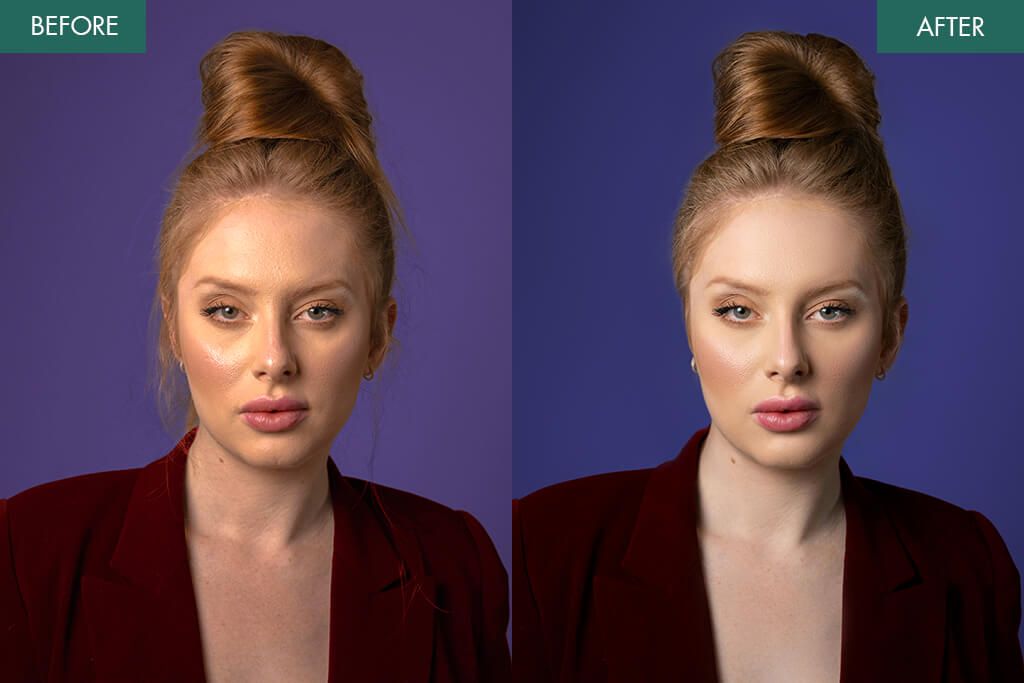
Don’t want to edit photos yourself? Let Weedit.Photos do it for you. Simply upload your image and ask for natural hair touch-ups. Experts can smooth frizzy areas, remove stray hairs, or tidy rough edges. Experts will improve your hair in images, preserving naturalness.
1. Facetune (iOS & Android)
Quick flyaway smoothing
- One-tap smoothing
- Spot brush
- Suitable for selfies
- User-friendly
- Some edits end up too soft
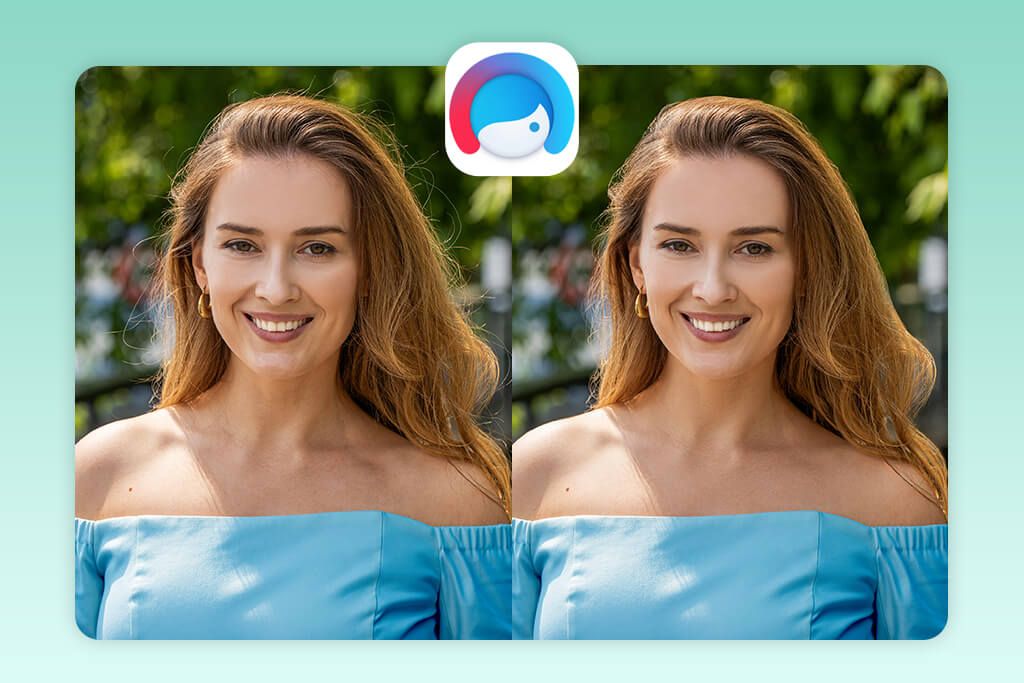
Facetune is a favorite among people who want to remove stray hair from photo online quickly. It has Smooth and Patch features that do an impressive job at controlling pesky flyaways. Simply zoom closer to your picture and lightly sweep over loose strands around your hairline. Thus, you can merge them with the background.
I also like the Patch tool. It helps you duplicate tidier hair sections and place them over untidy spots. The entire process is very fast. Thus, you can quickly improve social media pictures, but you should be accurate with textures, as they can look somewhat soft.
Price: Free with in-app purchases / $5.99 monthly subscription
2. FixThePhoto App (iOS & Android)
Retouching by real designers
- Manual expert editing
- First photo is free
- Natural textures in finished photos
- Suitable for improving hair, skin, background
- Requires Internet connection
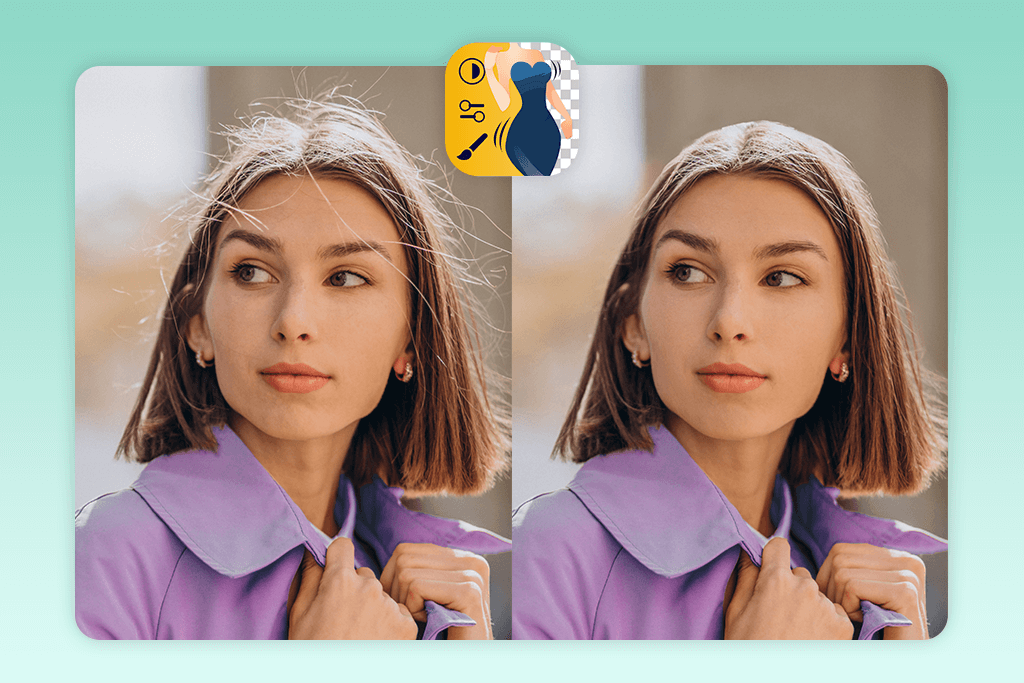
The FixThePhoto app has a special Remove Stray Hair feature. Using it, you can quickly fix loose strands without affecting the nearby texture. This application surpasses analogs. You don’t have to rely on generic AI filters to get rid of messy hair, but you can delegate this task to experienced editors.
The process is simple. You have to import your image and specify the needs. The team will improve the photo, strictly adhering to your requirements. The best part is that the results are always high-quality.
Besides fixing flyaway hair, you can take advantage of a blemish remover app. Experts will conceal wrinkles, pimples, and other skin imperfections.
Price: First edit free / $0.99 per image
3. BeFunky (iOS & Android)
Free online hair retouch
- Works online
- Clone and blur tools
- Batch photo editing
- Basic plan is free
- Good results require practice
- Annoying ads in free version
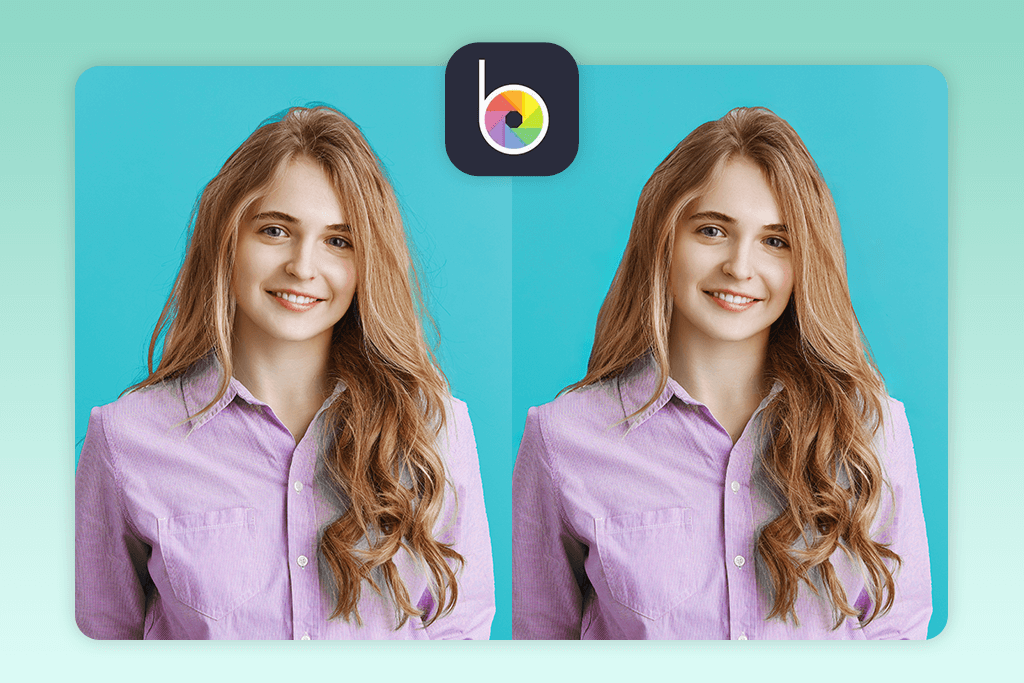
BeFunky is a free photo editing tool you can use online or through a dedicated mobile app. Keep in mind that it isn’t a purpose-made hair editor. Still, it has Clone and Blur tools suitable for removing stray hairs fast. The AI Retouch tab also contains features for fixing frizz in photos.
This free app to fix hair in pictures will suit you if you like editing on your computer without installing software. The results are satisfactory but often require manual tuning. Generally, BeFunky is a good option if you want a free, user-friendly editor.
Price: Free / $4.99 monthly for premium
4. YouCam Makeup (iOS & Android)
AI-powered frizz fixes
- AI hair smoothing
- Makeup and skin editing
- One-tap edits
- Export to social networks
- Stylized results
- Watermarked outputs in a free version
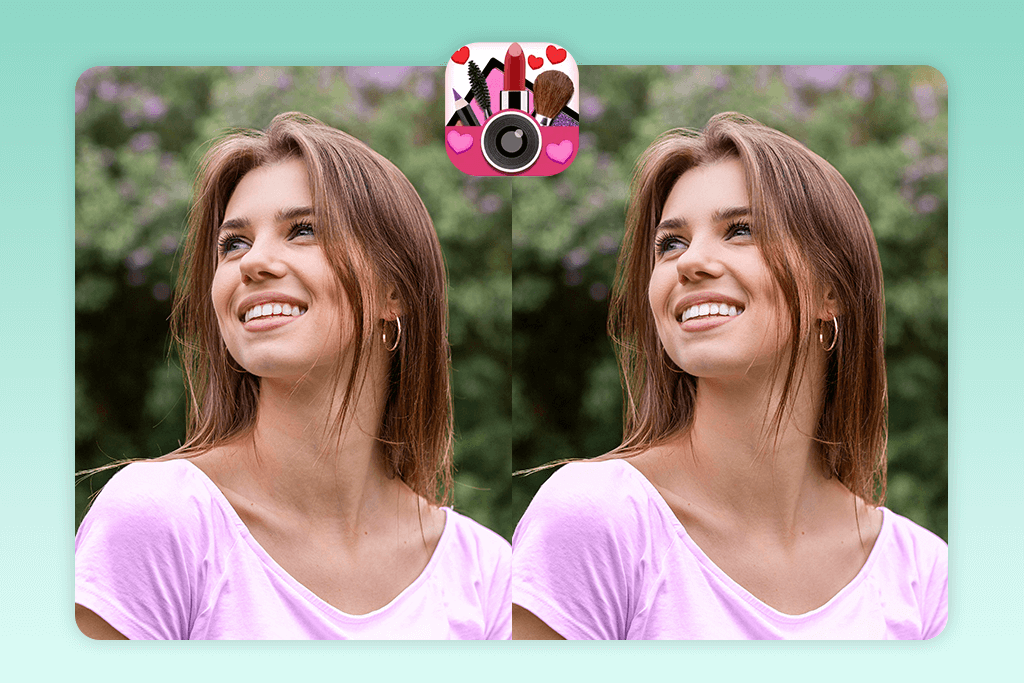
YouCam Makeup has become one of my favorite apps for quick hair fixes. I often use its Hair Retouch option. With one tap, it softens frizz and makes my hair look like I actually styled it properly. I don’t have to adjust anything manually.
This app makes editing so easy because it combines hair tools, skin retouching, and even virtual makeup in a single interface. I often use it when I need a quick selfie glow-up. The best part is the eyelash feature. You can add realistic lashes that instantly make your eyes stand out, so it is no wonder many users claim it is one of the best apps to add eyelashes to photo.
My only complaint is that the AI processing can make the photo look a little too “perfect,” almost like there’s a heavy filter on it. It’s not acceptable for detailed or professional work. However, if you wonder how to edit flyaway hair for free for simple edits or social media pictures, this tool is very convenient.
Price: Free / $5.99 monthly premium
5. Photoshop on iPhone (iOS only)
Pro-level blending tools
- Liquify and Clone tools
- Layer editing
- PSD & RAW compatibility
- Natural blending
- Runs on iOS only
- Not very beginner-friendly
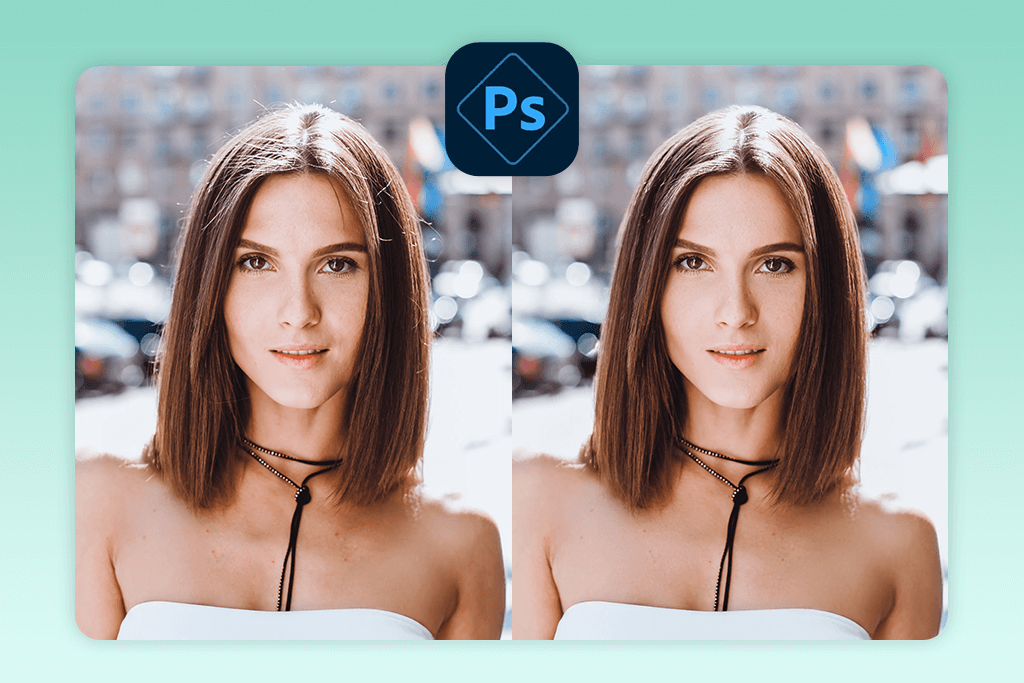
For those who like detailed, precise edits, Photoshop on iPhone is a great option. There is the Liquify tool, using which you can refine the hairline and smooth out small flyaways. The Clone Stamp tool is great for copying smooth hair sections and mixing them naturally into messy parts.
If you’re editing high-quality portraits, this app is a solid choice. It handles layers, PSD formats, and RAW images with ease. Still, it’s better suited for experienced users. Those looking for a one-tap AI app to fix hair in pictures, may opt for other tools.
Generally, if you want to smooth frizzy hair without quick filters, Photoshop on iPhone is a trustworthy, professional option. Moreover, Adobe offers a few free Adobe apps that work together with Photoshop. Thus, you can enhance your images in different ways right on your phone.
Price: Free with Adobe login / Full features via subscription
6. AirBrush (iOS & Android)
Smooth brush for messy hairlines
- Smooth & patch tools
- Adjustable brushes
- Free features
- Quick exports
- Not hair-specific tool
- Possible unrealistic results
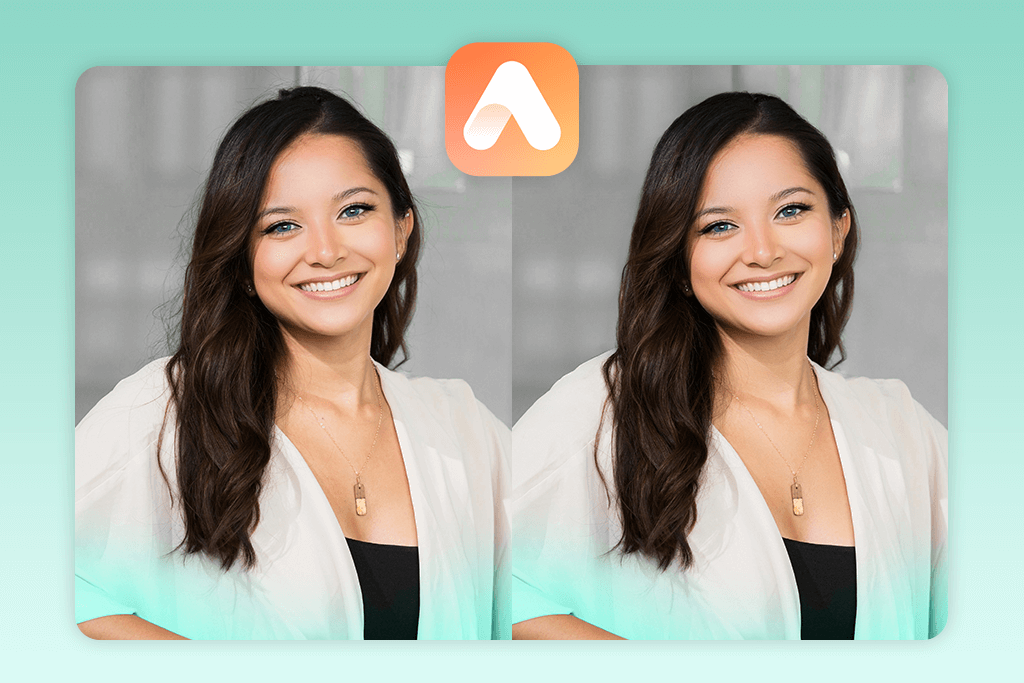
With AirBrush, you can easily fix messy hair. There is the Smooth brush, which softens frizz and the Patch tool that covers flyaways with cleaner strands. The process is fast and simple, ideal for casual photos. However, if you smooth too much, the hair may look overly flat or unrealistic.
That’s why pros taking headshots may prefer other tools. But for regular users, AirBrush remains a reliable app for quick, natural-looking touch-ups.
Price: Free / $3.99 monthly premium
6. AirBrush (iOS & Android)
Smooth brush for messy hairlines
- Smooth & patch tools
- Adjustable brushes
- Free features
- Quick exports
- Not hair-specific tool
- Possible unrealistic results
With AirBrush, you can easily fix messy hair. There is the Smooth brush, which softens frizz and the Patch tool that covers flyaways with cleaner strands. The process is fast and simple, ideal for casual photos. However, if you smooth too much, the hair may look overly flat or unrealistic.
That’s why pros taking headshots may prefer other tools. But for regular users, AirBrush remains a reliable app for quick, natural-looking touch-ups.
Price: Free / $3.99 monthly premium
7. Pixl (iOS & Android)
Lightweight AI flyaway remover
- Auto-retouch
- User-friendly interface
- Lightweight
- Free to use
- Few manual options
- Ads in free version
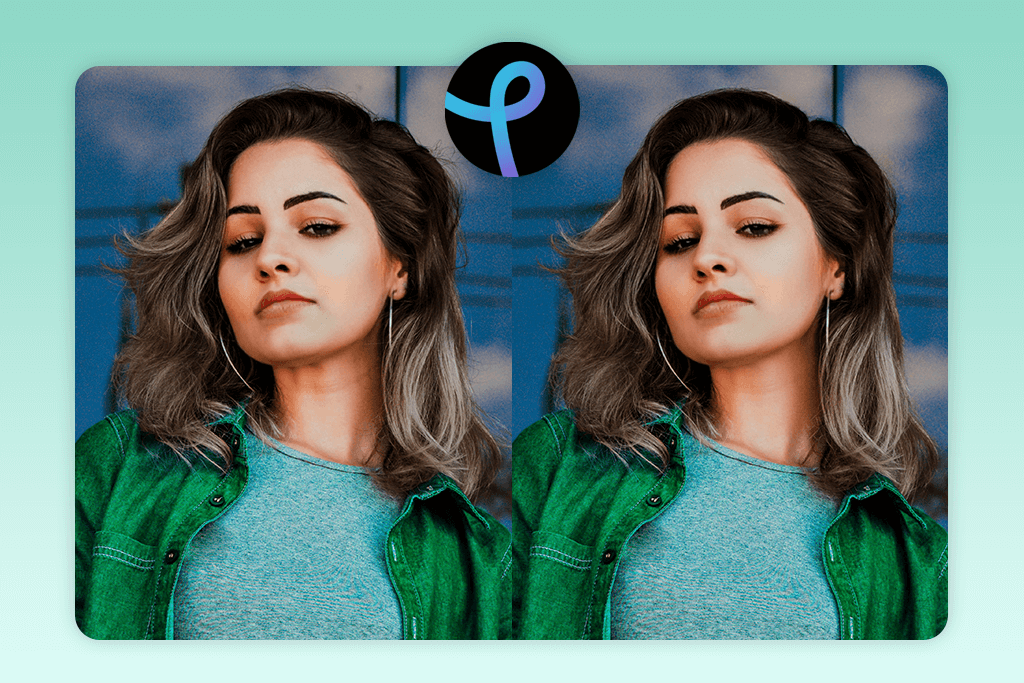
With Pixl’s Auto Retouch tool, you can instantly fix frizzy hair and flyaways in one tap. The app runs smoothly and works best for quick selfie edits when you don’t need to do detailed corrections.
The app is rather basic, so you may want to use it together with other apps to make you look skinny or change body proportions. It is really helpful to have reliable tools for different fixes.
As for shortcomings, there are no manual tools, so if you want to apply manual tweaks, you can’t do that. Still, it is a nice option for basic corrections.
Price: Free
8. Snapseed (iOS & Android)
Manual frizz control
- Healing brush
- Free no-add program
- RAW support
- Very precise results
- Manual editing only
- Takes time to master
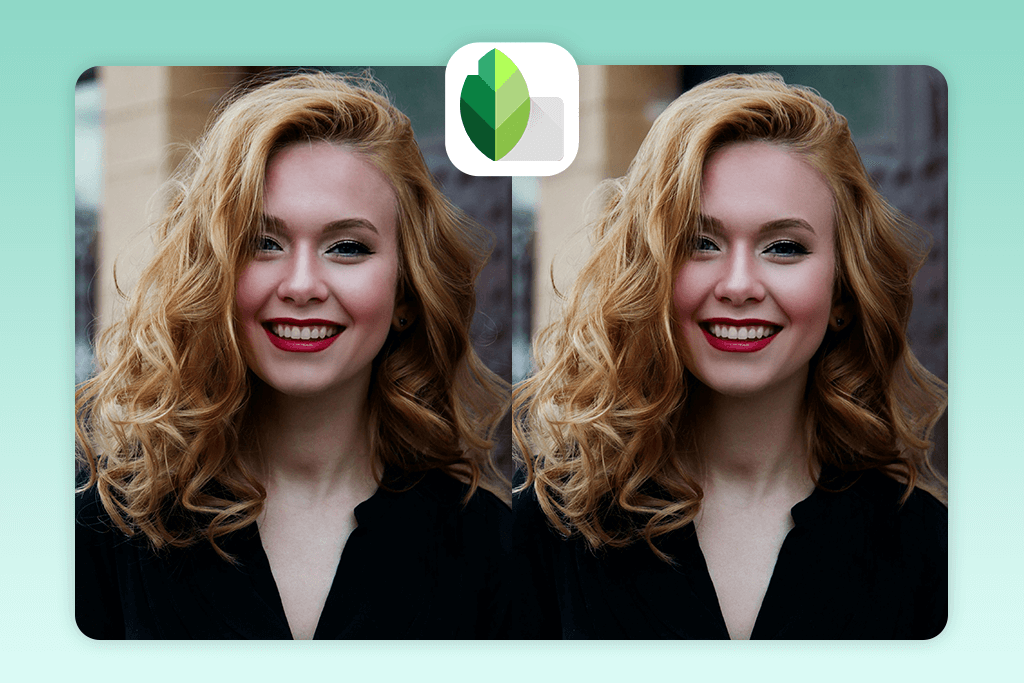
Snapseed is another tool to use if you want full creative control over your edits. The Healing tool can clean up stray hairs with great accuracy. This is helpful for close-up portraits. You decide what stays and what goes, rather than letting an app do it automatically.
This fly away hairstyle app works best on plain backgrounds where hair stands out clearly. However, with busy or detailed backdrops, the process can take longer. Still, it is a fair trade for getting precise, professional-looking results.
I like that Snapseed is free to use and doesn’t show any ads. It also works with RAW files, which is great for photographers who want to keep the best image quality. While it’s not the fastest tool, it’s excellent for detailed edits. If you want high-quality results, Snapseed won’t disappoint.
Price: Free
9. Picsart (iOS & Android)
Creative flyaway remover
- Clone and Remove tools
- AI-based fast edits
- Hair, skin, and background editing
- Free features
- Some tools are paid
- Results depend on backgrounds
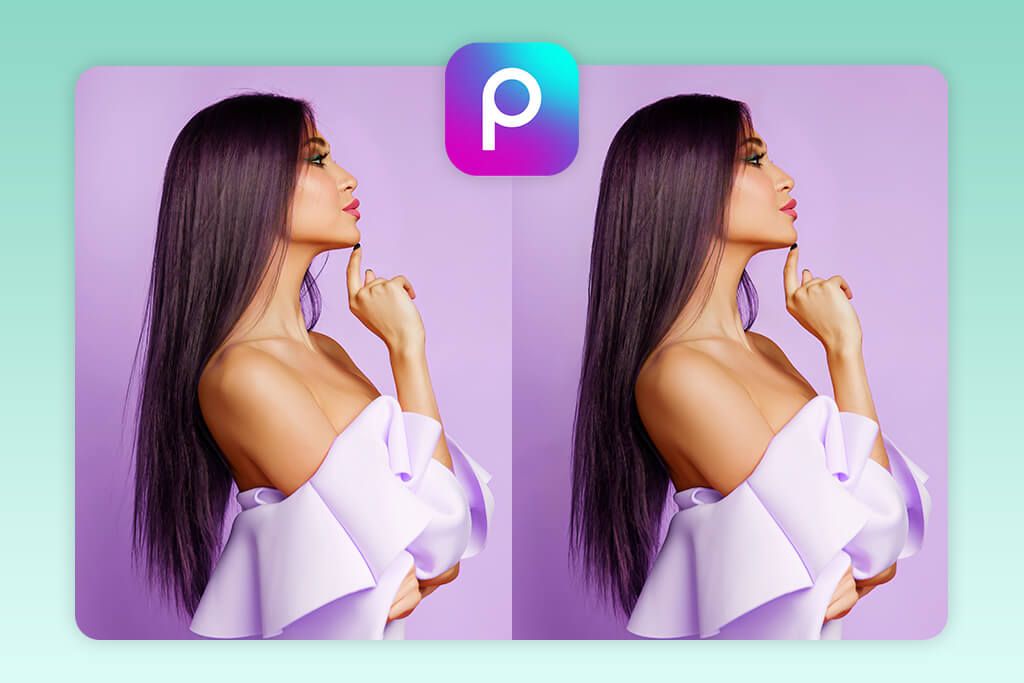
Picsart is a flexible photo editing app that’s also great for fixing flyaway hair. With its Remove Tool, you can quickly clean up stray strands or small distractions promptly. If you are interested in detailed edits, take advantage of the Clone tool. It helps you smooth out hair by copying and blending clean areas over the messy ones.
In addition to hair editing, Picsart includes creative effects, overlays, and collage tools. You may use them for quick fixes and artistic edits. The AI feature sometimes struggles with busy backgrounds. Still, you can combine it with manual tools to get better, more realistic results. It’s an excellent choice for anyone who wants speed and control in one app.
Price: Free / $11.99 monthly premium






