9 Best Lip Plumper Apps to Try Filler Looks Virtually
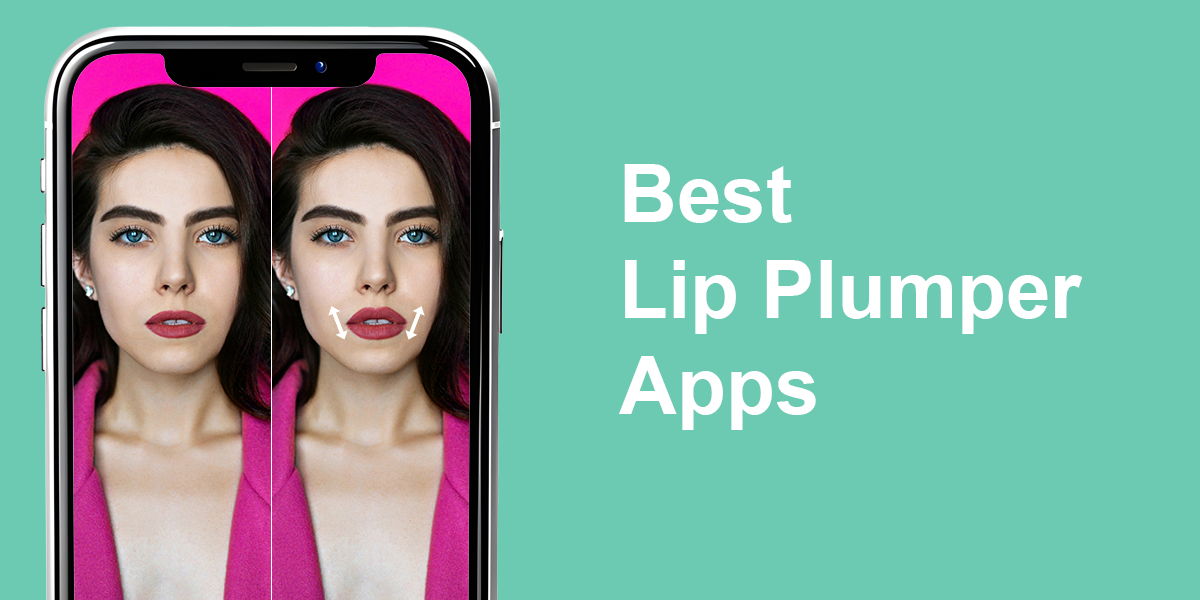
Want fuller, more defined lips in your photos? You no longer need to use strong filters or edit for hours. Thanks to modern lip plumper apps, you can enhance your lips, reshape them slightly, and envisage what lip fillers might look like in an instant.
Thanks to embedded AI, these apps gently tweak your facial features without applying drastic changes. You get just small touches that highlight your beauty. Also, you can use such apps to experiment with filler styles or create a perfect selfie.
Being a professional retoucher at Weedit.Photos, I decided to test several trending lip plumper apps. I wanted to find out which tools deliver natural results and which ones are useless.
AI vs. Manual: What Works for Virtual Lip Plumping
I spent a lot of time testing dozens of lip plumper apps. Throughout the process, I realized that AI can help enhance your lips naturally, but sometimes it goes a little overboard.
The best lip plumper apps use smart technologies to find your lips in an image and shape them in a way that fits your face. Thus, you receive a fuller look that is still realistic.
I like that many apps offer lip shapes based on real filler trends, e.g., Cupid’s Bow or Keyhole Pout. The heart-shaped one is my favorite. It adds volume but still looks realistic.
These apps can’t replace expert advice. They’re just a fun way to see how different lip styles can look on your face. I tested and understood what options may work for me if I go for fillers someday.
1. YouCam Makeup
Realistic lip plumper AI effects
Platforms: iOS, Android
- Realistic, AI-based lip plumping
- Many lip textures and filters
- Real-time virtual makeover
- Adjustable lip shape and size
- Features to tweak lips, face, teeth, etc.
- Some features are paid
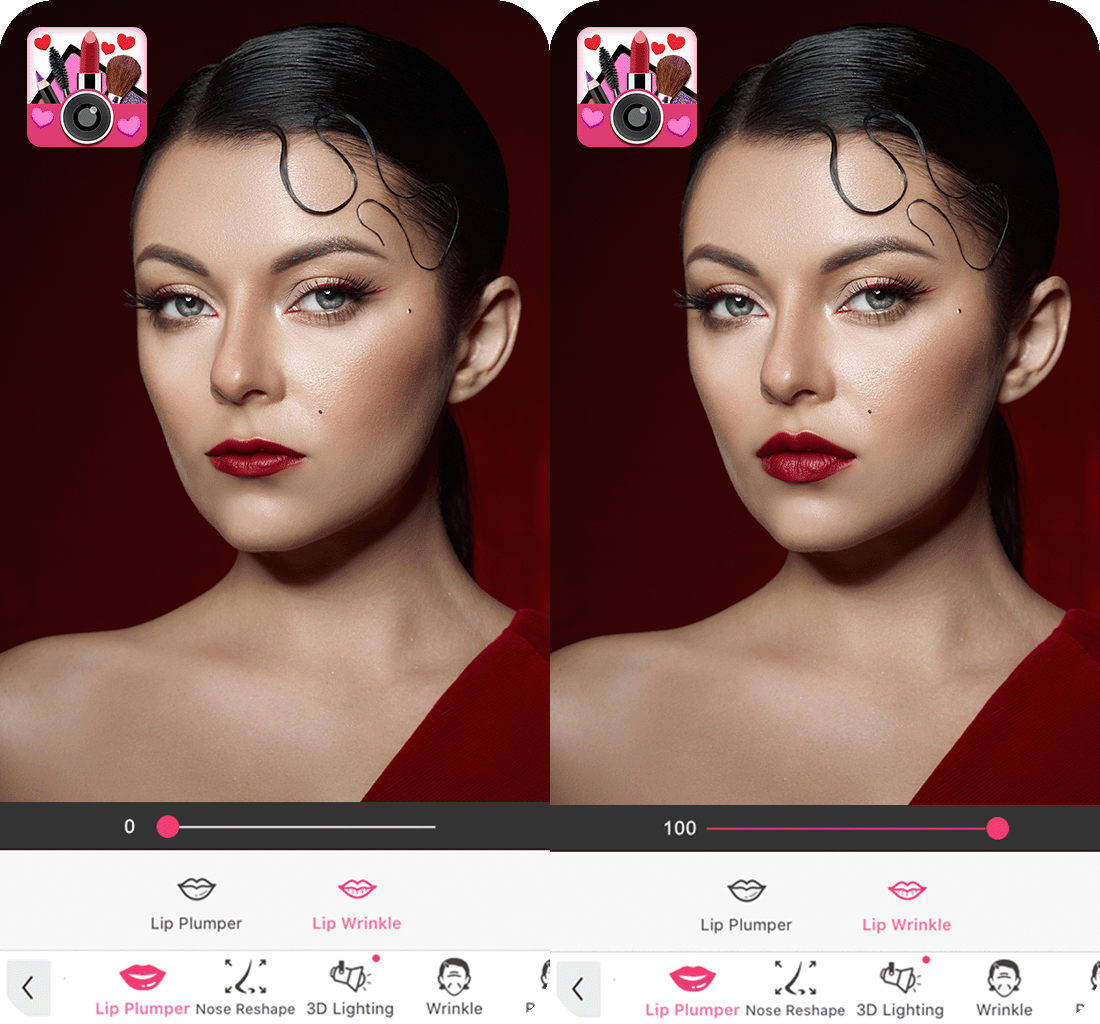
Out of all the apps I tested, YouCam Makeup is the most user-friendly tool that delivers realistic results. You can upload a photo or snap one, tap “Makeup”, then pick “Lip Reshape” (Android) or “Lip Plumper” (iOS). It detects your lips in pictures and lets you adjust the volume with a simple slider.
You can tweak both the fullness and the lip shape. It is great, as you can go for either a subtle glow-up or a more dramatic pout. I was impressed that the edits didn’t warp my smile or weirdly affect the rest of my face. The AI works well with your features, especially if the lighting was good when you snapped a shot.
This lip plumper app gives natural-looking results as long as you don’t go overboard. A light touch works best. Excessive editing often leads to artificial results. Beyond lip plumping, you can use YouCam as a blemish remover app, for adding lipstick, reshaping, and trying makeup in real-time. Once done, post your photos straight to Instagram, Snapchat, and other sites.
Pricing: Free with in-app purchases; Premium from $8.98/month or $38.98/year
2. Fix The Photo Body Editor&Tune
Precise, manual, pro-level lip plumper
Platforms: iOS, Android
- High-quality manual lip reshaping
- Lifelike lip enhancements
- First photo edit is free
- Improves smile, teeth & facial features
- Fast turnaround
- No immediate results
- Limited free features
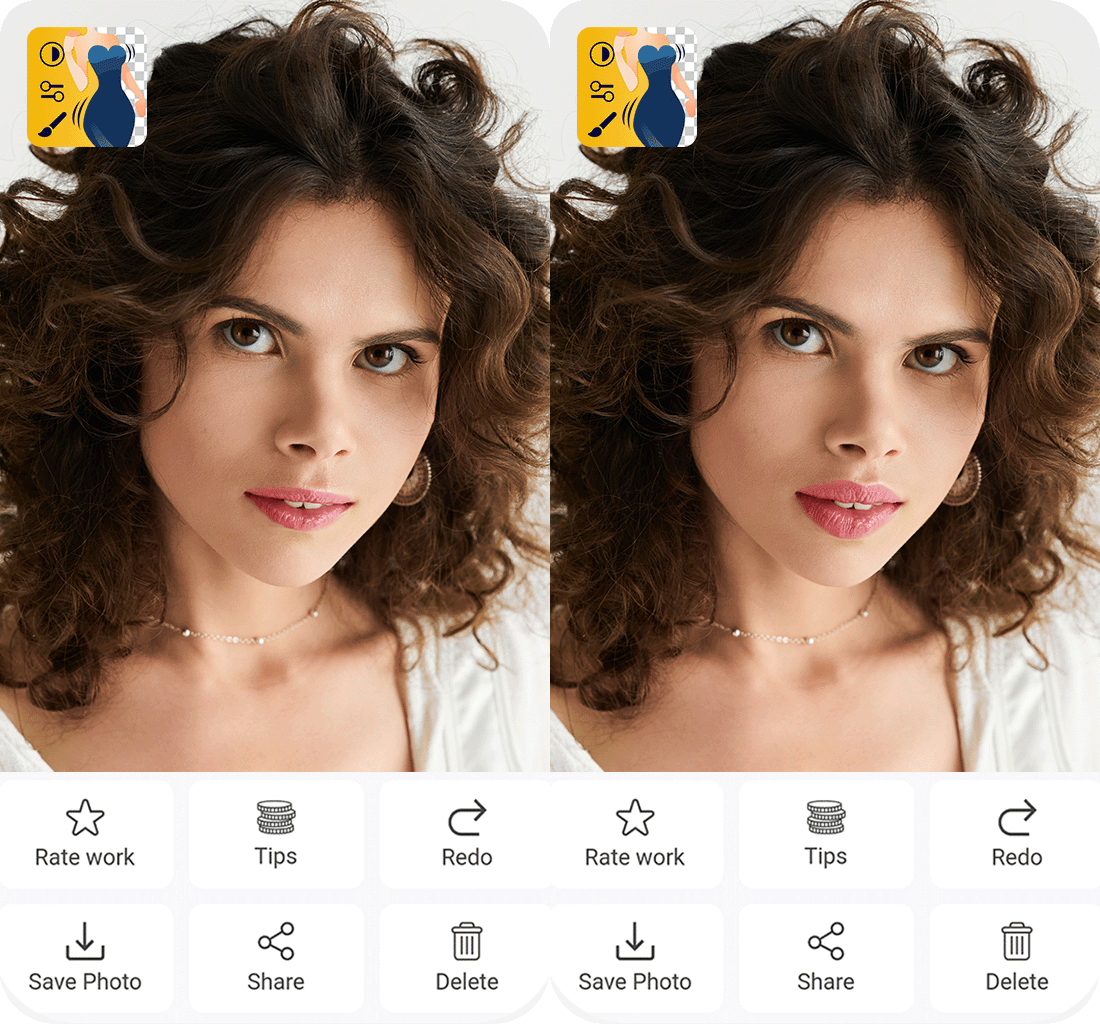
Unlike other apps where you use tools for editing yourself, Fix The Photo Body Editor&Tune lets professionals handle it. This is a popular app that photographers use, which combines manual and AI.
Choose the “Lip Enhancement” under the “Face” category, upload your photo, and write any comments like “Make lips fuller” or “Highlight Cupid’s bow”. A real retoucher will apply the edits for a natural, polished look.
There is a large team of experts behind this app. Instead of relying on generic filters, you can get careful, custom edits. My lips looked plumper yet realistic, without any blur or odd shapes. Moreover, unlike some auto tools, it didn’t affect my eyes or nose.
The retouched photo is usually ready within 30-60 minutes. Keep in mind that you can’t preview edits. You need to send your image and wait. Generally, it is the best lip plumper app if you want expert edits done for you. You can also ask for extra corrections like body slimming, wrinkle fixes, or a brighter smile.
Pricing: Free test photo, then paid edits
3. Facetune
Versatile & customizable lip plumper
Platforms: iOS, Android
- Manual and automatic editing
- Customizable lip shape and fullness
- Top-notch results
- Teeth whitening option
- Suitable for both beginners and pros
- Some features are paid
- Advanced tools may confuse novices
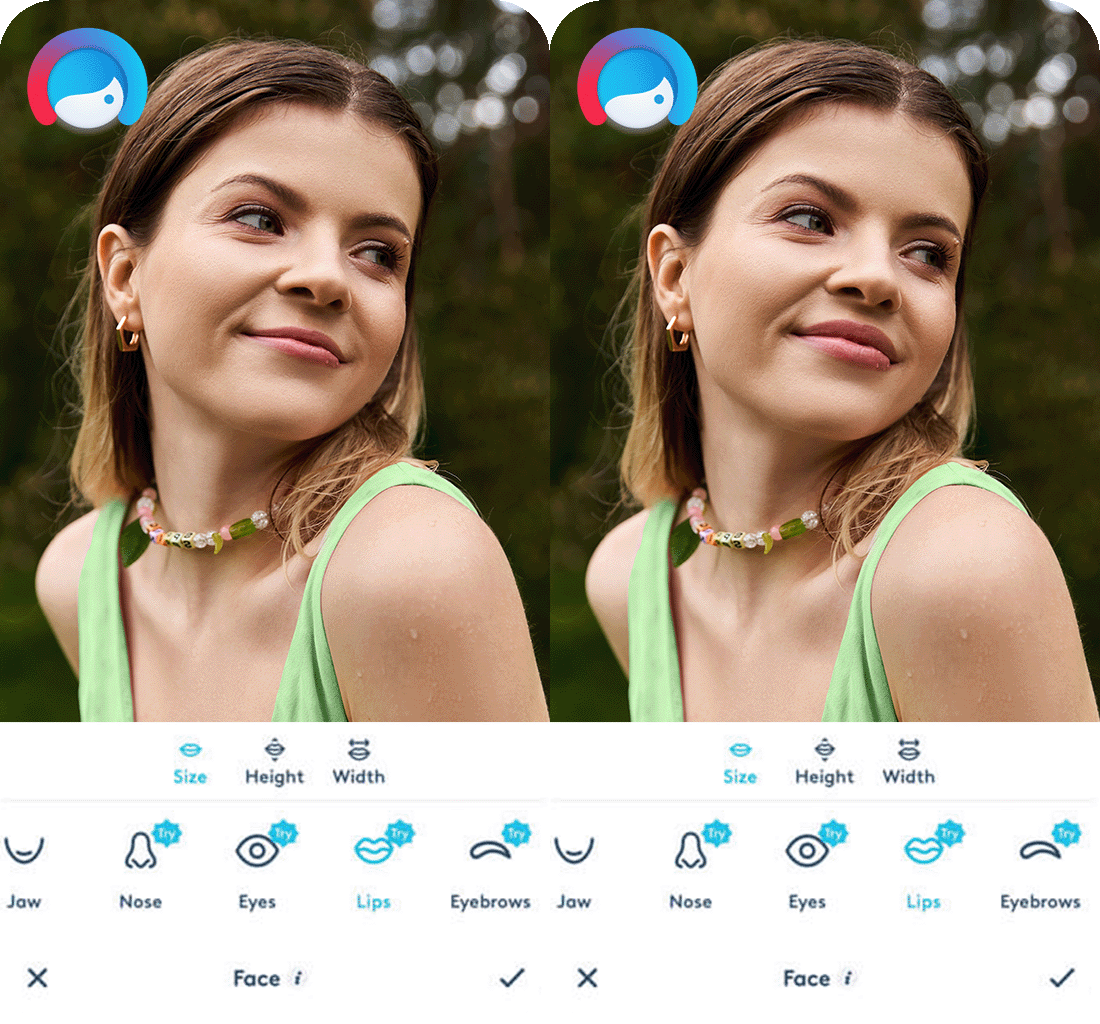
With Facetune, you can shape your lips exactly how you like. I clicked “Retouch” > “Reshape” and zoomed in. Using the “Refine” and “Resize” tools, I was able to plump my lips for a personalized look.
The best thing about Facetune is its precision. You can target small areas, fix symmetry, or shape just the upper lip. Still, sometimes you may not achieve the desired result on the first try, so be patient. Fortunately, the built-in “Smooth” tool helps you blend everything out for a proper look.
You can get a natural lip plump with this app, but you should be mindful of the correction you apply. There’s no AI help like in YouCam, so while you have more control, it’s also easier to stretch or distort your face. Besides reshaping, this auto photo enhancer includes lipstick effects, filters, and teeth whitening tools. You can save the edited image or share it directly online.
Pricing: Free with in-app purchases; from $5.99/month
4. AirBrush
Automatic beginner-friendly lip plumper
Platforms: iOS, Android
- 1-click lip plumping
- Natural results
- Many beauty filters for lips
- Automatic edits
- Teeth whitening and skin smoothing
- Limited control
- Watermarked results in a free version
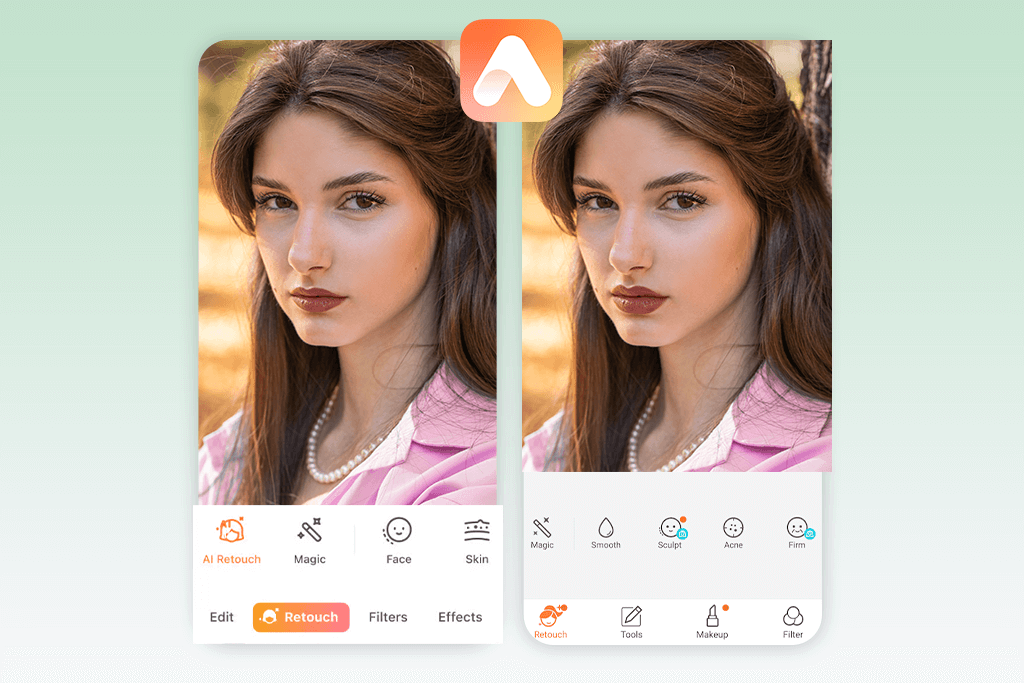
AirBrush is a straightforward lip plumper app with a beginner-friendly design. Just upload your photo, go to Tools > Reshape > Reshape, and gently pull the lips outward for a plumper effect. For additional correction, use the “Refine” tool. It lets you shape the lip edges for a defined finish.
To get natural results, you’ll need to be precise. There’s no built-in AI, so it’s all up to you. The “Smooth” feature is especially useful, as it softens any rough transitions around the lips after editing.
AirBrush is packed with extra perks. For example, you can use one-tap retouching, pimple fixes, and makeup filters. Post your results right away or save your edits in high resolution.
Pricing: Free with in-app purchases; from $3.99/month
5. BeautyPlus
AI-powered lip plumper with a variety of filters
Platforms: iOS, Android
- AI-based auto lip correction
- Many lip filters and makeup options
- Beginner-friendly app
- Tools for editing teeth, skin, and face
- Some lip features are paid
- Possible over-smoothing with filters
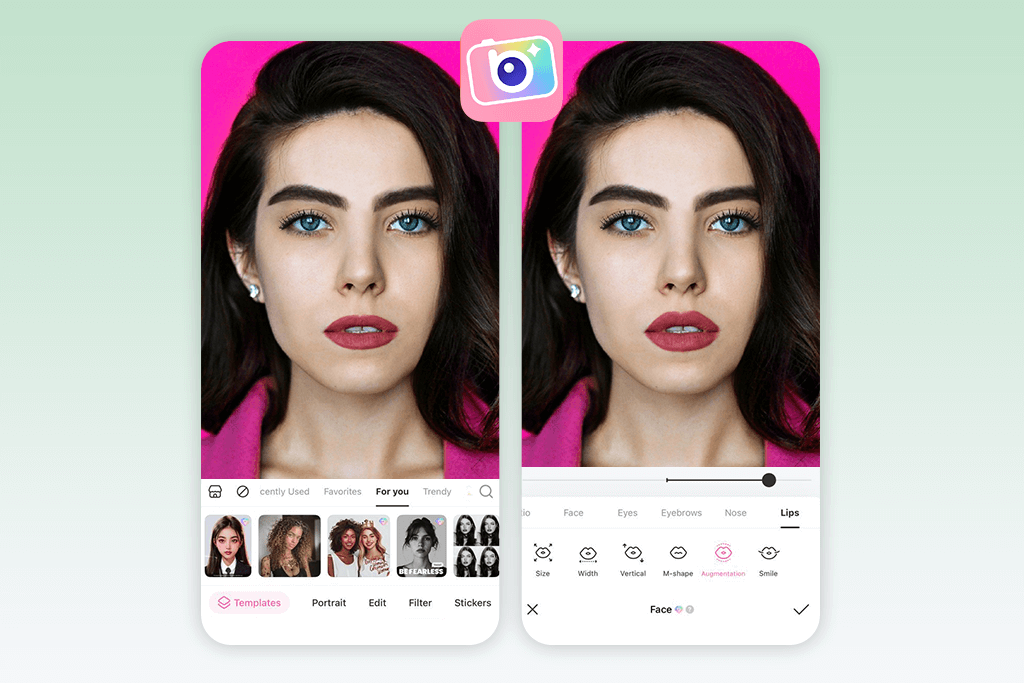
With BeautyPlus, even beginners can enhance lips in photos quickly. Just go to “Edit > Retouch > Reshape” and try the “Lift” or “Enlarge” brushes. They’re easy to use and work smoothly for a fuller look.
Customization options are basic, but they let you get a specific result. You can control how big and strong the brush is in order to create nicely shaped lips without affecting nearby parts. Still, there’s no lip auto-detection. So, you need to zoom in and work carefully to preserve balance and face symmetry.
BeautyPlus transcends other apps with its makeup options. Thus, you can pair lip plumping with virtual lipstick and gloss to get a finished look. The lip enhancements look quite natural when kept subtle. Still, some AI tools may deliver more pronounced results. On the flip side, exporting, sharing, and adding effects or animated backgrounds is quick and easy.
Pricing: Free with in-app purchases; from $5.99/month
6. PhotoDirector
Versatile AI lip plumper & face editor
Platforms: iOS, Android
- Full-featured with AI lip reshaping
- Lots of makeup/lip filters
- Customizable adjustments
- Suitable for beginners and pros alike
- Can change face, body & background
- Some features require a subscription
- Interface not so beginner-friendly
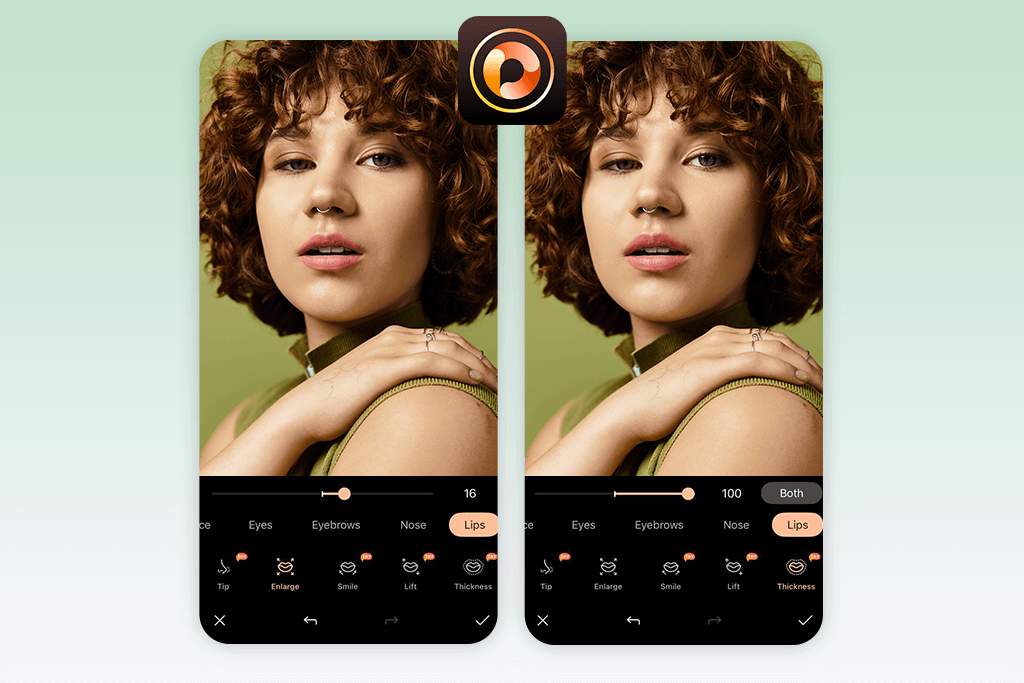
With PhotoDirector, you get a mix of AI help and manual editing. Just load your portrait, head to “Edit > Face Tools > Face Reshape” and select “Mouth” to subtly plump your lips and adjust their shape.
This app has an embedded AI face detection. It automatically identifies facial landmarks, so your lip tweaks are more precise and natural-looking. Use the “Smaller/Larger” slider under “Mouth” to adjust lip size without affecting your proportions. Plus, the “Face Shaper” tool can fine-tune your lower face for better balance.
I like that lip enhancements look natural and refined. You can also use the Makeup > Lipstick tool to apply digital makeup. Along with background blur, filters, and sky replacement, this photo editing software for photographers offers additional functionalities, which will please those who want a multifunctional editor.
Pricing: Free with in-app purchases; from $5.99/month
7. Lips Camera
Simple & manual lip plumper app
Platforms: iOS
- Fast, manual lip plumping
- Intuitive basic edits
- Focused on lip and smile corrections
- Lightweight and agile app
- Suitable for casual users
- No advanced AI or filters
- Lacks full face editing option
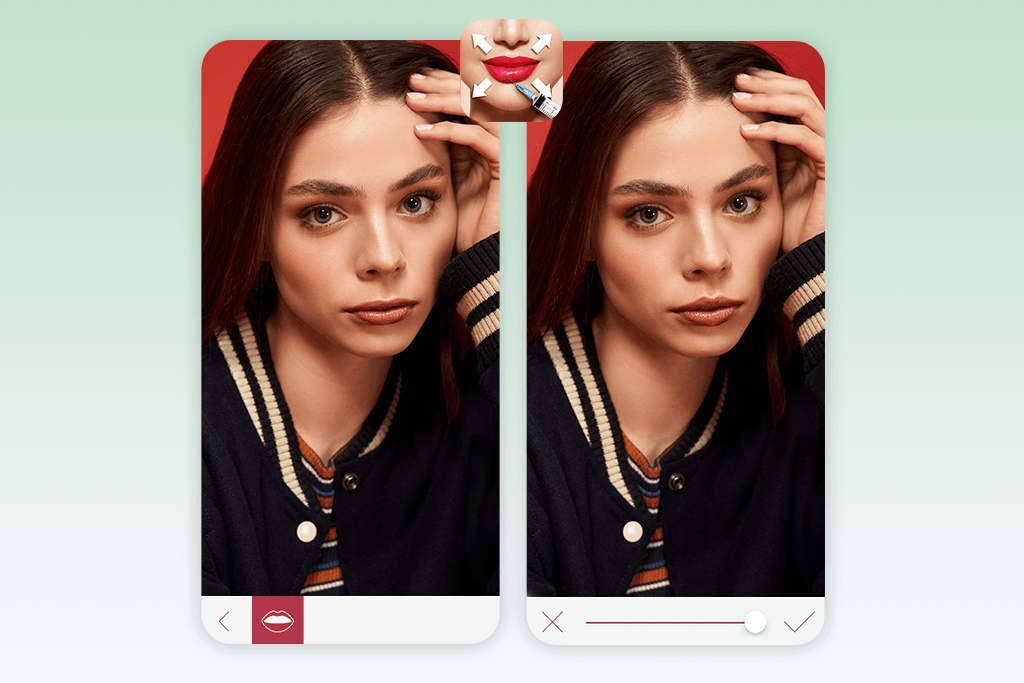
If you’re looking for a quick way to enhance your lips in images, Lips Camera is worth a try. It’s a lightweight iPhone photo editor with a special focus on lip edits. In fact, it has a dedicated Lip Warp Tool. After uploading your photo, head to the “Lips Adjustment” section and use the circular brush to plump specific areas by stretching them slightly.
Lips Camera has a live preview feature. You can see the edits as you make them. Just keep in mind, the app doesn’t use AI to guide the adjustments, so everything depends on how precisely you use the tool. If you apply gentle corrections, the results will look neat and realistic. However, too intense processing can quickly distort the lips and surrounding areas.
Lips Camera doesn’t offer much in terms of customization. You won’t find intensity sliders or preset lip shapes. The sharing options are also pretty limited. Besides, the app’s design is a bit outdated.
Pricing: Free with in-app purchases
8. Rhinoplasty & Lips Editor
Beginner-friendly lips&nose-focused app
Platforms: Android
- Easy lip and nose reshaping
- Beginner-friendly app
- Fast, automatic edits
- Lightweight and easy to use
- Free basic features
- No advanced customization
- Results aren’t always realistic
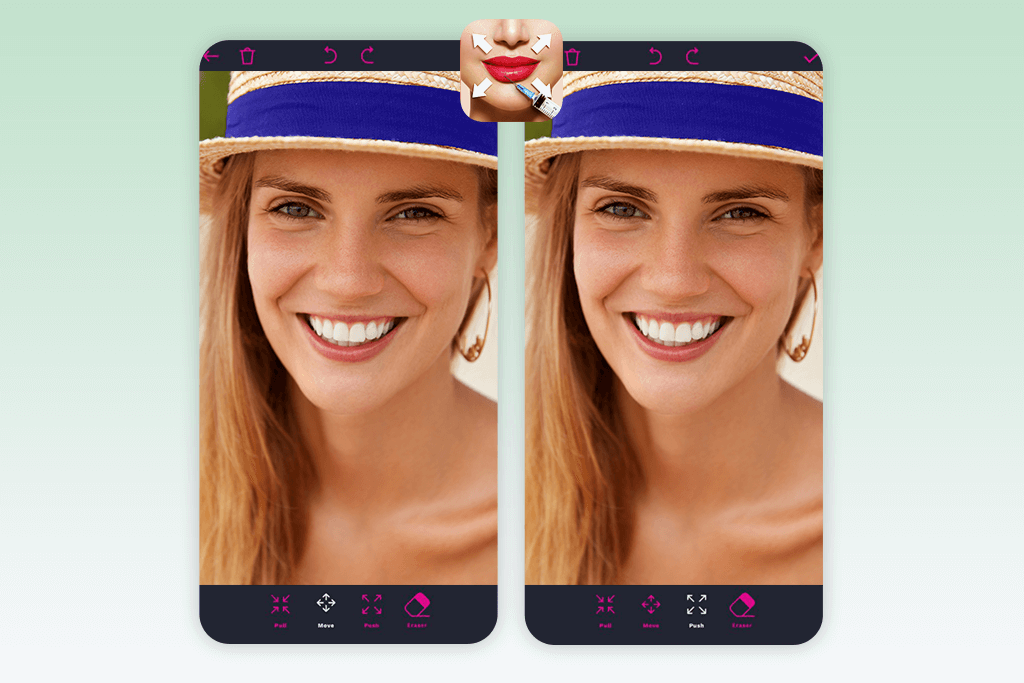
This application offers tools for nose editing and lip plumping. Both processes are intuitive and flexible. Once you open your photo and click on the “Lips” tab, you can use a simple brush tool to stretch or shape the lips.
The app brags about its built-in symmetry support. This feature is helpful for keeping both sides of your lips looking symmetrical. There’s also a “Lips Color” section where you can apply virtual lipstick. Though you need to apply corrections manually, the tools respond well and are easy to use.
This lip plumper app delivers natural results if you are accurate with your changes. Just keep in mind there’s no AI to guide you, so small changes take some precision. There’s also a rhinoplasty section for adjusting nose size and position.
Pricing: Free with in-app purchases
9. Teeth Whitener: Lips Plumper
Dedicated automatic teeth & lip plumper
Platforms: Android
- Automatic lip plumping in seconds
- 1-click teeth whitening
- Understandable UI
- Perfect for fast edits
- Free to test
- Poor customization
- Occasionally artificial results
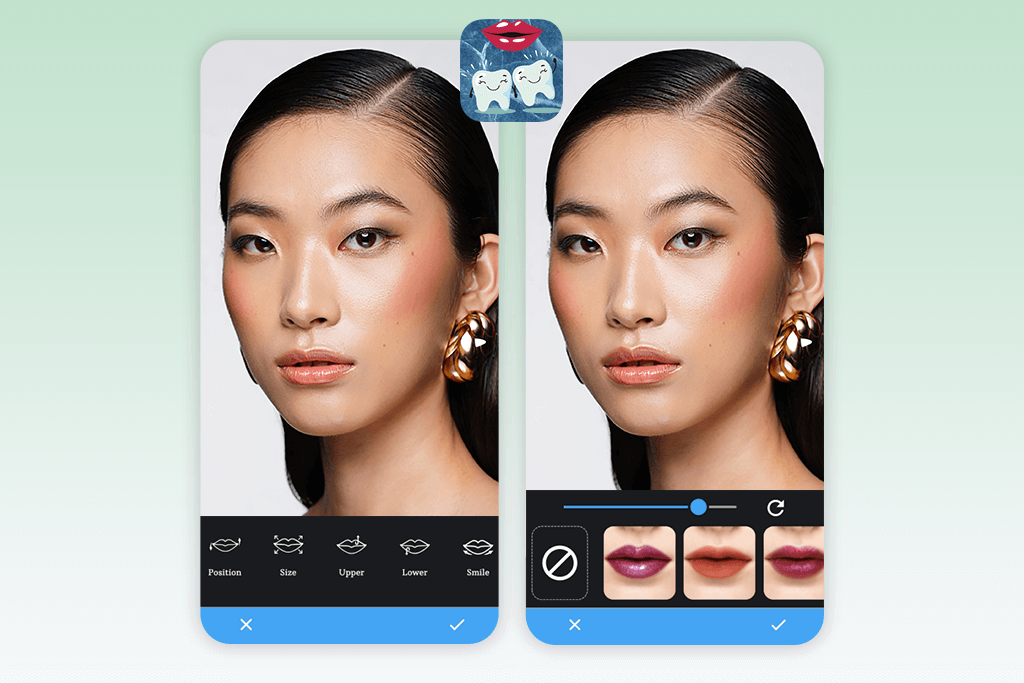
In the “Lips” tab, you get two main tools – a “Volume” slider and a manual reshaper. Just upload your photo and use your finger to push or pull the lip area for a natural-looking plump.
The highlight of this Android photo editor is the two-in-one feature. You can boost lip volume and whiten teeth in one go. Still, there’s no AI mapping, so everything is done by hand. So, the results depend on your precision.
You can adjust fullness with the volume slider. Unfortunately, there are no shape templates and lipstick options, which limits your creative edits. Still, the app offers direct sharing to Instagram and other social networks.
Pricing: Free with in-app purchases
FAQ
- How can I make my lips look bigger in pictures?
Use the Fix The Photo Body Editor&Tune app. It connects you with real photo editors who enhance your lips manually for a natural look. Upload your photo, tap “Face,” then pick “Lip Enhancement.” You can also add custom notes, e.g., “Plump upper lip a bit”. The final result is usually ready within an hour.
- Can I see how I’d look with lip fillers before actually getting them?
Yes. YouCam Makeup and PhotoDirector have facial mapping features. Use them to experiment with lip volume and shapes before any real changes. YouCam even lets you try filler-style looks in real time using your camera.
If you want subtle, natural-looking lip enhancements, Weedit.Photos has skilled retouchers who combine expert editing with AI technologies. They carefully increase lip fullness and define shapes while keeping your look fresh and realistic.
- Which lip shape is considered the most attractive?
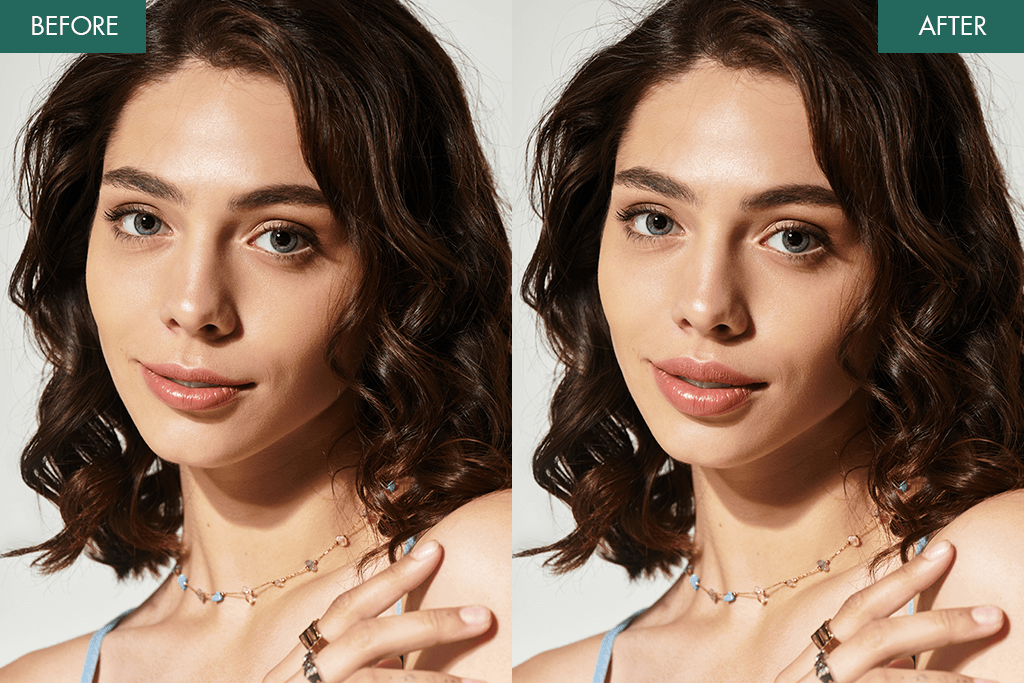
Popular lip shapes on Instagram are the Cupid’s Bow, Heart-Shaped lips, and the Russian Lip Technique. With Facetune or Rhinoplasty & Lips Editor, you can easily customize your lips and find the style that fits your face.
- What are natural ways to make my lips look bigger?
You can exfoliate lips gently, trace just outside your lip line with liner, and use a gloss with plumping ingredients like cinnamon or menthol. Don’t forget to highlight your Cupid’s bow and add contour under your bottom lip for extra volume.
- What’s a good alternative to lip fillers?
Digital lip plumper apps are perfect if you want to skip injections. Fix The Photo Body Editor&Tune delivers natural edits by expert retouchers, YouCam Makeup provides real-time AI previews, and Facetune lets you reshape lips manually with great control.