7 Best Gender Swap Apps for Photos in 1 Tap [iOS & Android]
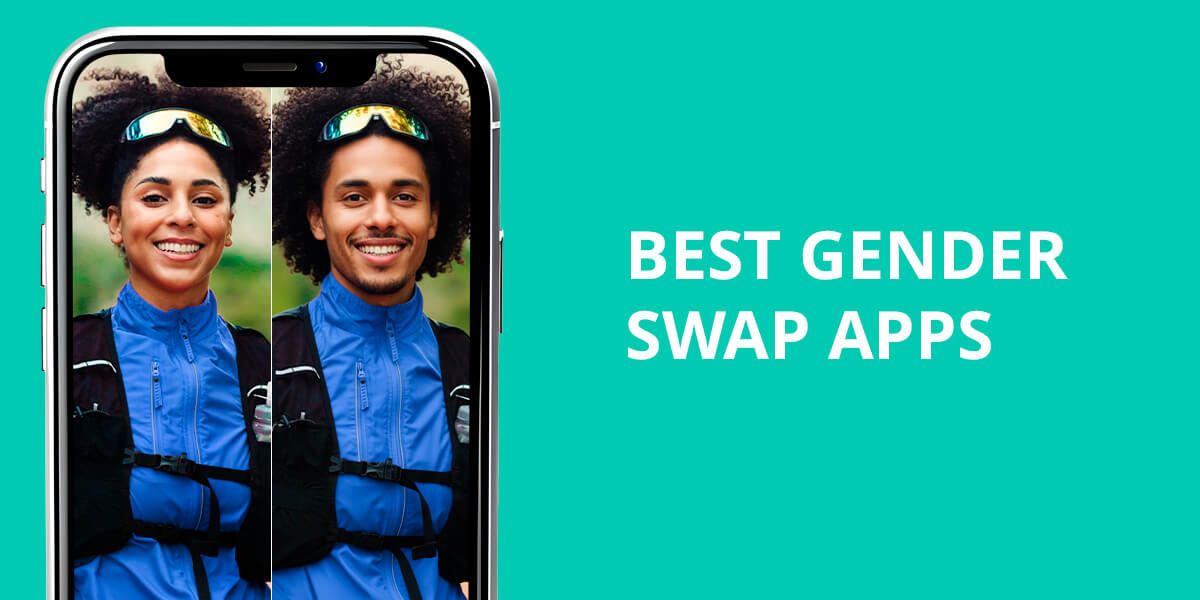
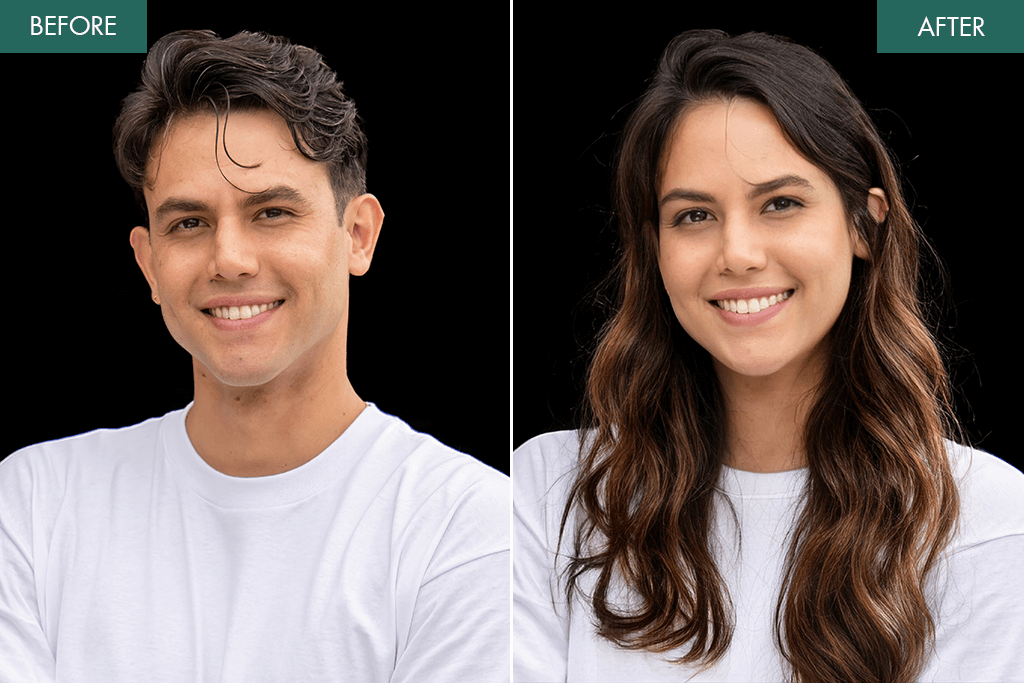
Our Weedit.Photos team recently celebrated another year of working together – and of course, we had to do something creative. So, we decided to try the most popular gender swap apps and see how well they could transform our photos. Some results looked shockingly real, while others turned out pretty funny. Now I’m sharing the best apps we tested – from advanced AI tools to easy filters you can use right on social media.
Secrets to More Natural-Looking AI Gender Changes
I’ve tried many AI gender swap apps, and I realized that you don’t get a natural result just by uploading a picture and pressing “swap.” To make the transformation look believable, you need to use the right approach. Here are my main tips for creating realistic gender-change photos.
Quick ideas: where to use gender swap photos:
- Social Media Fun – Share with friends on Instagram, TikTok, or Facebook for laughs or reactions.
- Fun profile updates – Try swapping your look for themed posts or April Fools’ Day.
- Creative projects – Use for digital art, AI storytelling, or visual experiments.
- Party Invitations & Events – Fun themed invites or mockups for costume or cosplay parties.
- Marketing or tutorials – Perfect for content creators reviewing apps or exploring AI transformations.
- Photo Challenges – Participate in AI or photography challenge communities online. paraphrase
1. FaceApp
Easy to use
- Quick processing
- Keeps natural skin color and details
- Includes extra fun filters like hair, makeup, beard, and age effects
- Some filters can appear overly airbrushed or fake
- Free version adds a watermark
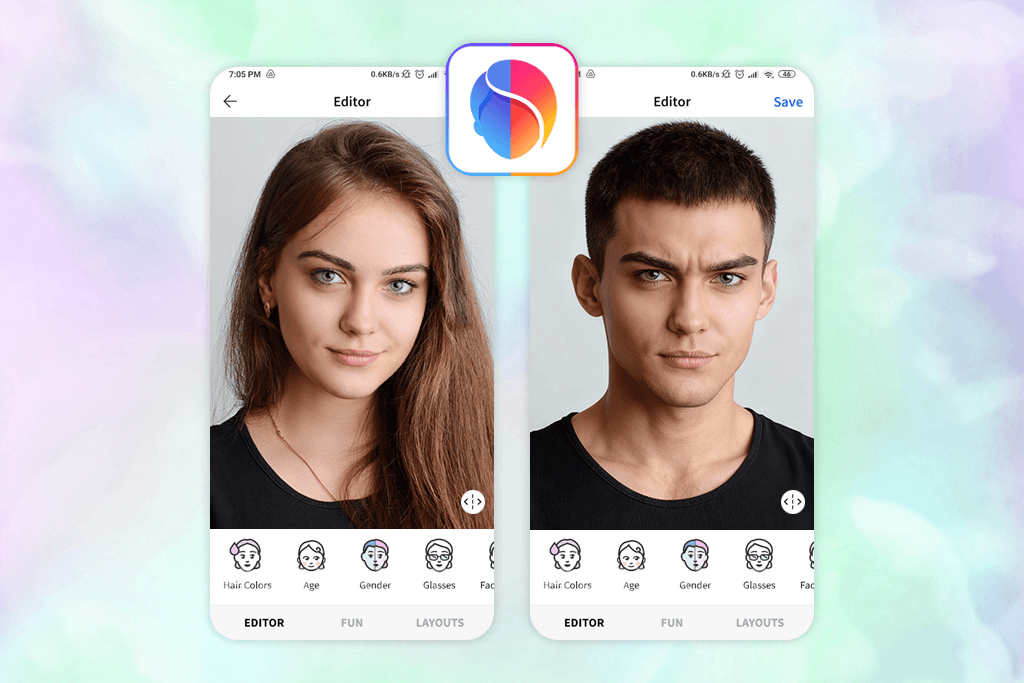
When I began testing various gender swap apps, FaceApp was the first one I tried. It’s among the most well-known AI face transformation tools, so I wanted to check how well its gender swap feature works on real photos. I experimented with several team pictures to see how precisely it managed facial features, lighting, and skin texture.
The Gender Swap feature in FaceApp uses advanced AI to change facial structure – like the jawline, eyes, lips, and hair – to match the chosen gender while keeping the person’s identity clear. It doesn’t just apply filters; it reshapes the face in a realistic way. You can also improve the result by adding filters such as makeup, beard, or different hairstyles, making the transformation look more natural.
The process was fast and easy – I uploaded a photo, chose the “Gender” option, and got both male and female versions right away. The results looked very realistic in bright, clear photos. But in darker or angled shots, the hair and makeup effects seemed a bit fake. The free version also adds a watermark and locks some premium filters, while the Pro plan starts at about $10 per month.
2. Fix The Photo Body Editor&Tune
Natural-looking results
- Clean, ad-free design
- Edits made by real retouchers
- Keeps natural skin, face details, and lighting
- You can ask for specific changes
- Flexible prices, first photo is free
- Edits aren’t instant – take a few minutes
- No option to search for specific tools
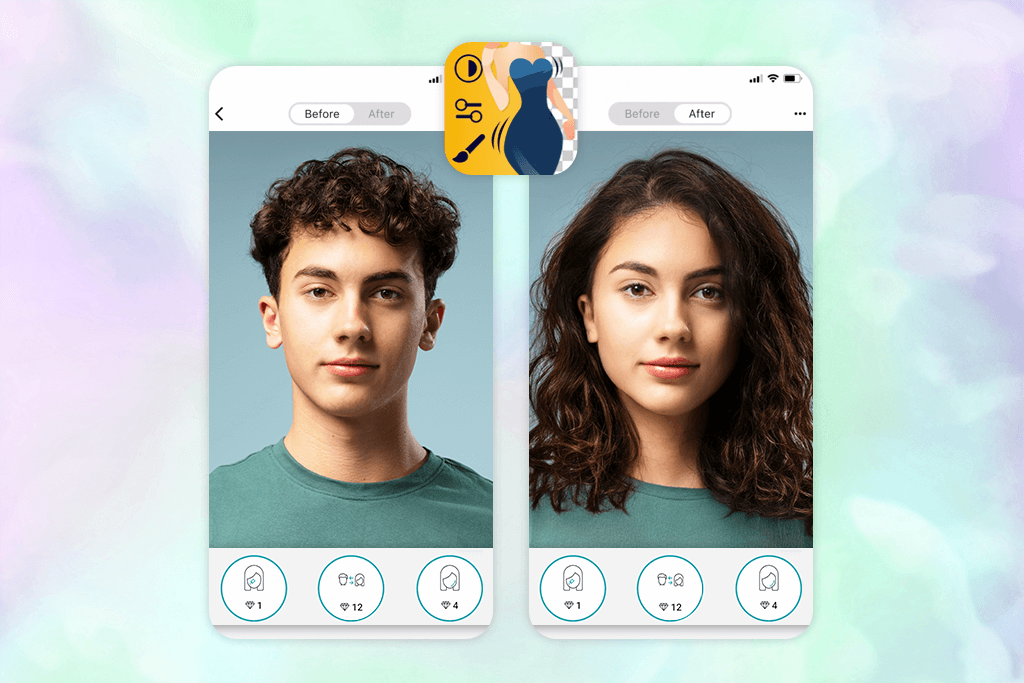
I recently tested the gender swap feature in Fix The Photo Body Editor & Tune, and it really impressed me compared to other free gender swap apps. Instead of using automatic filters, this app has real retouchers who manually adjust face and body details, making the results look realistic, detailed, and professional.
I tried both small changes, like softening facial features or slightly reshaping the jawline, and bigger ones, such as full gender transformations for the face and body. The process was easy – I just uploaded the photos, explained what changes I wanted, and waited about 10-15 minutes for the edits. The results looked very real, with smooth skin texture, natural bone structure, and perfect lighting. Even the major transformations looked believable, keeping everyone’s identity clear while showing them as a different gender.
There are no ads, no messy tools, and you don’t have to adjust any filters yourself. You just say what changes you want, and the team does everything for you. The only downside is that the edits take about 10–15 minutes because people do them by hand, but the results look so real that the wait is totally worth it.
The pricing is flexible, too. Your first edit is free, and after that, you use a credit system – 5 credits cost just $0.99. It’s a great deal if you want to try several transformations or make many edits for social media. Besides gender swaps, the app also offers features like adding eyelashes, serving as an app to fix asymmetrical face, reshaping the body, adjusting makeup, and editing beards. The team is available 24/7, which is great if you’re working on a tight schedule or need quick edits for social media.
3. GenderSwapFilter
One-tap gender swaps
- Very easy to use – great for casual fun or sharing
- Realistic face changes for male and female transformations
- Lets you see a quick preview instantly
- You need a subscription to unlock all features and get high-quality images
- Not available on Android
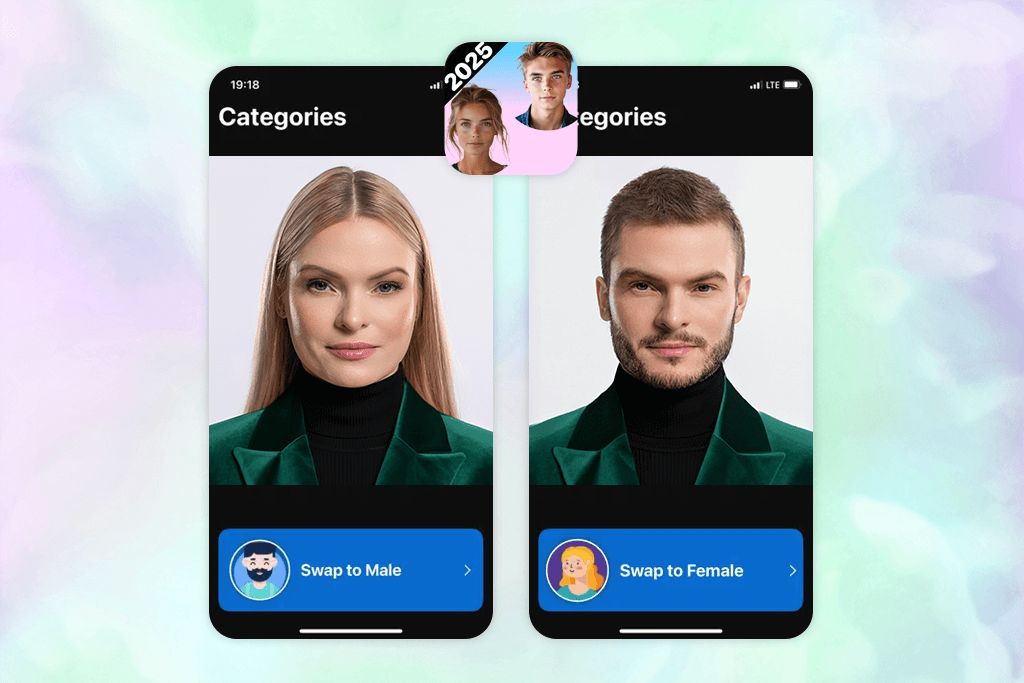
I decided to try the GenderSwapFilter app on iOS – a simple and fun gender swap app that gives instant results with one tap. I was curious about how it worked, so I tested it with both male-to-female and female-to-male photo transformations.
Using the app is simple: just take a portrait, hit the gender swap button, and in seconds you’ll see a new version. The technology changes facial features, hairstyle, and even the person’s expression to make a realistic new image. I tested it with several photos, and the best results came from clear, forward-facing shots, which looked very natural.
My favorite thing about this iPhone photo editor is that it’s so quick and easy. You don’t have to learn any complicated tools. You just tap once, and your picture is changed. I also like that you can easily send your new picture to friends, which makes it really fun.
The only downside is that, even though the results look quite real, there are small flaws in the hair or shadows. For instance, some hair edges can look a bit blurry or fake, and the lighting on parts of the face might not match perfectly. Also, the free version has limits – you need a $9.99 per month subscription to unlock features like high-resolution images.
4. Snapchat
Real-time swapping
- High-quality AR effects
- Instant results, great for sharing on social media
- Simple to use with selfies and videos
- Limited control over small details
- Results can change depending on lighting and face angle
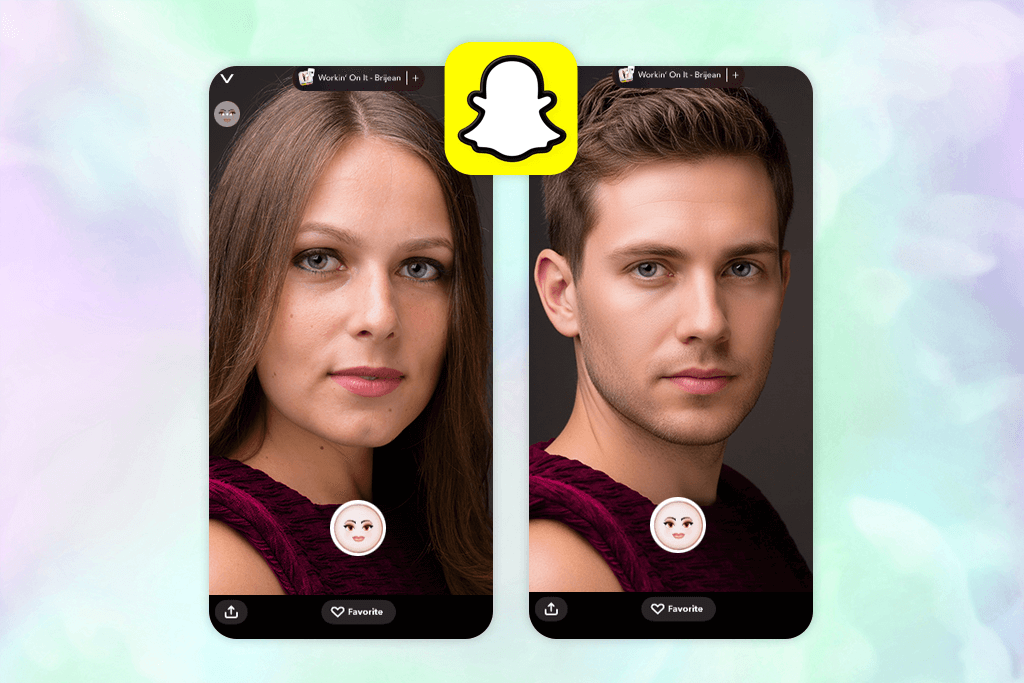
I wanted to try Snapchat’s AI gender swap tool, so I used a few selfies and short videos to see how well it worked for both male-to-female and female-to-male changes. It was easy and fun to use – I just opened Snapchat, chose the gender swap lens, and the app instantly changed my facial features, hair, and overall look. It works in real time, making it great for selfies, short videos, and sharing with friends.
The best part is how fast and fun it is. The app is easy to use and works right away. It’s really entertaining to try different faces and watch them change in real time, which looks much more real than a still photo. You can also get creative by mixing the gender swap with other Snapchat filters.
Still, this gender change app isn’t perfect. It can glitch if the lighting is bad, you move too much, or your internet is slow – sometimes the filter restarts or doesn’t load correctly. Also, some filters of this auto photo enhancer, including the gender swap one, tend to enhance appearance automatically by smoothing skin, making faces slimmer, and enlarging eyes. While this looks nice, it can make the edits seem a bit fake and might affect how people see themselves if used too often. The app offers a free version or a Pro plan for $4.99 per month.
5. Face Swap Gender Swap&Changer
Amusing stickers and effects
- Quick gender changes
- AI edits look natural and blend well
- You can adjust lips, eyebrows, hair, and makeup
- Not available for iPhone
- The free version is very limited
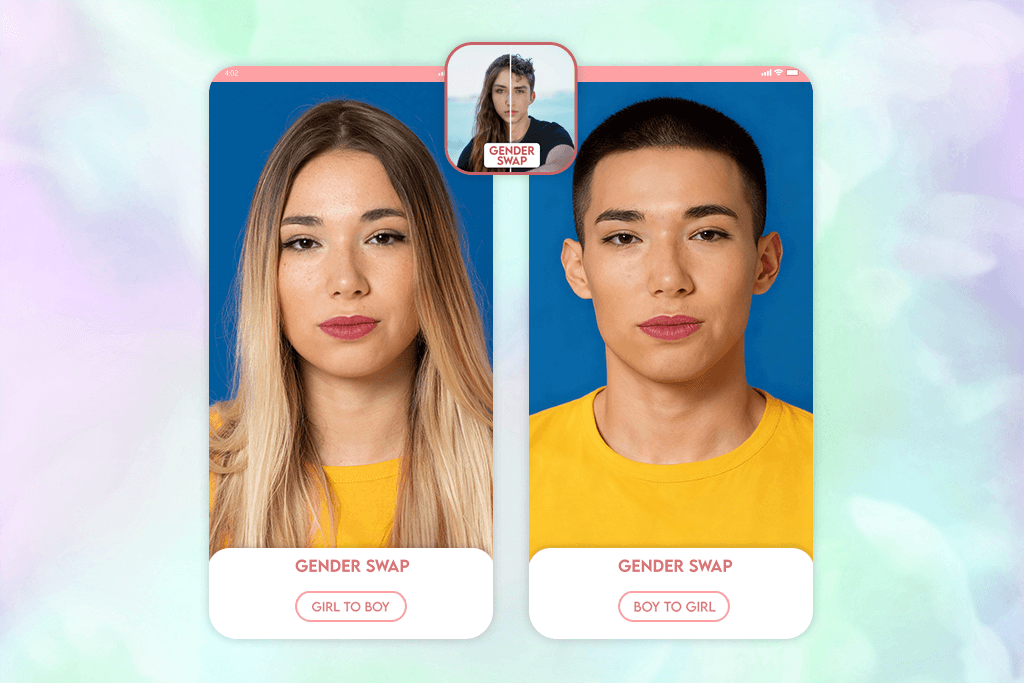
Face Swap Gender Swap & Changer is a fun and simple way to see yourself as another gender. Its smart tool changes your face with just one tap. I tried it on my own photos and pictures with friends, and the results were both fun and looked very real.
Using this gender changing app is straightforward: you choose a photo, select the gender swap filter, and see the change happen right away. The smart technology recognizes your face, changes the shape of your jaw, cheeks, and eyes, and then smoothly blends the skin tone, hair, and overall face shape to look natural. You can also make small changes to your lips, eyebrows, and hair, or put on makeup, add fun stickers, and other face effects to create a unique or fun result.
I had the most fun trying out all kinds of changes, from small adjustments to a completely different look. However, this Android photo editor shows ads that can be disruptive. Also, if a photo has bad lighting, is taken from an odd angle, or is blurry, the technology sometimes has trouble. This can make the hair or edges of the face look a little strange. It’s a fun app, but it’s not as refined as one where a real person edits your photos.
6. Reface
Rich selection of additional features
- Changes gender quickly and smoothly
- Very simple and easy to use
- Works on selfies, group pictures, and videos
- You have to pay for some special features
- The app can crash or close unexpectedly for some users
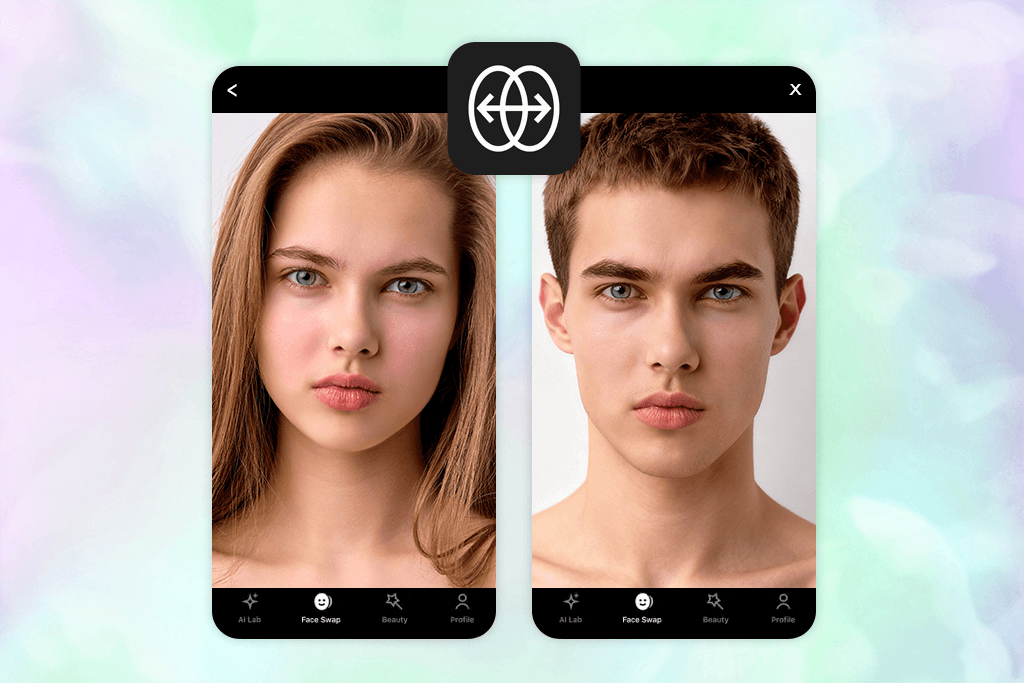
Using Reface was very easy. I chose some selfies and group pictures and picked the gender swap filter. The app quickly recognized our faces and changed them from male to female and back again. I also tried different hairstyles and expressions to make the new look more real. The final pictures were convincing, with natural faces and skin, and the changes fit perfectly with the original photo’s light and angle.
What I liked most about Reface is how flexible it is. Besides gender swaps, I could put my face in popular videos, movie scenes, and funny AI clips. I could also try different hairstyles using the Rehair Salon feature or make creative AI avatars. The gender changer app makes it simple to create fun, eye-catching content and share it easily with friends.
Some advanced options, like HD downloads and detailed AI avatars, are only available with a paid plan that starts at $12.99 per month. Also, the app may sometimes show small errors in busy backgrounds, and it’s not meant for professional, realistic edits – but it’s great for fun and creative effects.
7. Remaker
HD export
- Recognizes facial features well
- Very simple and easy to use
- Edits both pictures and videos
- Only for iPhone, not Android
- Free version runs out quickly
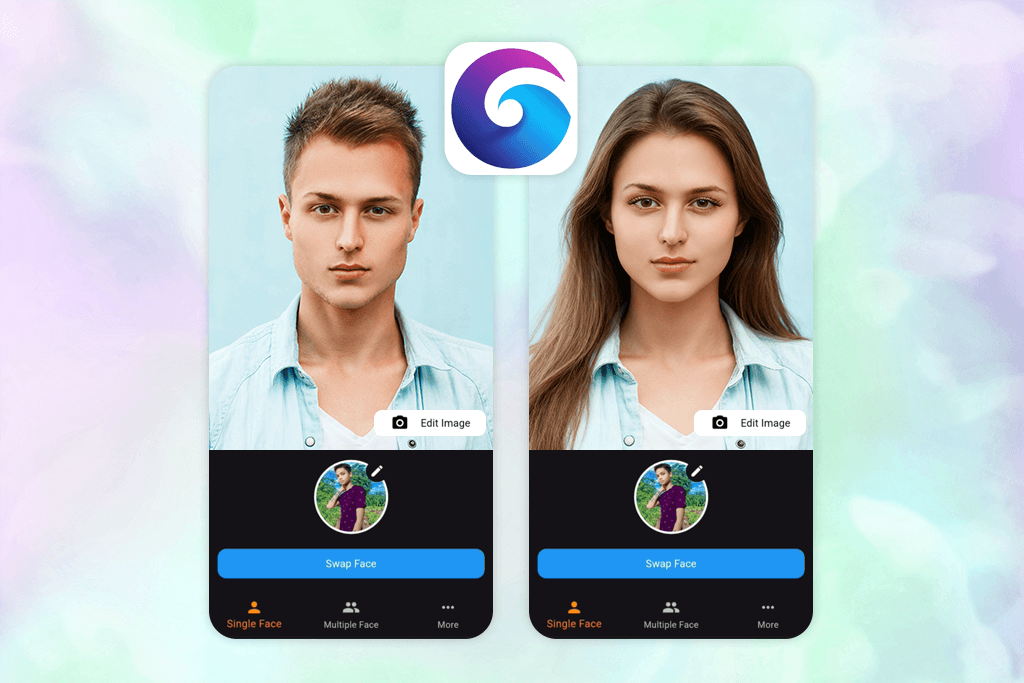
Remaker is a fun and easy tool for making AI changes to your photos and videos. You can use it to swap genders or alter faces. This app is only for iPhone, and I liked how fast it creates new pictures and videos that you can share.
The process was easy: I uploaded a clear photo, chose the gender swap option, and let the AI handle it. In just a few seconds, I got a very natural-looking result – it adjusted my face shape, skin tone, and even small hair and beard details. The female-to-male change looked smooth and realistic, while still keeping my original expression.
What I liked most about this female to male transition photos app is how flexible it is. Along with gender swaps, you can swap faces in photos and videos, create animations, or turn text into short AI videos. The results come out fast, look great, and are simple to save or share. However, the free version doesn’t offer much, and 150 credits for $3.89 can run out quickly if you use it a lot. I also noticed small flaws around the hair and lighting that you can see more clearly when you zoom in.
FAQ
- What is a gender swap app?
A gender swap app uses AI to change your photo and show how you might look as the other gender. It reshapes your face, adjusts your hair, and keeps your main features the same. It’s a fun and creative way to play with different looks or test new style ideas for social media or projects.
- How do gender swap apps work?
Most AI gender swap apps, such as FaceApp and Reface, use advanced facial recognition and deep learning technology. When you upload a photo, the app identifies key facial points like your eyes, lips, and jawline, then adjusts them – softening features for a more feminine look or adding stronger lines and facial hair for a masculine effect. Premium tools like Fix The Photo Body Editor & Tune also blend lighting, tones, and shadows to make the result look more natural and realistic.
- Can I do a female-to-male or male-to-female transformation?
Yes – all gender swap apps work in both directions. You can upload a picture to see yourself as either male or female. Some apps that photographers use, like FaceApp and Fix The Photo Body Editor & Tune, also let you customize your look by changing hairstyles, adding makeup or facial hair, and comparing the before-and-after versions.
- Do the results look lifelike?
AI technology has come a long way, but how realistic the result looks still depends on the quality, lighting, and angle of your photo. If the image is blurry or too bright, you might notice small flaws, especially around the hair, shadows, or where different parts of the image blend together.
- Are gender swap apps safe to use?
Most apps are safe to use, but it’s important to check their privacy policies first. Reliable ones, like Fix The Photo Body Editor & Tune, remove your uploaded photos after they’re processed. Still, it’s best not to upload sensitive images or personal information just to be safe.
- How are face swap and gender swap different?
A face swap changes your face to someone else’s, like a celebrity. A gender swap keeps your face but modifies features such as hairstyle, face shape, or makeup to match the opposite gender. Apps like Remaker, Fix The Photo Body Editor & Tune, and Reface blend both options for more creative and fun results.
- Can I use gender swap results for professional purposes?
Absolutely. Many creators, makeup artists, and marketers use gender swap images to explore new styles or design engaging visuals. However, for highly realistic outcomes, it’s best to have the images professionally retouched with tools like Fix The Photo Body Editor & Tune.
- What if I want more realistic results or don’t have time to edit?
If you want fast, professional-looking gender swap photos, you can use the Weedit Retouch Service. Their expert editors manually adjust features such as facial shape, makeup, or beard to create realistic transformations that look natural and not AI-made.