7 Cartoon Photo Apps You Can Use for Free
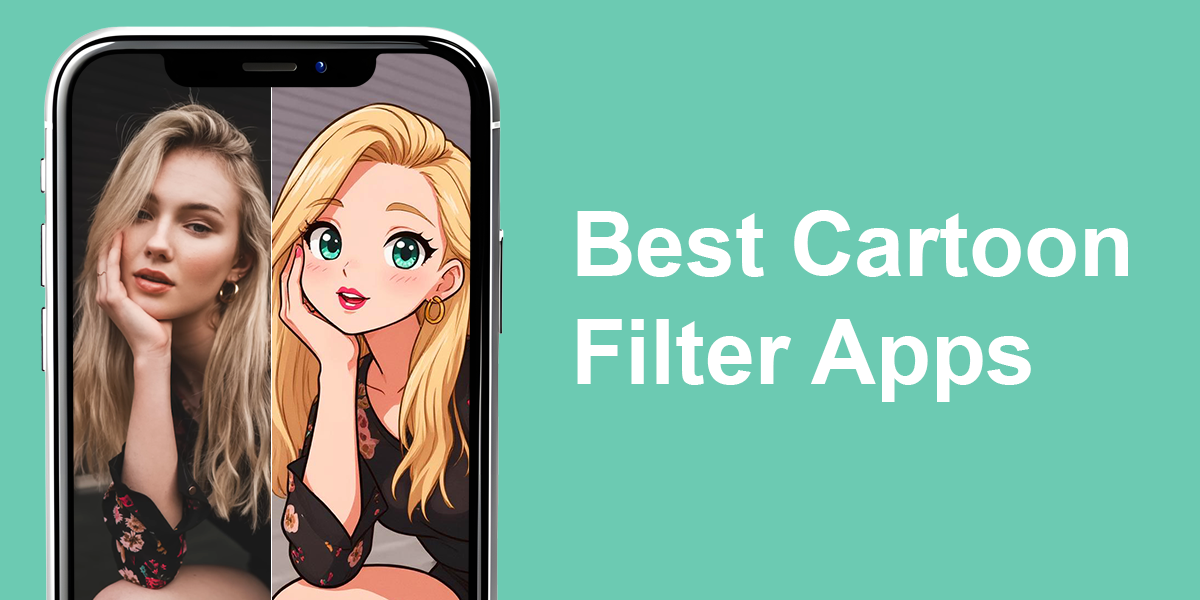
Cartoonizing photos has become a favorite way to stand out online. Using proper tools, you can turn an ordinary portrait into something colorful, playful, and absolutely unique. In fact, you don’t need any special skills to get the desired result.
This overview covers the best picture to cartoon converters. They allow you to choose from a wide range of looks, whether you prefer soft line-art or bold comic vibes. They’re perfect for adding a unique touch to your pictures.
Best Way to Cartoonize Photos
If you want to cartoonize your photos, there are two options. With AI cartoon tools, you can get an instant cartoon-style picture in just a few clicks. Alternatively, you can opt for manual editing and carefully adjust everything from the outlines to the color tones. The second approach is best for achieving bespoke results. Generally, the choice depends on whether you prefer fast and easy or slow but detailed outcomes.
Go with cartoon AI solutions when you’re after something fast and playful. They are perfect for casual shots, social media profiles, or experimenting with new styles. But when you seek precision, typically for creative projects, print designs, or anything you want to show off professionally, choose manual editing.
Pros of AI cartoonizing:
- Very fast results
- No editing skills required
- Different ready-made styles
Pros of manual cartoonizing:
- Full control over details
- Natural blending and shading
- Bespoke, non-repetitive results
If editing isn’t your thing, you can delegate it to Weedit.Photos. All you need to do is send in your photo and explain the style you want, whether that’s a sketch, comic vibe, or smooth illustration. A professional editor will handle the details and make sure your portrait looks sharp, creative, and natural.
1. ToonMe (iOS & Android)
Trendy styles
- Free photo to cartoon conversion
- Many cartoon art styles
- Face recognition feature
- Offline tool
- Some styles are similar
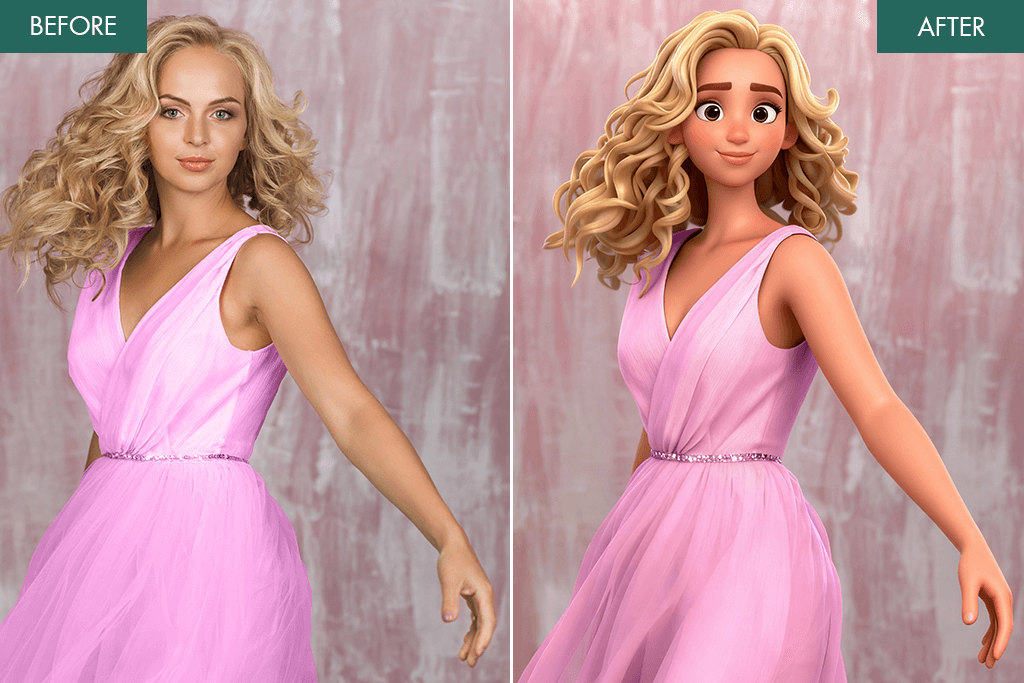
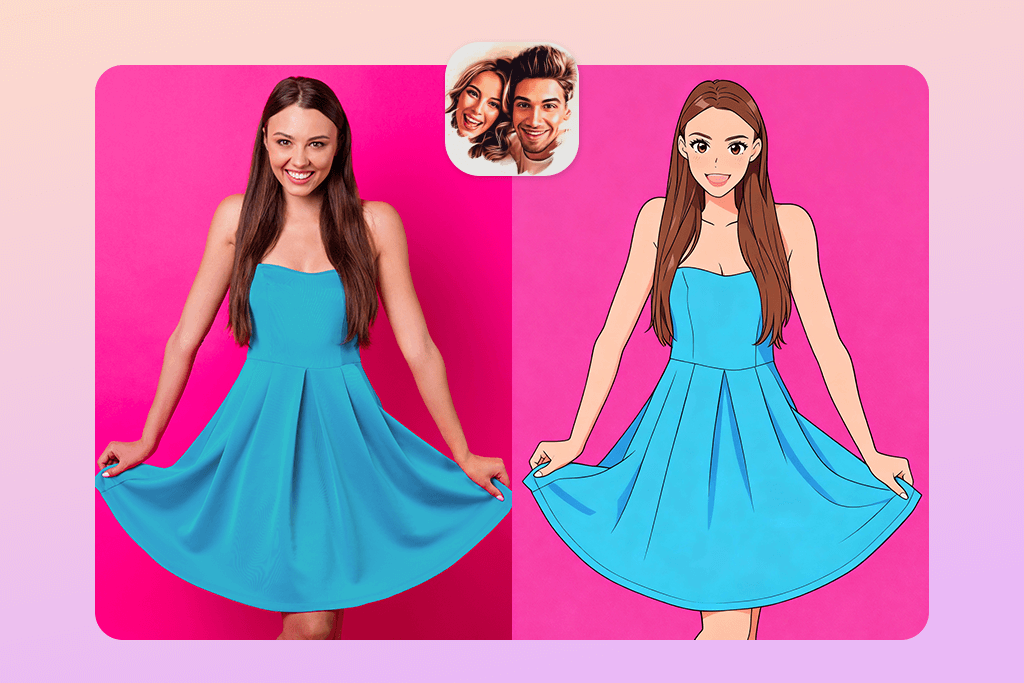
Want to see yourself as a cartoon? ToonMe makes it easy and fast. This popular image to cartoon converter uses AI to turn regular selfies into creative caricatures, sketches, or vector art. With quick face detection, it creates your cartoon version in no time.
With this app, you get ready-made portrait packs, background cartoon filters, and a converter that transforms both close-up and full-length photos into art. The style options are wide, from dreamy Disney-style designs to sharp comic book looks. Some users also enhance their cartoon photos afterward using an iPhone photo editor to tweak colors or details.
ToonMe lets you turn your photo into a cartoon in a fast and easy way. You can keep generating new styles until you discover the one that aligns with your visions. Even though some filters may feel familiar over time, the app is still great for creating creative profile pictures or eye-catching posts.
Price: Free
2. FixThePhoto App (iOS & Android)
Cartoon edits by real designers
- Manual cartoon edits
- First transformation is free
- Unique styles
- Natural results
- Requires Internet connection
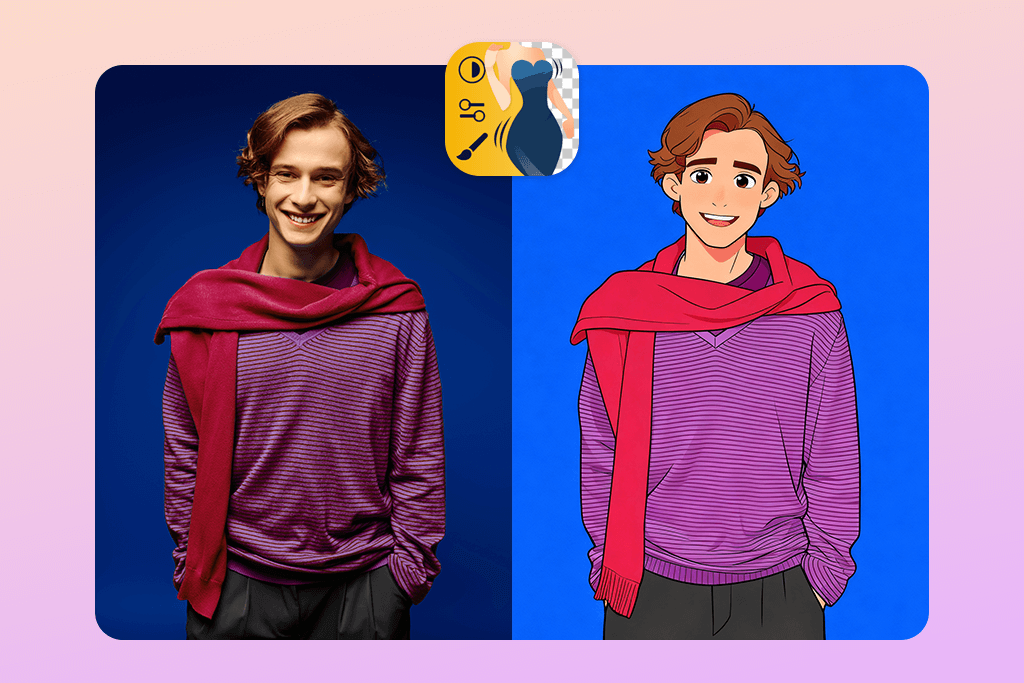
While most cartoonize photo apps depend on AI, FixThePhoto works differently. It connects you with skilled designers who personally retouch your picture. Whether you want a comic-style portrait, a funny caricature, or a stylish cartoon version, you’ll get results that look natural and highly detailed.
FixThePhoto isn’t limited to cartoon filters. This service offers full professional retouching. Experts can clean up the background, make skin look smooth, and add details to give your portrait a stunning look. Many users looking for the best apps to add eyelashes to photo, also choose FixThePhoto, since the editors can take care of multiple beauty and style edits in a single photo.
Every cartoon portrait is edited by hand, so each one is completely unique. If you want something that stands out from regular AI-style cartoons, the FixThePhoto app is an excellent choice.
3. ToonApp (iOS & Android)
One-tap cartoon portraits
- One-tap AI filters
- Anime & caricature modes
- Background replacement
- Fast processing speed
- Watermark in free version
- Limited export resolution
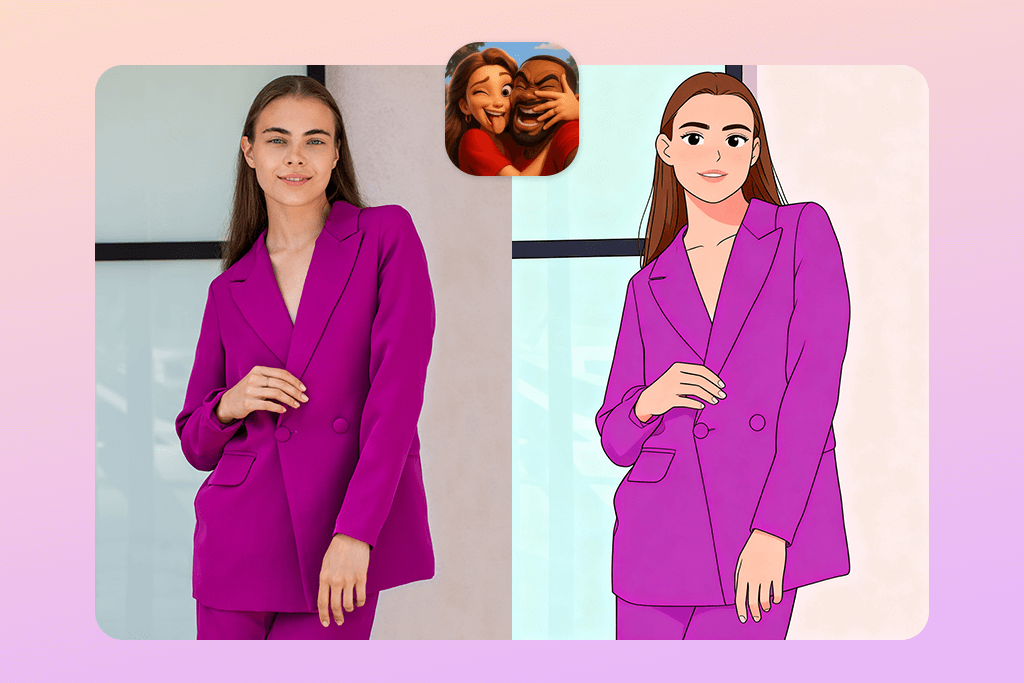
Want to see yourself as a cartoon? ToonApp does it instantly. There are smart AI filters that transform selfies into caricatures or anime portraits in moments. The clean, simple design means you don’t need editing skills. Just upload a photo and enjoy your cartoon look.
Along with cartoon filters, the app offers spiral designs, outline effects, and creative backgrounds. Using such tools, you can make your photos more vibrant and eye-catching, thus, grab attention online. There are glowing details and bold, comic-inspired scenes that can beautify your photo to cartoon transformation.
It’s common for people to refine their cartoon portraits in third-party Android photo editors, changing colors, boosting details, or getting rid of the watermark. Since customization inside the ToneApp is quite limited, and free edits always include a watermark, the final image may not look fully professional.
Price: Free
4. Picsart (iOS & Android)
Cartoon filters plus full editor
- AI cartoon effects
- Sticker and text features
- Background removal
- Group photo processing
- Some filters work online only
- Overwhelming interface
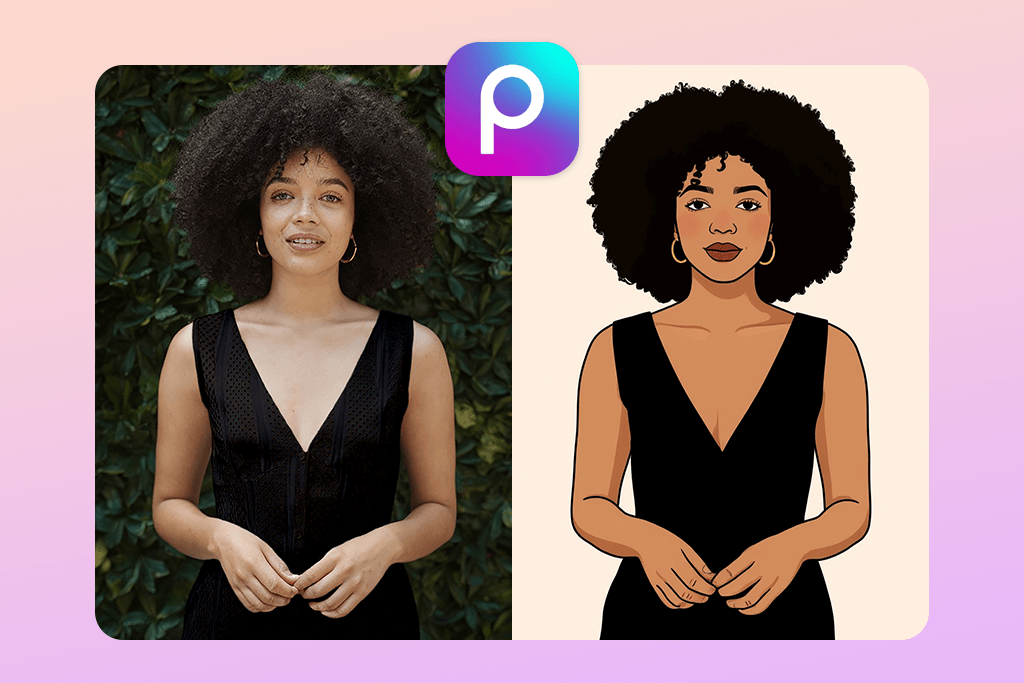
Picsart offers more than basic photo to cartoon AI transformation. It’s packed with creative overlays, stickers, and drawing tools, giving you full freedom to customize your artwork. You can turn a photo into a cartoon and then enhance it with text, clipart, or hand-drawn touches for a truly unique result.
Unlike many free apps, this cartoon AI generator can handle not only single portraits but also group shots. Besides, you can pair cartoon effects with ready-made poster designs or collages to build eye-catching posts or creative artwork.
To get the best results, many users first get rid of skin imperfections with blemish remover apps and then apply the cartoon filters. The main thing to keep in mind is that you need to be online to use advanced tools. Plus, the interface may be confusing at first.
Price: Free with optional extras
5. Photo Lab (iOS & Android)
Creative cartoon transformations
- Many filters
- Quick cartoon conversion
- Poster and collage effects
- User-friendly
- Some templates are generic
- Sometimes results are far from perfect
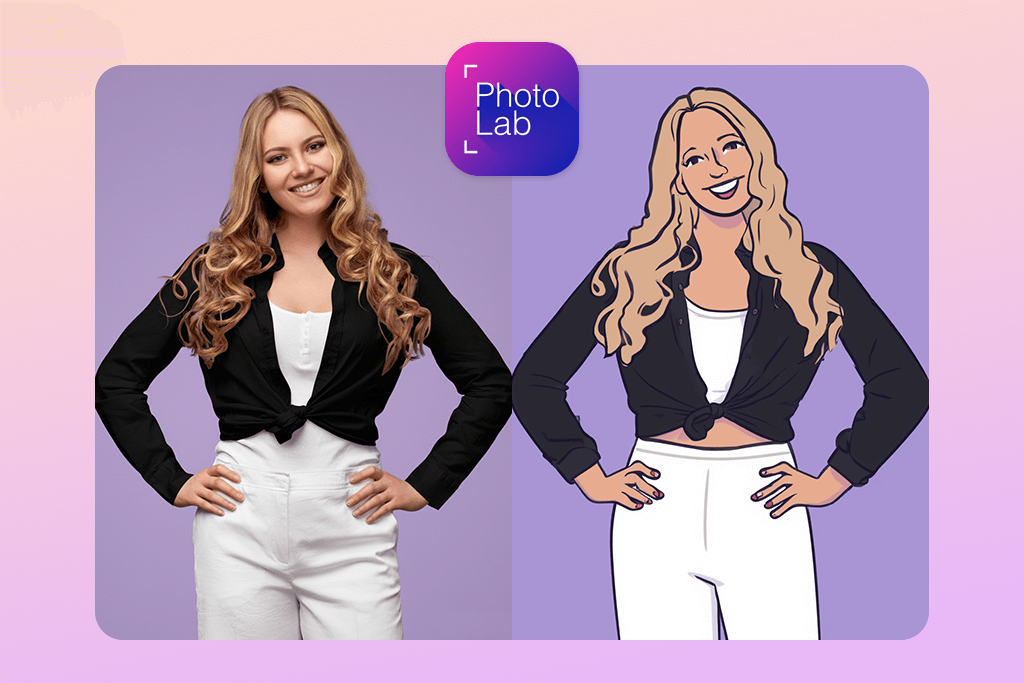
With Photo Lab, you can turn photo into cartoon almost instantly. It offers a variety of themed effects, including hand-drawn sketches, comic-book pages, and painterly looks. The app is easy to use, so anyone can create striking edits without effort.
Besides cartoon effects, you can also use AI background replacement, collages, and poster designs. With such extras, it is a no-brainer task to make professional-looking edits for social media, digital projects, or personalized greeting cards. The best thing is that you don’t need advanced editing knowledge.
Although some cartoon templates can seem simple or repeat too often compared to ToonMe or Prisma, Photo Lab is still a good free tool. Anyone interested in cartoonizing effects, will surely like this app.
Price: Free
6. Prisma (iOS & Android)
Artistic cartoon filters
- Over 300 artistic filters
- Intensity controls
- Suitable for selfie & landscape processing
- RAW file support
- Filters look like paintings
- Сolor oversaturation
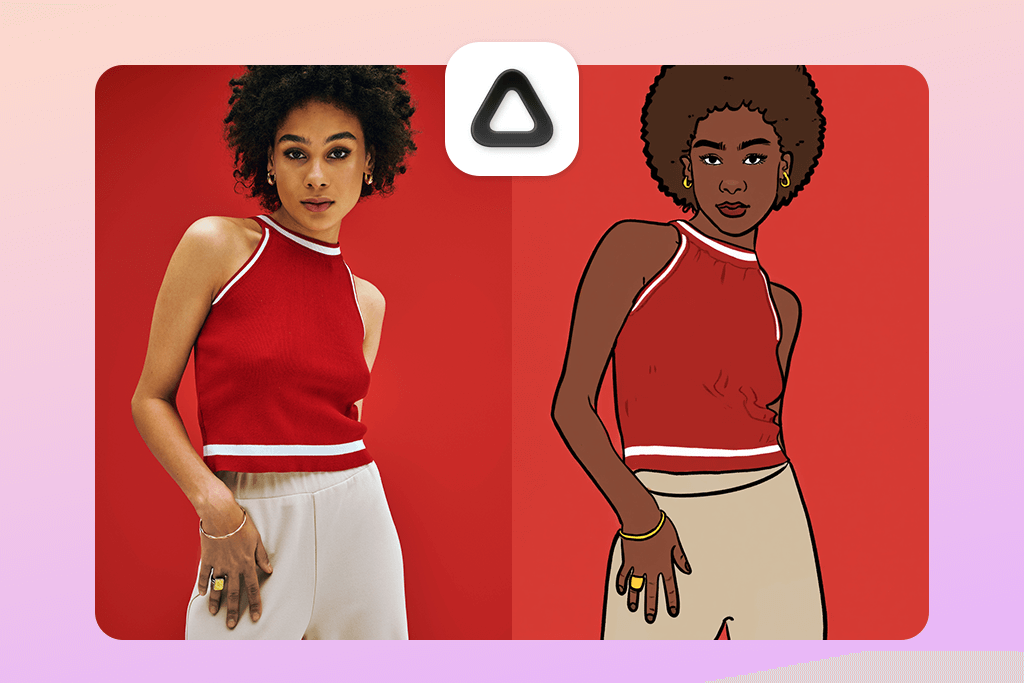
Prisma takes a different route when you need to convert photo to cartoon. Most apps make simple caricatures, but Prisma uses smart AI technology to transform your pictures into cartoon-style images that look like real digital artwork. The results have bright, eye-catching colors and smooth edges. Besides, the embedded filters mimic genuine art styles, so your photos come out unique and impressive instead of generic.
You’ll find more than 300 filters in the app, including cartoon, sketch, painting, and many other effects. There’s a slider to control how strong the effect looks. You may go light and natural or bold and intense. To get even more polished results, many people first use the best auto photo enhancer to fix colors and sharpen their images before adding the cartoon filters.
Some filters look more like paintings than cartoons, and sometimes the colors come out too bright and intense. But if you’re creative and love trying out various artistic styles, Prisma ranks among the best no-cost photo to cartoon converters.
Price: Free
7. MomentCam (iOS & Android)
Cartoon stickers and caricatures
- Caricature portraits
- Cartoon stickers
- Emoji creator
- Amusing backgrounds
- Not realistic results
- Poor detail control
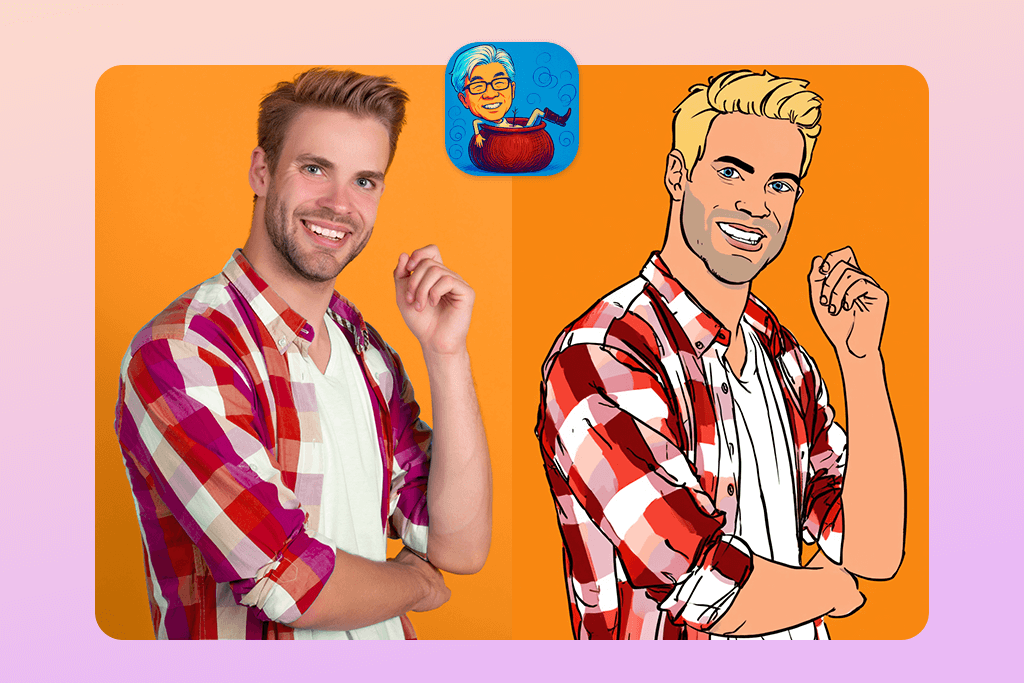
MomentCam is a perfect app if you want to turn image to cartoon and get a funny result. Just upload a photo of yourself, and the app quickly creates a cartoon version of your face. You can then put it into various sticker designs or colorful backgrounds. MomentCam is great for playful editing. You’ll get a comic book character instead of doing regular photo touch-ups.
The app offers emoji makers, sticker collections, and cartoon-style filters. You can change your cartoon appearance with various clothes, settings, and images, transforming regular photos into hilarious or over-the-top cartoons.
You will receive goofy cartoonish pictures that have nothing to do with lifelike photos. As for shortcomings, you get hardly any options for adjusting details. Still, if you want quick and humorous modifications, MomentCam is a good free image to cartoon AI converter.
Price: Free