7 Best Teeth Whitening Apps for Natural-Looking Smiles
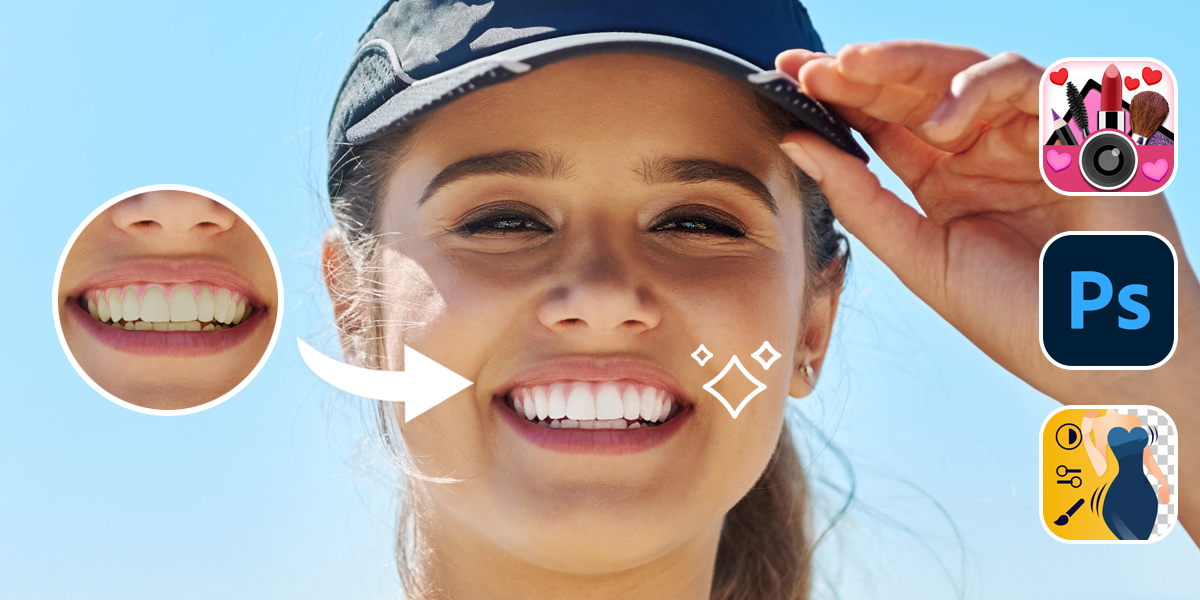
Not everyone has perfect white teeth, and not everyone wants to visit the dentist just to improve their smile for a photo. If you’re trying to make your teeth look whiter for a social media post or if the lighting made your teeth look strange, there are teeth whitening apps that can help. Some apps use AI for editing, while others let you do it manually, so it looks more natural.
Is AI Whitening the Future or Just a Quick Fix?
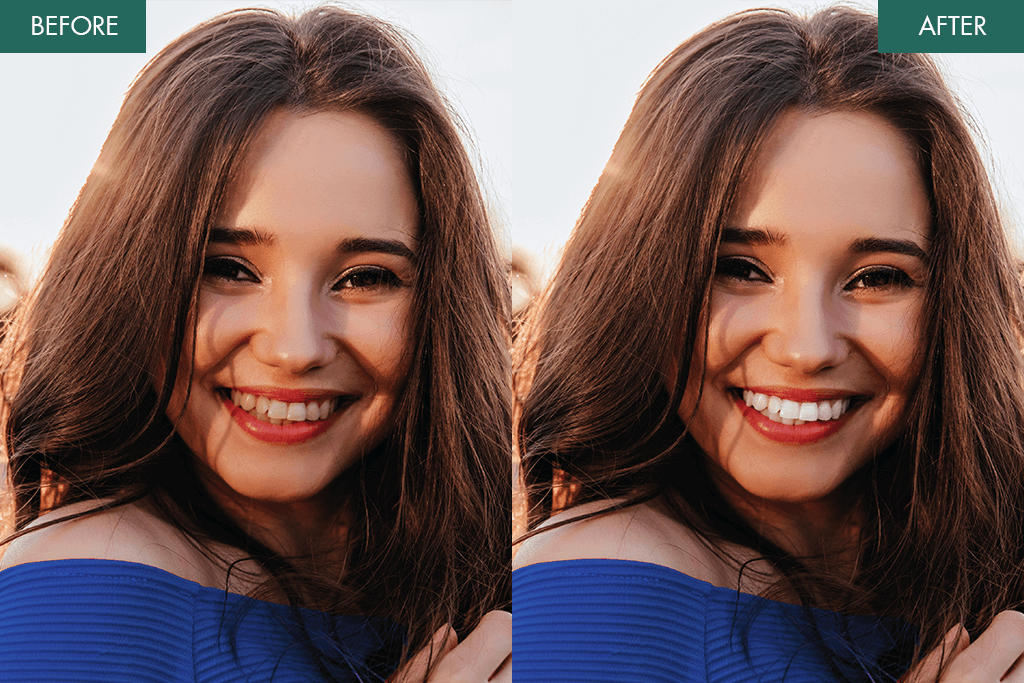
A lot of photo editing apps now use AI to whiten teeth. It sounds great: you just tap a button, and your smile looks brighter in seconds. However, it doesn’t always work perfectly. Some people like the fast results, but others say their smile can look fake or too bright, especially if the lighting or the angle in the photo is a bit off.
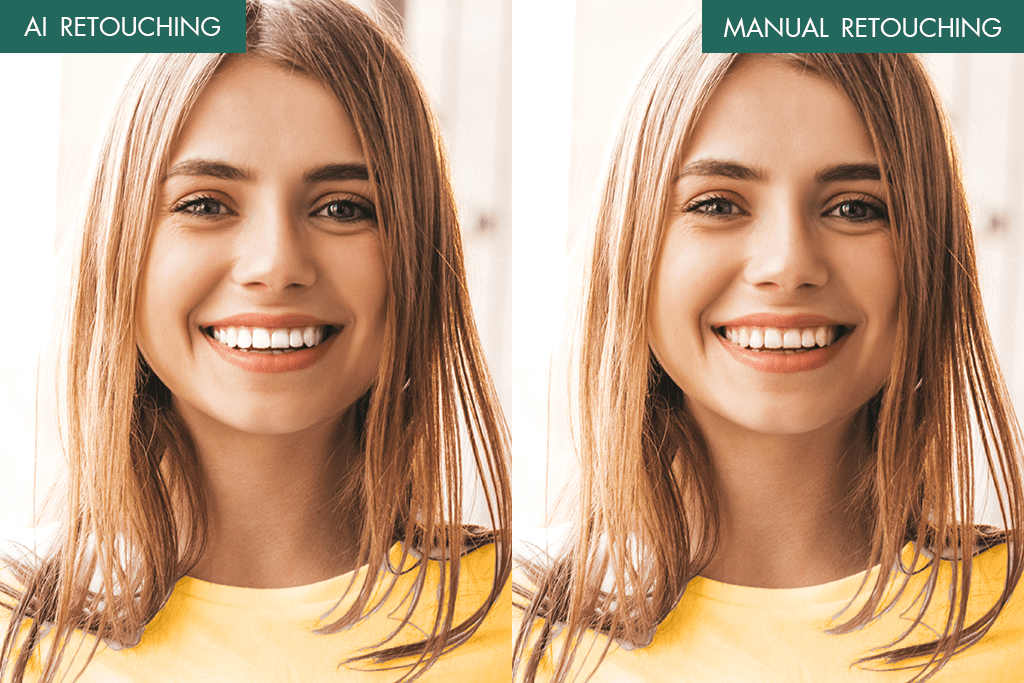
AI tools are great when you want a quick fix for selfies or casual photos. Apps like YouCam and Facetune can do this automatically and usually do a decent job for simple pictures. But sometimes, AI teeth whitening apps can’t handle little details like tooth shape and texture, shadows, or avoiding the lips and gums. It might even make part of your face look too smooth or deformed.
Whether AI whitening is the best choice depends on the kind of photo you’re editing. If you just want your teeth to look nice in a regular photo for Instagram, an AI app can work fine. But if you’re editing a close-up, a headshot, or any picture where you want it to look natural and high-quality, it’s better to use an app that lets you adjust settings manually or have a professional editor do it.
1. Photoshop on iPhone
Best teeth whitening app for iPhone
- AI-powered tools
- Precise teeth whitening brush
- Layer-based editing
- Syncs with desktop Photoshop
- Doesn’t work on Android
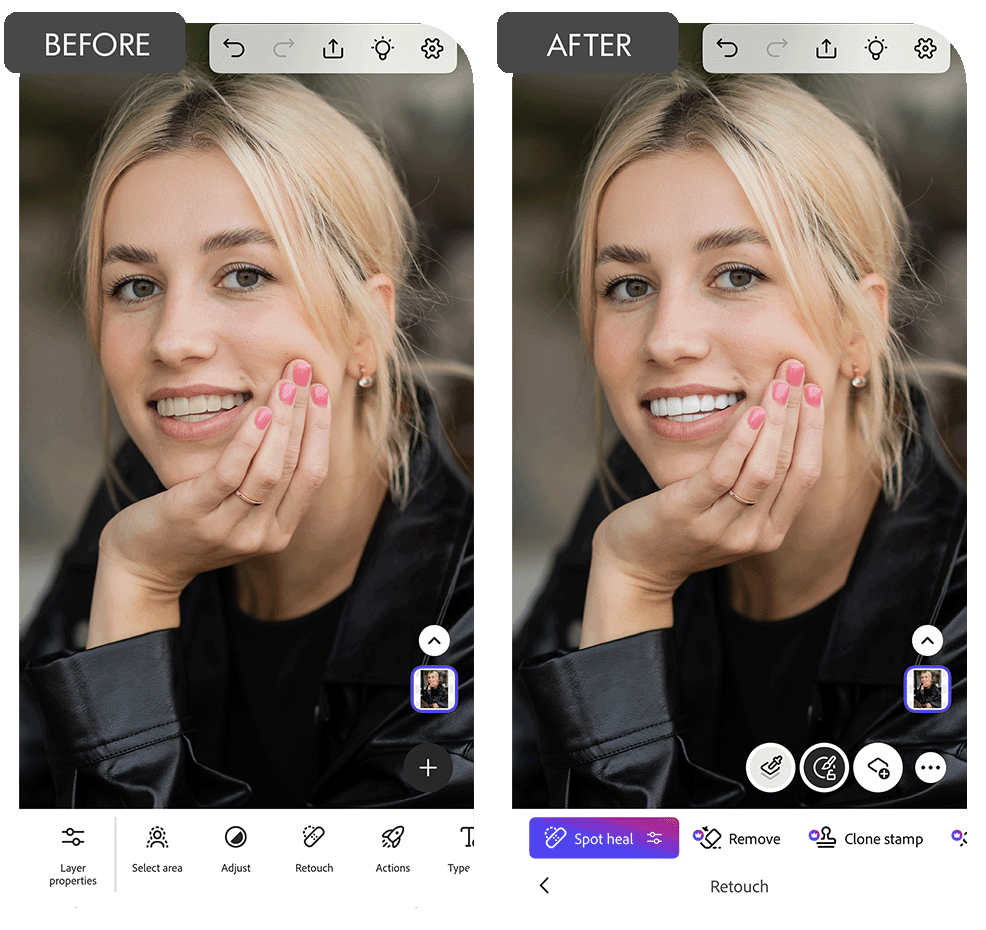
This free Adobe app for iPhone has powerful editing tools, like the ones in Photoshop. It includes a Whiten Teeth brush, which can be adjusted. This teeth whitening app lets you control how bold the effect is, the area, and how it blends in with the photo. You can even make edits on separate layers, which helps everything look neat and more natural.
This app supports PSD and RAW files, so it’s great for professional magazine photos or client pictures when you have to edit on the move. Usually, retouchers charge around $4.99 to whiten teeth in Photoshop, so using this app can save money if you know what you’re doing.
If you’re already using Photoshop on a computer, this app will feel familiar. For people who edit on their phones and want good results, it’s a great tool to use.
2. YouCam Makeup
AI-powered whitening
- Smart AI detection
- Real-time whitening
- Has lipstick and makeup tools
- Free version available
- Few options to save in free version
- Sometimes edits too much by default
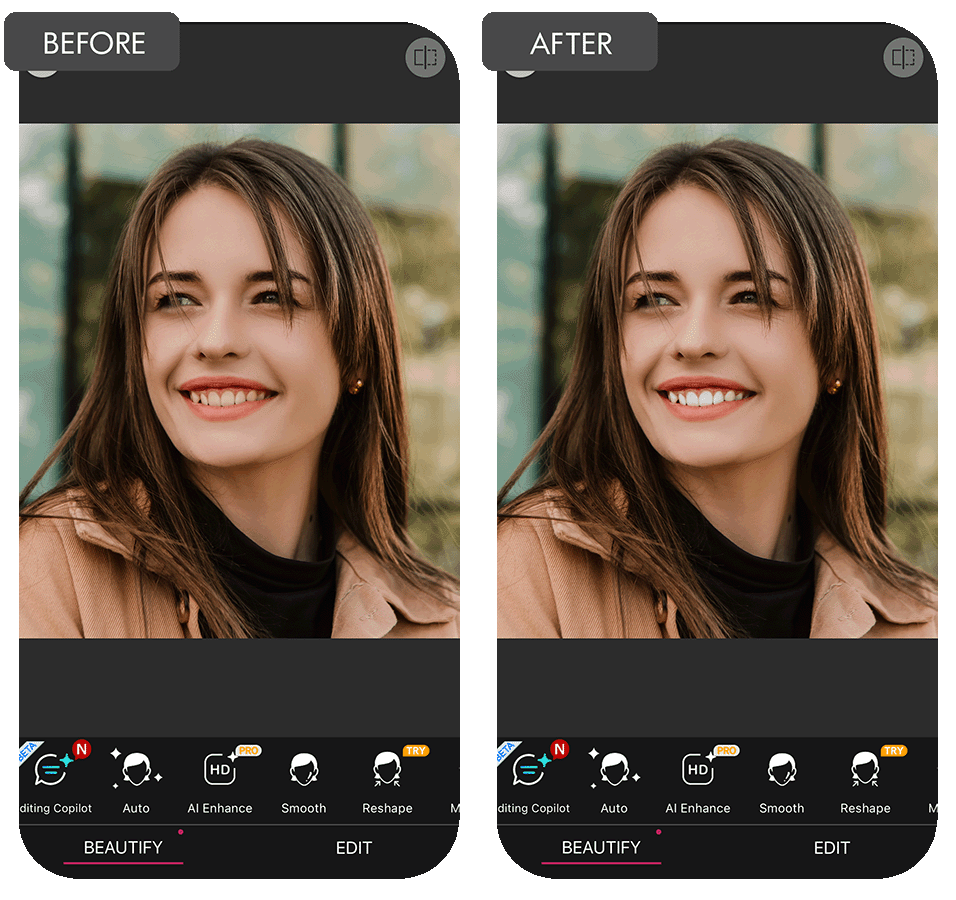
YouCam Makeup uses AI to quickly spot and whiten teeth in photos. It adjusts the whitening level on its own, but you can also change the strength or use it with virtual makeup. The whitening looks smooth and covers the whole smile evenly, which makes it easy to fix portraits with just a few taps.
It’s great for selfies and AR filters, but sometimes the whitening can look too strong unless you lower it a bit. Compared to other Android photo editors, YouCam Makeup has lots of tools, especially for people who want both makeup effects and fast AI edits.
It’s still one of the top free apps for whitening teeth and face improvement. If you want detailed fixes that the app can’t do, professional editors usually charge about $2.49 per smile.
3. Fix The Photo Body Editor&Tune
Lifelike manual retouching
- Real editors involved
- Natural-looking results
- Easy for beginners
- No ads
- No AI features available
- You need credits to use it
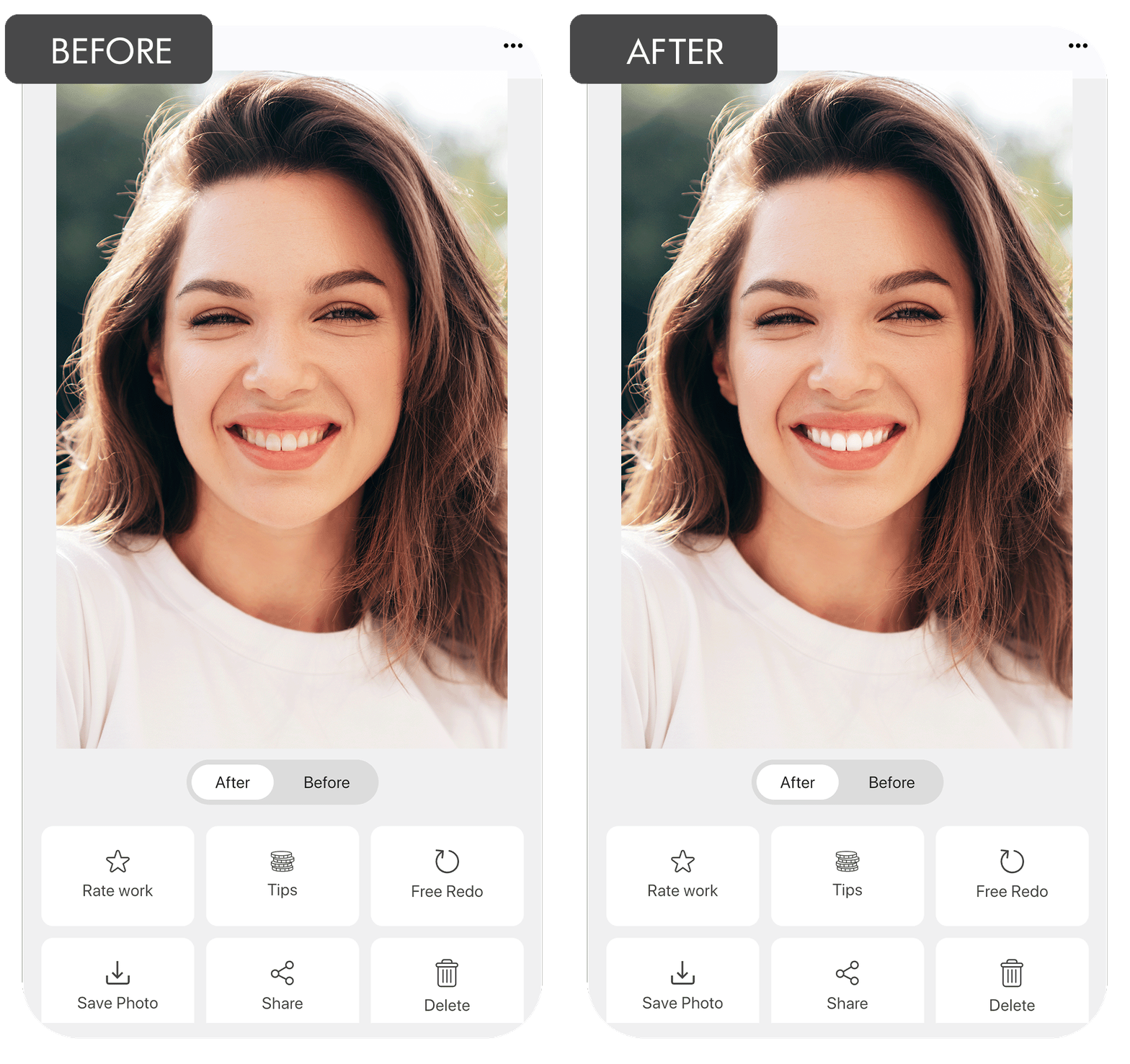
Fix The Photo is different because real retouchers edit your photo instead of AI. All you need to do is send in the picture and tell them what you want, like whiter teeth, and they fix it manually using Photoshop. The results look more natural and balanced than what AI usually offers.
You can also ask for other changes like body shape, clear skin, or a new background. Most people pay about $1.99 for basic teeth whitening, and the edits are done in under 15 minutes. If you want teeth whitening with a studio look but don’t have time to learn how to use editing tools, this service is a great choice.
4. AirBrush
Fast teeth whitening with extras
- One-tap whitening
- Retouch sliders
- Filters to smooth skin
- Simple UI
- Some tools need a paid upgrade
- Might blur small details
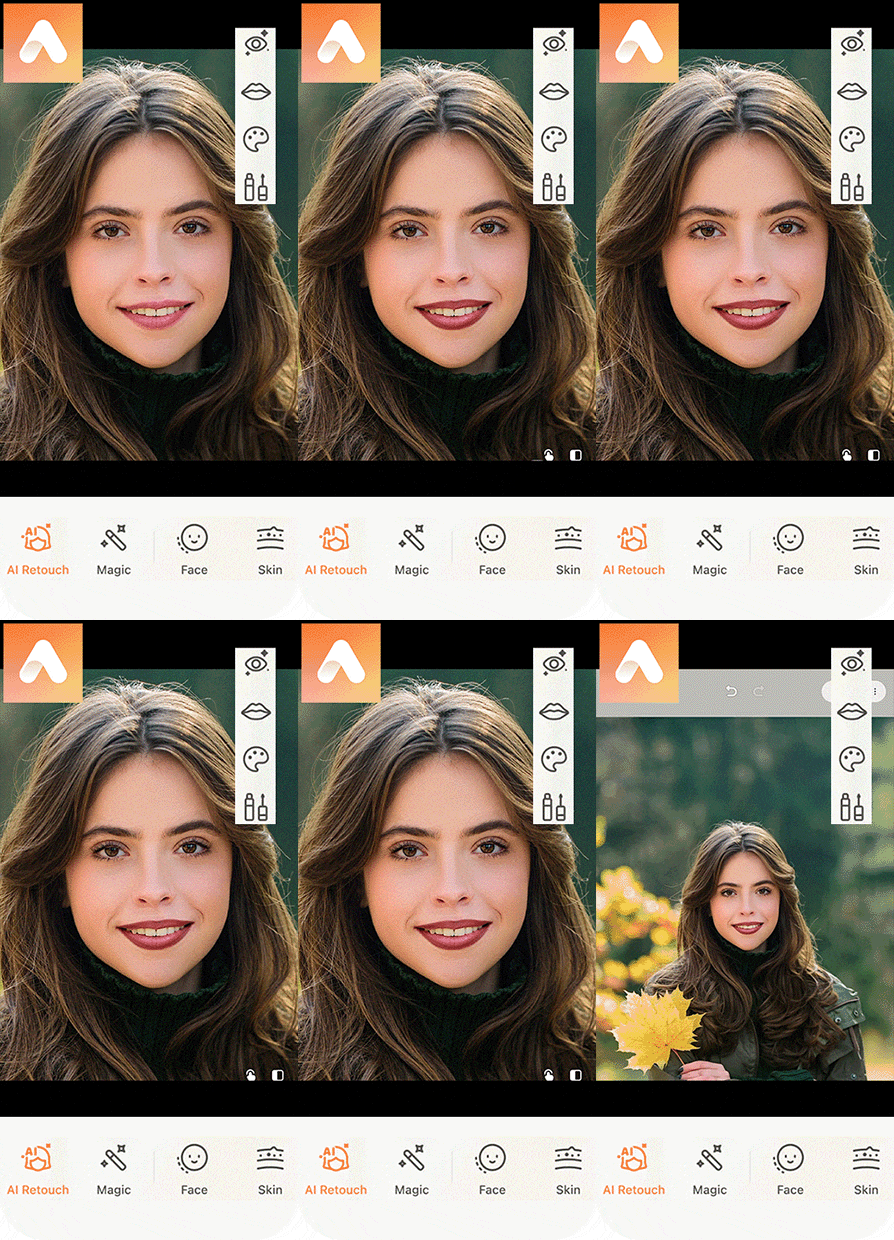
AirBrush makes smile editing easy with a teeth-whitening tool in its retouch section. One tap changes the color, brightness, and shadows while still looking natural. You can change how strong the effect is or use a brush to whiten just part of the smile, which makes it a helpful auto photo enhancer for fast fixes.
Along with teeth whitening, it has tools for shaping the face, removing acne, and blurring the background, which is perfect for Instagram posts. While many tools are free, some people still choose to use professional services for better results, which usually cost about $3.49 for one smile. A lot of users think AirBrush is the best free app for whitening teeth when you want something fast and simple.
5. Facetune
Automated whitening for portraits
- Great for portraits
- AI tools for teeth
- Makeup and skin retouch
- Beginner-friendly
- No brush for manual editing
- Free version is limited
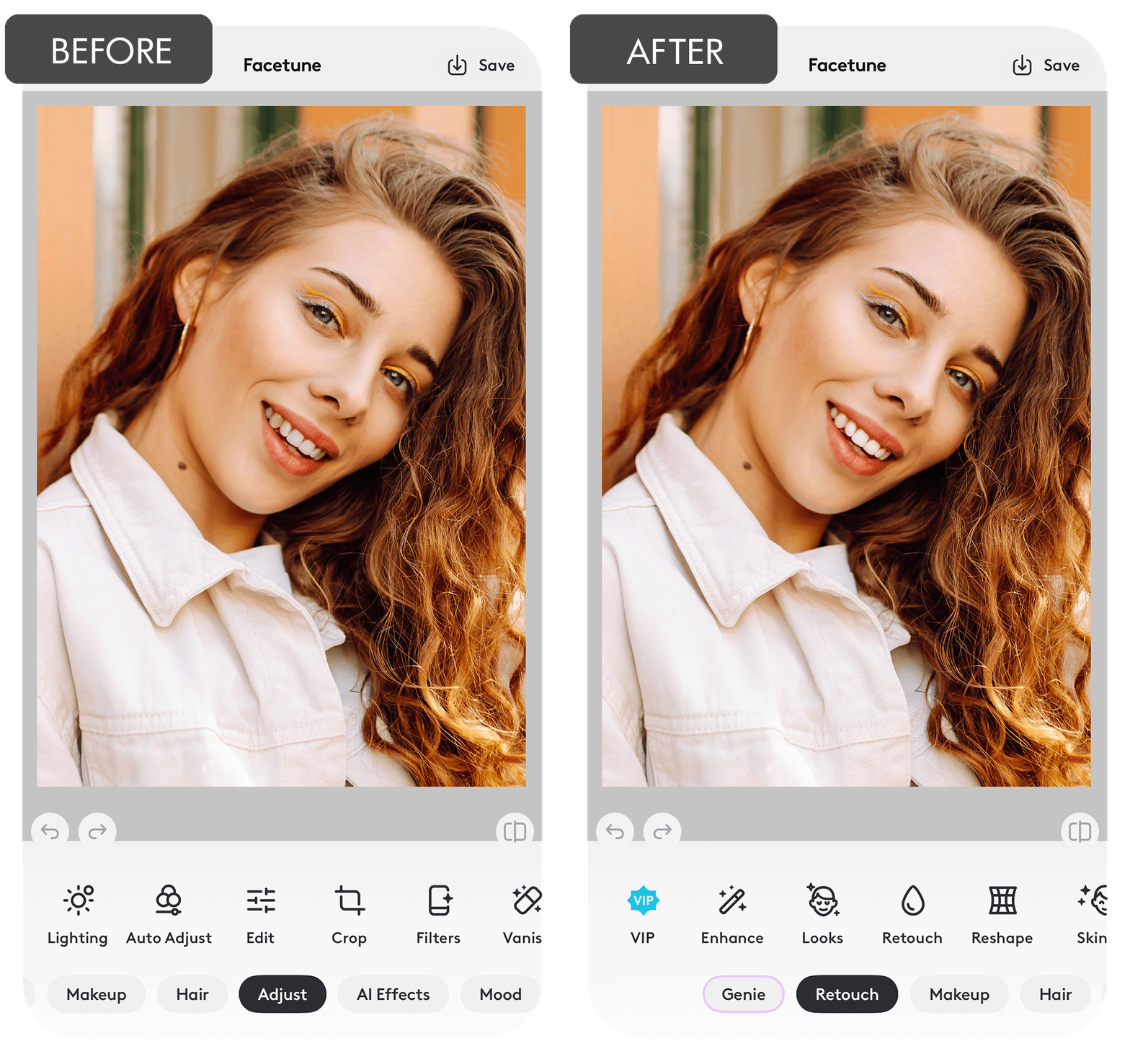
Facetune has a smart tool that finds teeth in your selfies and makes them look whiter with just one tap. It works best on close-up photos where your face is clear since the AI can see the smile easily. The whitening looks natural and adjusts by itself based on the light in the photo. You can also smooth the skin and lips near the teeth to make the whole picture look nicer.
If you want an easy app to whiten teeth and enhance your smile, Facetune is a good choice because it mixes face edits and beauty tools. The app is small, fast, and great for everyday use. The same kind of manual editing would usually cost between $1.49 and $1.99 per photo.
6. Perfect Smile: Teeth Whitening
Smile-specific retouching
- Teeth + lips editor
- Auto mouth detection
- Easy-to-use
- Quick results
- No Android version
- Basic free tools
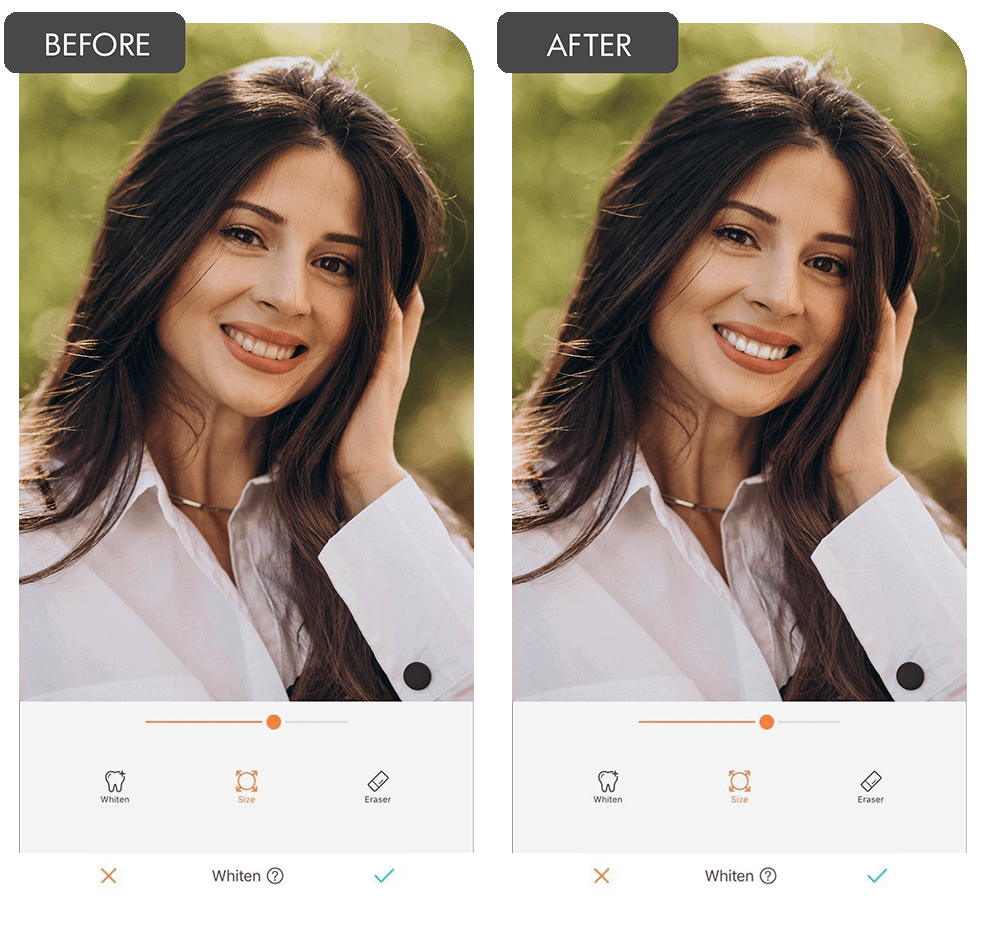
Perfect Smile is another teeth whitening app that fixes the color of your teeth to look brighter. The app also has tools that let you change the lip color and slightly adjust the shape of your mouth to make the smile look even. The editing process is quick, touch-free, and is made just for smile edits.
This app doesn’t have too many filters or extras. It sticks to its main job and does it well. An editor would charge about $0.99 for a similar edit. That’s why many iPhone users like Perfect Smile when they want a clean, simple app for whitening teeth.
7. Teeth Whitener
Lightweight whitening app
- Finds teeth automatically
- Adjustable whiten level
- Beginner-friendly
- Fast processing
- Few editing tools
- Frequent ads
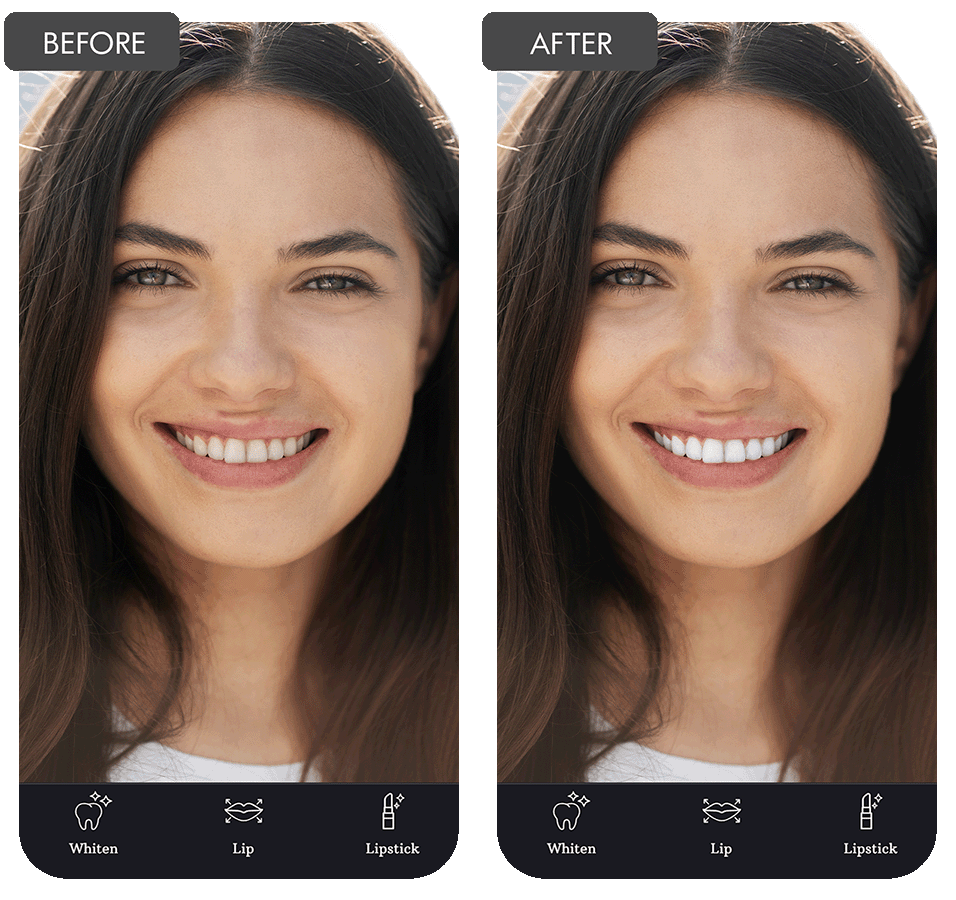
Teeth Whitener is designed only for iPhones and focuses on teeth whitening. It finds your teeth and lips automatically and has features that can let you make them whiter, change the lip color, and gently fix the shape of your mouth. It also has tools to match tooth colors in different lighting and fix small uneven parts caused by your facial expression or the camera angle.
When compared to other iPhone photo editors, this app is special because it’s easy to use and focused on smile editing. If you want more detailed edits, you can pay for a manual edit starting at $2.49. But for someone who’s just learning how to edit photos, Teeth Whitener is a good way to start.
FAQ
- Is there a free app for teeth whitening?
Yes, the FixThePhoto app lets you whiten your teeth with your first photo edited by a professional retoucher for free. Apps like AirBrush and YouCam Makeup also have free whitening tools, but if you use them too much, the smile might look fake.
- What if I’ve never edited photos before?
If you are new to editing, it’s best to use apps with one-tap features or automatic settings. For more natural results, you can also ask for help from the experts at Weedit.Photos who know how to enhance smiles manually.
- What devices can use these teeth whitening apps?
You can use a phone or tablet that’s connected to the internet. Most of these apps work on both Android and iPhones. Some also have versions for computers if you want to do more advanced edits.
- Do I need the internet to whiten teeth in photos?
Once the app is downloaded, most of them work without the internet for basic editing. But if you want to send your photo to a professional editor like at FixThePhoto or Weedit.Photos, you’ll need to go online briefly to upload and download the picture.
- Will the AI teeth whitening look real?
Most of the time yes, but for close-up photos or headshots, it’s better to combine AI tools with manual corrections. You can also pick apps where you can adjust how strong the whitening effect is, so it doesn’t look fake.