Best Disney Character Filter Apps [No Face Distortion]
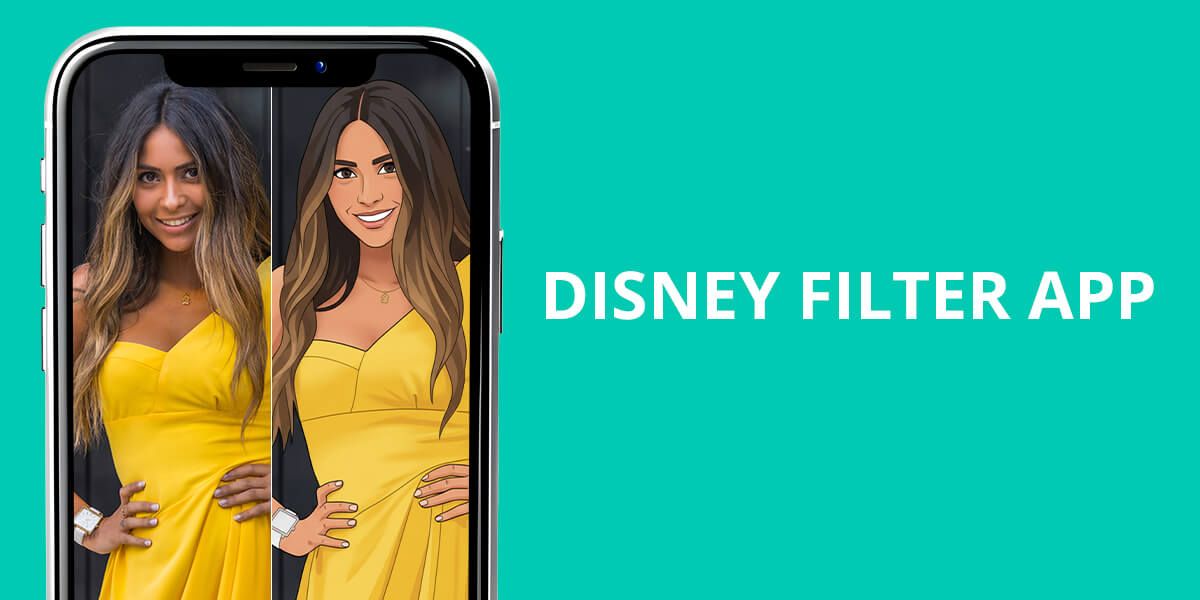
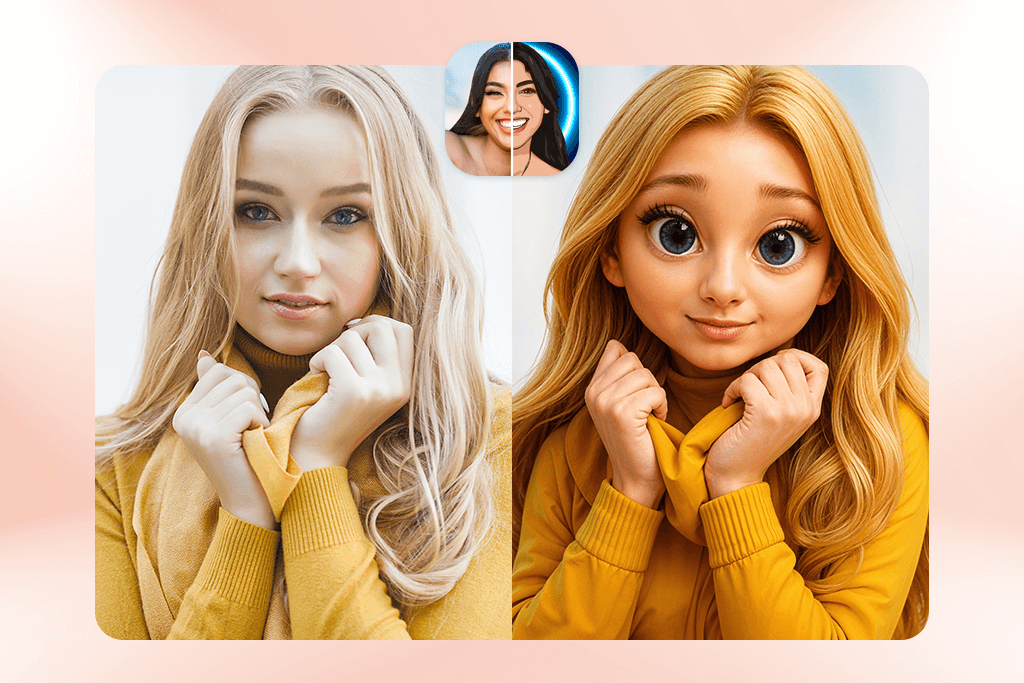
A lot of people are curious about how they’d look as a Disney princess, a Pixar character, or a DreamWorks-style hero. The Disney filter trend on TikTok and Instagram has exploded, with millions transforming regular selfies into animated, fairy-tale versions of themselves. With today’s mobile apps and AI tools, getting that Disney-style makeover is quick and easy – you don’t need any art skills or Photoshop to do it.
These Disney filter apps take your photo and turn it into a cartoon version with features like large expressive eyes, gentle lighting, and smooth, polished skin. Some apps aim for the classic 2D look you see in characters like Ariel, Belle, or Rapunzel, while others create a 3D style similar to Pixar heroes such as Elsa, Moana, or Merida. Depending on the app, you can pick a softer princess look, a more dramatic DreamWorks expression, or a full Pixar-style portrait.
Here are my reviews of the best Disney filter apps for iPhone and Android. I’ve included free and paid apps to help you get either a quick, fun look or a beautiful, natural-looking portrait.
AI vs Manual – Which Disney Look Is More Real?
Using a Disney filter app is the fastest and most fun way to see yourself as a character like Rapunzel, Princess Jasmine, Elsa, or even Prince Eric. But if you put the result next to a portrait that was carefully edited by hand, you can easily see that the hand-made one has much higher quality.
Speed
Face shape accuracy
Hair & edges
Style control
Realism score
Instant
Often distorted
Blurry or cut off
Limited presets
★★☆☆☆
10–30 minutes
Stays natural
Clean and detailed
Custom look
★★★★★
AI filters can be entertaining for social media, but they often distort facial features, create overly smooth plastic-looking skin, or erase small details like fine hair. The picture might look adorable at first, yet it usually comes across more like a quick filter than an authentic Disney-style artwork.
Manual Disney-style editing gives you a more polished and natural look. Instead of making your features look cartoonish, a real artist improves your eyes, fixes stray hairs, perfects the lighting, and keeps your original face shape. They still give you that fairytale look. This is why people choose manual editing for special things like prints, framed gifts, professional photoshoots, and couple portraits – when you care more about getting a beautiful result than getting it quickly.
Some people who want a Disney-style look without the odd AI changes choose professional editing services like WeEdit.Photos instead. There, artists create the style by hand and tailor the portrait to your preferences instead of relying on basic filters.
1. ToonMe (iOS & Android)
Intuitive Disney-style face animation
- Nice cartoon effects similar to Disney
- Offers both 2D and 3D looks
- Quickly recognizes faces
- Includes preset backgrounds
- Free version shows a lot of ads
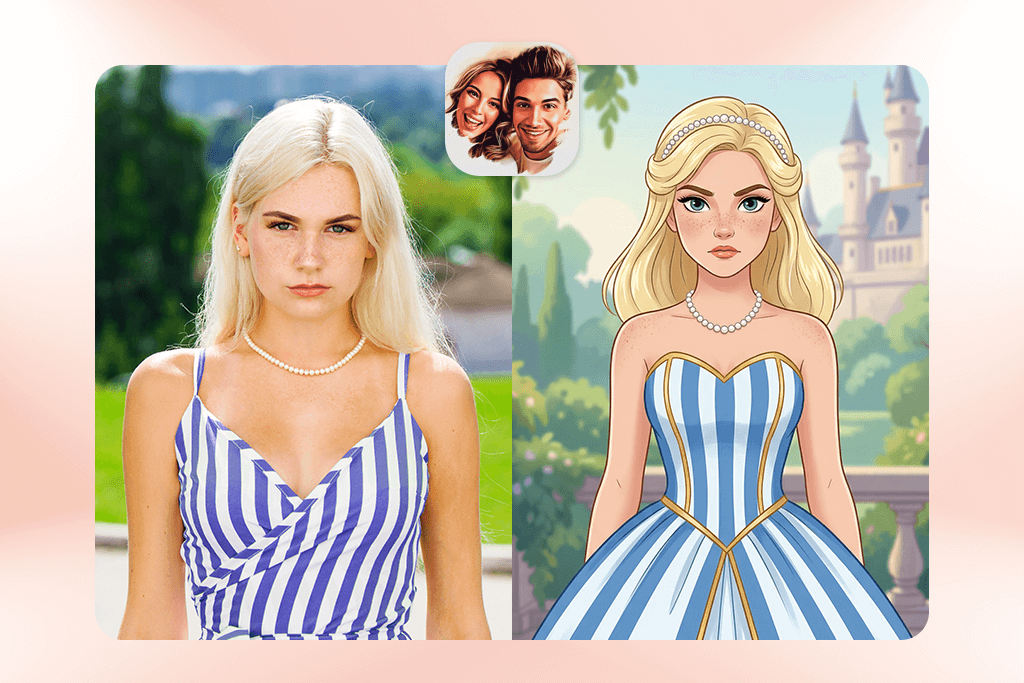
ToonMe is a favorite among Disney filter apps because it creates a cartoon version of you that still looks like your actual face. Whether you use it as an iPhone photo editor or an Android app, it quickly finds your face and transforms it into either a 2D Disney-style drawing or a 3D Pixar-like character with the help of AI.
The app is very easy to use, offering preset styles that give you bigger, brighter eyes, gentle skin smoothing, and neat hair outlines. It keeps your face shape mostly the same, so the cartoon result looks more natural than many TikTok effects. A few filters even add soft, movie-like lighting, which gives the final image a more polished, artistic feel.
The downside is that the free plan shows a lot of ads and gives you only a few ways to save your images, which can slow down the whole process. Even so, if you just need a fast Disney-inspired picture for social media, ToonMe is still a solid choice.
Price: Free with ads / $4.99 monthly Pro
2. FixThePhoto App (iOS & Android)
Disney-style edits done by real specialists
- Created by real artists
- Soft, natural-looking Disney effect
- You can request a custom cartoon style
- First photo is free
- No quick AI filter
- Needs an internet connection
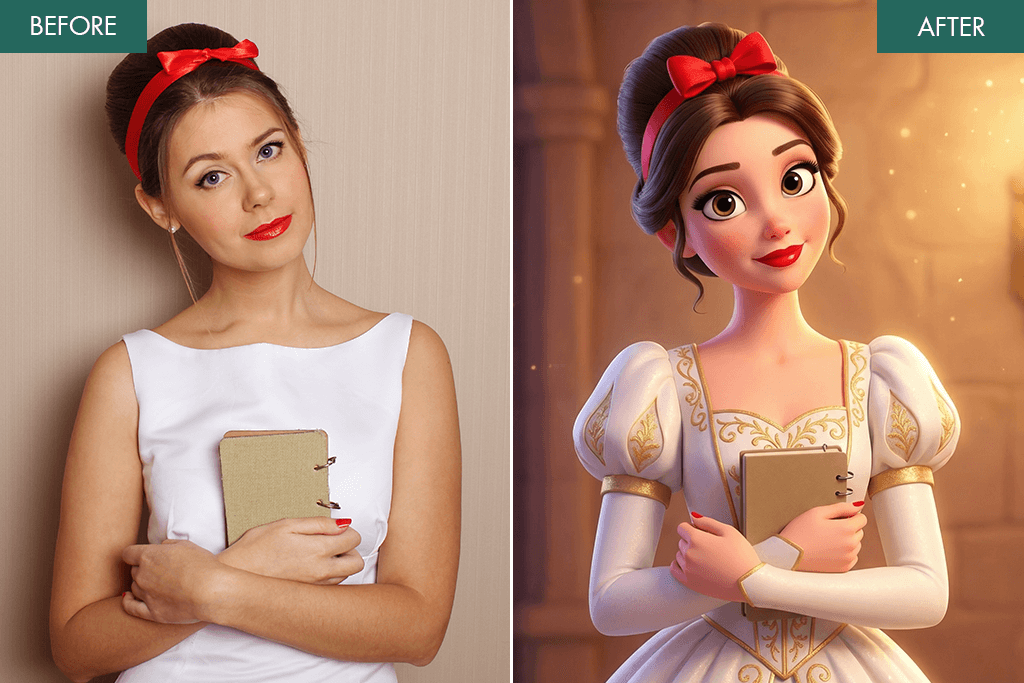
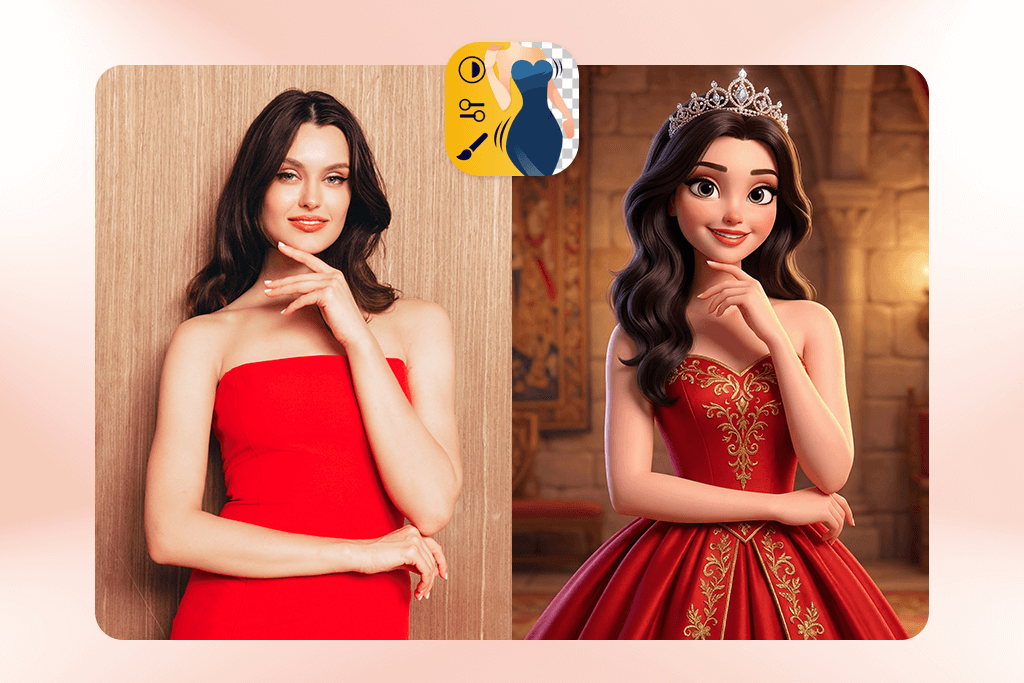
Unlike AI apps that use random filters, FixThePhoto App connects you with a professional artist who will hand-edit your photo into a Disney-style portrait. You simply upload your picture, choose the “Disney Cartoon Effect” option, and then describe the specific look you’re going for, such as a Pixar style, a princess glow, or fairy-tale lighting.
This is the best choice if you want to look like a Disney version of yourself, without a distorted face or strange, glitchy mistakes. The editors carefully improve details like the edges of your hair, your eyes, and shadows, which makes the final result look clean and believable. You can also send in photos of couples or your whole family to get the same themed Disney makeover.
This service also lets you ask for other changes along with the Disney style. You can have them remove acne, enhance your makeup, smooth your hair, whiten your teeth, or even change the background. It’s also one of the few tools recommended for special uses, like the best pregnancy filter apps. In these cases, people want improvements that still look natural and real, not fake or computer-made.
Price: First photo free / $0.99 per edit
3. Prequel (iOS & Android)
Trending princess filters
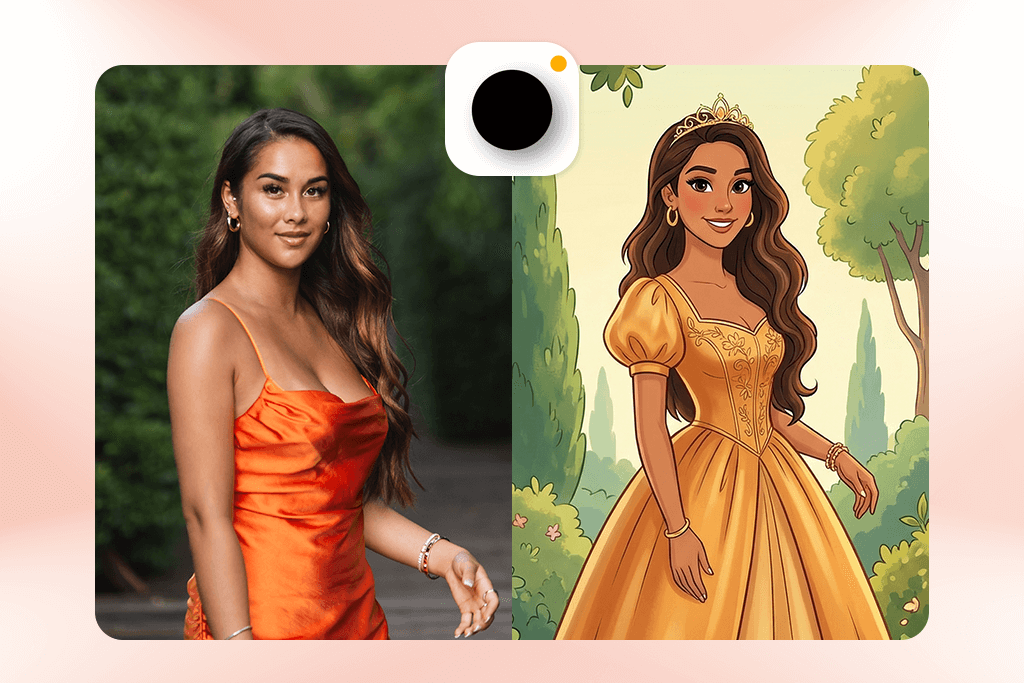
- Popular Disney-like effects
- Pretty, cinematic shine and sparkle
- Nice aesthetic presets
- Very beginner-friendly
- Needs a paid subscription
- Some results appear overly soft
Prequel became a popular Android photo editor and iOS app, because of its cartoon and fantasy-style effects, many of which resemble Disney princess artwork. If you look up filters such as “Cartoon,” “Fantasy,” “Fairy,” or “Magic” in the app, you’ll get soft, dreamy edits with bright eyes and pastel, movie-like colors similar to the styles seen in Tangled or Frozen.
The app also has AI retouch tools that smooth your skin and brighten your eyes before the cartoon effect is added, which makes the final image look nicer. But if you push the effect too far, the picture can end up looking too airbrushed. For a more natural result, it’s best to keep the strength at about 30-40%.
Price: Free with limited filters / $7.99 weekly premium
4. Snow (iOS & Android)
Gentle portraits with subtle touch-ups
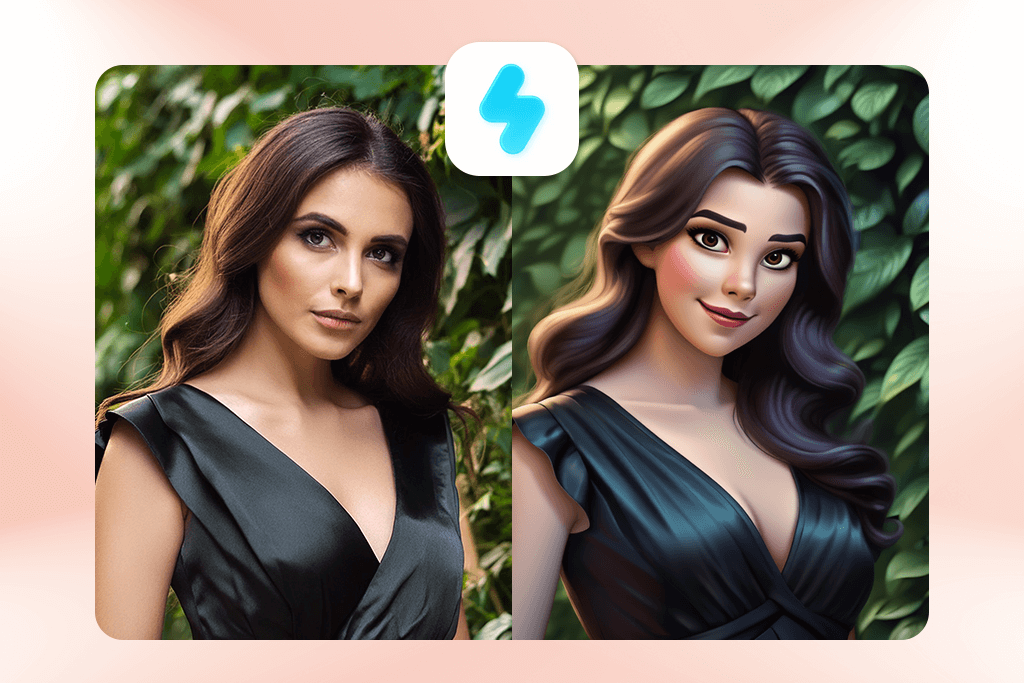
- Smooth 3D-style cartoon effects
- Light, natural-looking skin retouching
- You can fine-tune facial features
- Nice built-in lighting effects
- Several filters feel alike
- Needs decent lighting to work well
The Snow app isn’t advertised as a Disney filter app, but its soft, beautiful cartoon styles look very similar to characters from Disney and Pixar movies. Inside the app, there’s a special section for Cartoon and AR Beauty effects. There, you can make your eyes a little bigger, smooth out skin lines, and add a magical glow to convert picture to disney cartoon, while still making sure you look like yourself.
What I appreciate most about Snow is the amount of control it gives you. Instead of using one strong filter, the app lets you tweak everything yourself – eye sharpness, skin softness, face shape, lighting, nose details, and even lip color. This helps you create a Disney-style look that feels more customized instead of a generic preset.
Snow is great for anyone who doesn’t want a complete cartoon makeover but still wants that soft, dreamy Disney-style look with smooth skin and bright, glowing colors – similar to posters from Tangled or Frozen. It also works nicely for both photos and videos.
Price: Free with optional effects / $3.99 monthly
5. PicsArt (iOS & Android)
Creative Disney effect
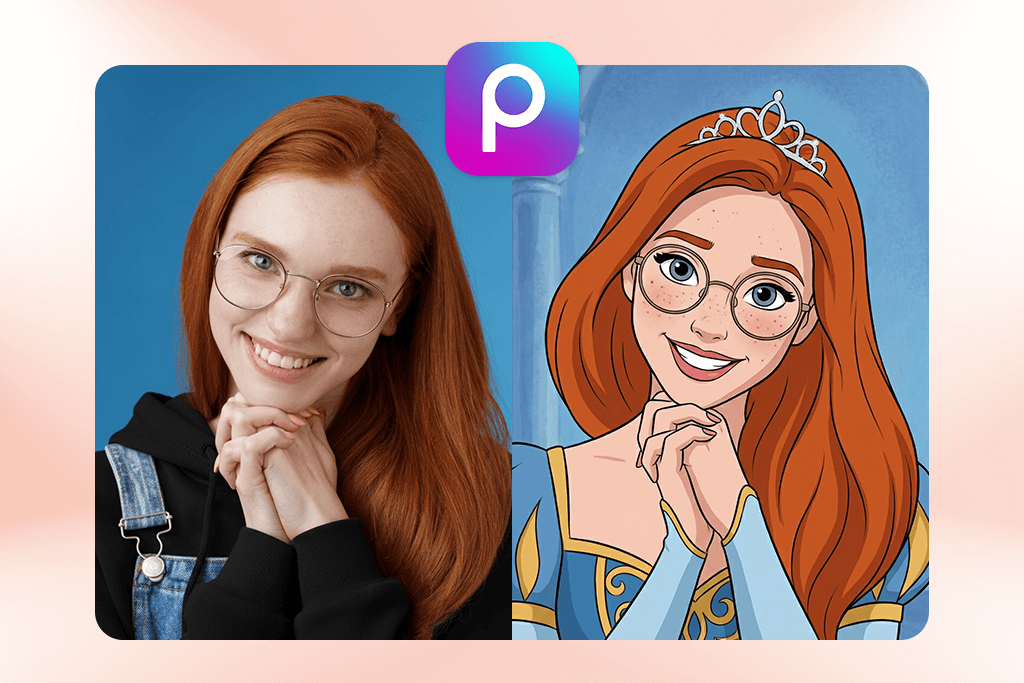
- Mix of AI cartoon effects and manual adjustments
- Easy background replacement
- Works with layers
- Lots of fun creative tools
- Some effects feel a bit basic
- Free version includes ads
PicsArt is one of the most versatile apps here. Unlike simple AI cartoon tools, it lets you mix filters, layers, and manual edits to create your own Disney-style portrait. It does have ready-made cartoon effects, but the real strength of PicsArt is that you can adjust everything yourself – something most Disney photo filters don’t allow.
You can start with the AI Cartoon effect and then improve the portrait step by step. Use Auto Photo Enhancer to fix the lighting and contrast, soften the look with Retouch → Smooth, make the face brighter with Tools → Enhance, and even add a Disney-inspired background like a castle, a fairy-tale forest, glowing clouds, or sparkles. Combining AI with manual edits gives you much better control over how realistic the final image looks.
If you want your picture to look original and more cinematic instead of like a basic preset, PicsArt gives you the flexibility to customize everything. It’s also great for making Disney-style couple photos or dreamy, fantasy-looking TikTok thumbnails.
Price: Free / $11.99 monthly Gold subscription
6. Snapchat – Disney Lens (iOS & Android)
Original viral Disney filter
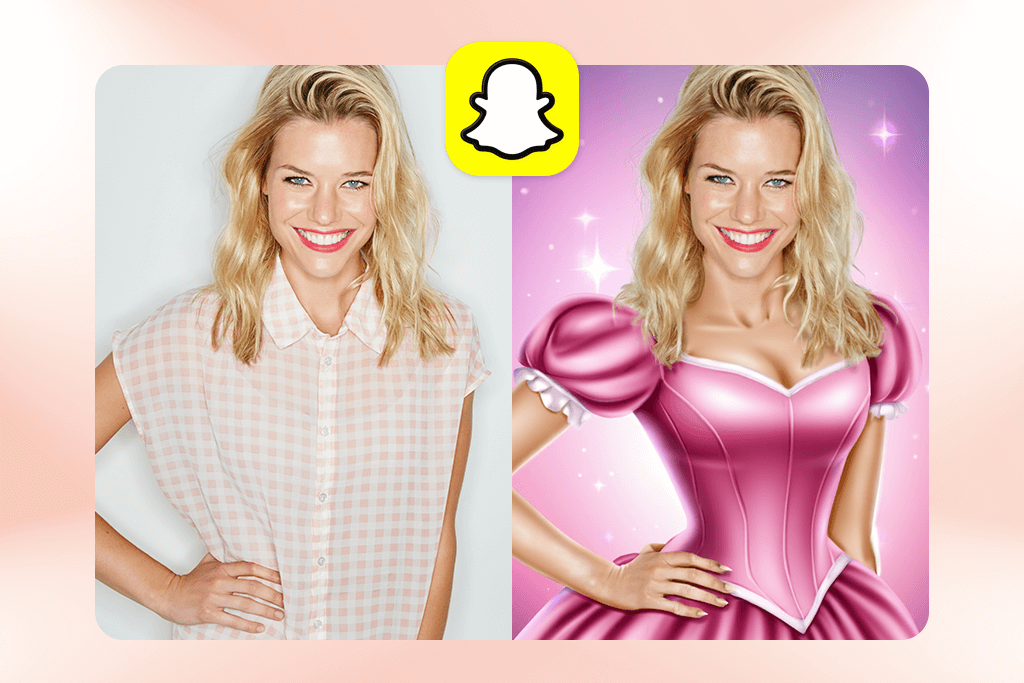
- Popular Disney-style lens
- Shows effects instantly
- Ideal for video use
- Free to use
- Image quality isn’t very high
- You need a Snapchat account to access it
Snapchat is actually where the popular Disney filter trend began. Their Disney Lens suddenly became a huge trend, allowing people to turn photo into Disney cartoon in real-time. While other apps usually only work on photos, Snapchat’s filter works on live video, which makes it great for reacting on TikTok or making fun videos for your stories.
Just open Snapchat, search for “Disney” in the Lenses section, and choose Disney Princess, Disney Face, or Cartoon 3D Style. The lens follows your expressions and moves your eyebrows, eyes, and smile in a way that looks like a character from Encanto or Frozen.
Snapchat isn’t the best choice for getting sharp, print-ready images because it lowers the photo quality, but for a fun Disney-style TikTok trend, it’s still one of the most enjoyable tools to use.
Price: Free
7. ToonApp (iOS & Android)
Intuitive cartoon maker
- Easy one-tap Disney effect
- Fun magic backgrounds
- Smart AI face detection
- Very beginner-friendly
- Free version adds a watermark
- Few customization options
ToonApp is a simple photo to Disney character generator made for quick edits. It automatically detects your face and adds big expressive eyes, smooth skin, pastel colors, and soft gradient backgrounds – a look very similar to modern Disney animations. It’s easy to use and great for beginners, but unlike a bulk image editor, ToonApp works on one photo at a time instead of processing many images at once, making it best for fast personal edits.
The app also has fun Disney-style decorations, like hearts, clouds, sparkles, and magical light effects. You can’t do a lot of fancy editing, but it’s perfect if you want to create a magical picture right away without any editing skills. It’s great for photos of children and for social media profile pictures.
Price: Free with watermark / $4.99 monthly






