7 Best Apps to Fix Lazy Eye in Photo
You know that annoying situation where the whole photo looks great – the setup, the lighting, the framing – but the eyes throw everything off because one is half-closed or looking slightly off? That’s exactly where online photo editors app to fix lazy eye on a picture become really useful.
In my work as a retoucher, I typically correct uneven or closed eyes in portraits using advanced Adobe tools. However, more recently, I’ve been paying attention to how quickly smartphone editing apps have improved, especially the new AI eye-fix features that advertise realistic, near-instant corrections with almost no manual work.
So, I wanted to see whether today’s lazy-eye correction apps could really stand up to professional editing tools. I tried more than 20 different photo eye editors, checking how well they corrected the issue without warping facial features or making expressions look unnatural.
The options listed below turned out to be the most successful – each varies in cost, interface, and level of control, but all of them can correct a lazy eye in photos in a convincing, natural-looking way.
How to Fix Them Naturally
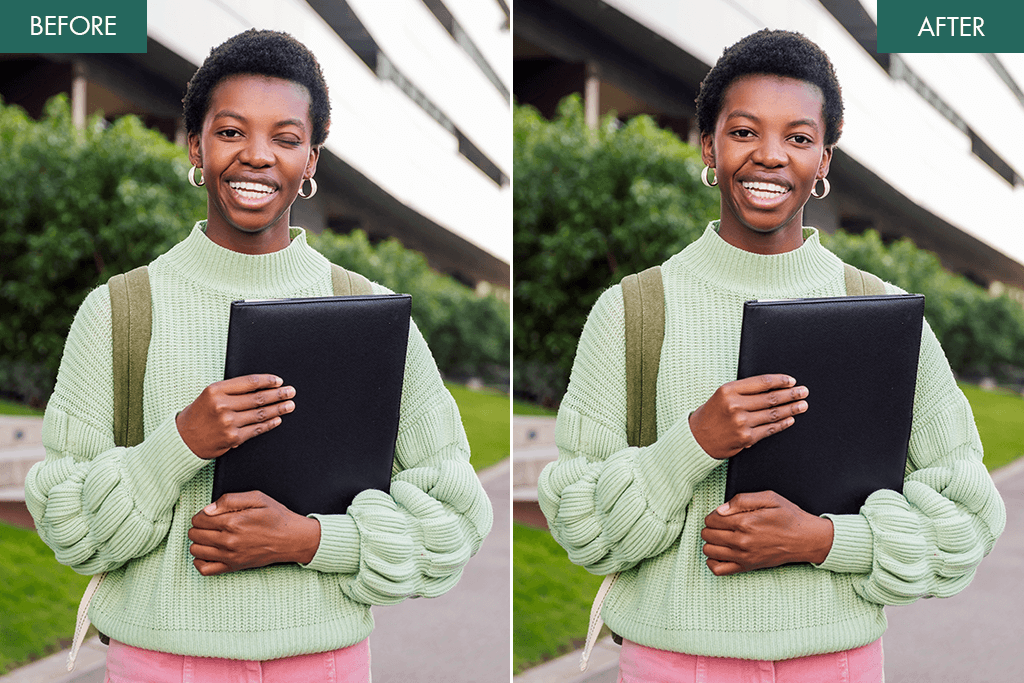
A “lazy eye” in photos doesn’t always mean you have an actual eye condition like amblyopia. Often, it’s just a momentary issue caused by how the camera captured your face. In photography, lazy eye in pictures usually appears as:
Most of the time, this happens because of:
- You blinked while the picture was taken – this is the most common cause
- Light coming strongly from one side, making one eyelid look heavier
- The camera angle or lens stretches your features
- Natural face asymmetry becomes more noticeable in a still image
So, even people with completely balanced features can look like they have a “lazy eye” if the photo conditions aren’t right.
Types of Lazy Eye Effects You Might Notice
To fix a lazy eye in a photo correctly, you first need to know what type of imbalance you should correct:
Drooping eyelid. One eyelid hangs lower than the other – this can be improved by slightly lifting the lid or brightening the shaded area.
Eyes looking in different directions. One eye isn’t focused the same way – this needs a gentle correction to the eye’s direction.
One eye appears smaller. This is usually just a camera angle – adjusting size or using symmetry tools can help.
Half-blink. One eye is partly closed – you may need to smooth or rebuild the upper eyelid to match the other eye.
AI vs Manual Lazy Eye Fixing
Modern AI eye-fix tools in photo apps study key facial points – where the eyelids sit, where the iris is positioned, and how the light reflects in your eyes – and use this to straighten and brighten the eyes automatically. That’s why I tried each lazy eye correction app on different types of portraits – from close-up selfies to full-length photos – to see how well the AI adjusts to different faces.
AI-based apps like Lazyeyefix or Reshot AI:
Manual or hybrid apps like Fix The Photo Body Editor&Tune:
Basic editors or automatic correction filters:
So, can lazy eye fixer apps fully replace pro editing tools? Not quite. AI makes the correction process quicker and more convenient, but it still can’t match the subtle detail work and natural expression that trained retouchers achieve in Photoshop or Lightroom.
1. Lazyeyefix
Precise AI app to fix lazy eye on picture
- Fixes lazy eye with a single tap
- AI blends skin & texture naturally
- Keeps original lighting & shadows
- Works without requiring editing skills
- Subpar eye direction fine-tuning
- Low-res photos may appear softened
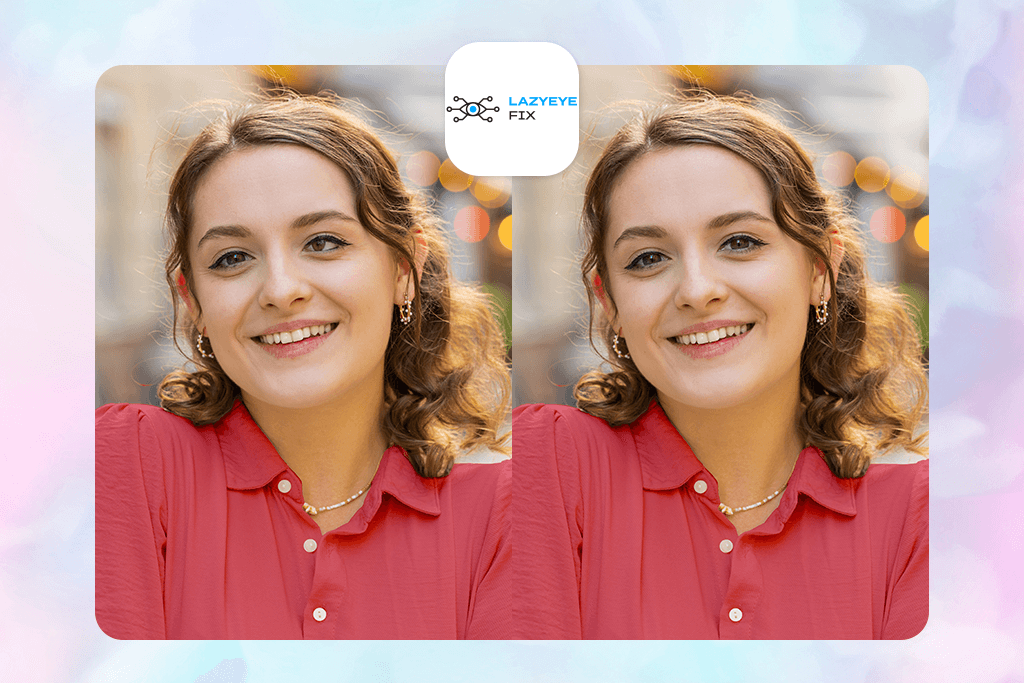
I tested Lazyeyefix on a few portraits where one eye looked lower or out of alignment. The workflow was very straightforward: I uploaded the image, the AI scanned both eyes, spotted the uneven one, and instantly offered a correction suggestion.
I uploaded the photo, selected “Fix Lazy Eye,” and the app applied the correction automatically. Then it showed me a before/after preview. If the result wasn’t perfect, I could switch to Manual Adjust and use simple controls – a slider to slightly move or rotate the eye, and a Texture Preserve option to keep the natural skin details.
In most of the photos I tested, the one-tap correction looked very natural – the adjusted eye matched the other in size, angle, and brightness without obvious edits. What impressed me most was that the skin texture, shadows, and lighting around the eyes stayed consistent, so the result didn’t look fake or over-edited.
What I didn’t love is that this photo eye editor doesn’t offer much fine control over the eyelid shape or the direction the eye is looking. So, if the issue is caused by the eye looking slightly to the side instead of a droopy lid, the fix can look a little unnatural. Also, it doesn’t include other eye editing tools, so if you want to enhance the eyes further, you’ll still need other apps to add eyelashes to photo.
Pricing: Free tier; $19/month for full features
2. Fix The Photo Body Editor & Tune
Expert retouchers fix lazy eyes by hand
- Corrections done by skilled retouchers
- Adjusts eyelids, iris, eye direction
- Face proportions remain natural
- For complex eye imbalance
- First edit is free
- Lacks a search function to find tools
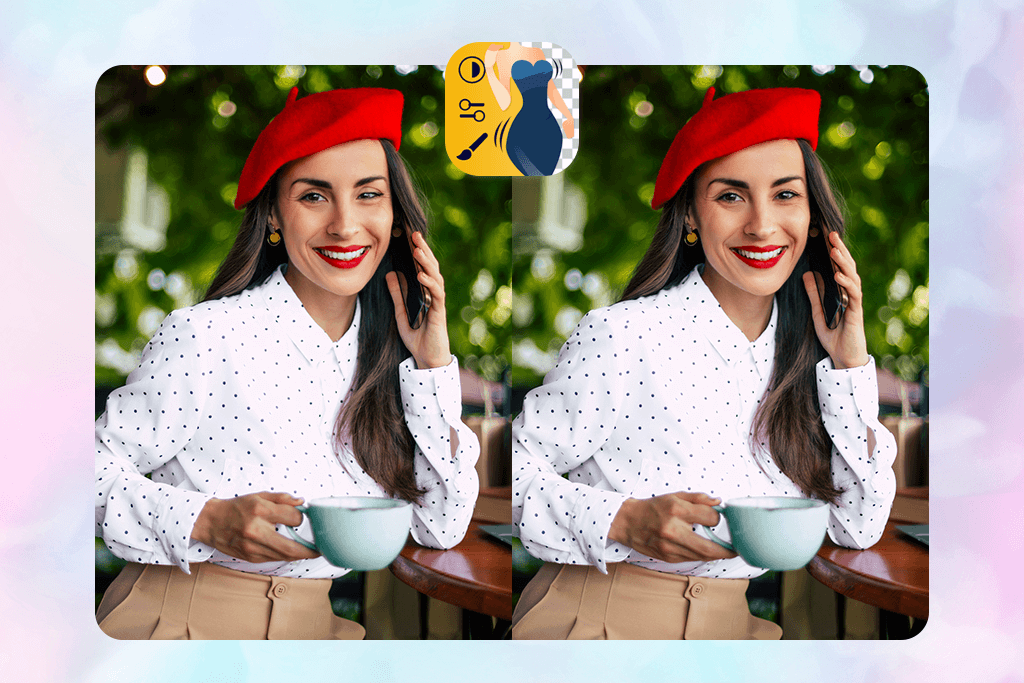
When I tried Fix The Photo Body Editor & Tune, I used it more like a professional editing service inside an app. I uploaded a portrait, chose “Face Tuning → Eye Correction” option specifically flagged for “uneven eyes / lazy eye”, and added a short note like: “Please align the left eye to match the right, keep it natural.”
A real retoucher worked on the image, and I got a notification once it was finished. The app has a before/after slider, so I could easily compare the result and see the improvement.
I liked how natural the correction looked – it wasn’t just copying one eye to the other. The editor adjusted shadows, eyelid shape, highlights, and the direction of the gaze, so the result blended perfectly with the original face. You couldn’t tell it had been retouched, which is why this is one of the most popular apps that photographers use. It’s done by a real retoucher, not just an AI fix.
This fix lazy eye in pictures app also includes other tools like body shaping, skin retouching, background blur, and quick filters, but for me, the eye correction feature was the main highlight.
Pricing: Free app; service-based pricing (starts around $12 per photo)
3. YouCam Perfect
One-tap lazy eye fix with AI touch-up
- Adjustable sliders to reposition the eye
- Auto-corrects blinking or closed eyes
- A full set of face/skin editing tools
- Strong free version
- Easy sharing to social platforms
- Not accurate for correcting a lazy eye
- Easy to make the eyes look fake
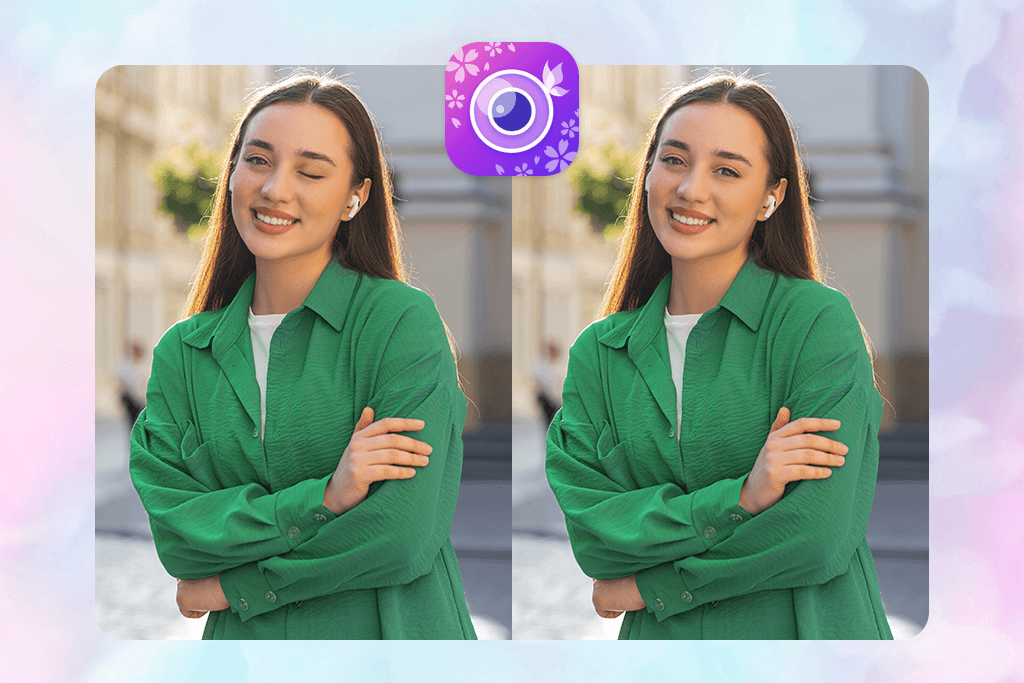
Using YouCam Perfect, I went to “Face Retouch → Eye Adjust” to correct uneven eyes. In the editor, I tapped “Retouch”, then “Eye Adjust”, where I could shift the left eye slightly, raise it, or brighten it with simple sliders. There’s also an “Auto Retake” feature that can replace a half-blinked eye using another frame from the same photo session.
I liked that the AI eye fixer gave me several manual controls, so I could make small, precise adjustments without much effort. It was also convenient to do all eye and face touch-ups in one place. The auto “open-eye” feature is definitely a plus.
However, the automatic adjustments can go too far – if you move the sliders too much, the eyes can start to look enlarged or slightly artificial. The eye correction tools are more general, so unlike Lazyeyefix, you need to be careful and make small changes to keep everything looking natural.
It also has many extra features like filters, background erasing, stickers, and blemish remover app. These are useful, but they can make it harder to focus on careful eye correction if you only need subtle retouching.
Pricing: Free; from $5.99/month
4. LightX
Lazy eye editing photo app with fine control
- Built-in lazy eye correction tool
- Adjustable sliders
- Live preview while editing
- Keeps natural skin and eye detail
- Includes many face editing options
- Large misalignments may be unnatural
- Full control & high-res output are paid
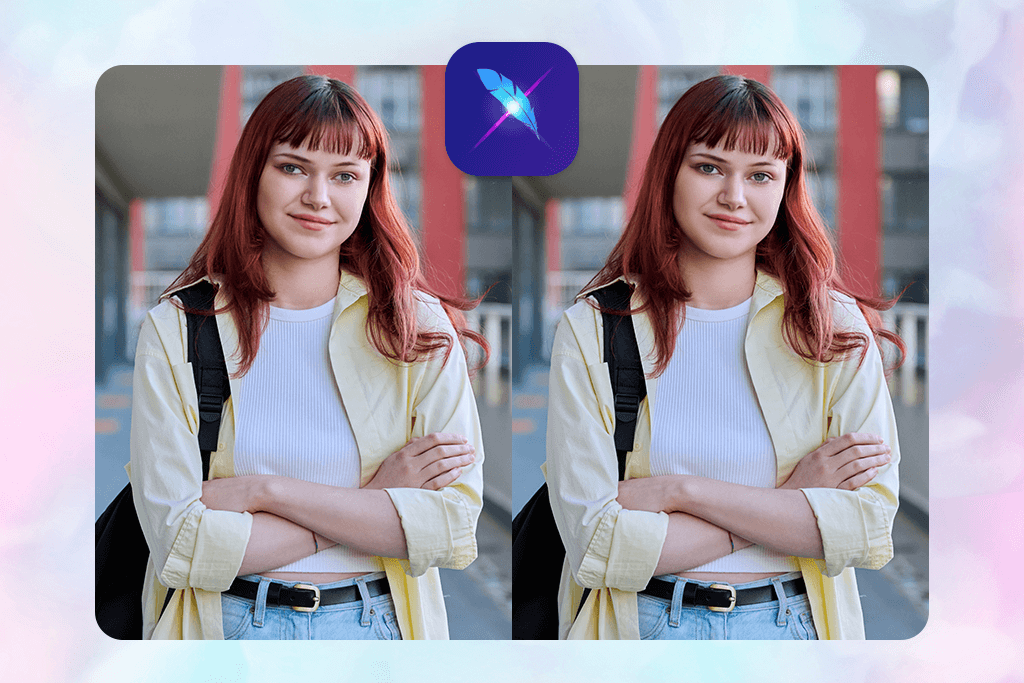
I tested LightX mainly to see how well it can fix a slightly uneven or misaligned eye in photos. I picked a few portraits where one eye looked a bit off. After opening the app, I chose “Edit Photo,” uploaded my picture, went to the “Face Retouch” tools, and then selected the “Eye Adjust” option.
I adjusted the eye using the “Eye direction horizontal/vertical” to shift the misaligned eye slightly, and used the “Eye size / lift” to correct small eyelid differences. There’s also an “Auto Fix Lazy Eye” option under AI Tools → Lazy Eye Fixer that applies a quick one-tap correction.
I made only small adjustments and compared the before/after. In most photos, the change looked natural – the eye alignment improved a bit, the light reflections and eyelid shading stayed realistic, and the skin texture didn’t look smudged or edited.
I appreciated that the AI slider let me adjust the eye gently while still keeping the face looking natural. However, when the eye was noticeably off-center, the correction sometimes looked a bit stretched or slightly unnatural around the eyelid. Also, to get the most precise tools and high-resolution exports, you need the paid version.
Pricing: Free; from $5.99/month (Pro subscription)
5. Reshot AI
AI eye fixer with detailed adjustments
- Precise control over eyelid and gaze
- Delivers studio-quality edits
- Adjusts eye alignment naturally
- High-res, commercial use results
- Not as beginner-friendly
- Full access requires a subscription
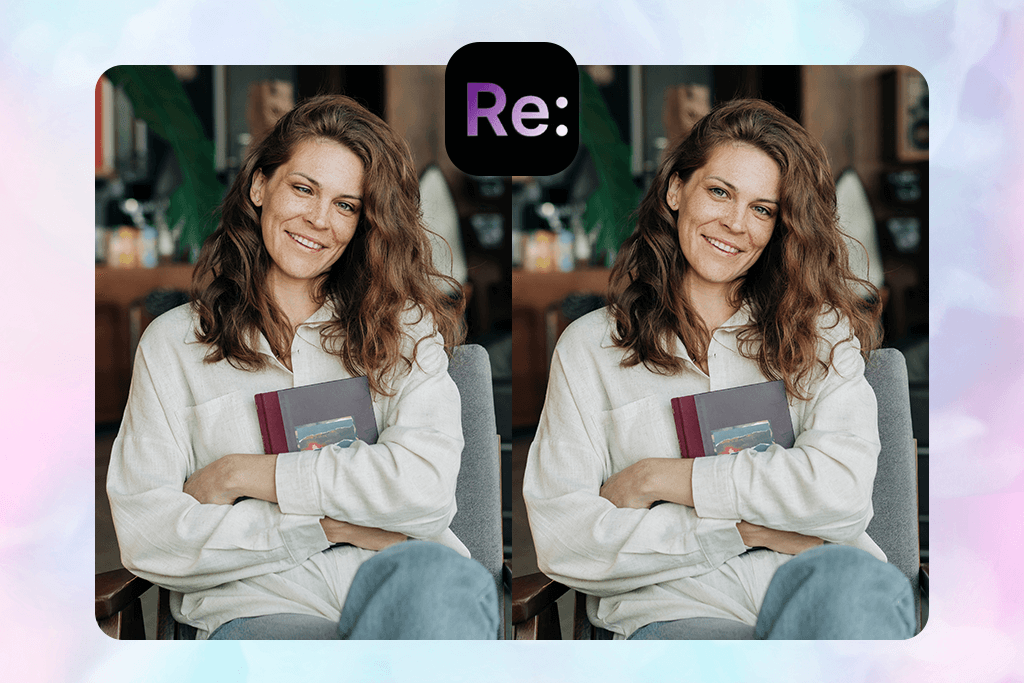
I tested Reshot AI to see how well a more advanced eye-correction tool performs with a slightly turned eye. I uploaded a portrait where the left eye was looking inward and selected the “Precision Eye Editor.” This tool is specifically built for adjusting eye direction, eyelid height, and even small expressions like a soft blink or wink.
In the editor, I adjusted the “Eye Direction” sliders to bring the gaze forward, then used the “Eyelid Openness” control to make both eyes look even. I also made a small change to “Head Pose” so the correction blended naturally.
The final result looked very convincing: the eye appeared straight, the reflections in both eyes matched, and there were no signs of copy-paste editing. Since Reshot adjusts the eyes along with overall facial expression and head angle, the final image had a natural, polished look similar to a studio portrait.
I appreciated how much control this app to fix uneven eyes in photos
gives over the eye direction and eyelid opening – it handles expressions, not just basic filters. The result looked really polished and natural. However, if someone just needs a fast fix, this might feel like too many steps.
Pricing: Free basic; from $19/month
6. Lazy Eye Fixer
Simple tool for basic lazy eye edits
- Specifically for correcting lazy eye
- One-tap adjustment
- Keeps natural skin and light details
- Pay-as-you-go system
- Easy and straightforward to use
- Lacks detailed control for harder edits
- Mostly web-based
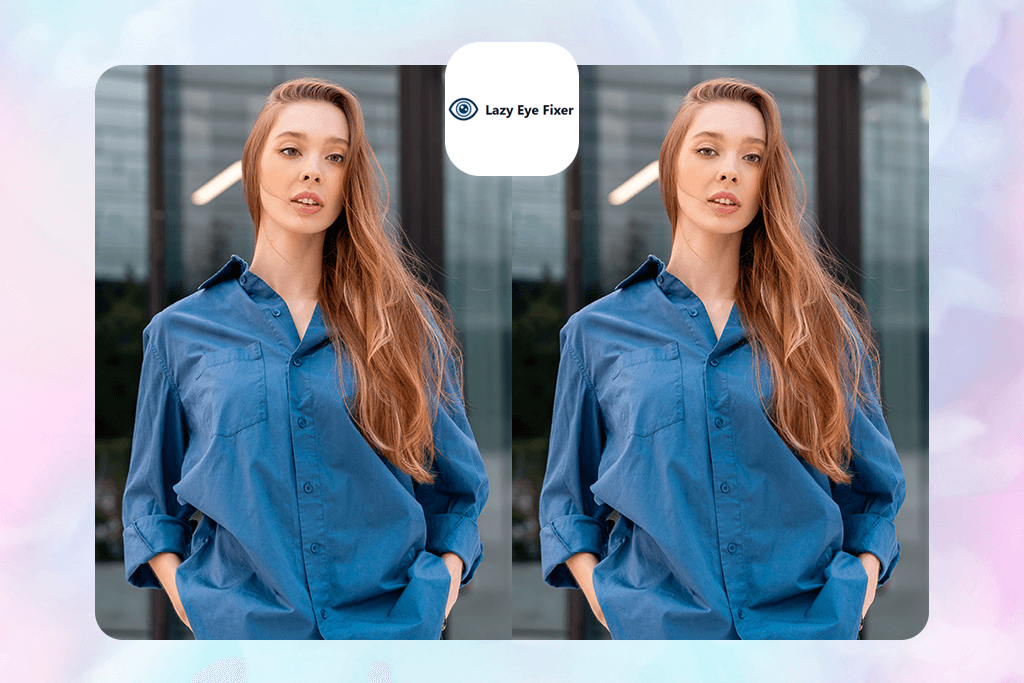
This tool is one of the most specialized options here, made only for fixing lazy eyes in photos. I went to the website, clicked “Upload Image”, and chose a portrait where one eye was noticeably off-center. After uploading, the AI scanned the face, located both eyes, figured out which one was out of alignment, and showed a simple “Fix Lazy Eye” button you can apply with one tap.
If I needed more control, I could switch to Manual Adjust to slightly shift the eye position, but in most cases, the automatic fix was enough. The edit processed quickly (around 5-10 seconds), and often the change looked very natural – eye alignment improved, skin texture stayed the same, and there were almost no visible editing marks.
What I liked most was how fast and easy it was. No complicated tools, barely any steps – perfect for quick lazy eye fixes and useful as a simple an eyebags remover app too. The pricing is based on credits: for example, the basic plan gives 20 edits for $4.99.
However, since the tool is very specialized, it offers limited manual adjustments and fewer extra editing features. In cases where the eye misalignment is strong (for example, a big head tilt or one eye almost closed), the correction can sometimes look a bit too obvious or not fully natural.
Pricing: Free tier; one-time purchases: Starter 20 credits $4.99 (20 pictures), Pro 50 credits $9.99 (50 pictures)
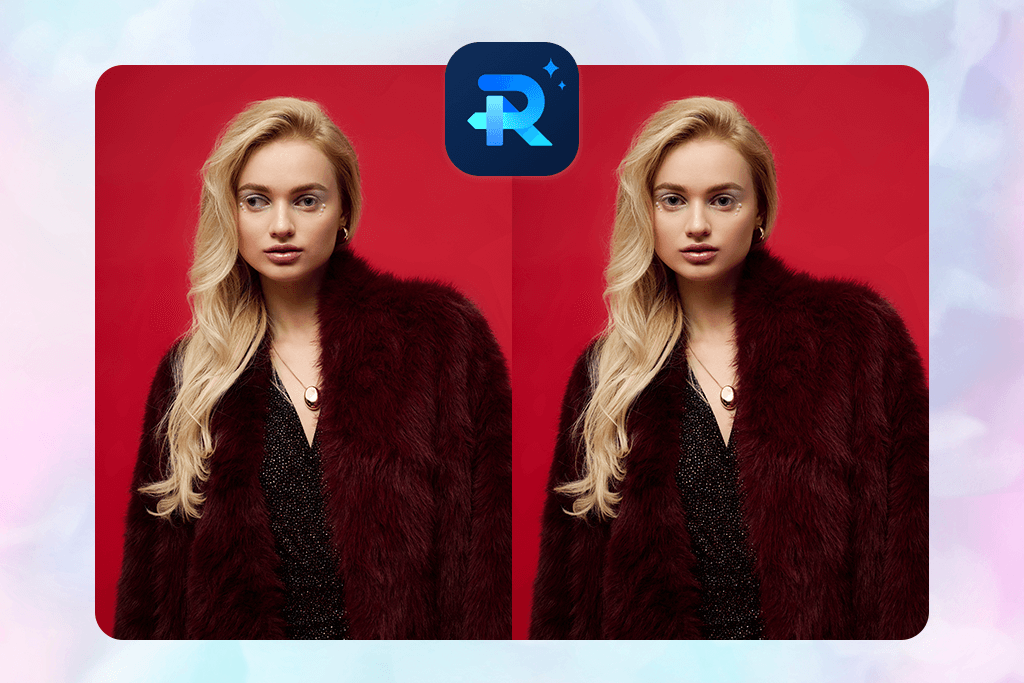
7. Wondershare RepairIt
AI photo enhancer with lazy eye fix tool
- Fixes lazy eye automatically
- Keeps skin and eye texture natural
- Works well for mild uneven eye issues
- Very easy: just upload and apply fix
- Lacks control for adjusting eye angle
- Not specifically for lazy-eye correction
I tested RepairIt to fix lazy eye in portraits, but I quickly saw that it’s mainly built as a general auto photo enhancer. I opened the desktop/app version, selected “Photo Repair”, and uploaded a portrait where one eye looked slightly off or more closed than the other.
I opened the “Eye Correction” section and looked for the “Eye Correction” or “Fix Lazy Eyes” option. After uploading the picture, I clicked “Analyze”, then “Fix”. The AI scanned the face, identified the uneven eye, and tried to correct it by slightly moving the iris, opening the eyelid a bit, and matching the light reflection so both eyes looked similar.
The results were fairly good: in mild cases, the eye became more aligned, the skin texture stayed natural, and the lighting didn’t look changed. It handled a small eyelid lift and slight gaze correction nicely. I liked that the fix required almost no effort and worked well when the lazy eye wasn’t too noticeable.
However, since this is a general photo repair tool and not focused specifically on lazy eye fix, there are no precise sliders for things like gaze angle or eyelid shape. In stronger misalignment cases, the edit could look a bit unnatural – the eye area sometimes appeared slightly stretched or flattened.
Pricing: Free trial; from US$9.99/month for online photo/file repair, or pay-per-file US$5.99 each.
FAQ
- What is the best app to fix lazy eye in photos?
The best options are Lazyeyefix, Fix The Photo Body Editor&Tune, and YouCam Perfect. These apps are designed specifically to correct eye imbalance in photos, providing “lazy eye correction” features with different levels of simplicity and control.
- How do apps fix a lazy eye in photos?
These tools scan the face, find both eyes, and compare their position and shape. Then the app adjusts things like where the iris is pointing, how open the eyelid is, or the size of the eye to make them look more balanced. Some apps can even replace a half-closed eye with a better-looking one from another frame.
- Can I fix lazy eye in pictures on iPhone?
Yes – several apps like YouCam Perfect and LightX are available on iOS and offer built-in eye correction tools. These include features like eye alignment sliders, eyelid lift, and lazy eye auto-fix, making it easy to correct uneven eyes directly on an iPhone.
- Will the result look natural?
It depends on the app and how noticeable the eye difference is. Tools like Fix The Photo Body Editor&Tune, where a real retoucher works on the image, usually give the most natural and realistic correction. Apps that use automatic one-tap fixes can still work well, but if the adjustment is strong, the eyes may look slightly edited or unnatural.
- Is AI eye correction better than manual editing?
AI is quick and works well for small corrections. But a skilled retoucher can match shadows, gaze, and expression with much more precision. For the most natural result, a professional touch is still the best.
- How much do lazy eye fix apps cost?
Many apps have free versions, but advanced features usually require payment. Most paid plans start around $5–$20, or you can pay per photo. The best choice depends on how often you need edits and how detailed the corrections should be.
- Should I still get professional retouching after using an app?
Yes – if the image matters (for example, a portrait, wedding photo, or business headshot), automatic fixes may not be enough. Apps can correct the eye quickly, but small details in skin texture, lighting, and expression are easy to lose. A professional retoucher, like those at Weedit.Photos, can refine the result with careful manual work so the edit looks natural and seamless.